

How To Setup A Password For Your Chatbot Access
This guide will show you a step-by-step process on how you can set up a password to control the access to your chatbot.
Navigate to https://app.fastbots.ai/
Click on the Chatbot to open it.
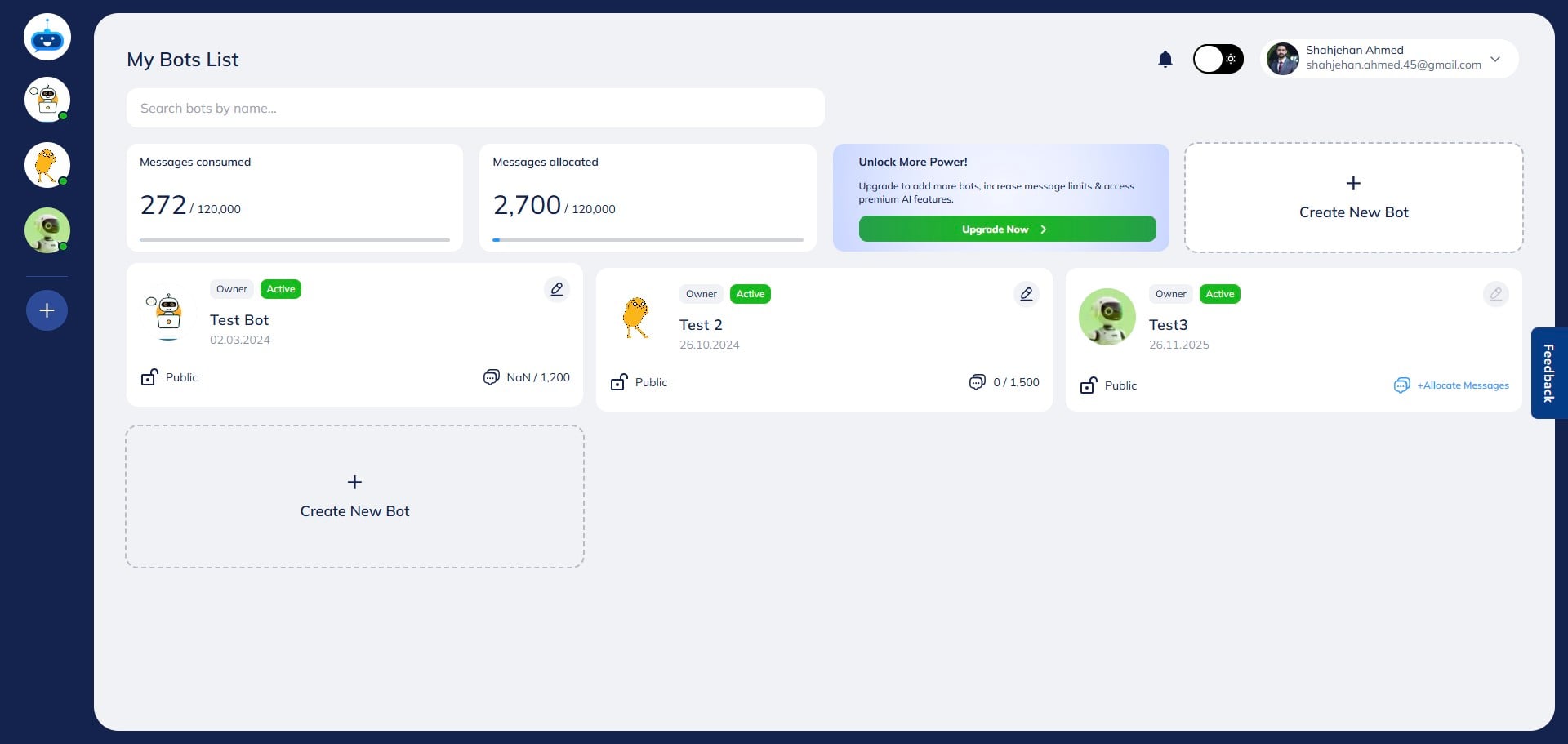

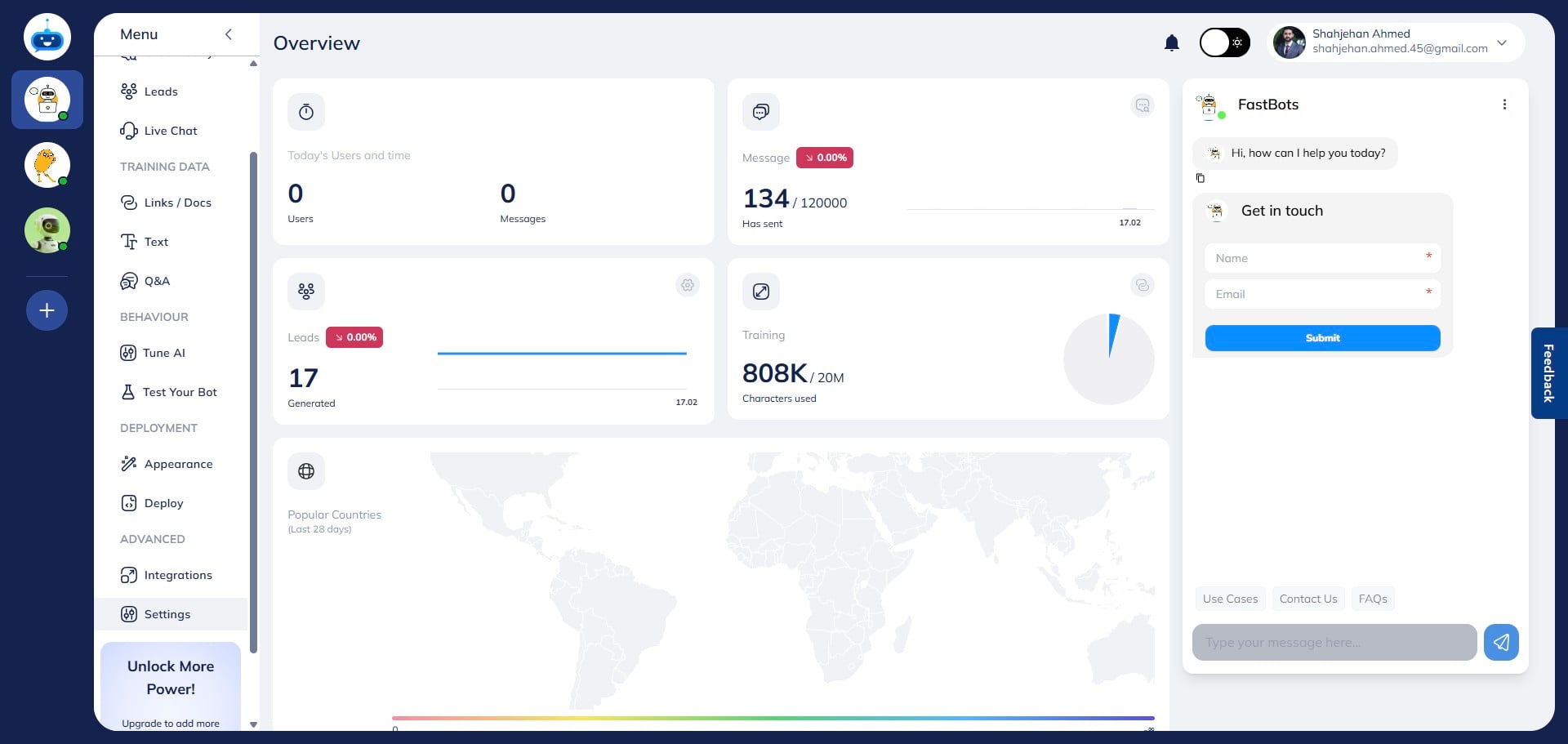
Click on "Settings" to open the chat history page.
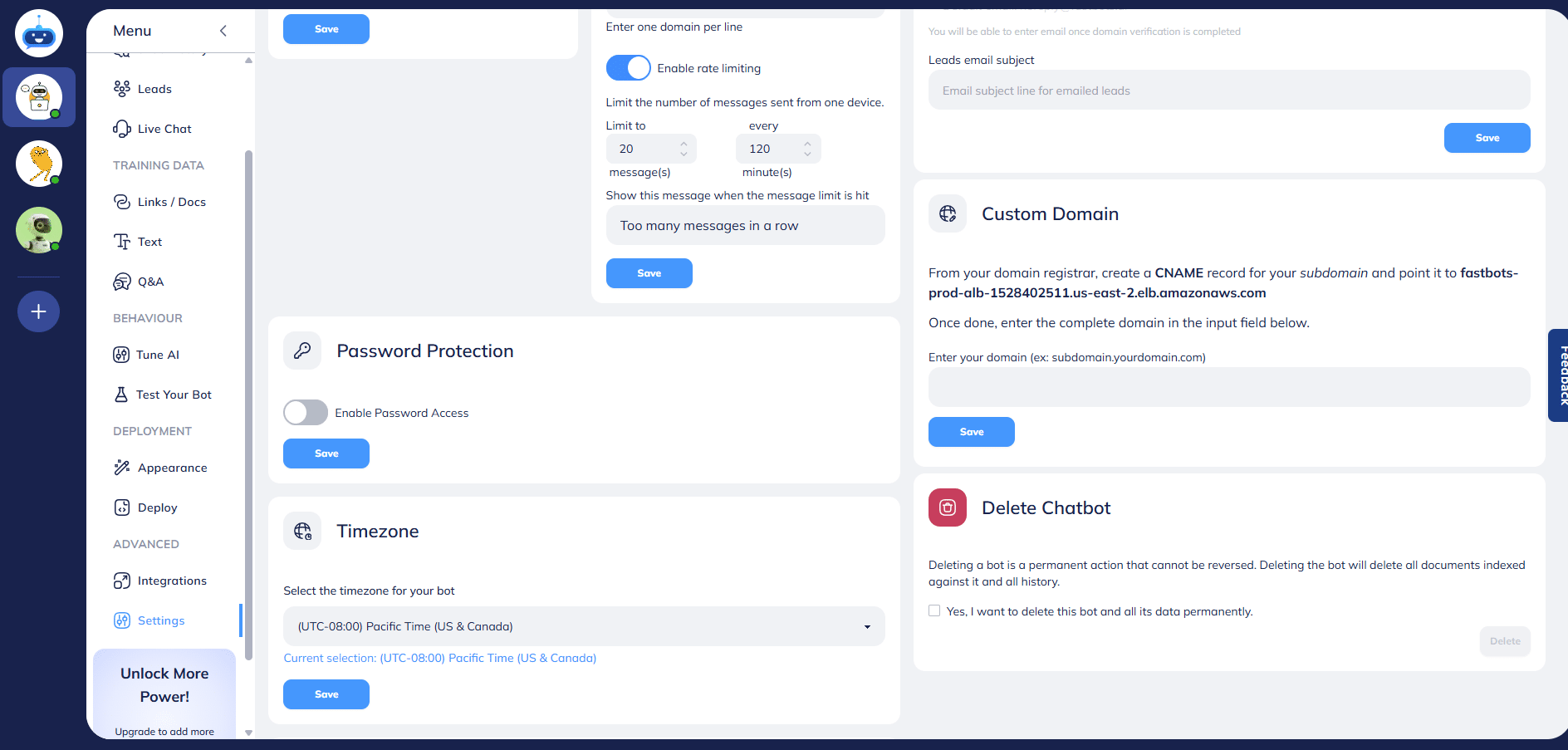
Turn on this button to enable password access.
Enter your password in the "Set Password" field.
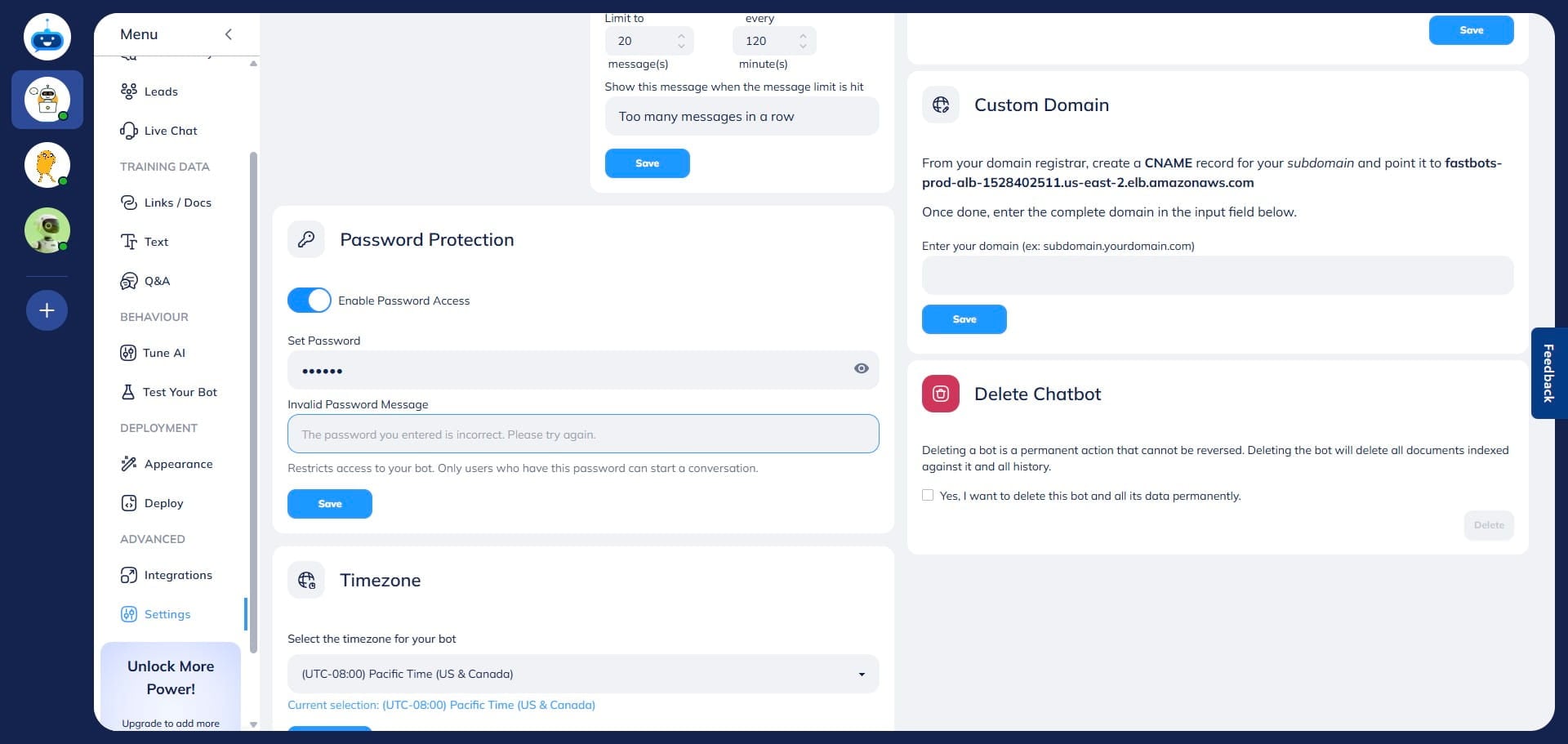
Enter the message you want to show users if they enter the incorrect password. Add the message in the "Invalid Password Message" field.
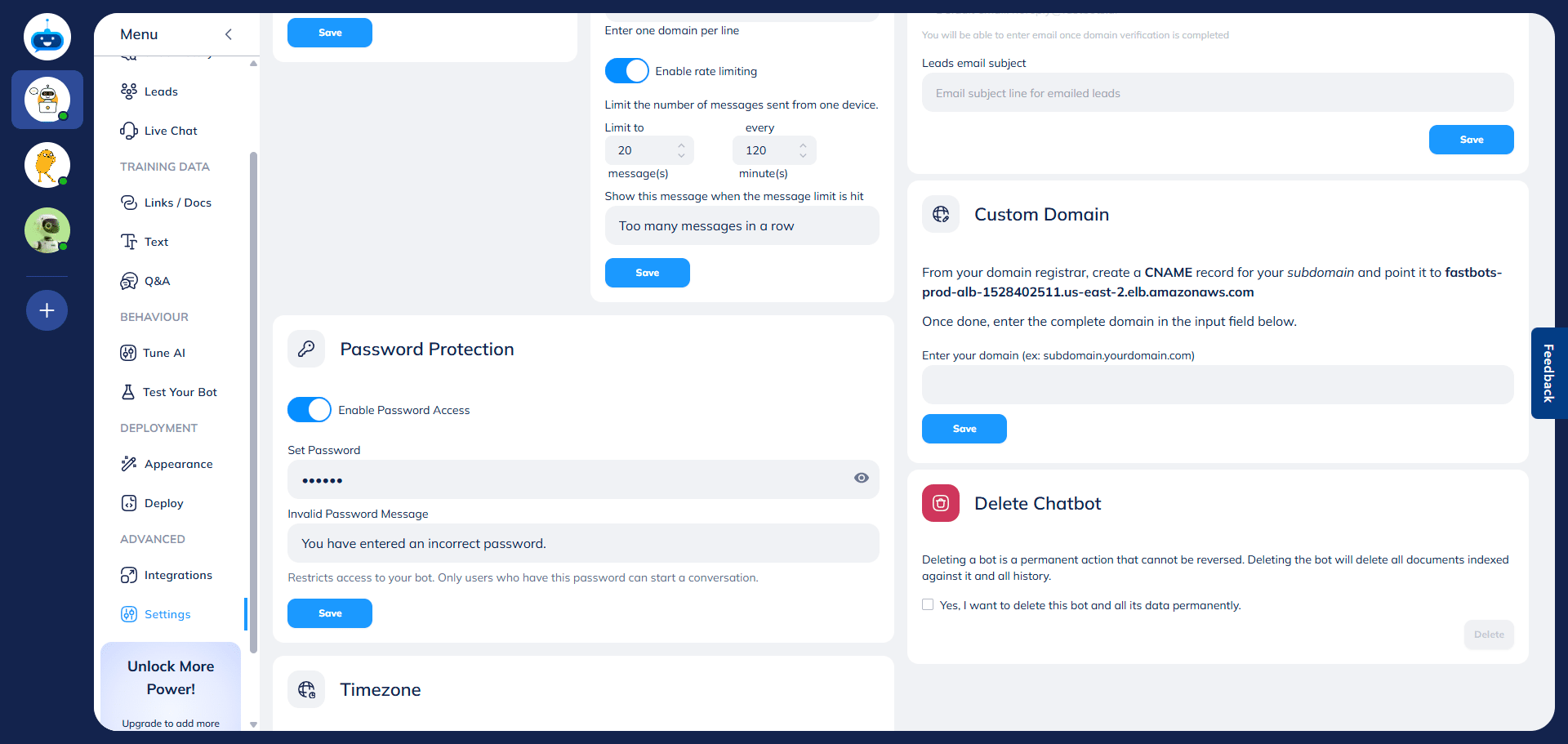
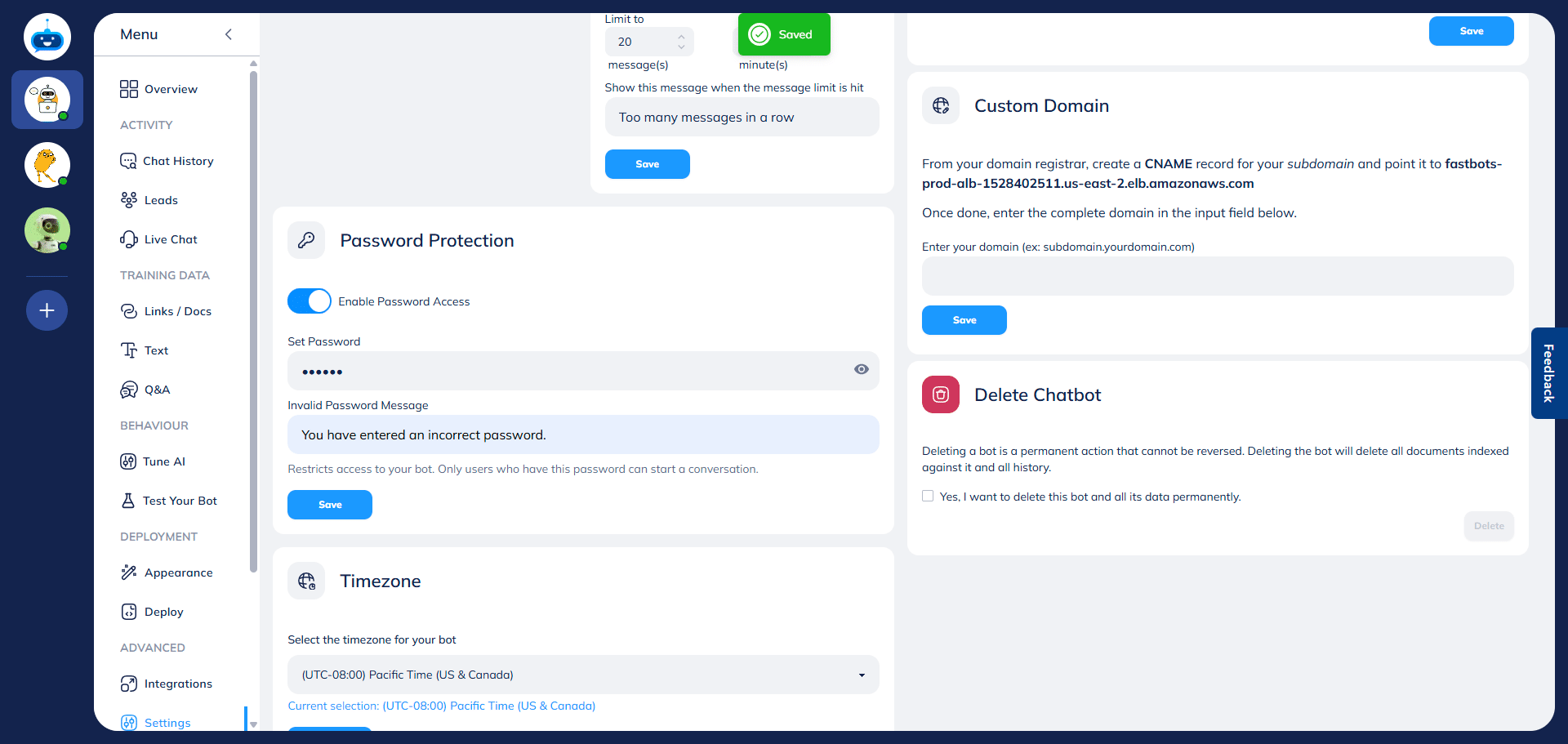
Click on the "Save" button to apply the settings.
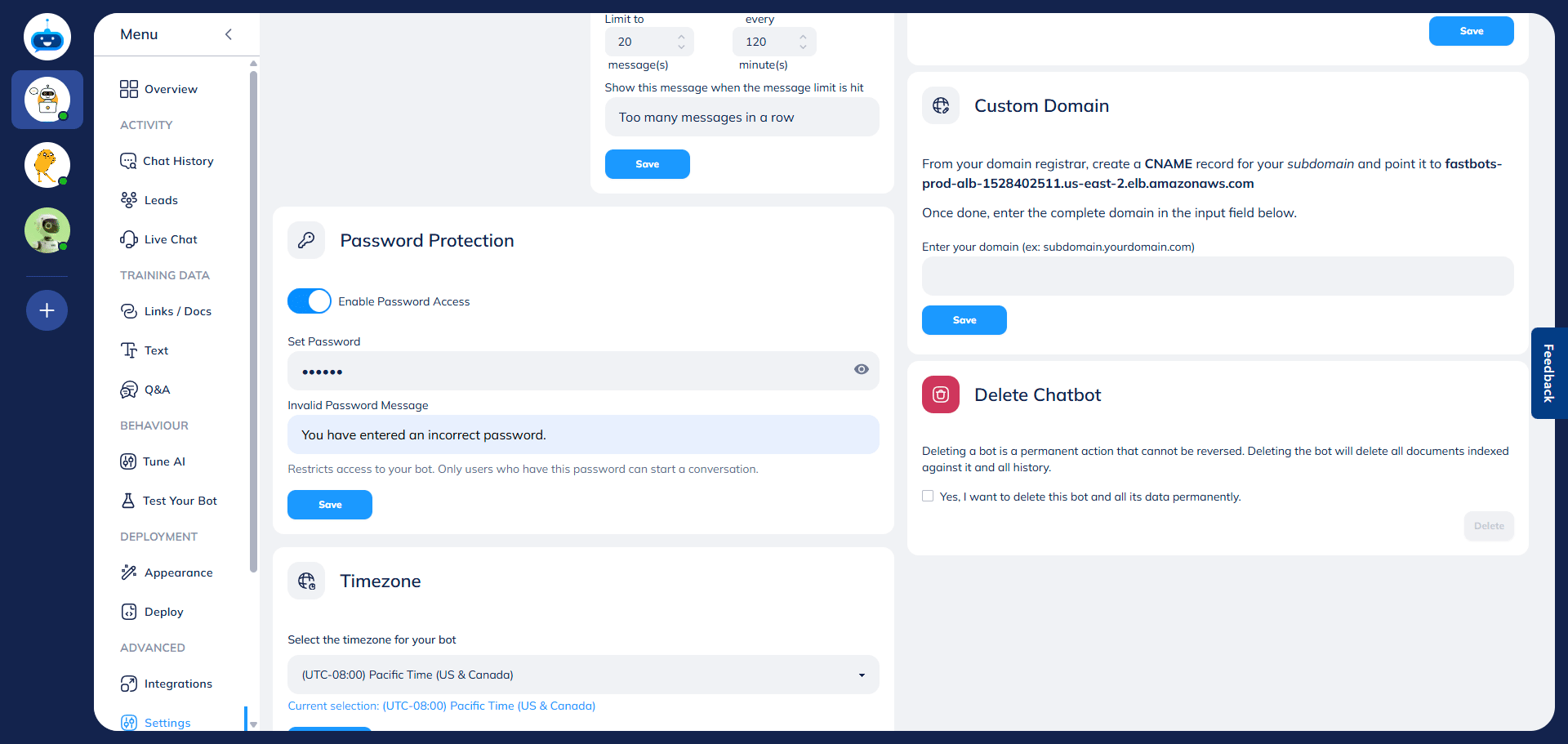
To test the chatbot's password, go to the Deploy page.
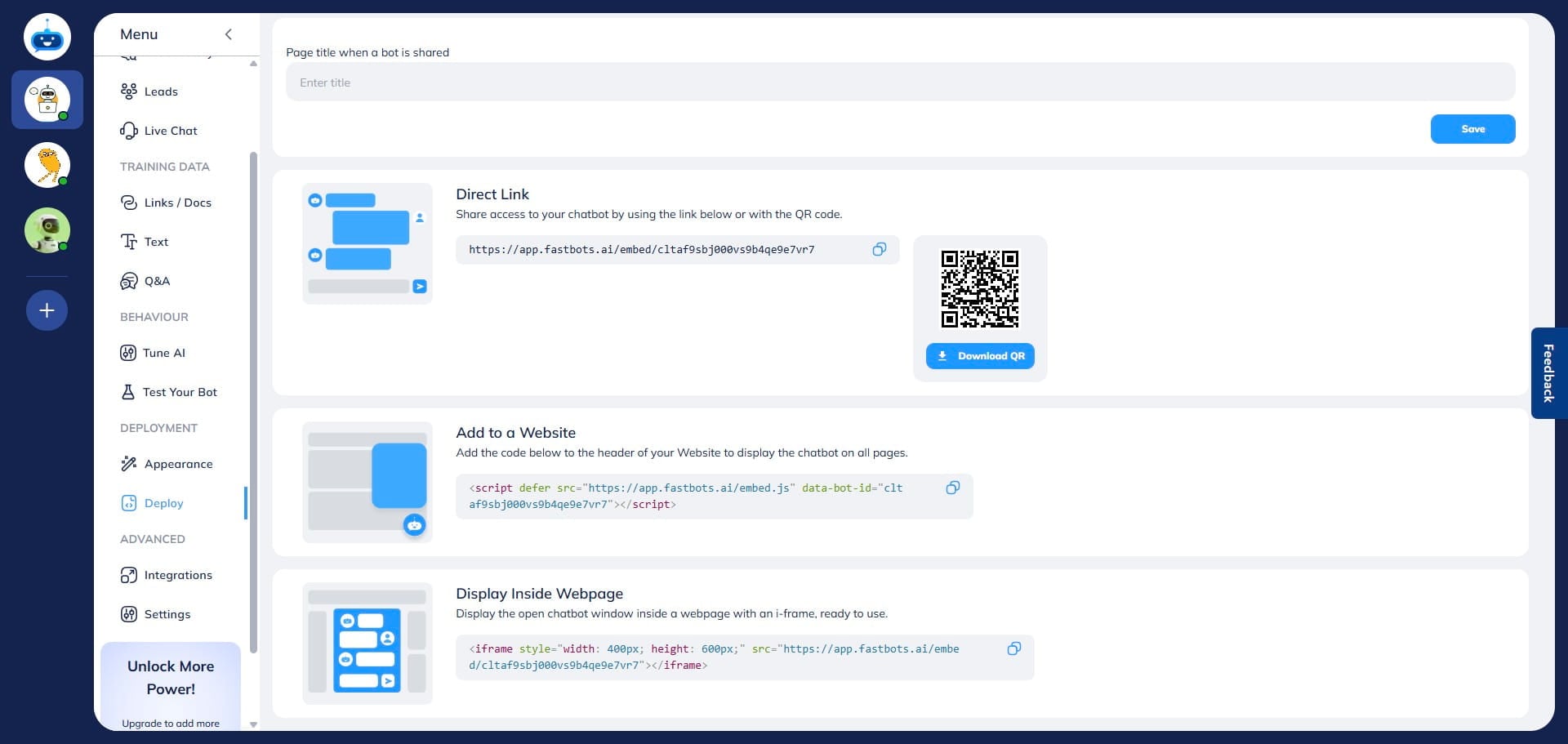
Click on this button to copy the "Direct Link" and open the link in a new tab.
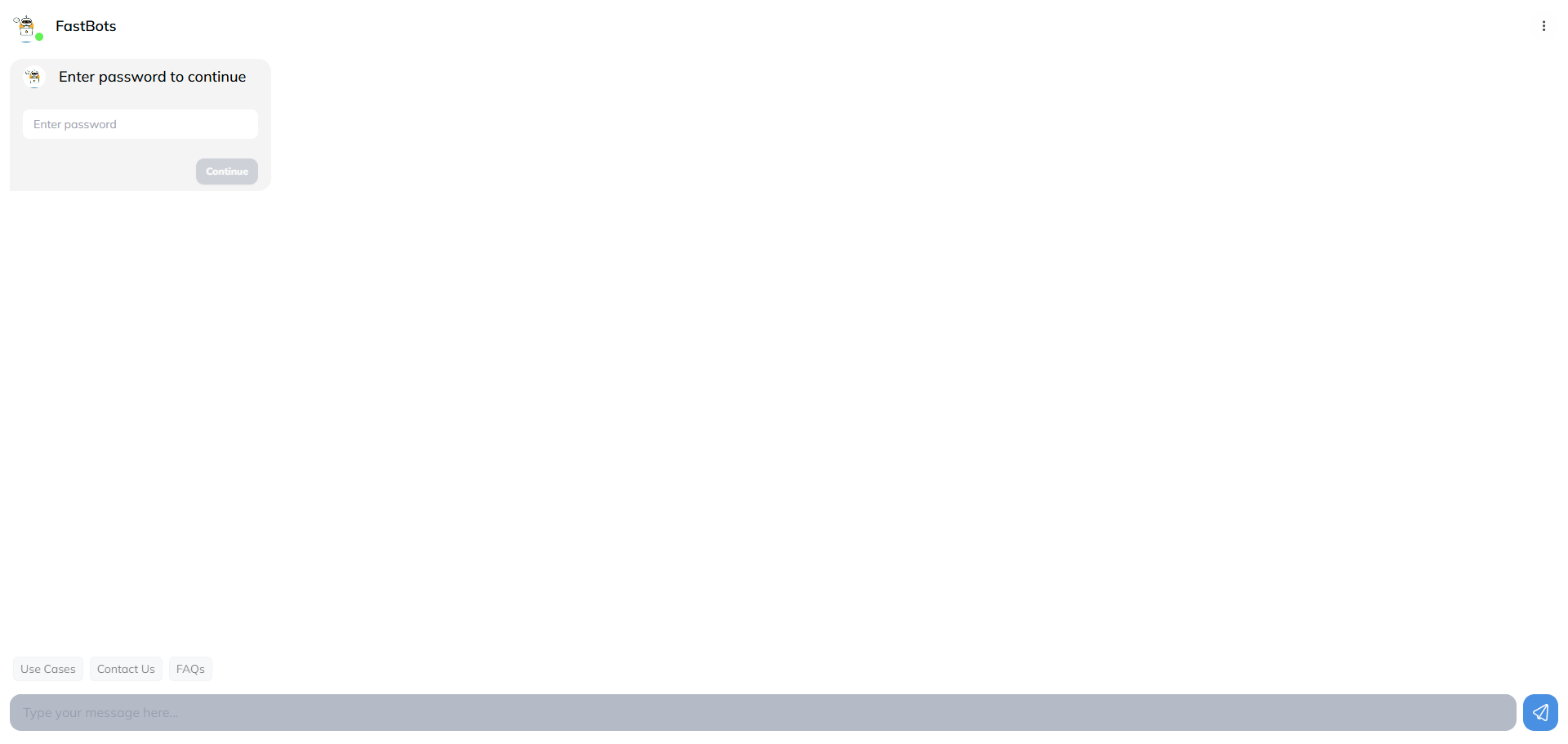
The chatbot will ask you for the password. It will unlock once you enter the password and click on the Continue button.
Done 🚀 You have setup the password for your chatbot successfully.