

How To Create a Pop Up Message For The Chatbot
Learn how to create a pop-up message in your chatbot to grab user's attention.
Navigate to https://app.fastbots.ai/ Edit the Popup Message under Chat Content → Welcome Message Popup. Enable Visible on mobile devices to show it on mobile; disable it for desktop only. The spoken greeting is configured separately under Voice Welcome Message.
Click on the chatbot to open it.
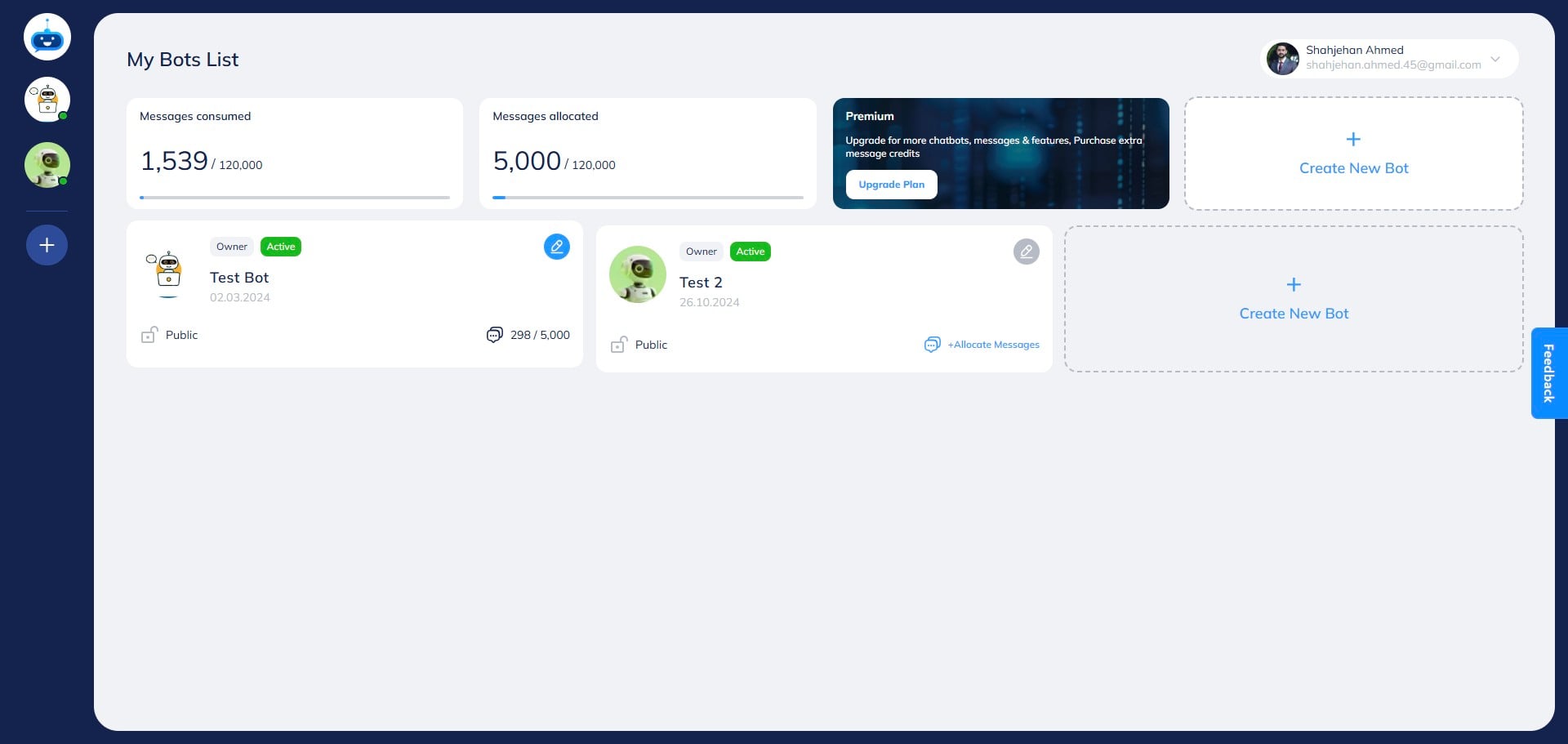

Open Deployment → Chat Widget → Chat Content → Welcome Message Popup.
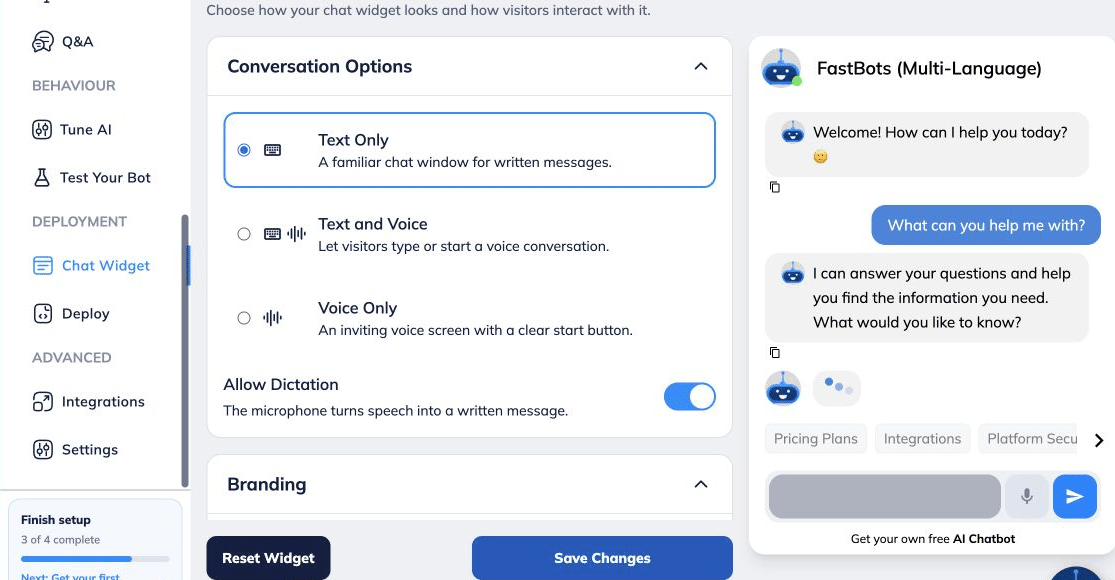
Open Chat Content → Welcome Message Popup and edit the Popup Message.
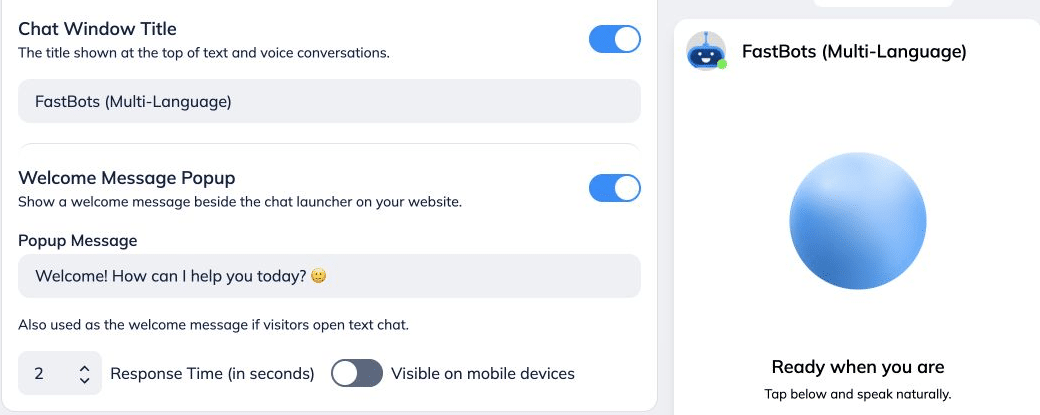
Write your message here. This message will be shown on the welcome message pop-up after you activate it.
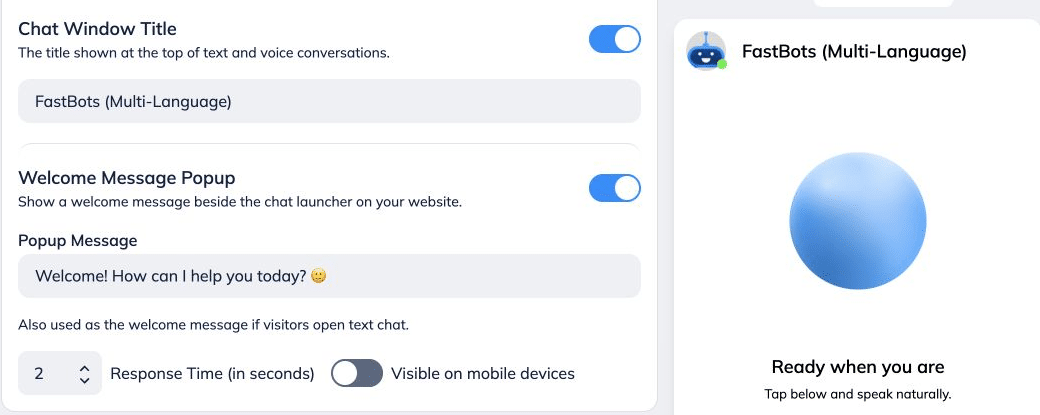
You can also choose if you want to show the welcome message or hide it from this toggle option.
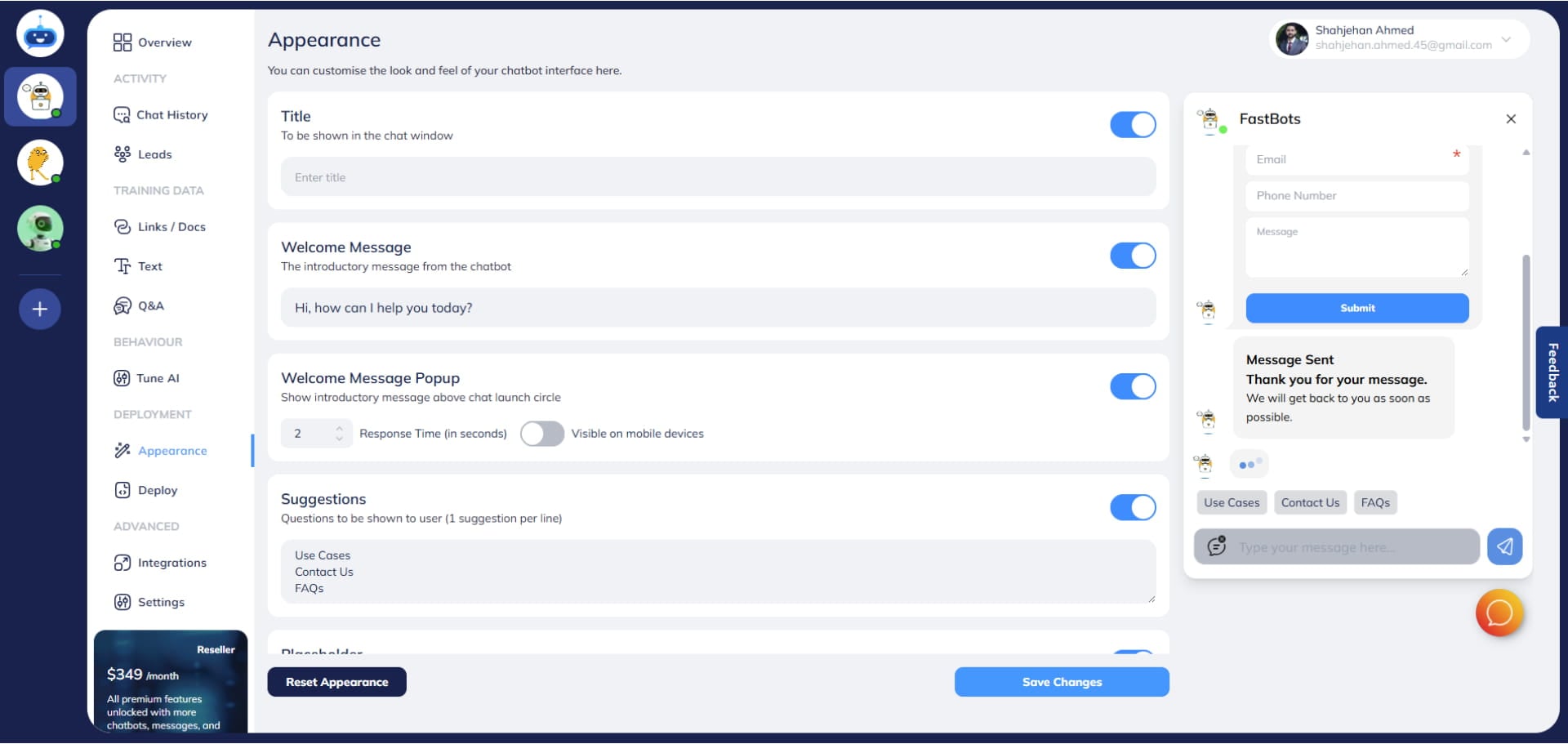
Enable Visible on mobile devices to show the popup on mobile and desktop. Turn it off for desktop only.
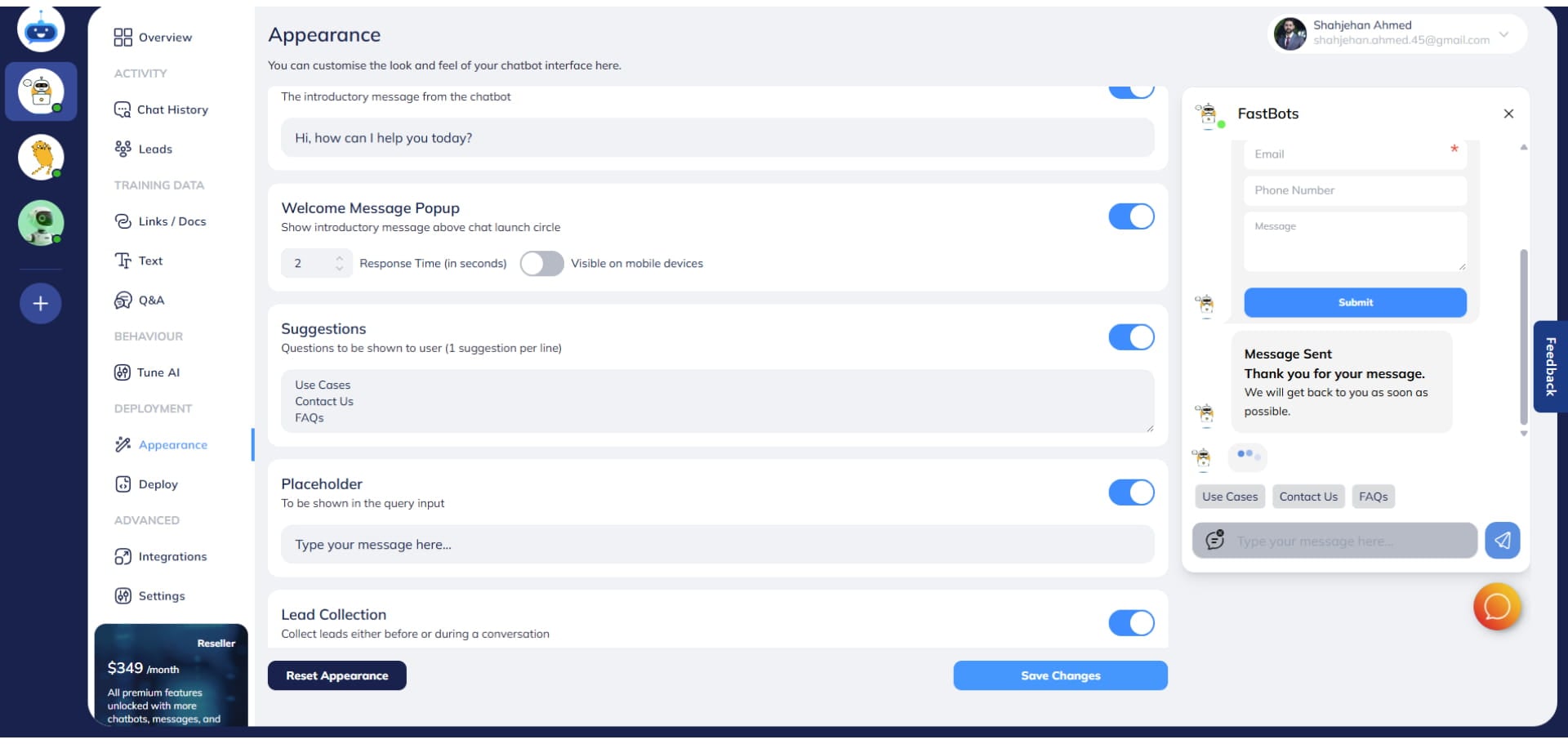
You can also set a time delay for when the welcome message appears. For example, if you set the delay to 2 seconds, the welcome message will be shown 2 seconds after the user opens the website.
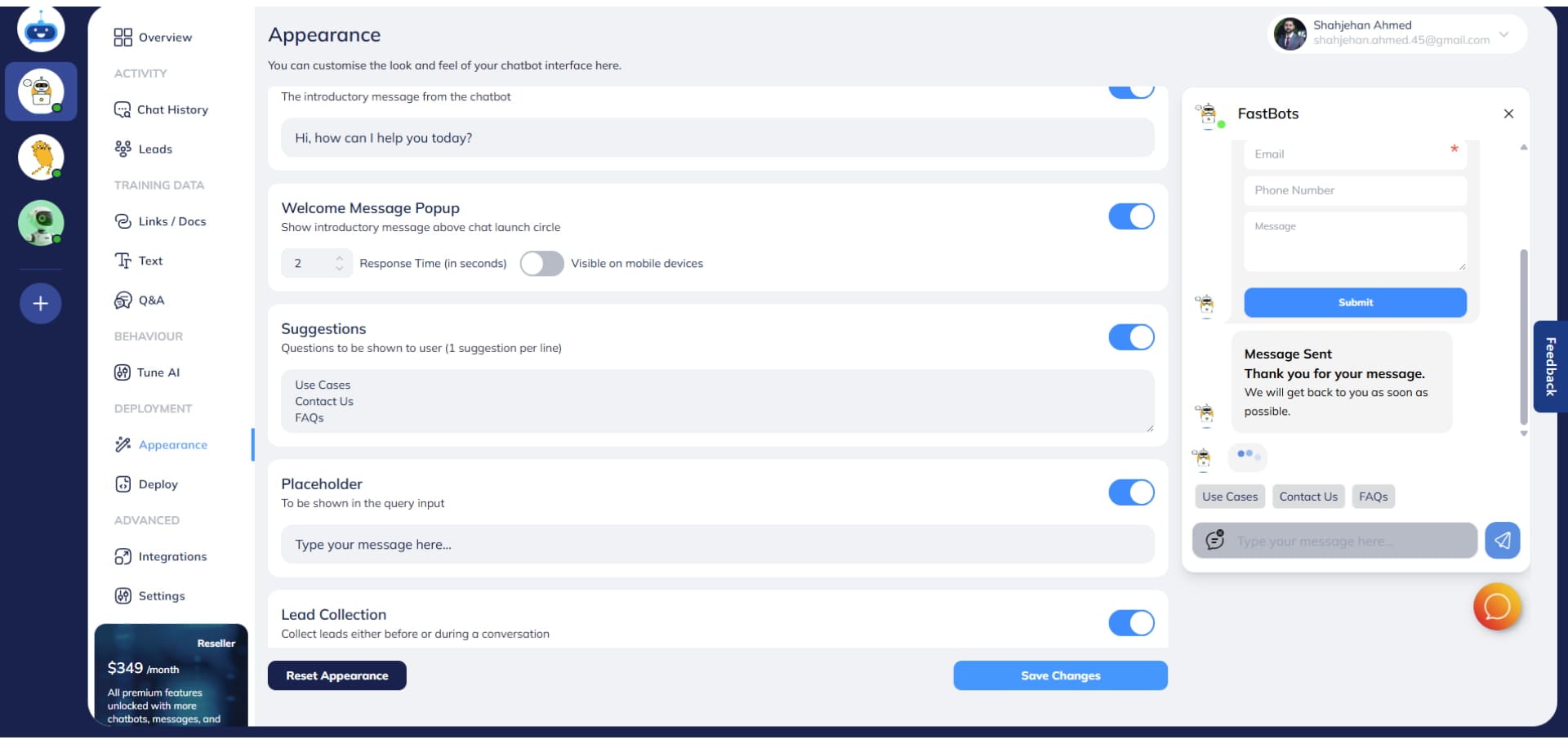
After making all the changes, click on the "Save Changes" button.
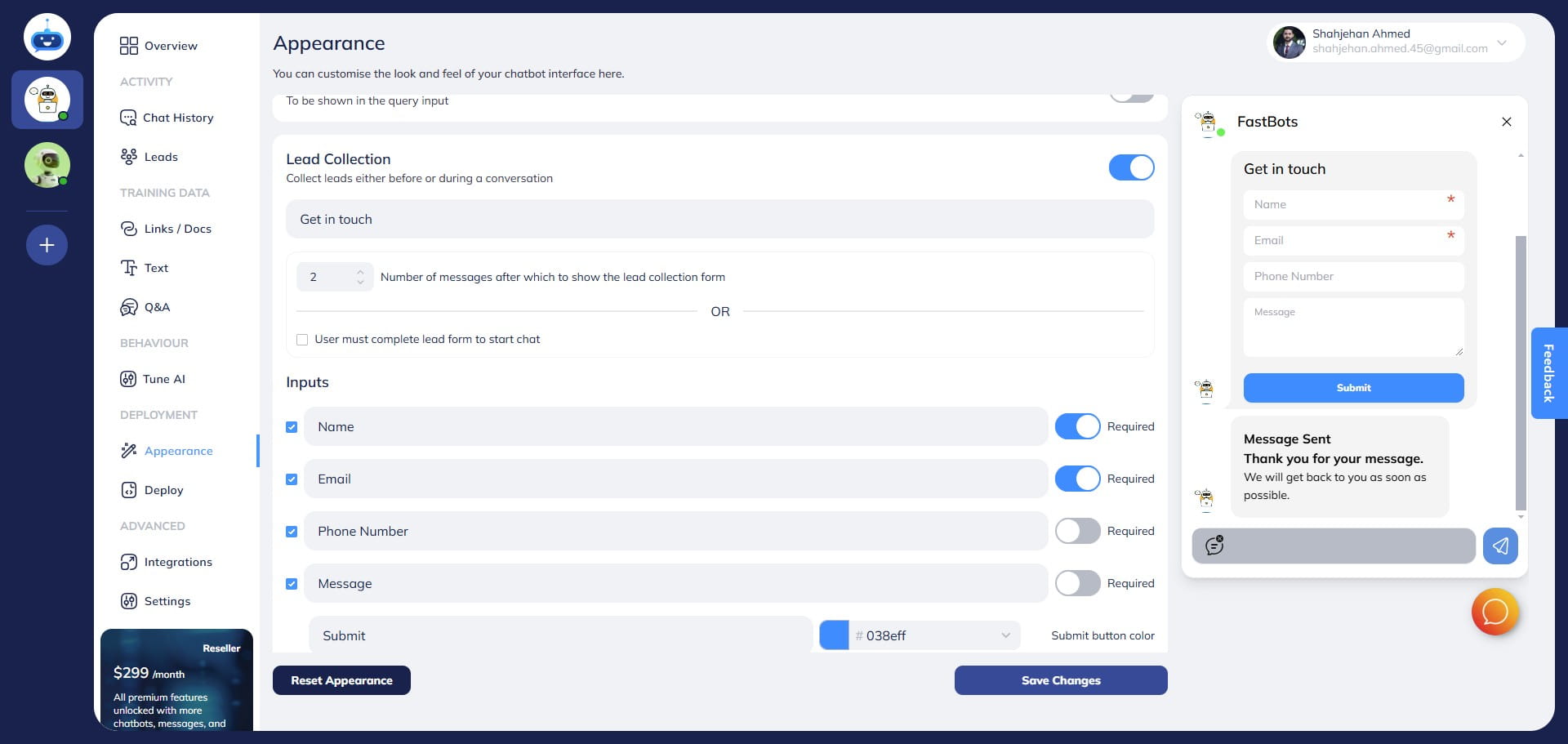
Done 🚀 You have successfully setup the welcome message of your chatbot.