How to Delete Chat or See Recent Chat As a User
This guide will show you how to delete the pervious chat from the chatbot window or see your old chat as a user.
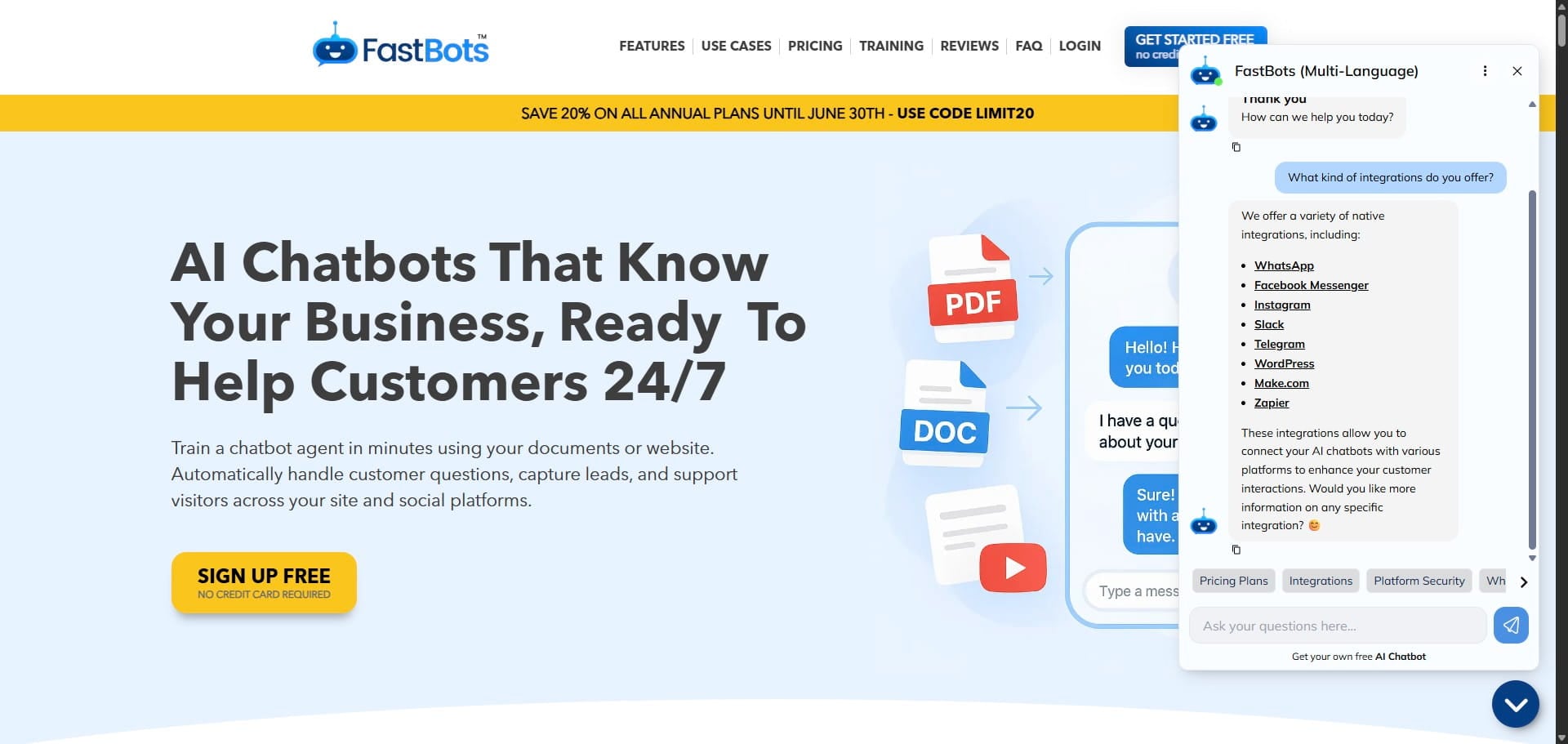
Voice calls in Chat History Voice conversations are saved as written transcripts in Chat History alongside text chats. FastBots stores the transcript, not an audio recording of the call. Use the conversation-type indicator to distinguish Text, Voice and Text & Voice conversations. To see the old conversation, click on these 3 dots.

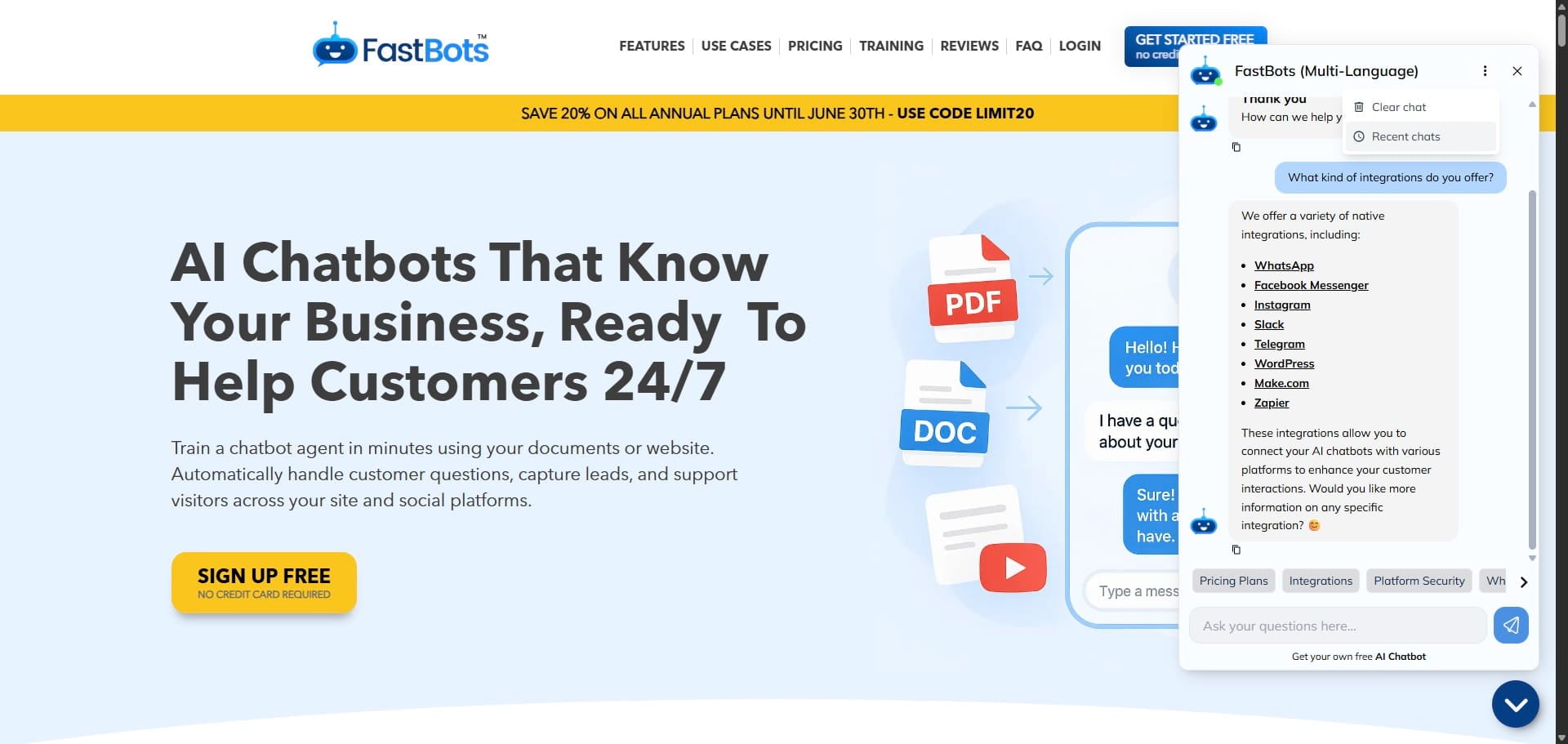
Click on "Recent chats"
It will show you all the recent chats that you had with the chatbot. You can click on the chatbot to open it and read it.
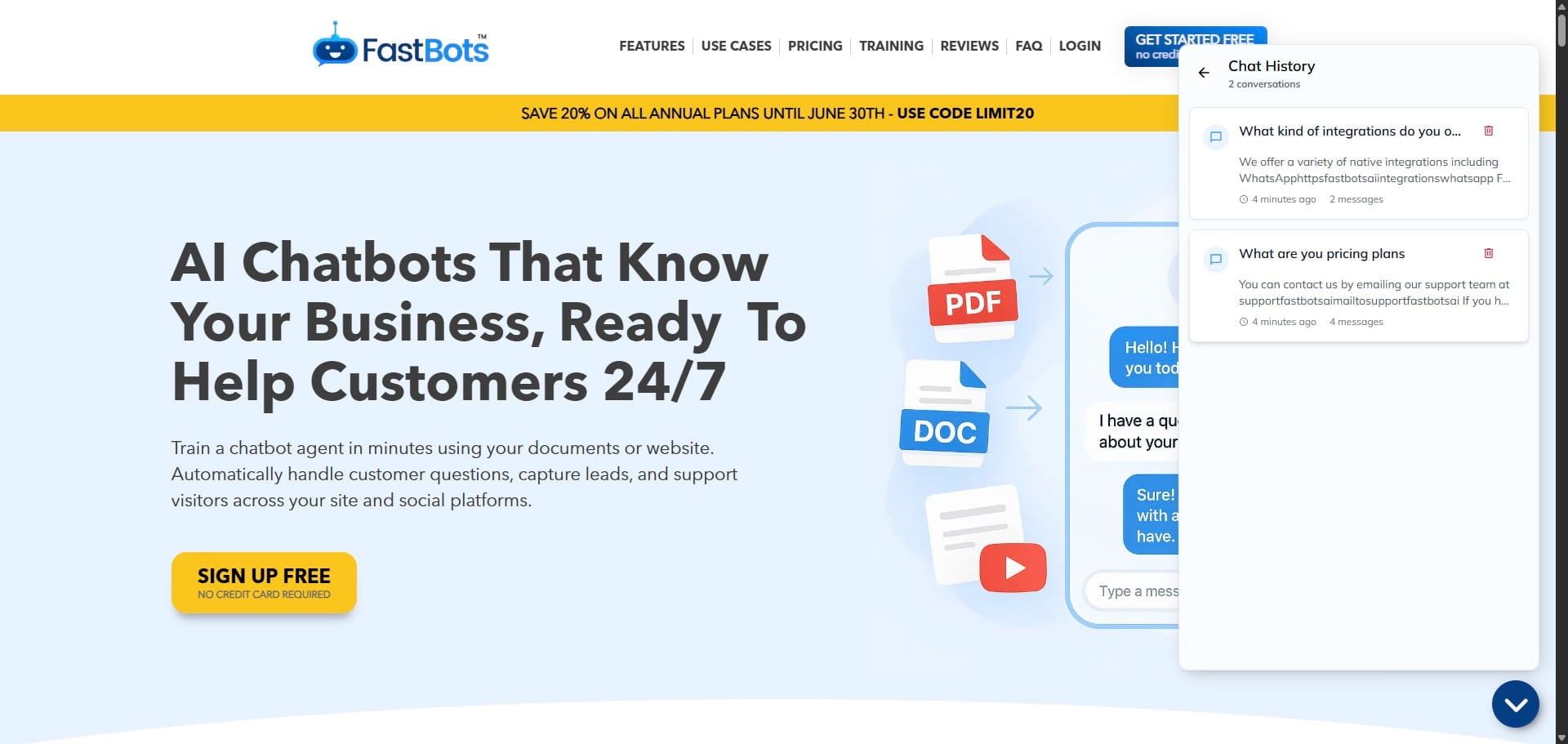
If you want to delete a recent chat, just click on the delete icon and it will delete that chat.

In order to clear the existing chat, click on the dots again and then click on the "Clear Chat" button.

Once you click on the clear chat, it will delete your chat and start a new conversation.