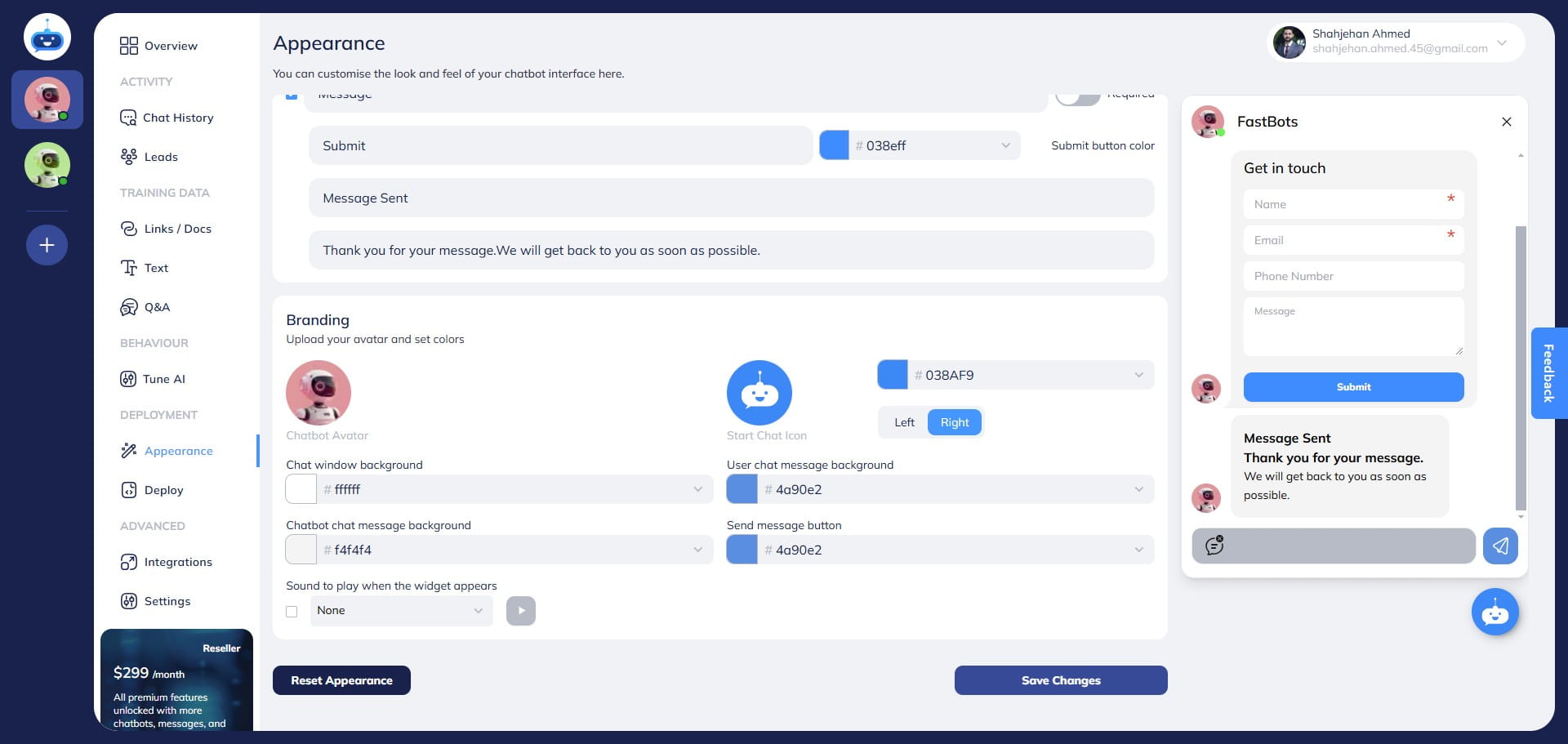
How to Change the Start Chat Icon Position
This guide will show the process of changing the position of the start chat icon.
Sep 25, 2026●
1
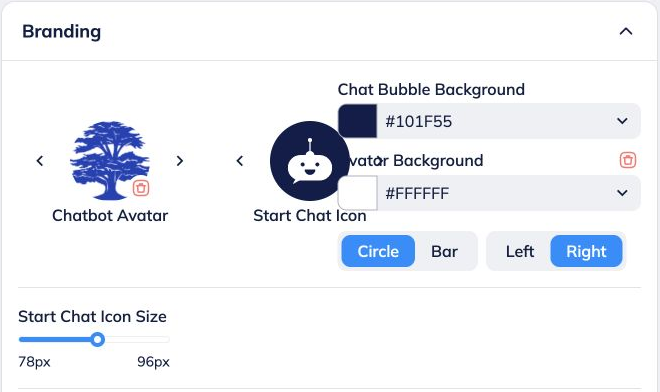
Navigate to https://app.fastbots.ai/ Under Branding, choose Left or Right for the launcher position. This changes where visitors open the widget; it is separate from the animation during voice calls.
2
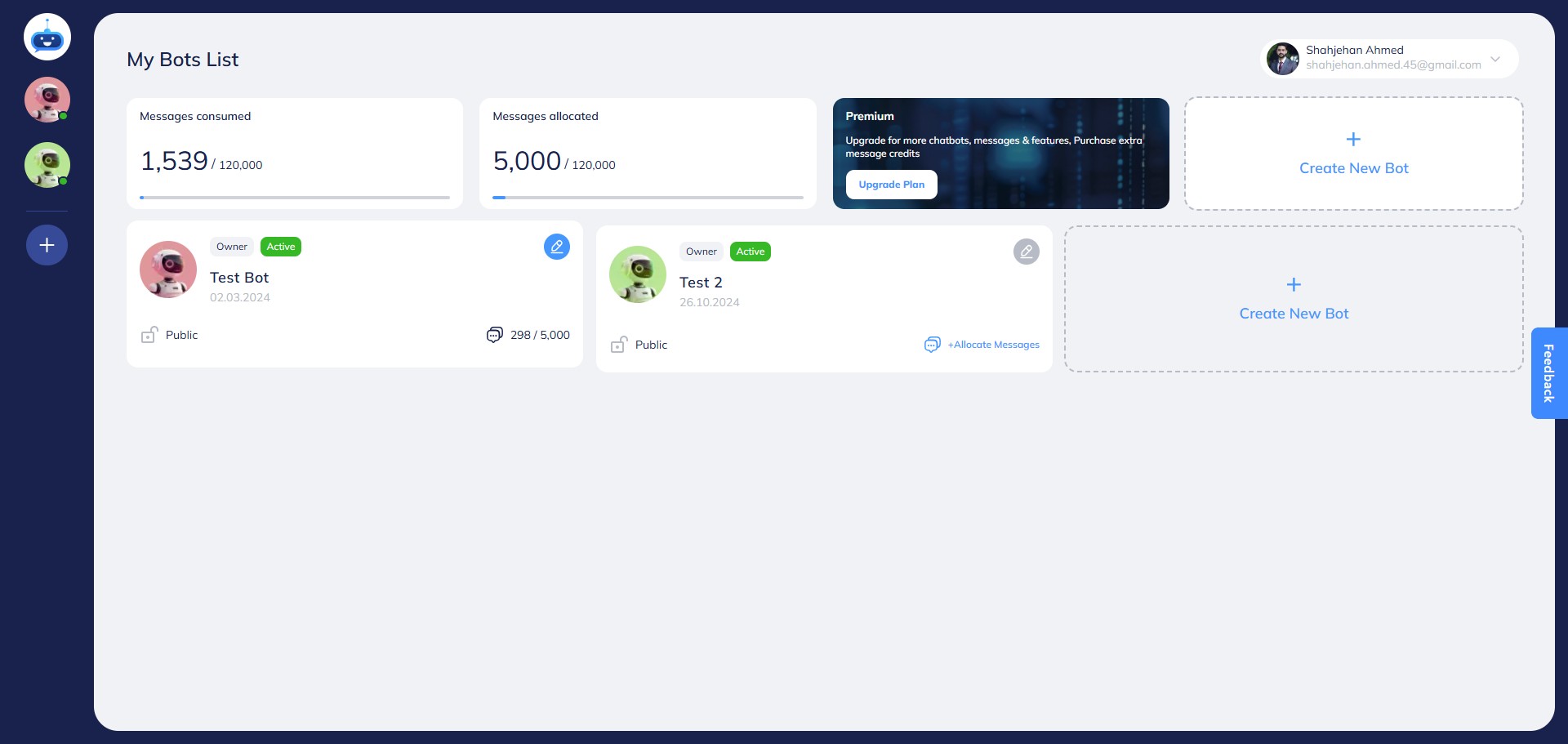
Click on your chatbot to open it.

3
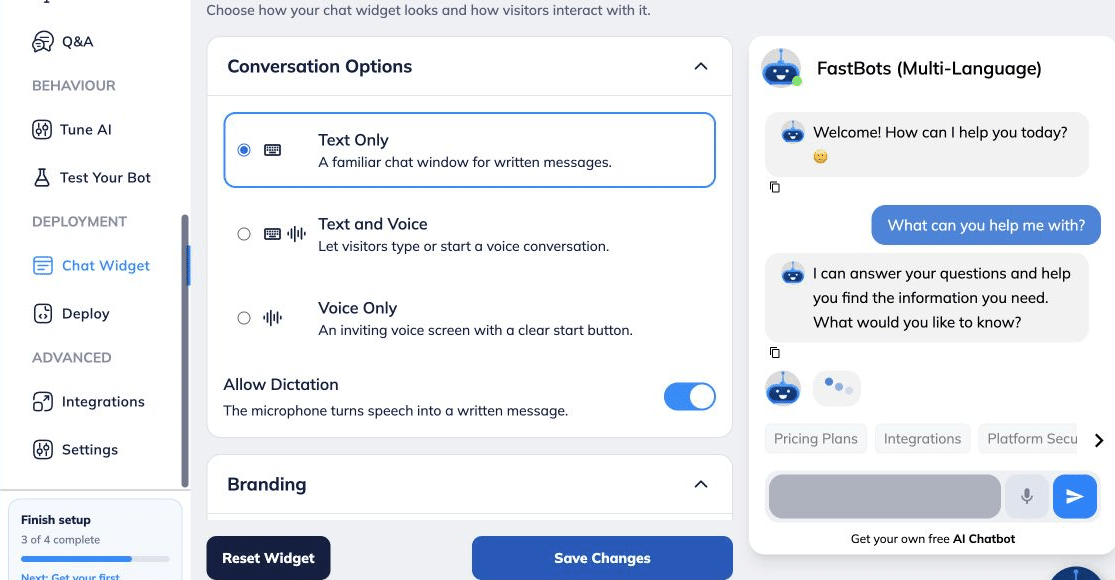
Open Deployment → Chat Widget → Branding.
4
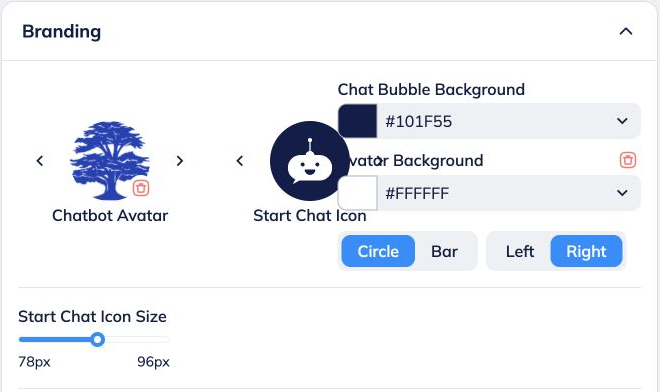
Under Branding, choose Left or Right for the start chat icon position.
5
You can see the start chat icon position here.
6
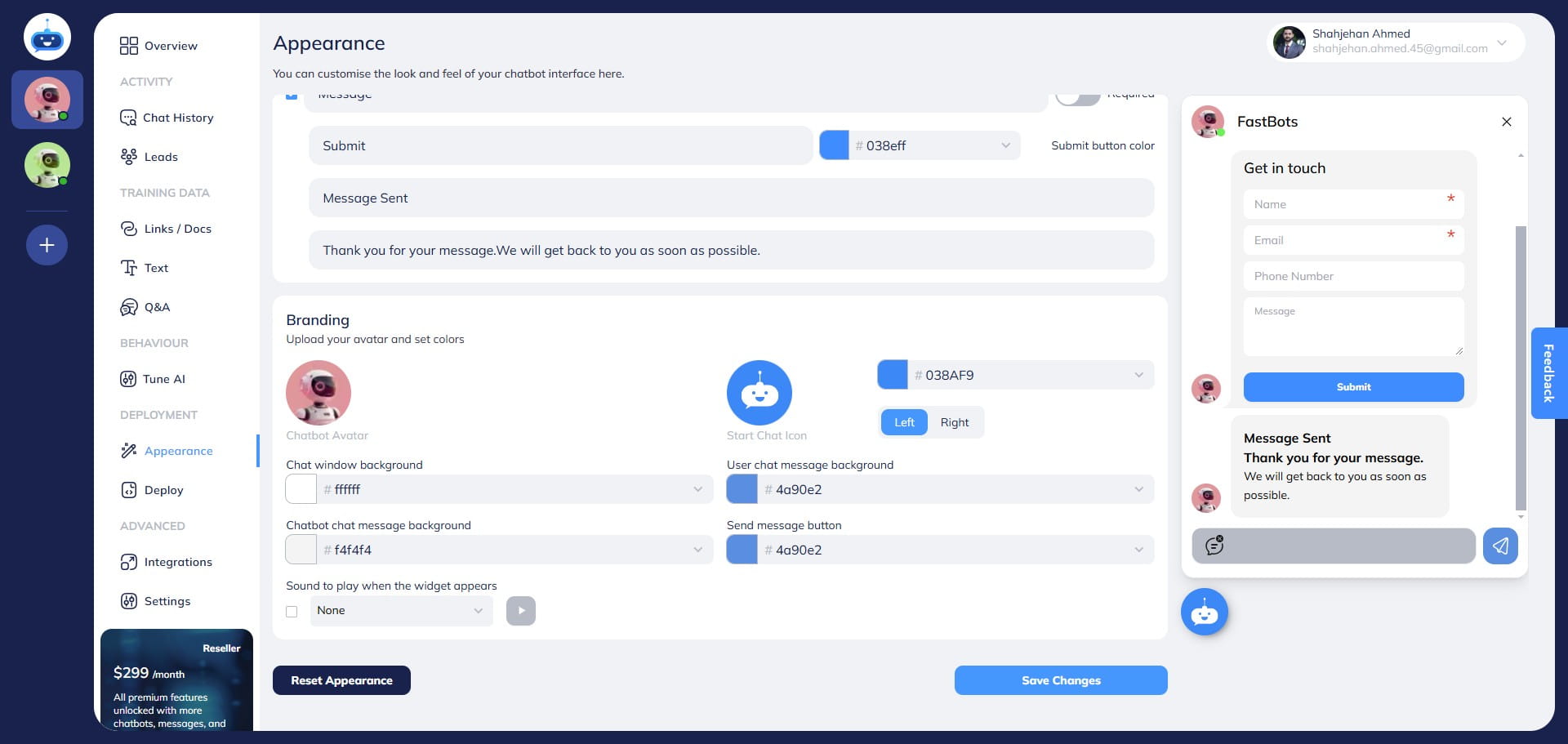
Select Save Changes.
7
Done 🚀