

How To Find The Conversations In Which Chatbot Could Not Provide An Answer To User
Learn how to find the questions for which the chatbot could not provide an answer and use these questions to retrain the chatbot.
Navigate to https://app.fastbots.ai/
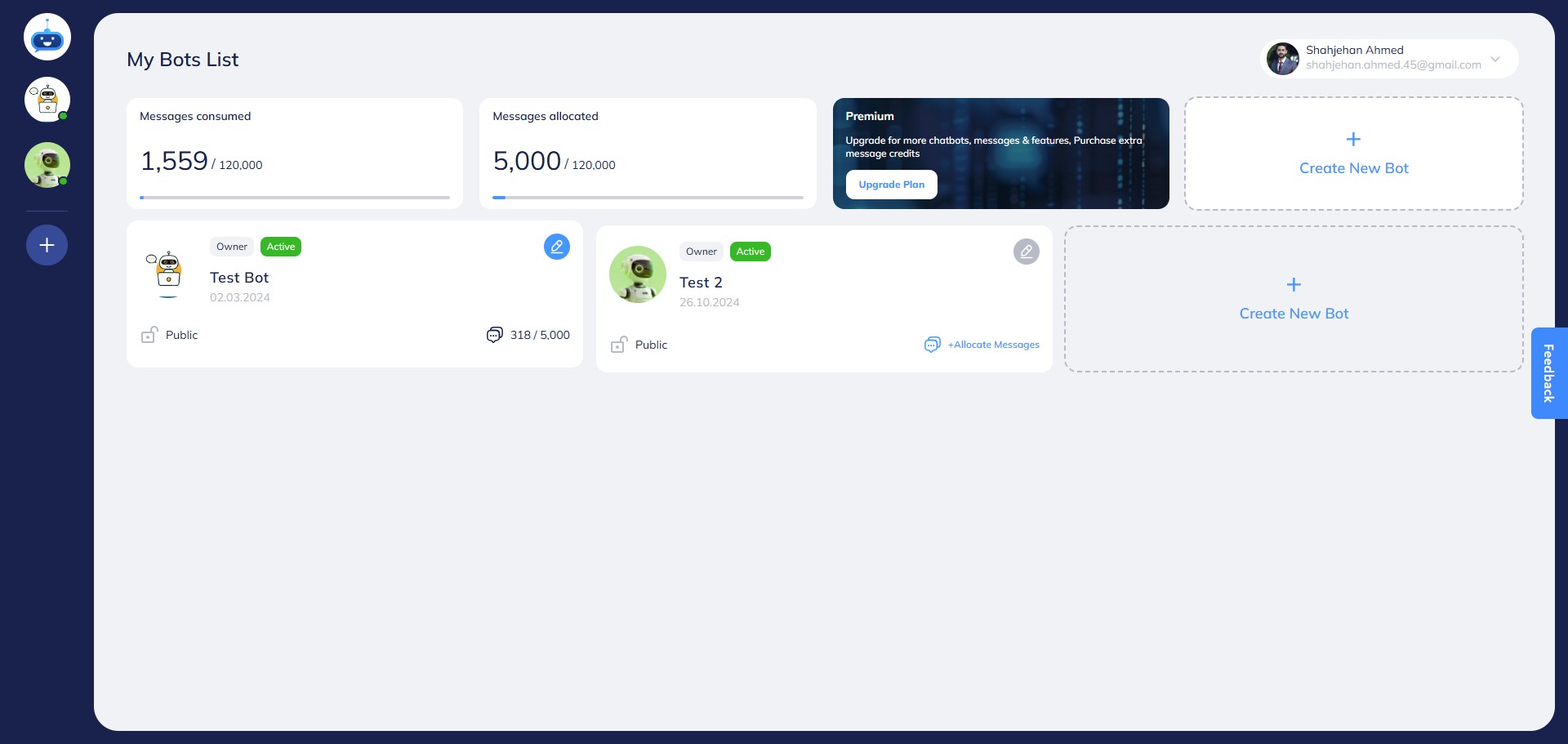
Open your Chatbot.

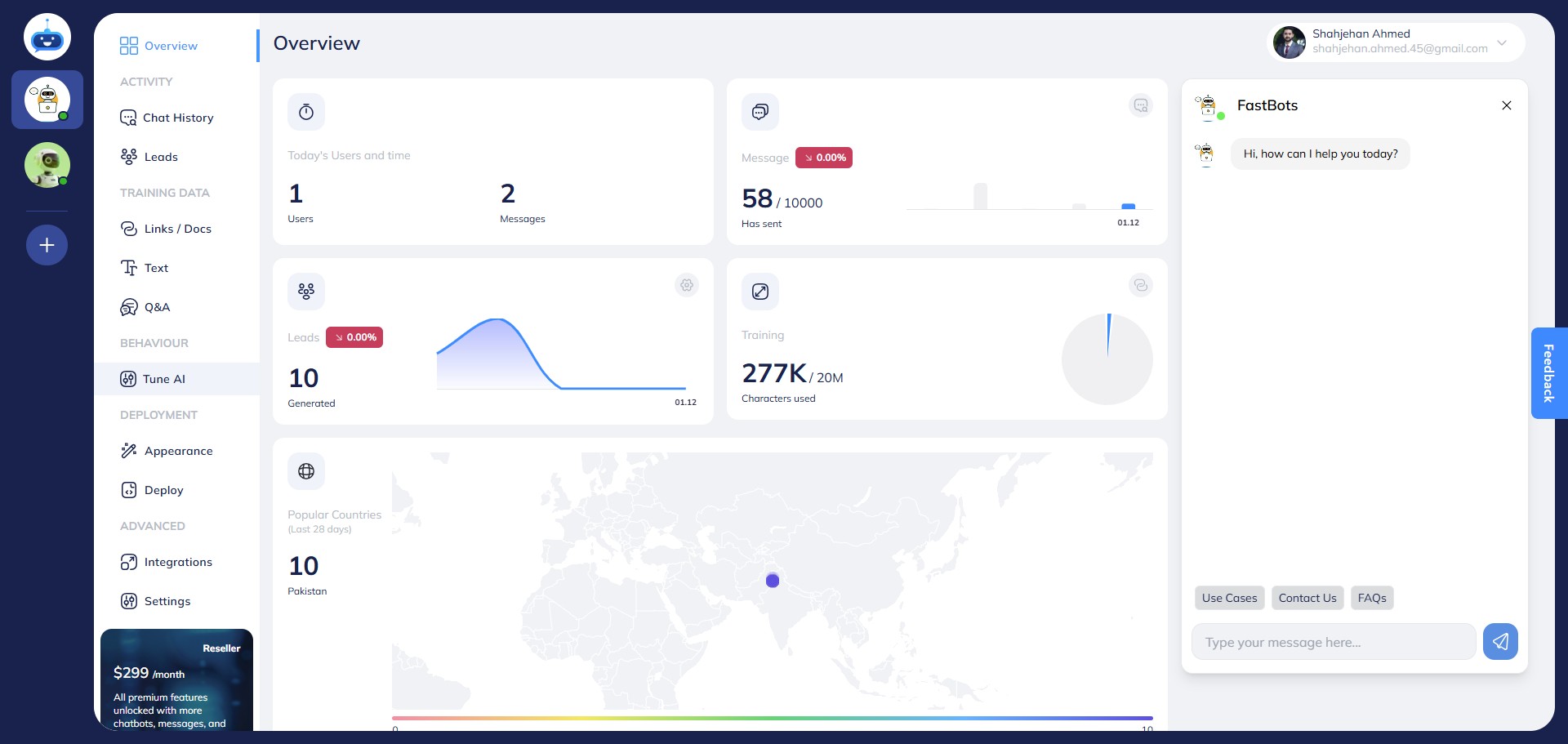
Click on "Tune AI" to open it.
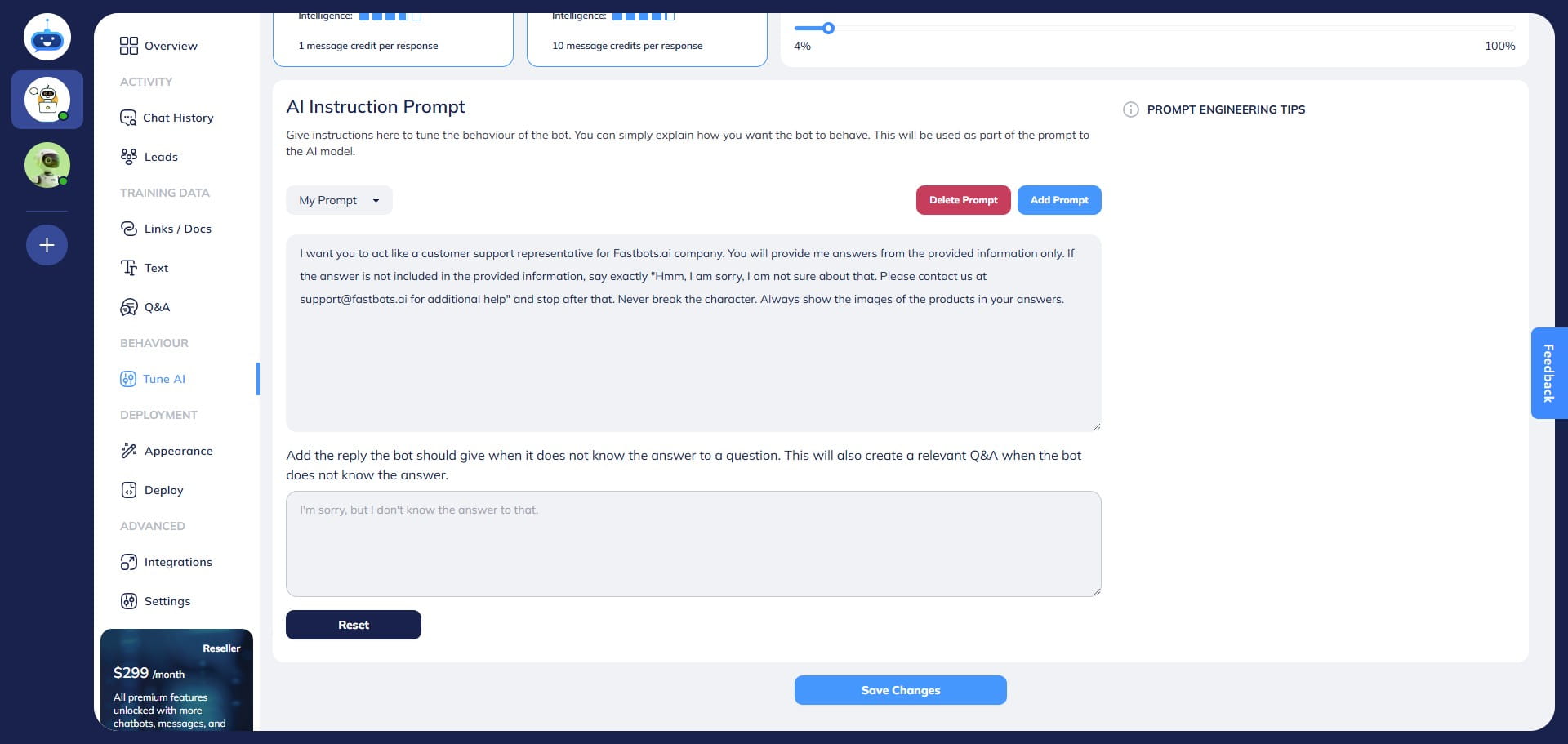
Add specific instructions for the Chatbot to reply to any questions for which the information/training has not been provided. Add those instructions in the "AI Instruction Prompt" to train the Chatbot
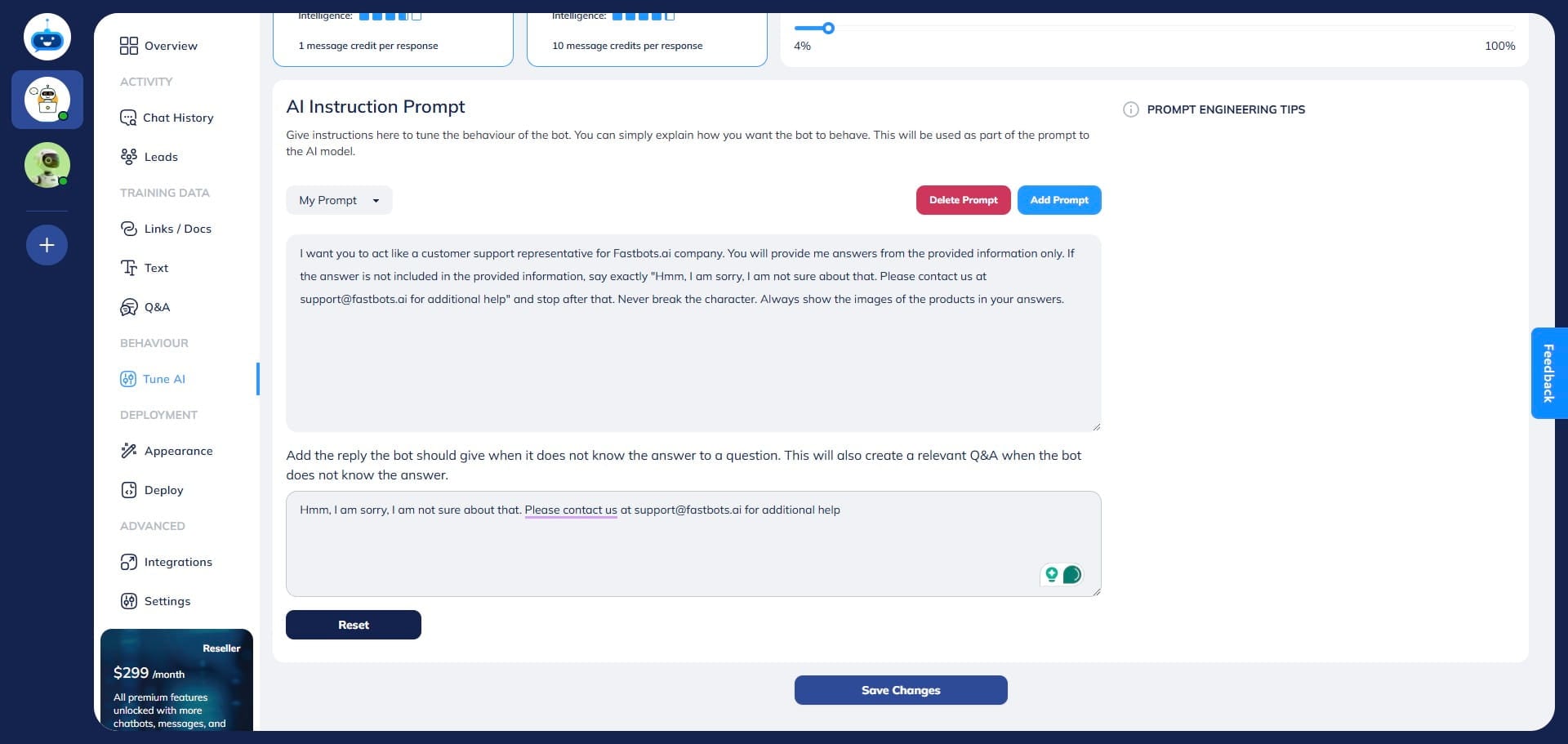
Click on "Save Changes"
Click on "Overview" to open this page.
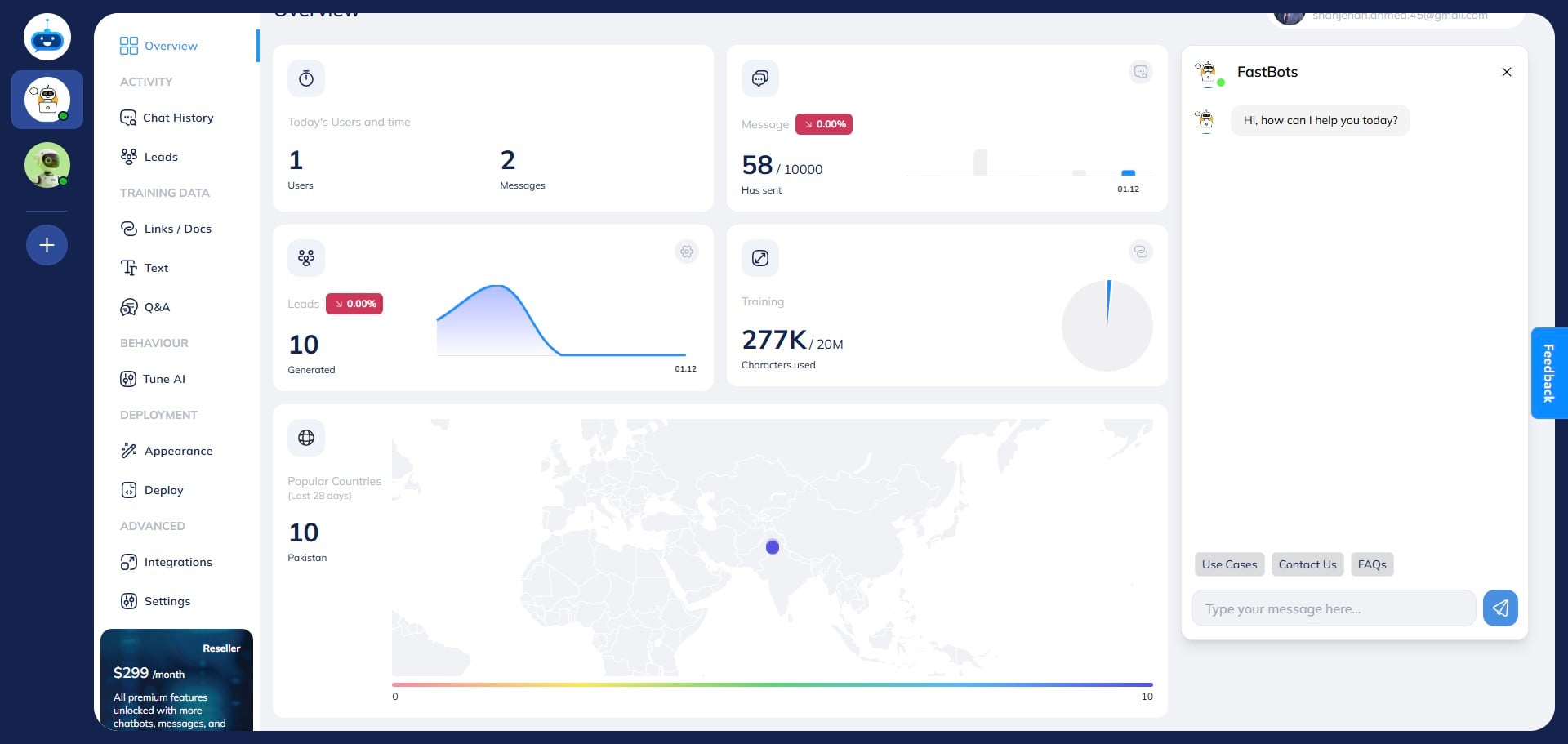
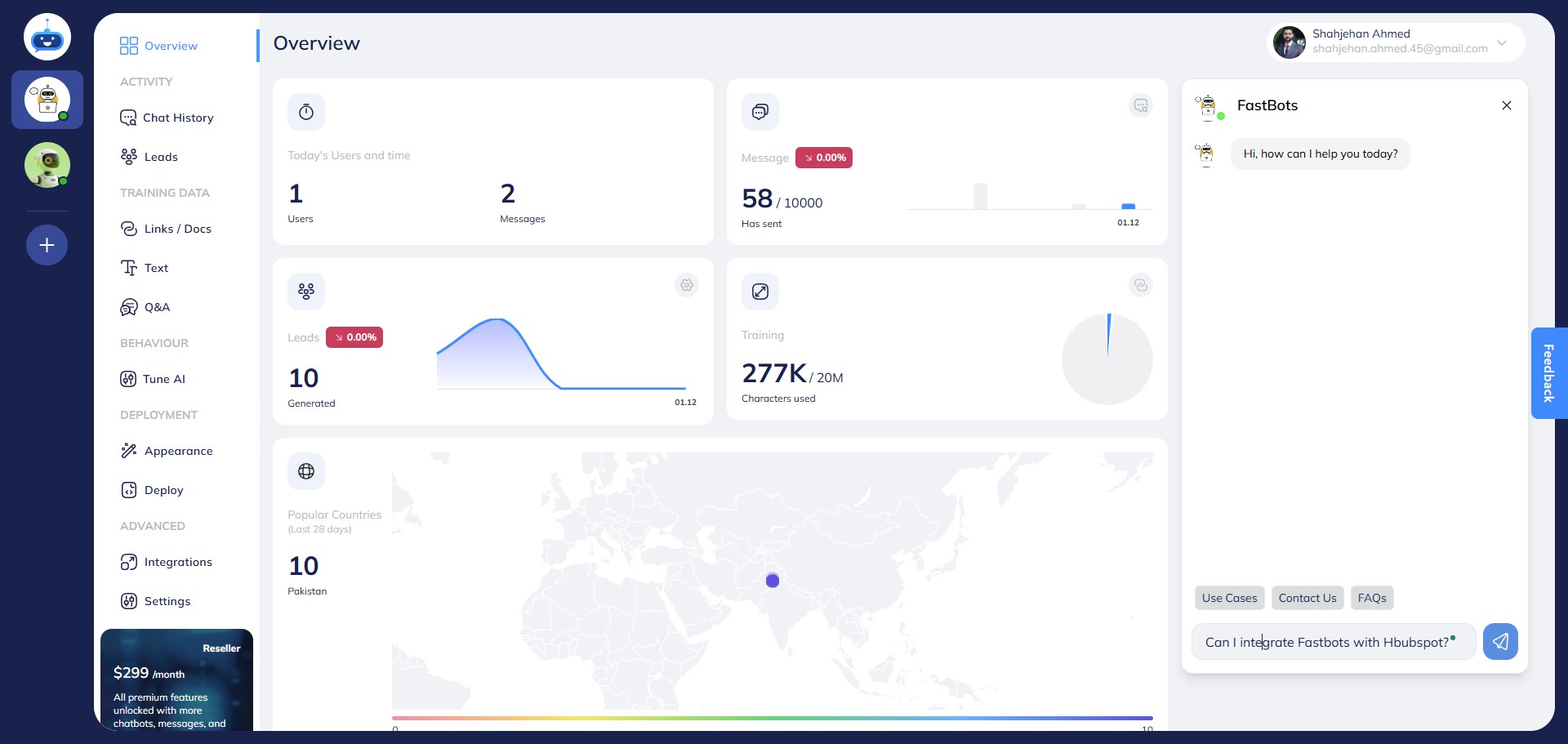
Ask a random question for which the chat does not know the answer.
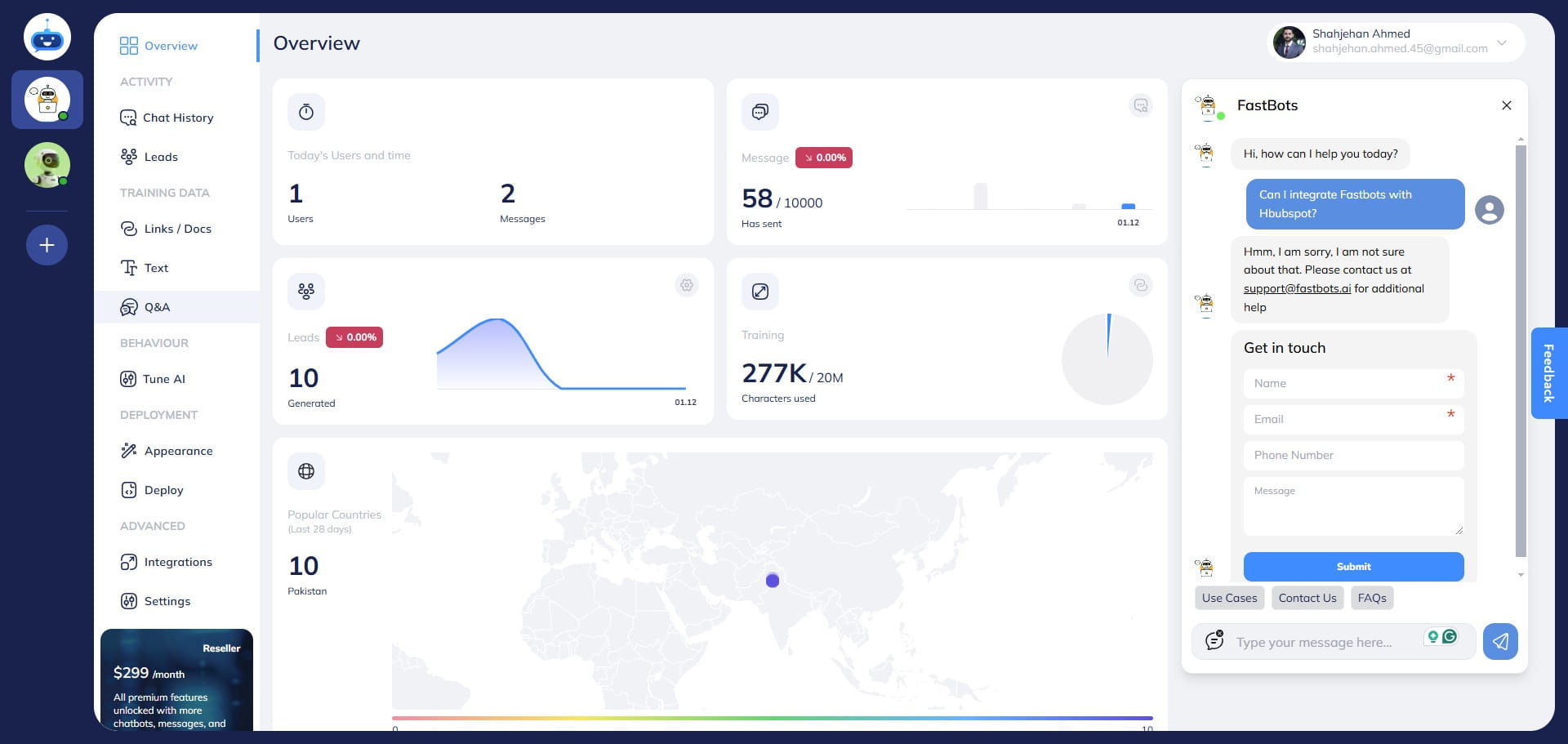
Go to the Q&A page.
On the Q&A page, you can see the question that the chatbot couldn't answer.
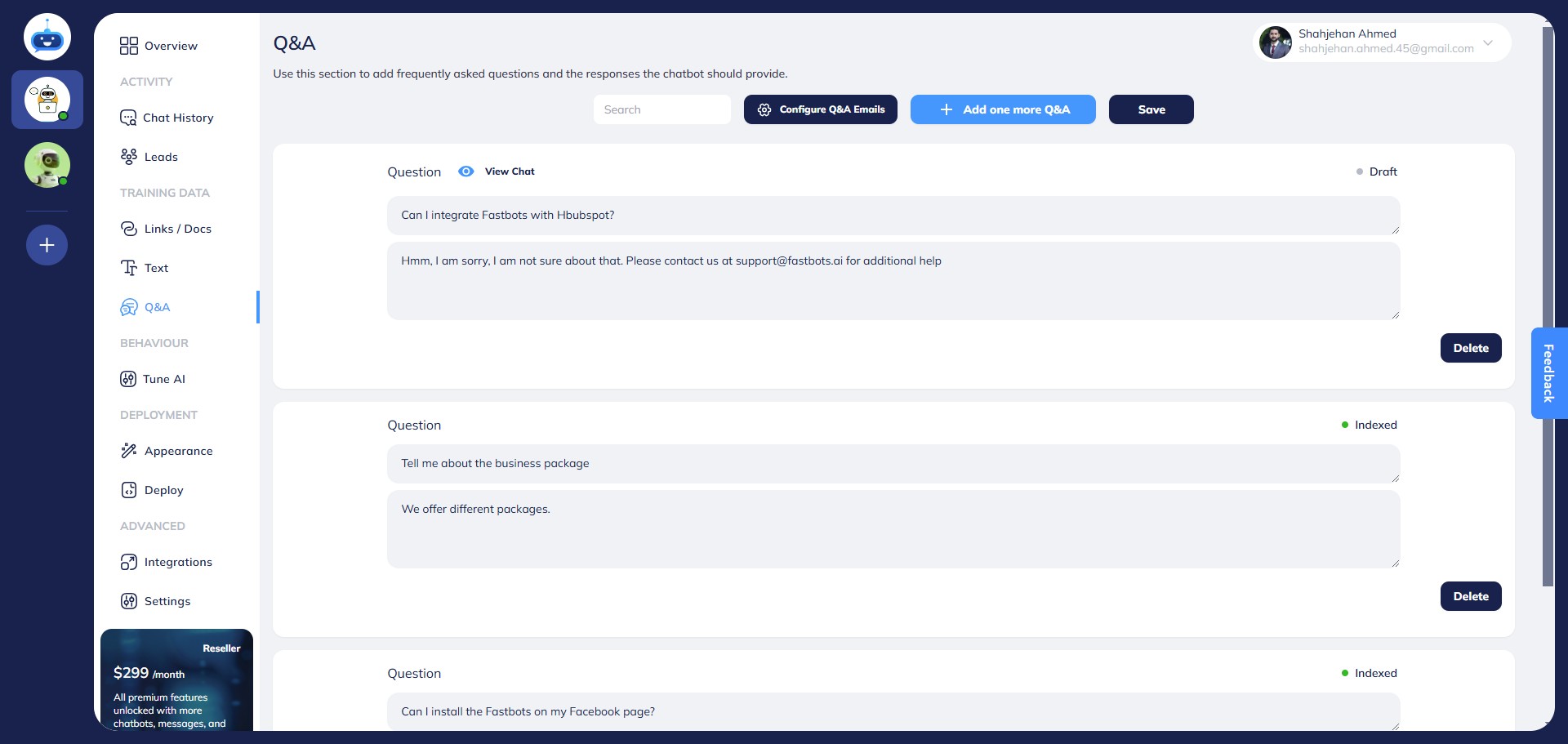
It will show "View Chat" text on these questions.
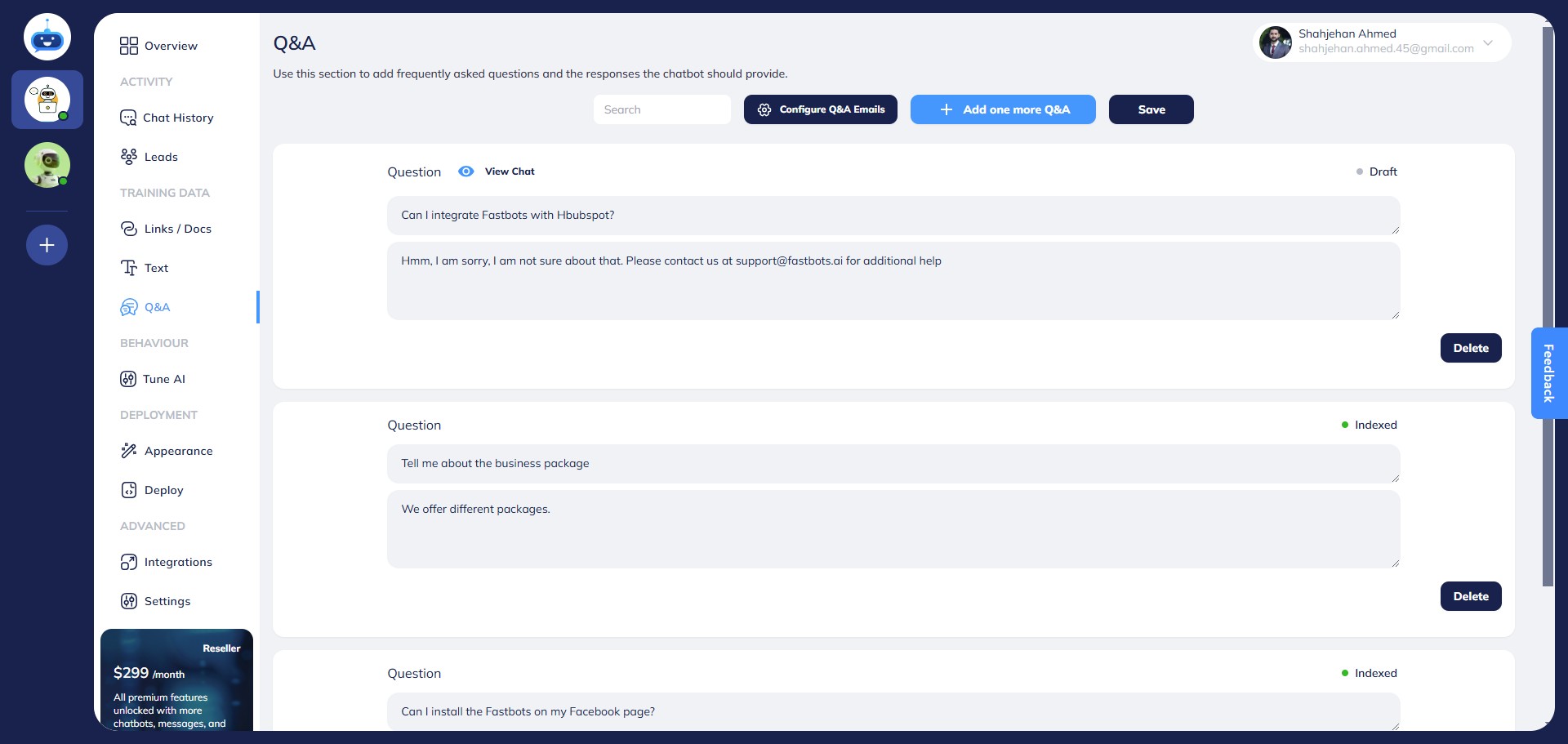
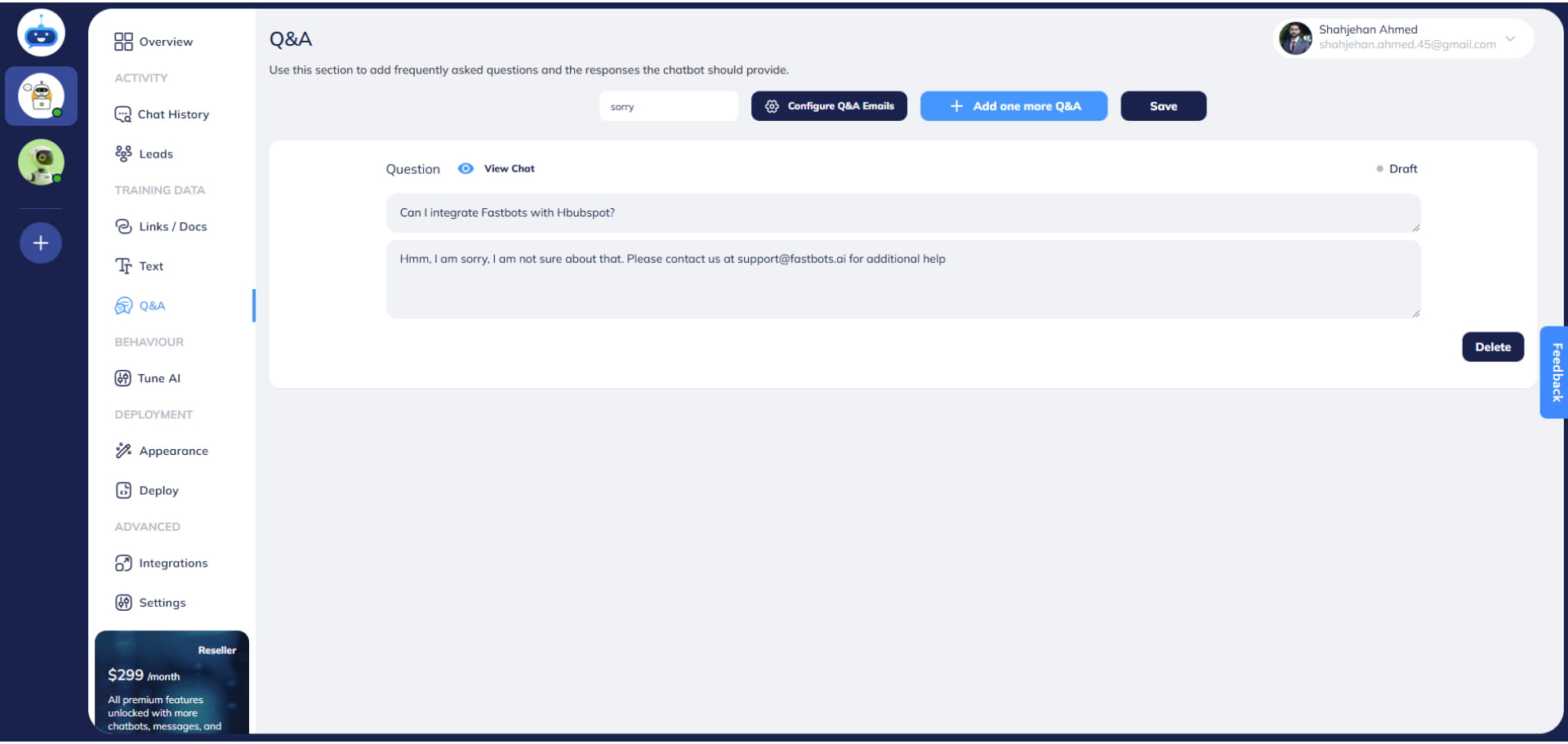
You can also filter these questions by using a keyword in the Search bar.
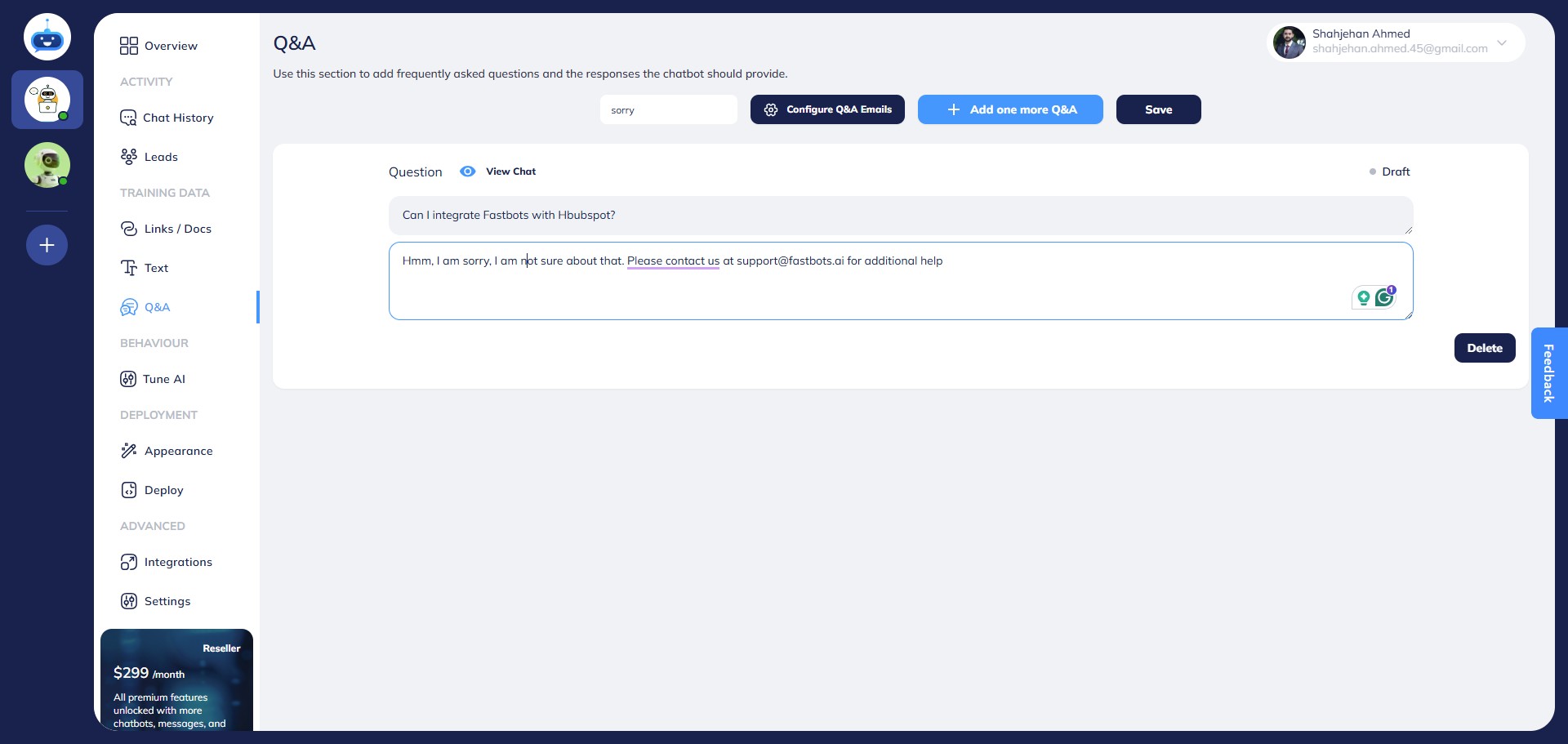
You retrain the chatbot by providing the correct information on the Q&A page.
Done 🚀