

How To Contact Fastbots Support Team
This guide will explain how to contact the Fastbots support team for any technical assistance you may need.
Dec 04, 2024●
1
Navigate to https://app.fastbots.ai/
2
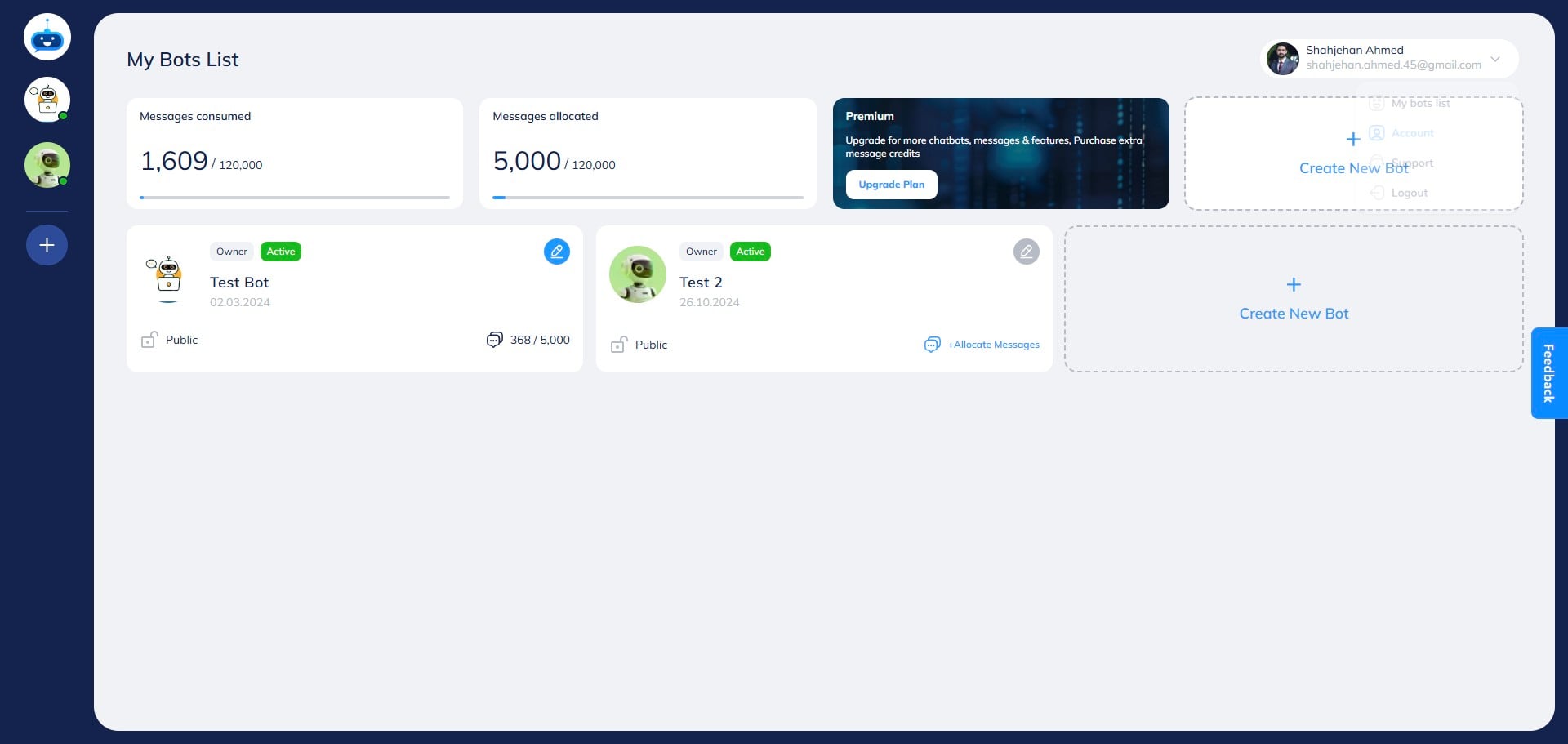
Click on the profile picture.

3
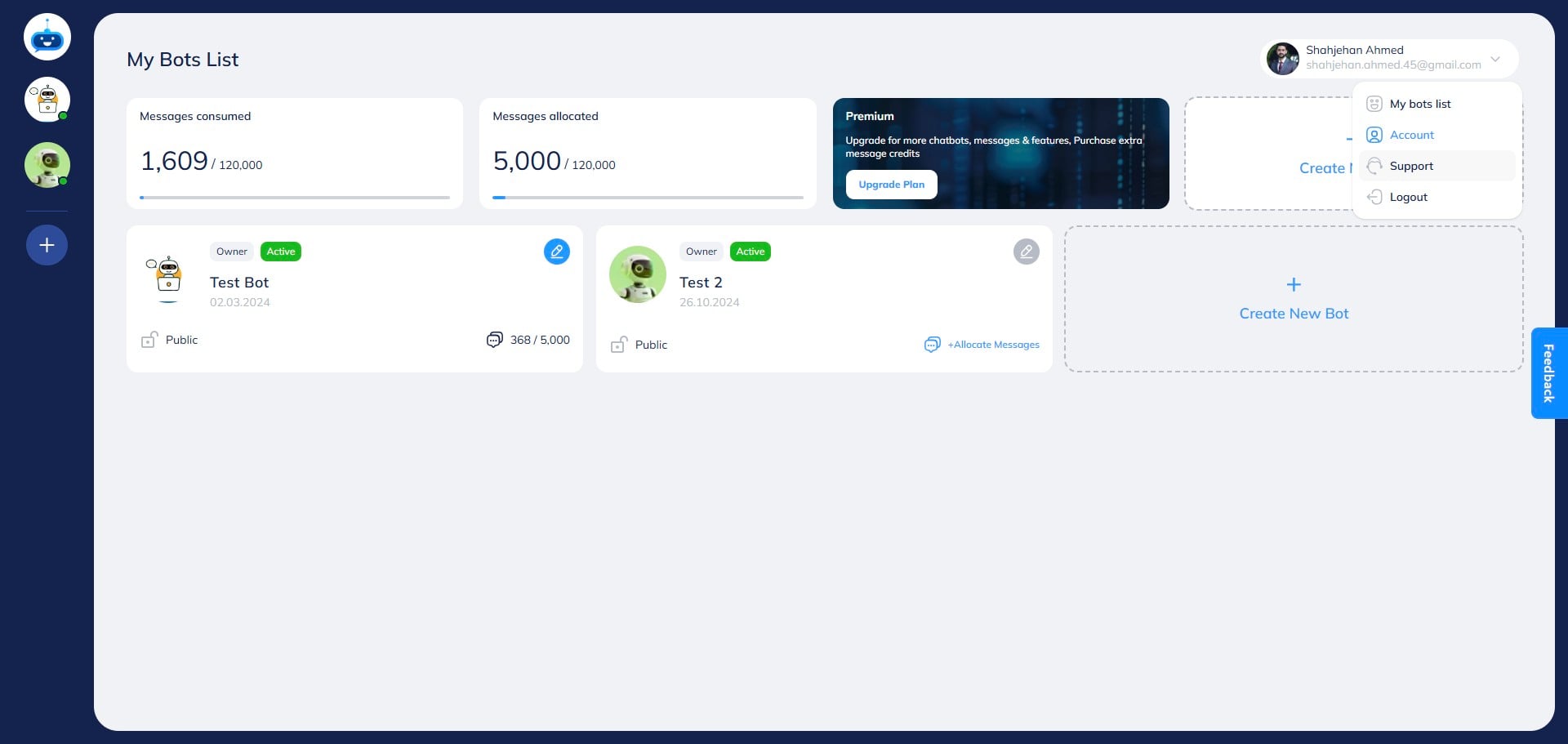
Click on the "Support" button.
4
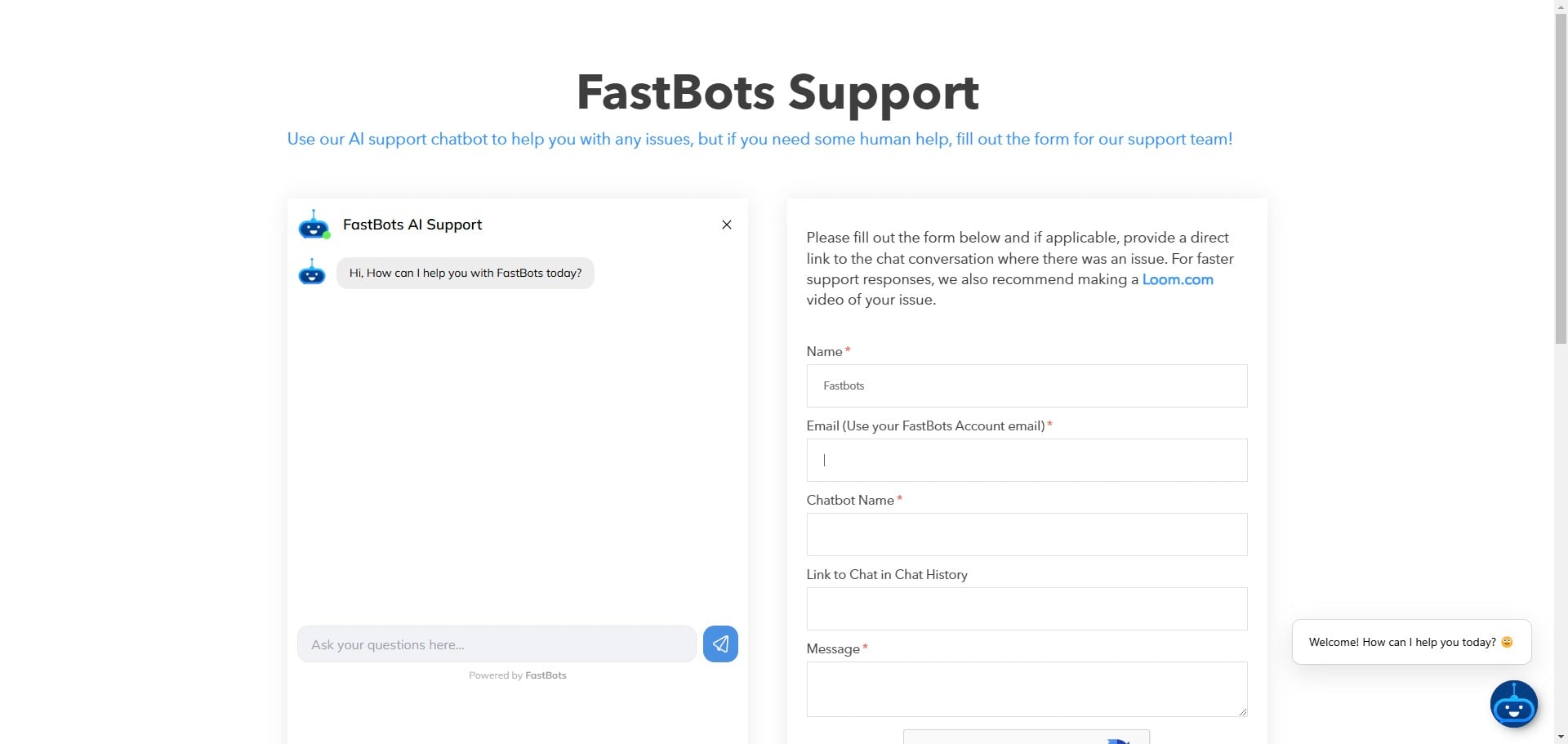
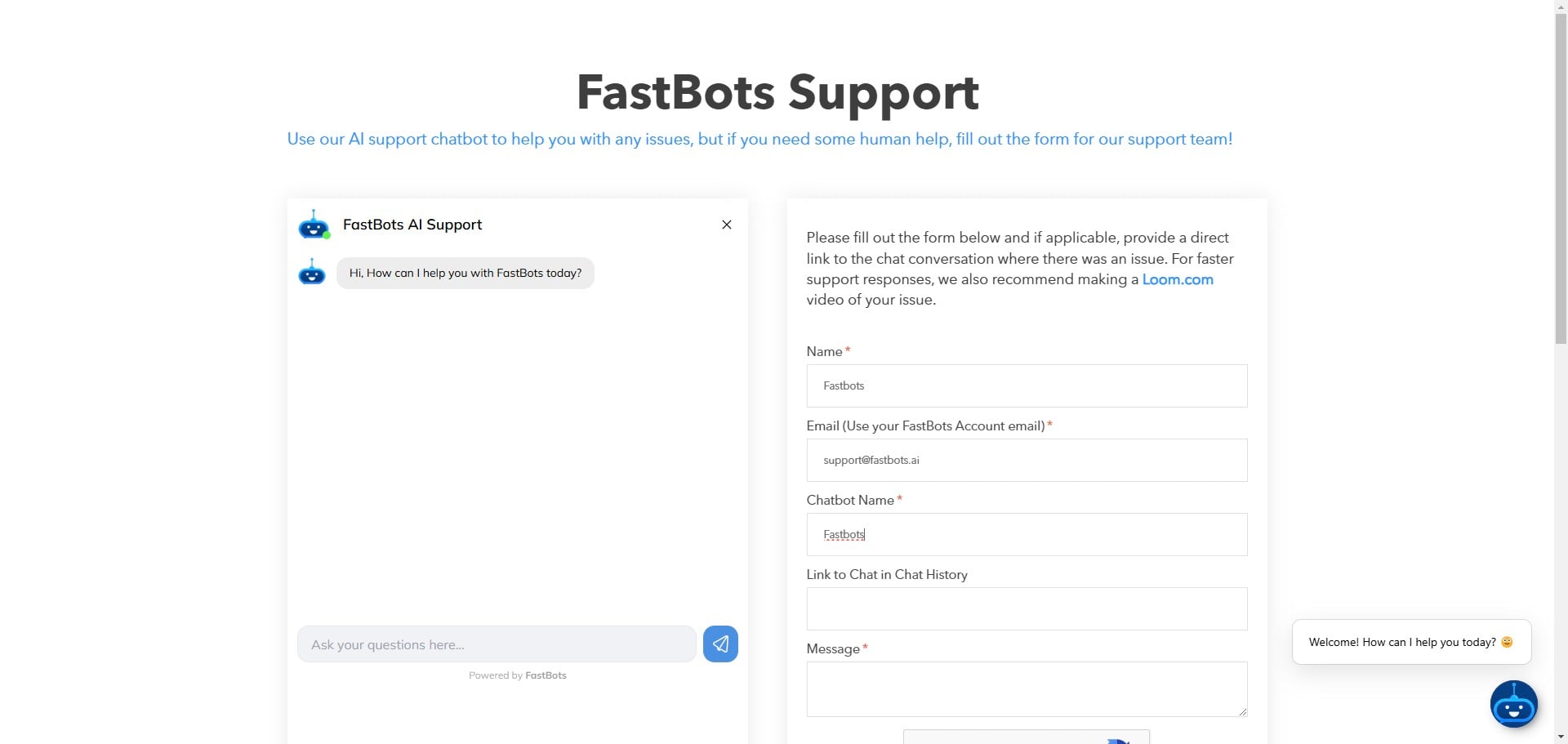
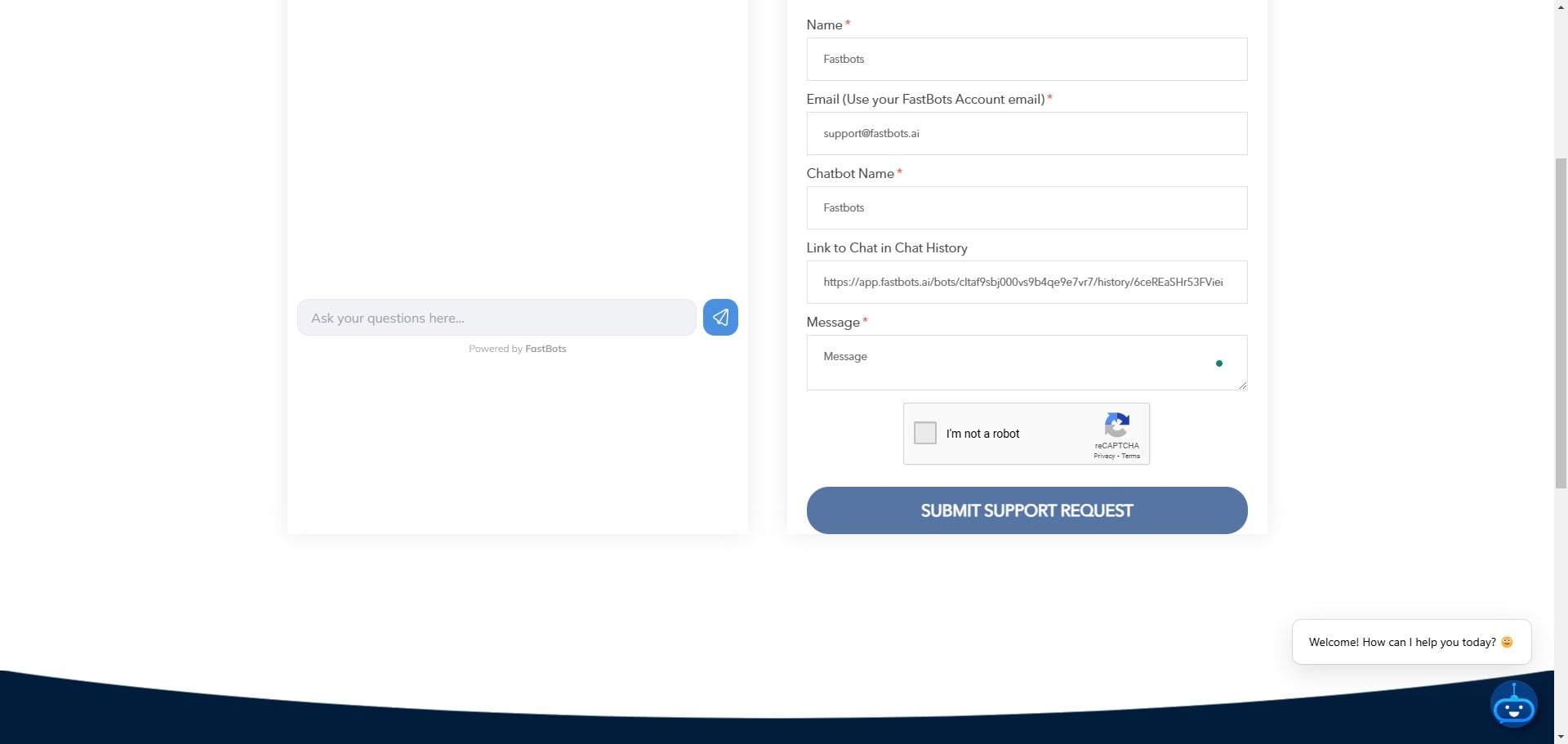
Enter your name.
5
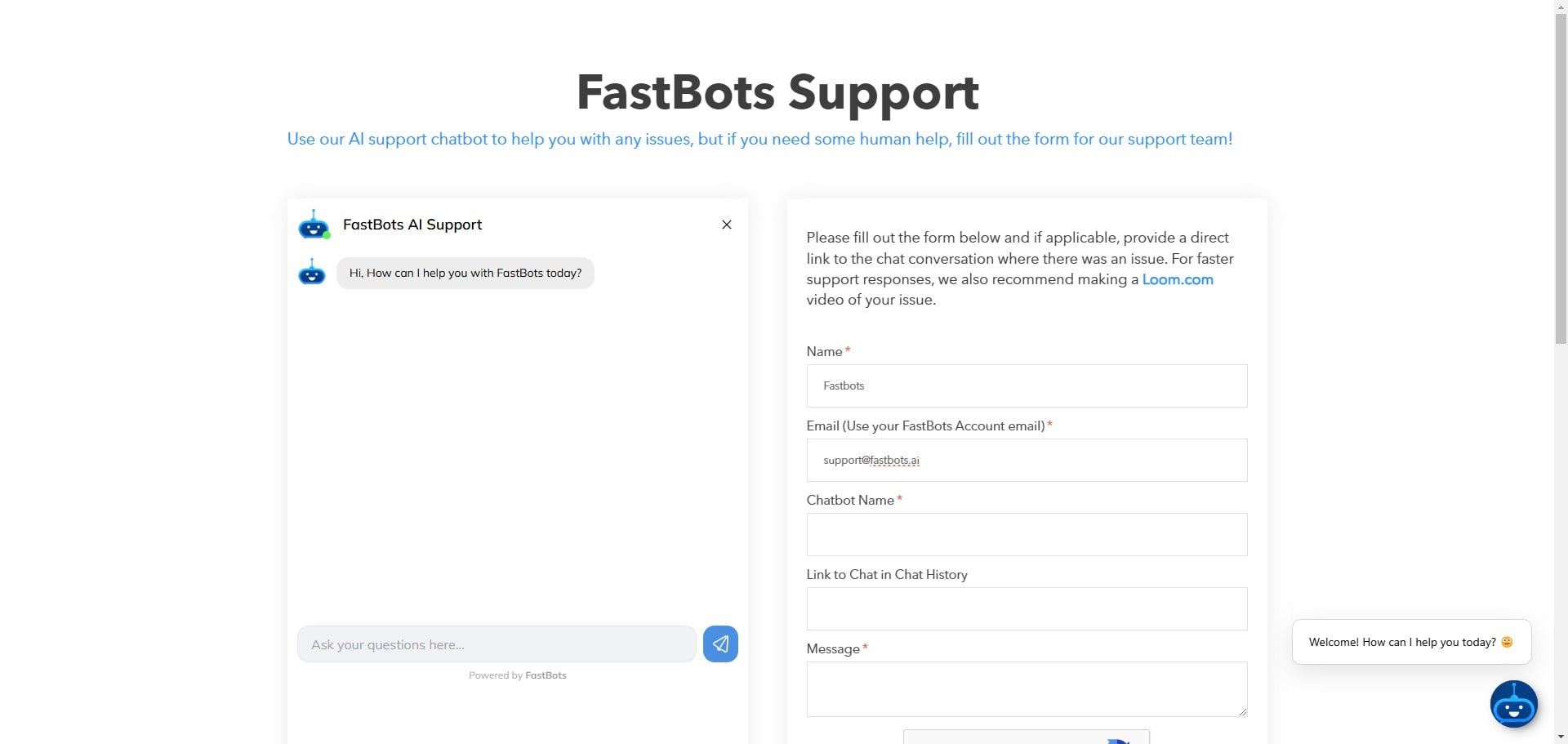
Enter your email (Use the email that is associated with your Fastbots account).
6
Enter your Chatbot name and link to the chat in chat history.
7
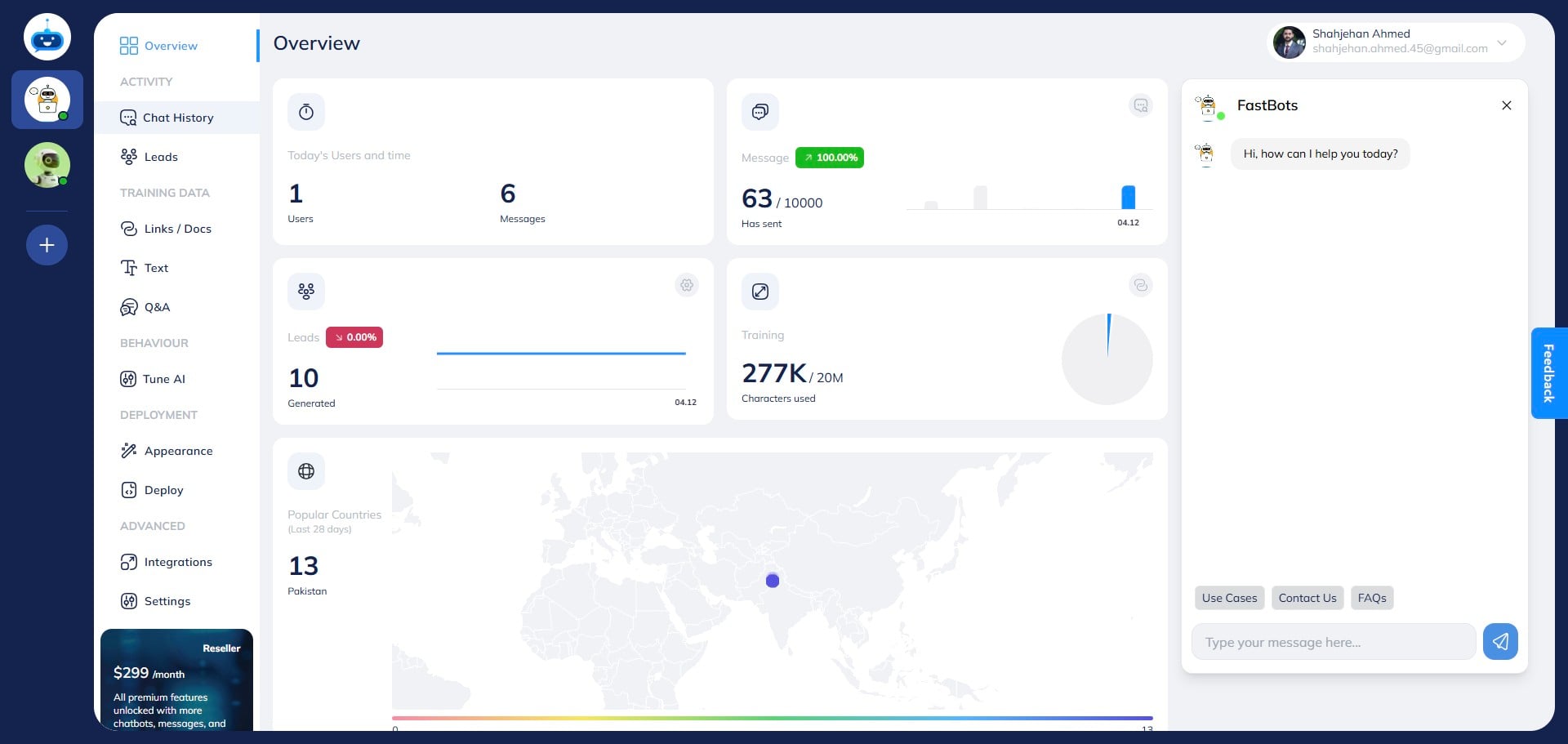
To get the link to the chat, click on the "Chat History" button.
8
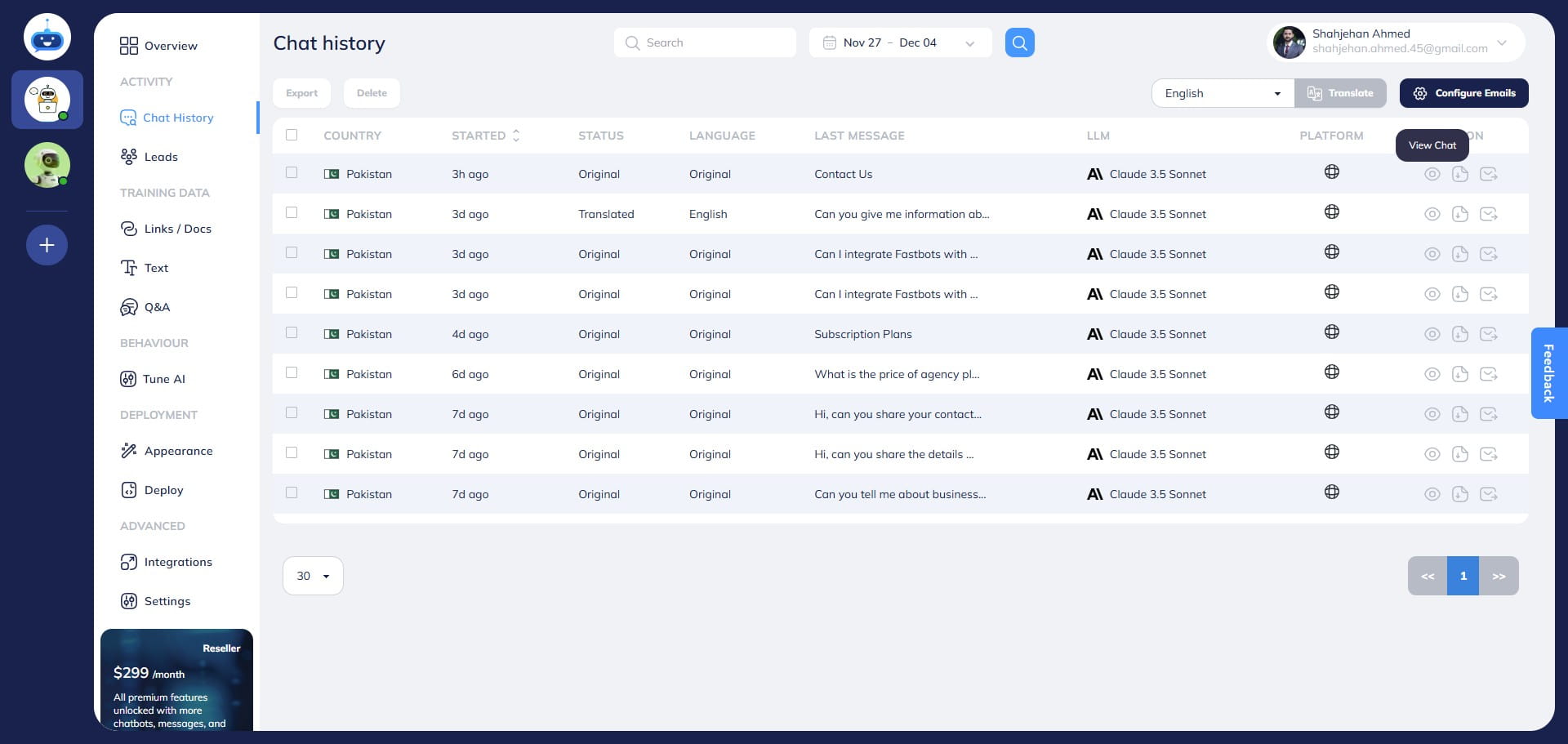
Open the chat by clicking on the "View Chat" button and copy the URL of the page.
9
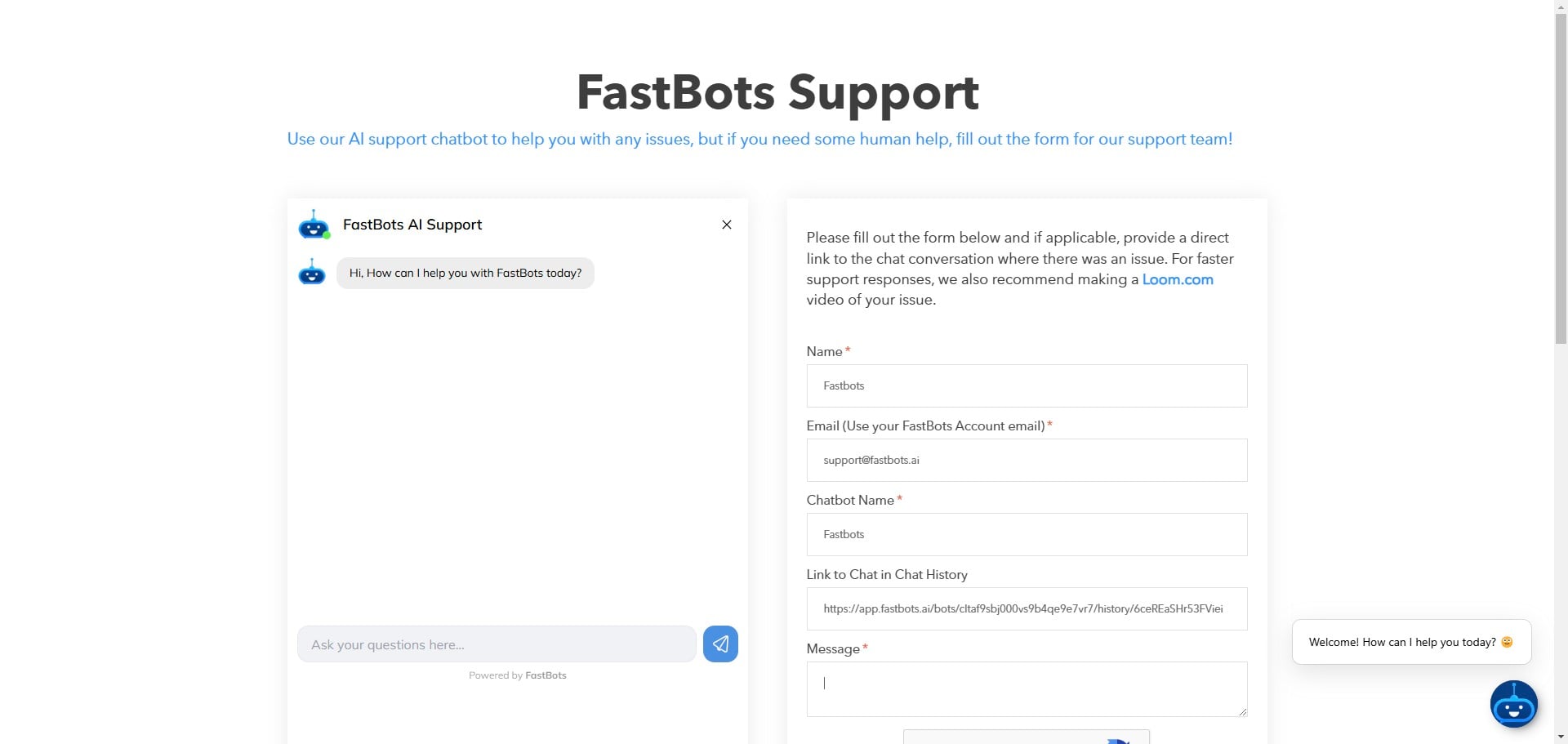
Paste the copies URL in here.
10
Enter your message.
11
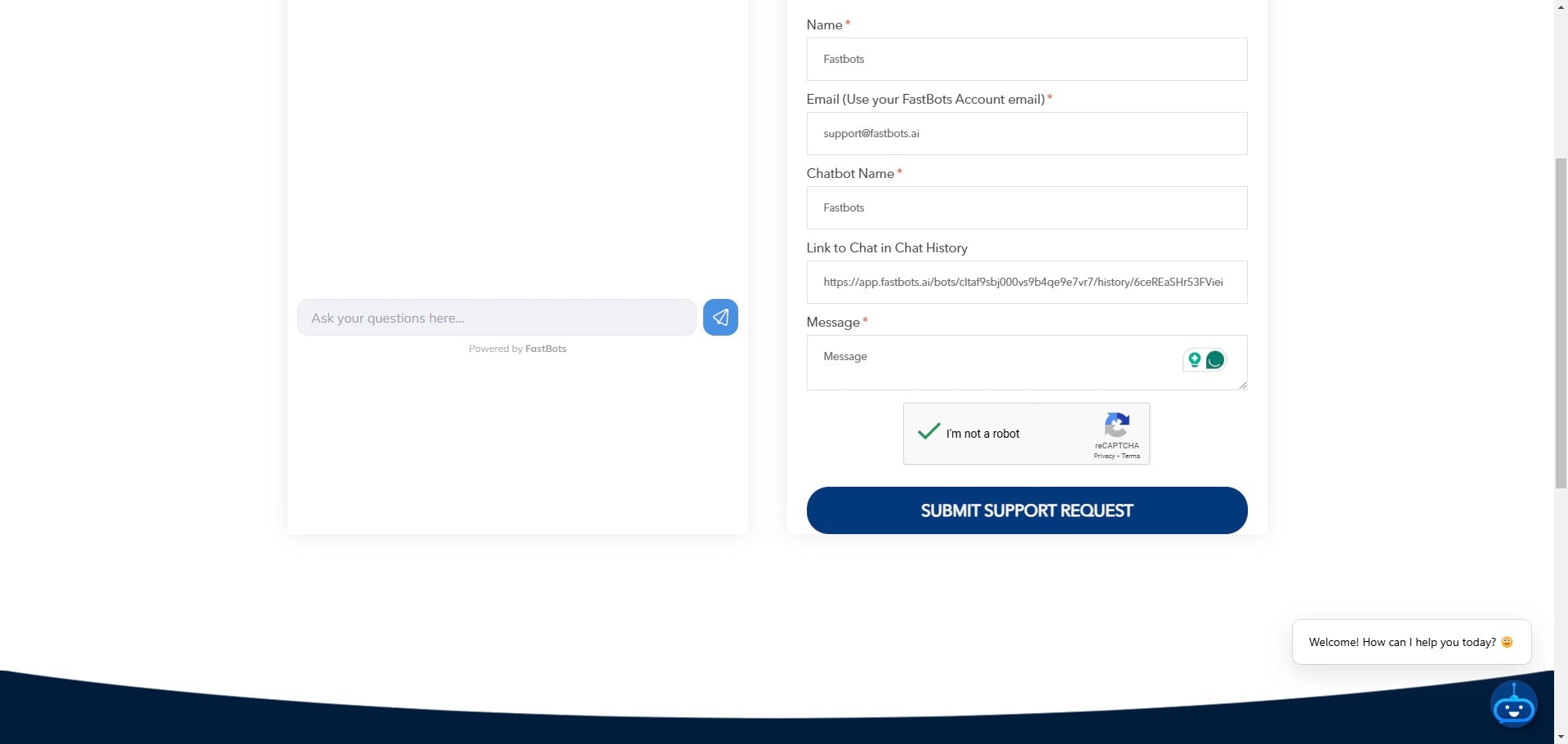
Fill the Captcha.
12
Click on the "Submit Support Request" button.