How To Integrate Fastbots With Zapier
This training guide provides a step-by-step process for integrating Fastbots with Zapier, enabling you to send leads to other platforms. With Zapier integration, you can seamlessly connect Fastbots to various apps for enhanced functionality.
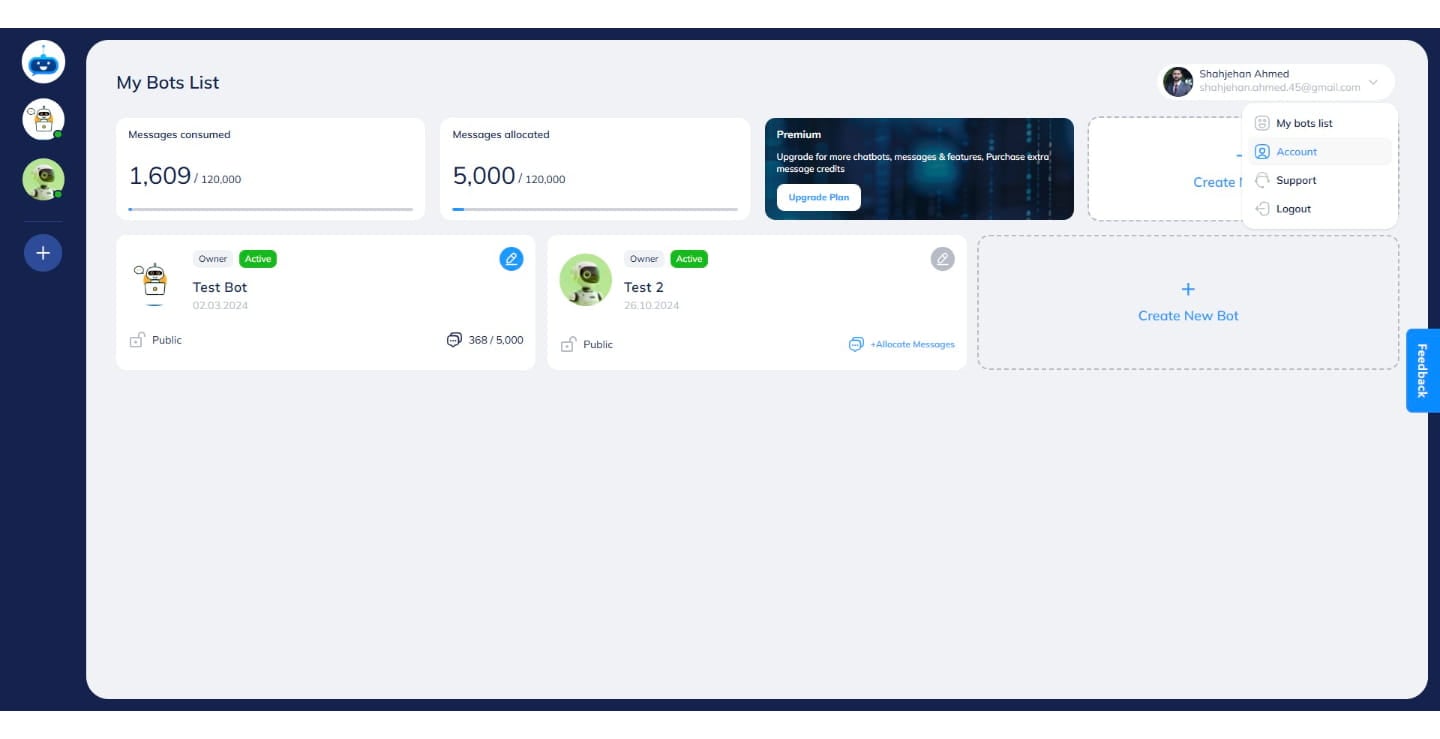
Navigate to https://app.fastbots.ai/
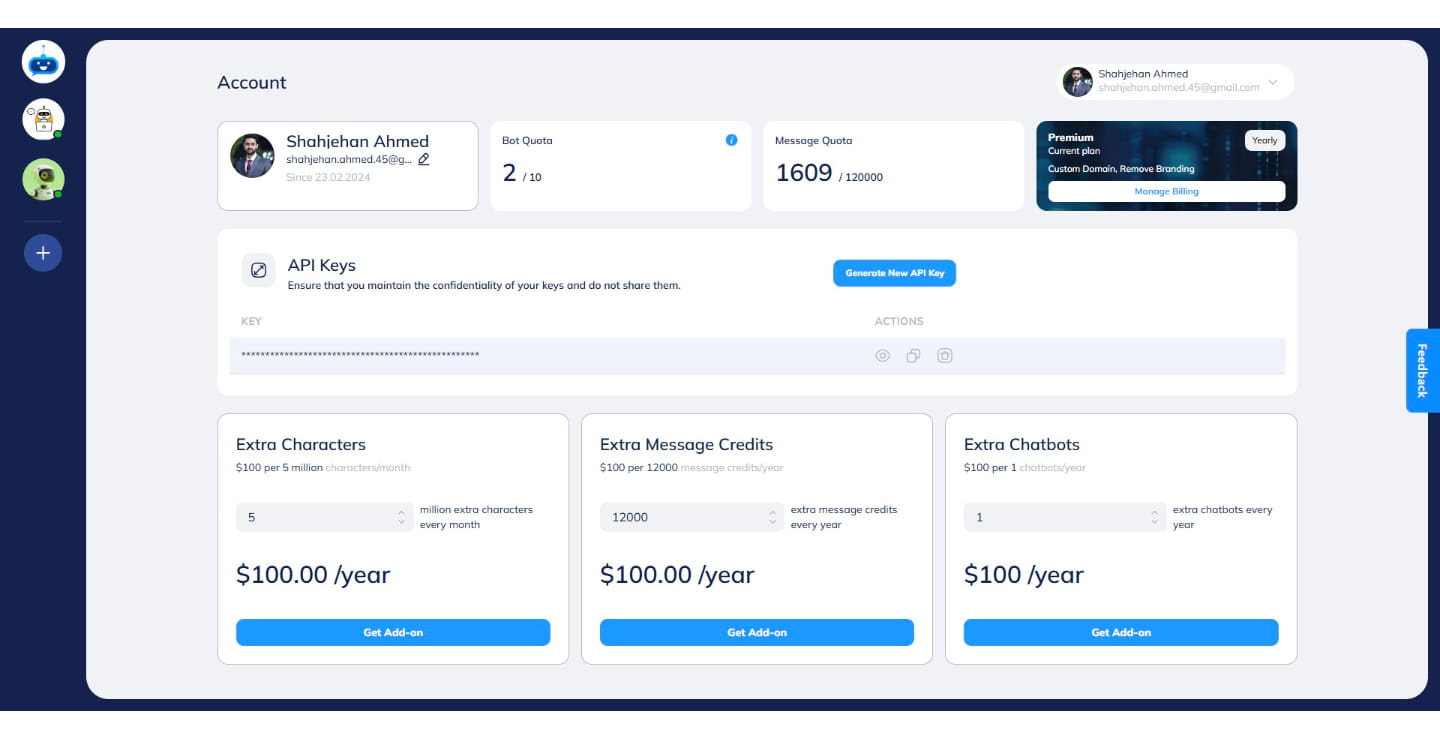
Click on the profile image.
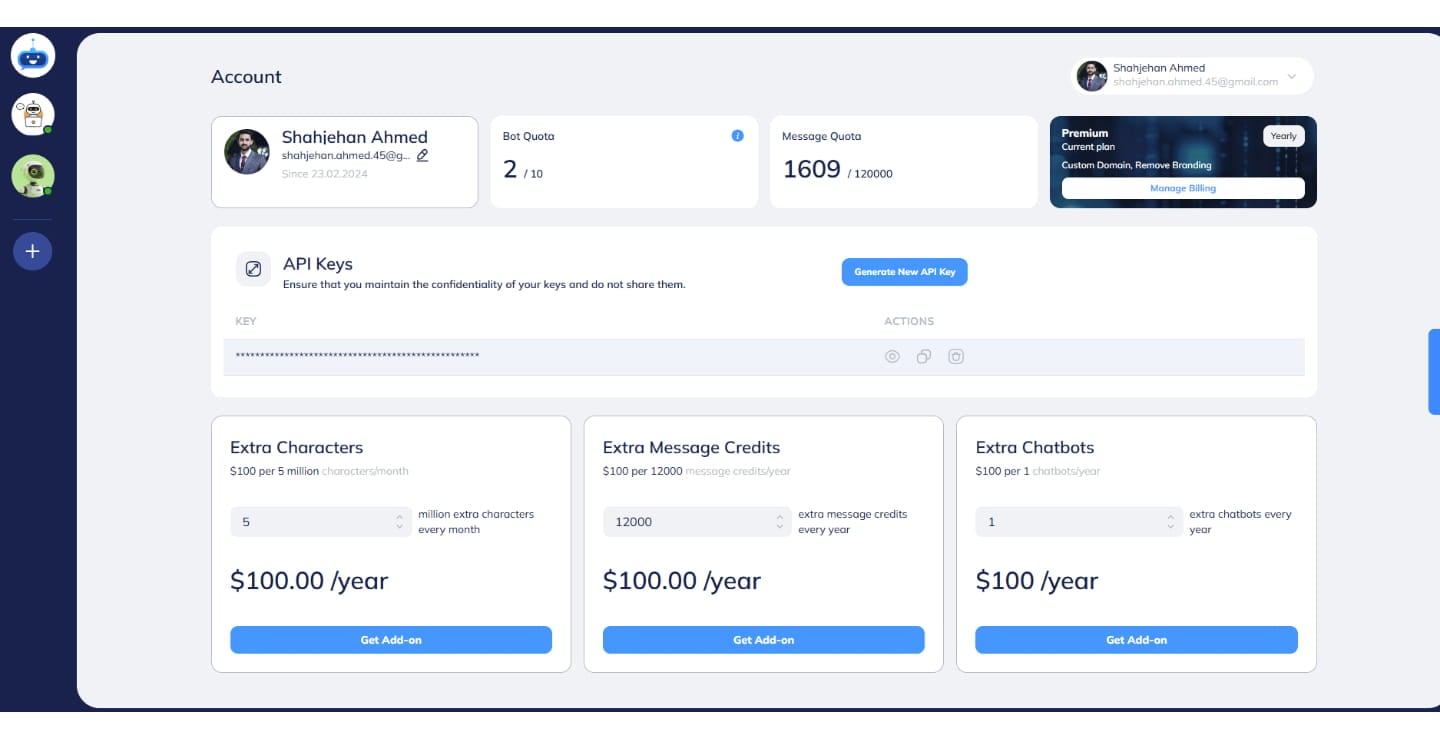

ick on the "Accounts" button.
Click on "Generate New API Key"
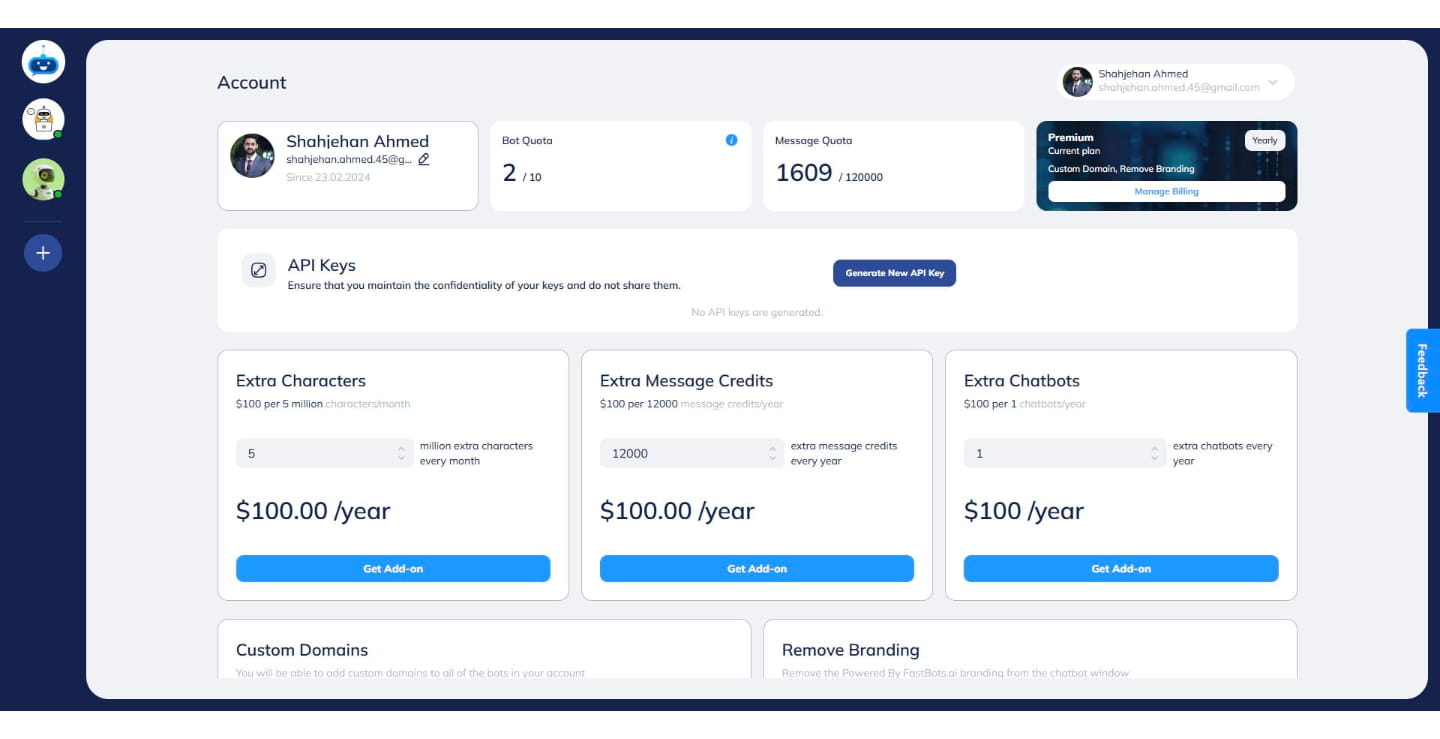
It will generate an API Key. Click on this icon to copy the API Key.
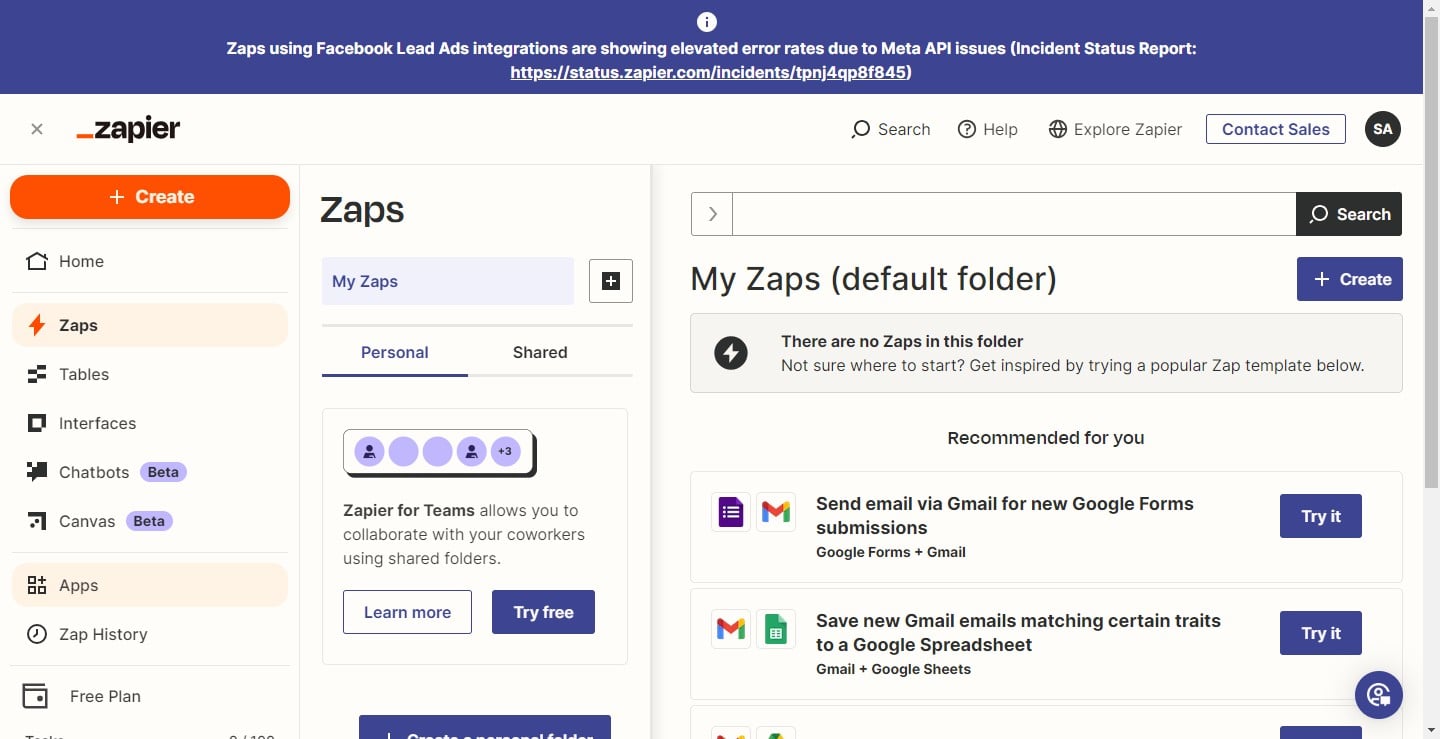
Login to your Zapier account and click on the "Apps" button.
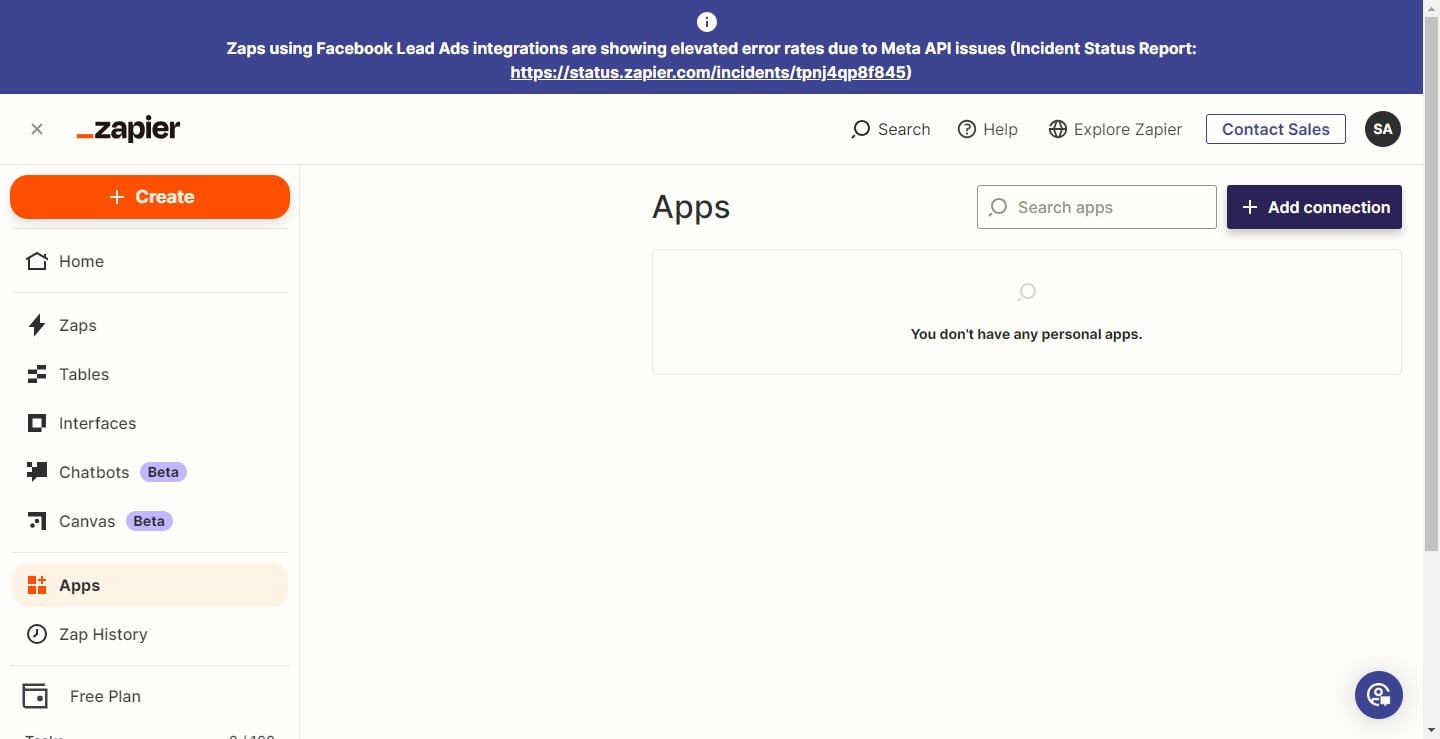
Click on the "Add connection" button.
In the "Search Bar", type Fastbots
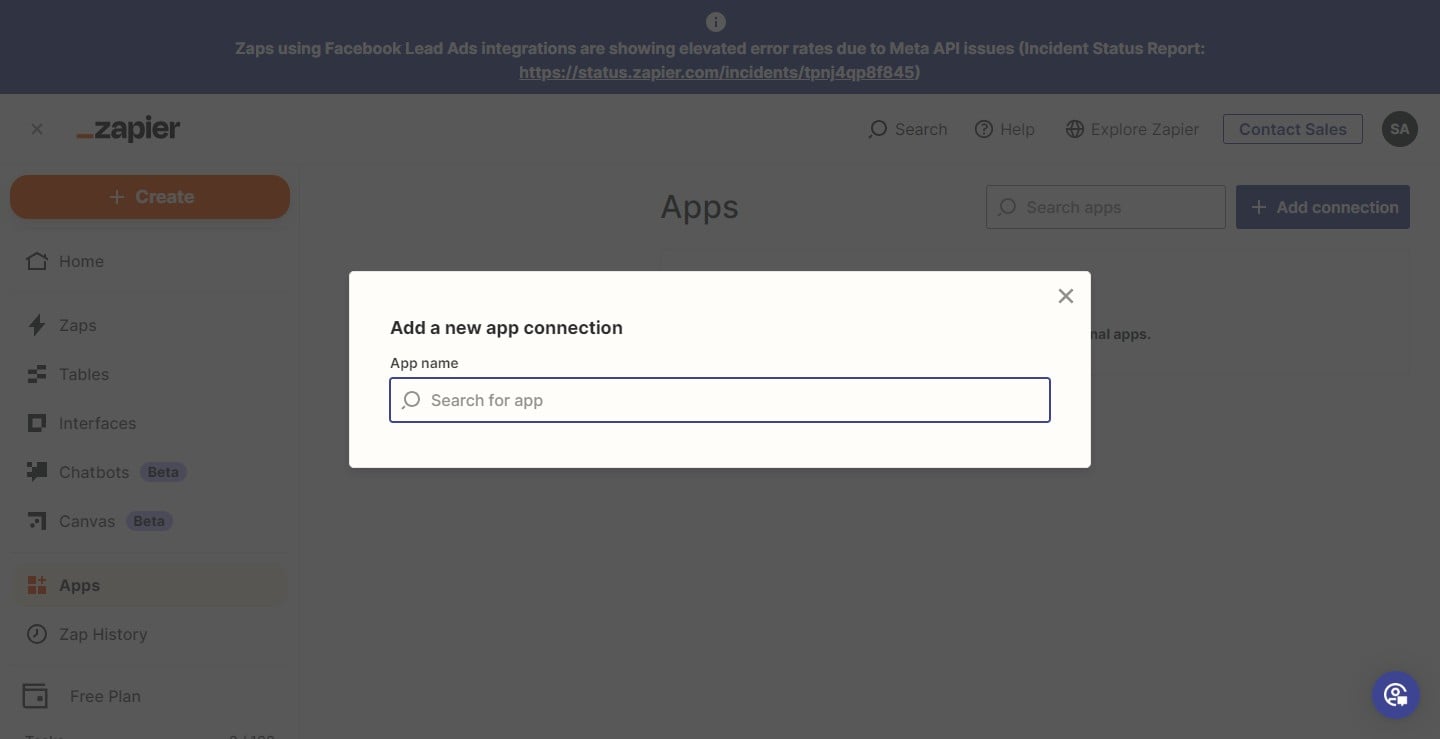
Click on "FastBots" to select it.
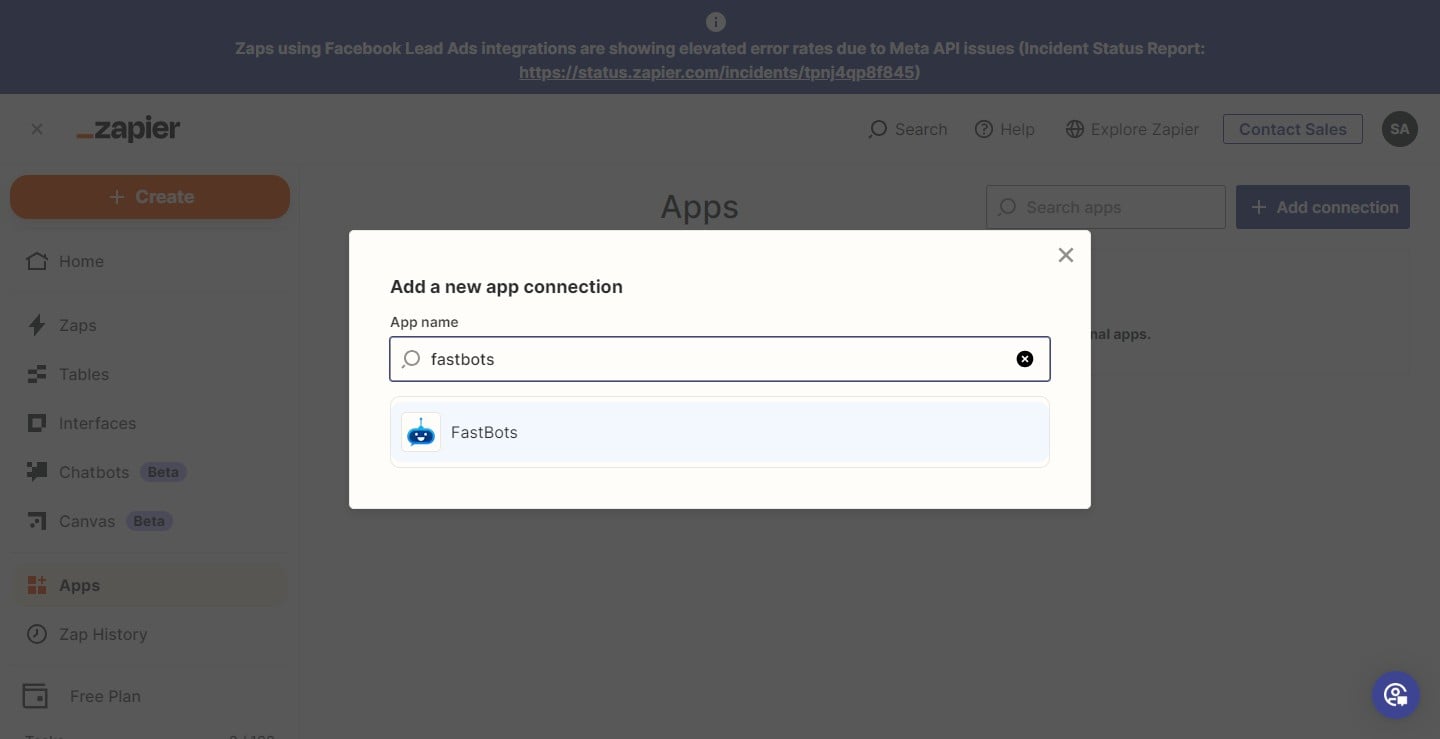
After you select "Fastbots", it will ask you to enter your API Key so Zapier can access the Fastbots account. Paste the API key here.
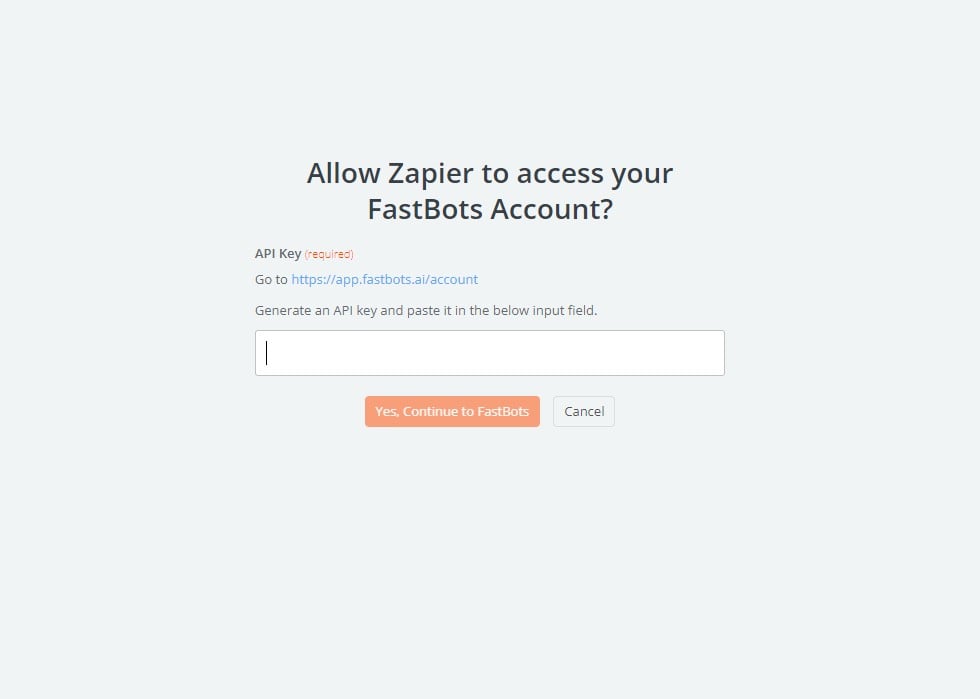
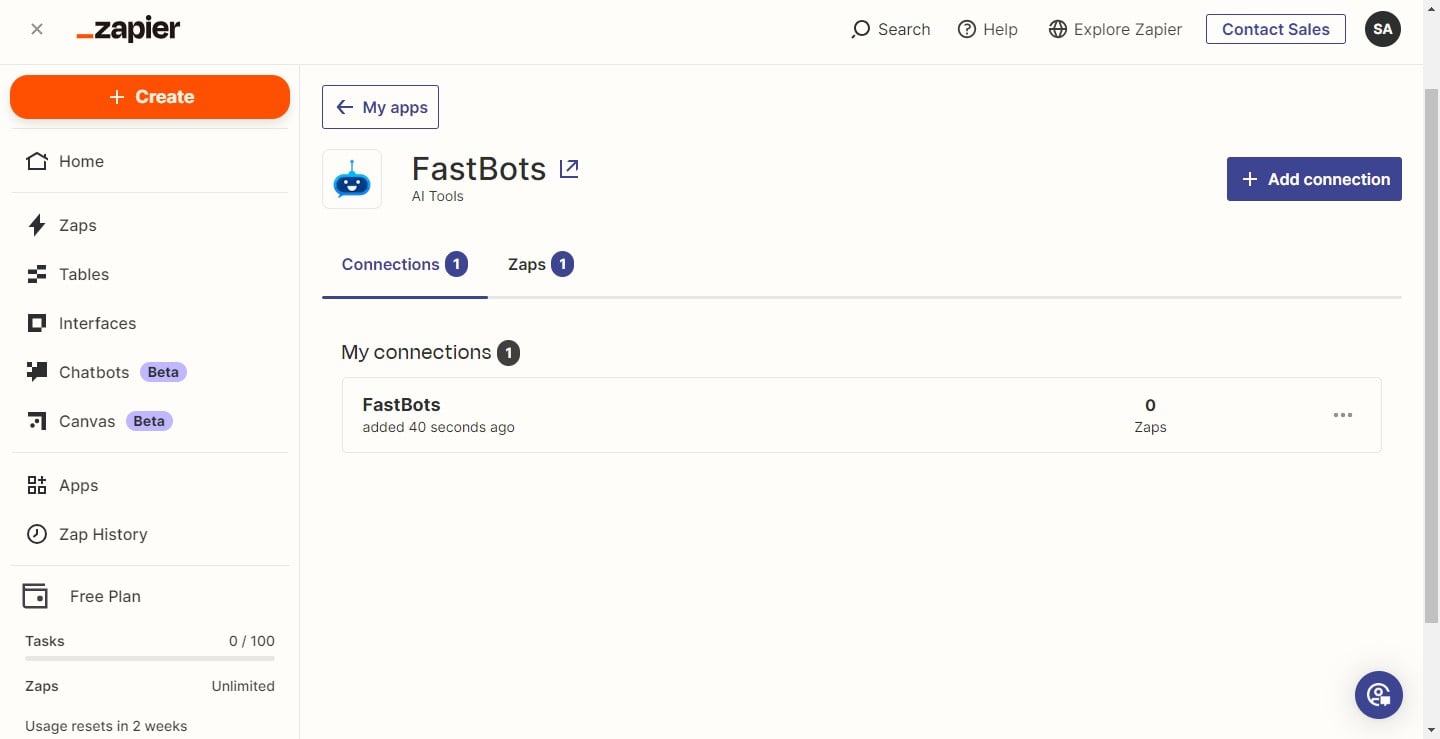
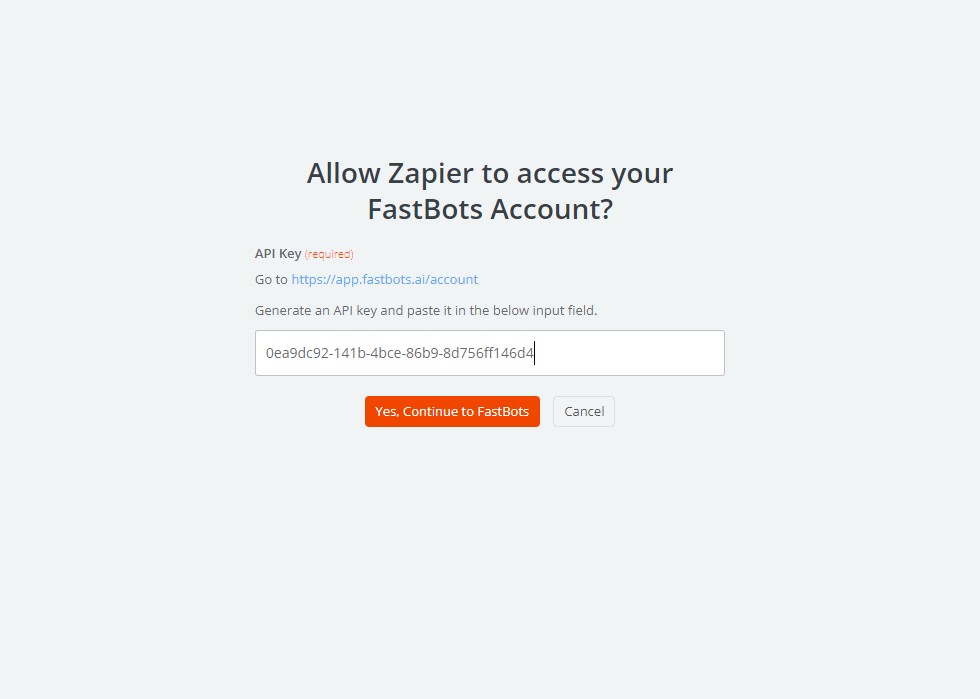
Click on "Yes, Continue to Fastbots" to connect the Fastbots with Zapier.
Done 🚀