How To Add Individual Webpage To Chatbot Training
This guide will show you how to train your chatbot using only one webpage of a website.
Nov 18, 2024●
1
Navigate to https://app.fastbots.ai/
2
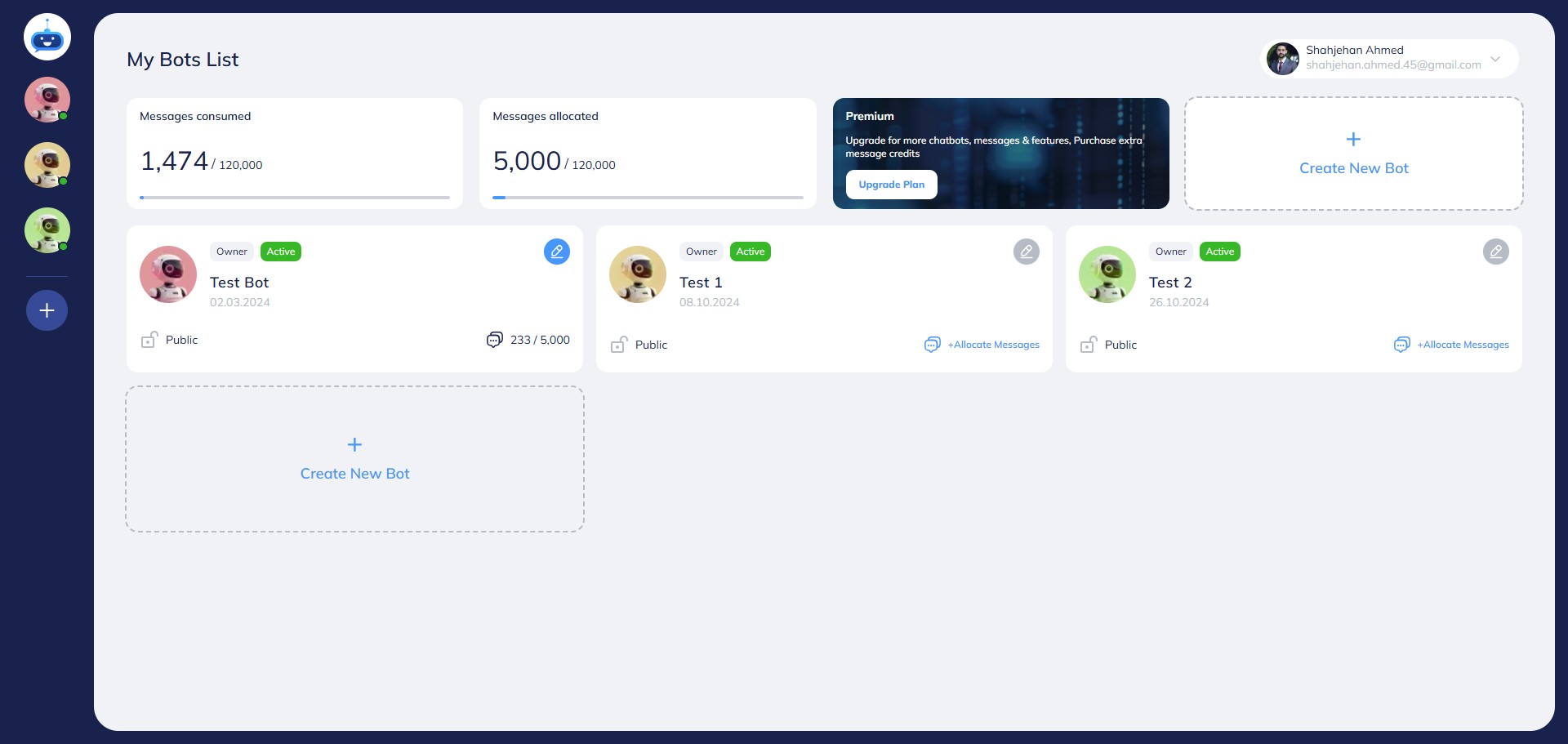
Click on your Chatbot to open it.

3
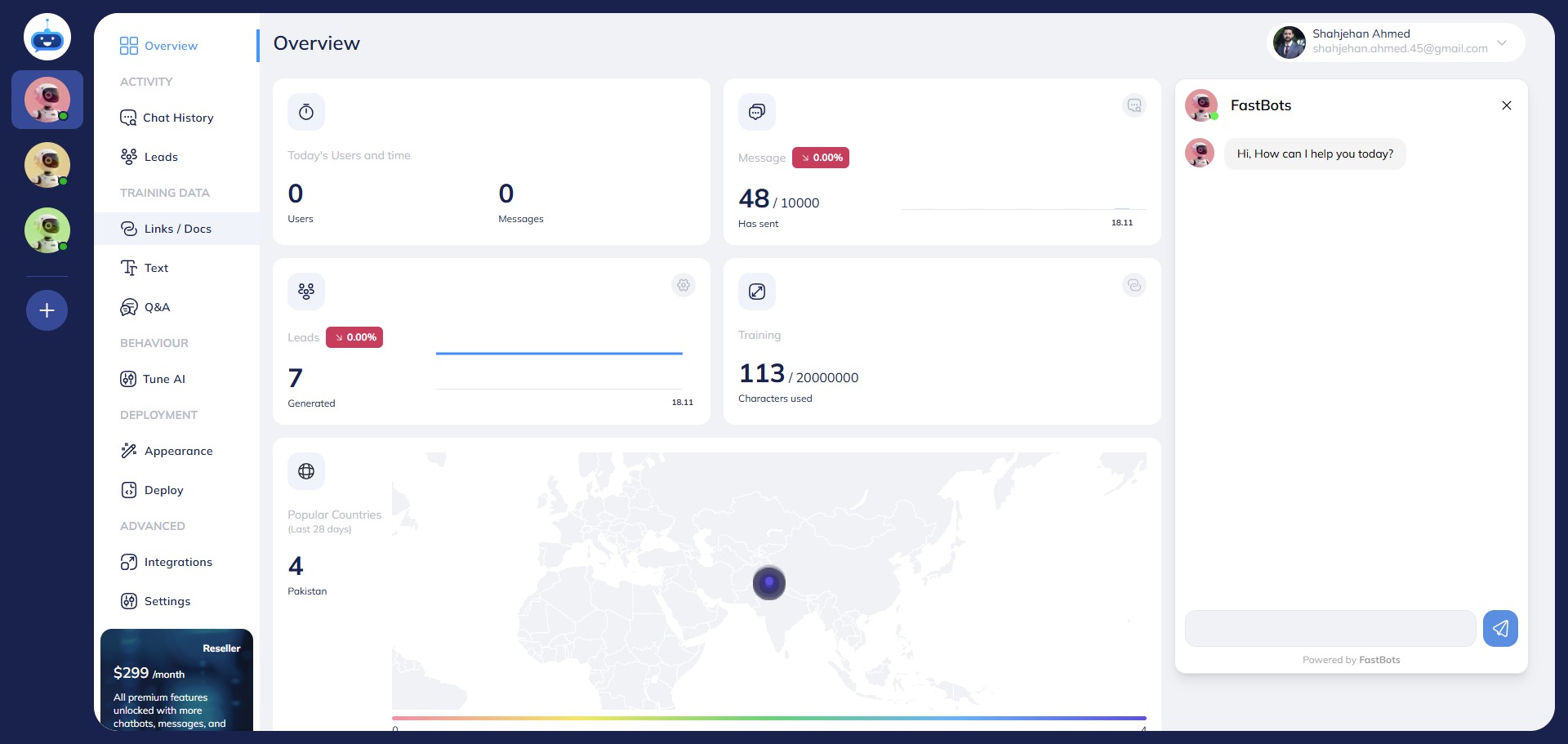
Click on "Links / Docs" to open this page.
4
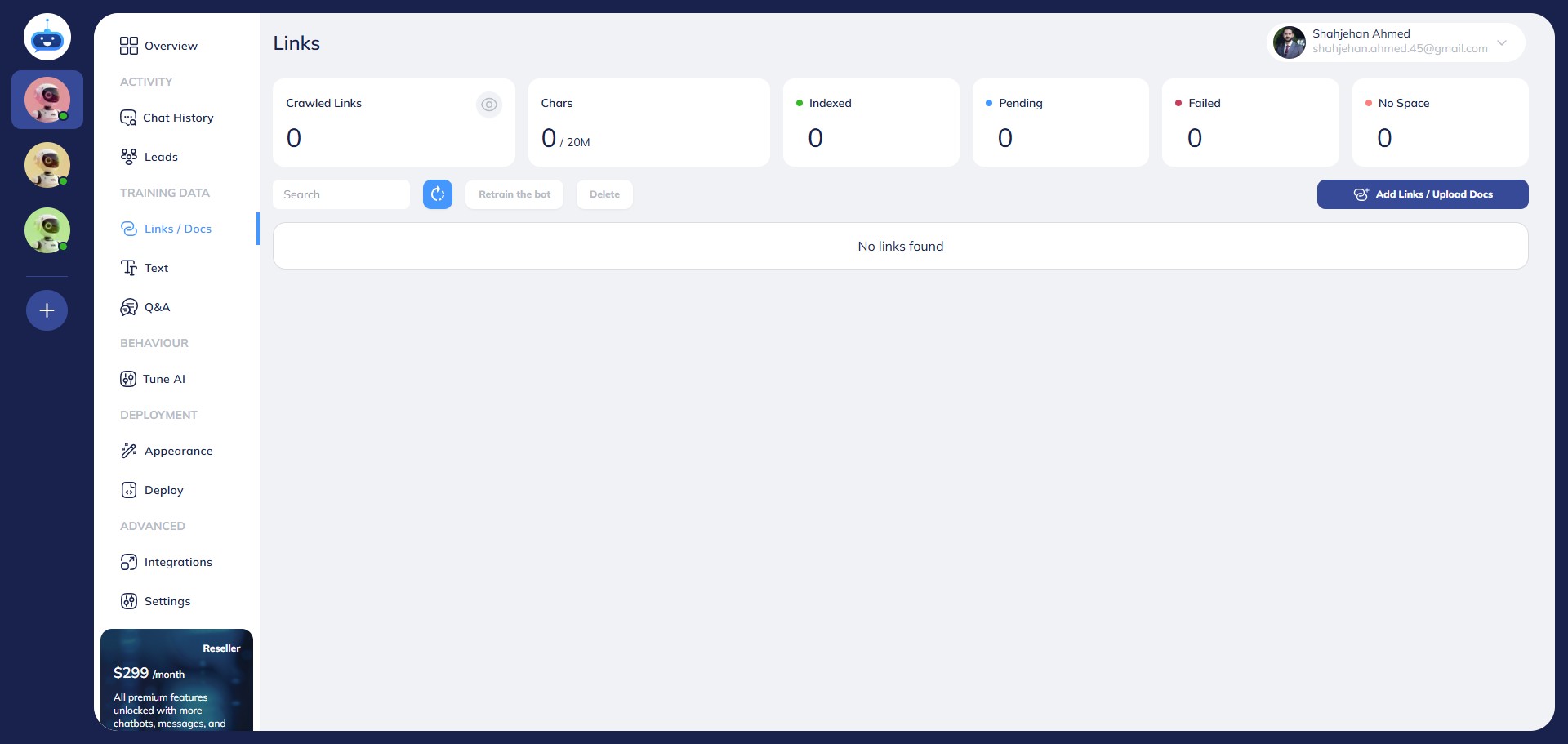
Click on "Add Links / Upload Docs" button.
5
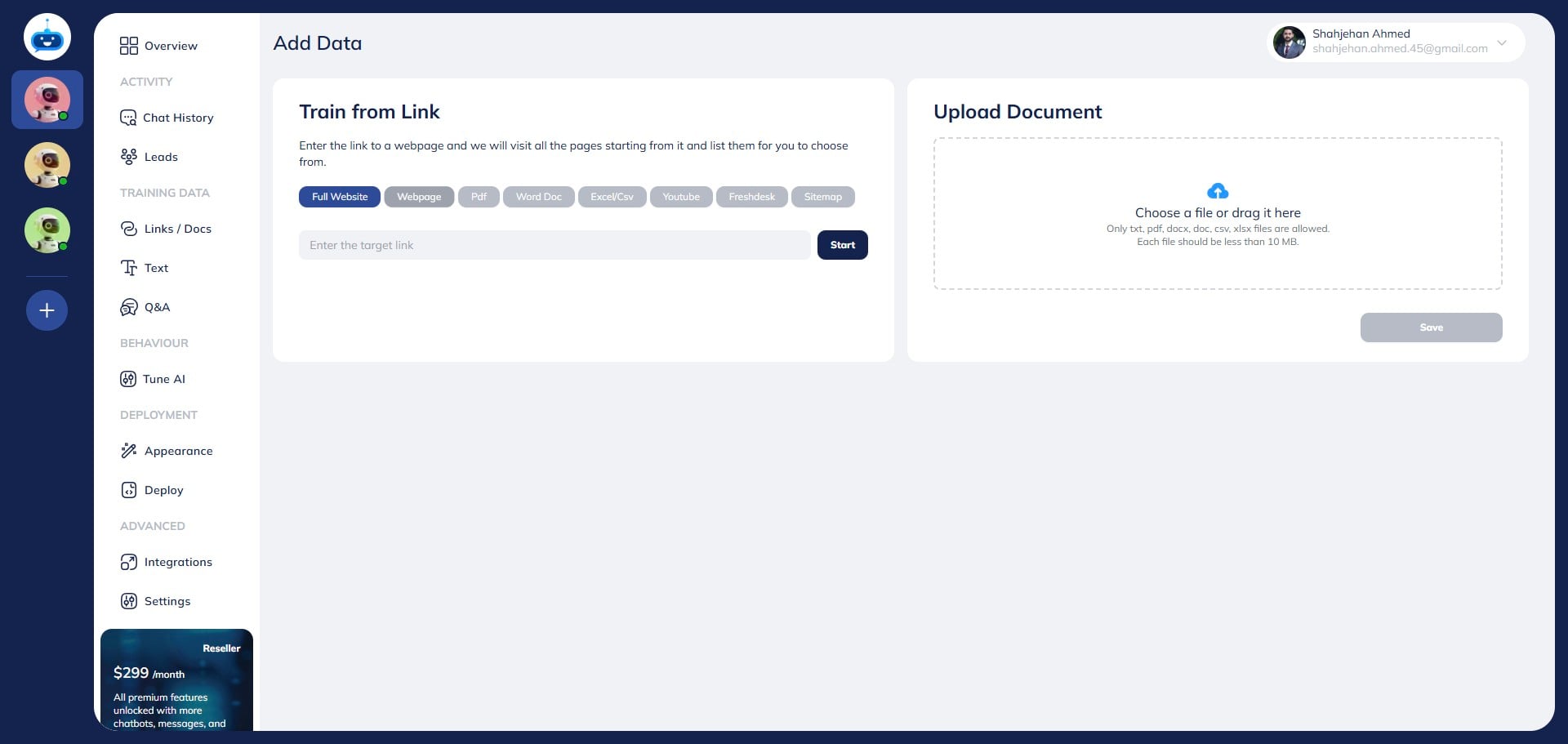
Click on "webpage" to select this option.
6
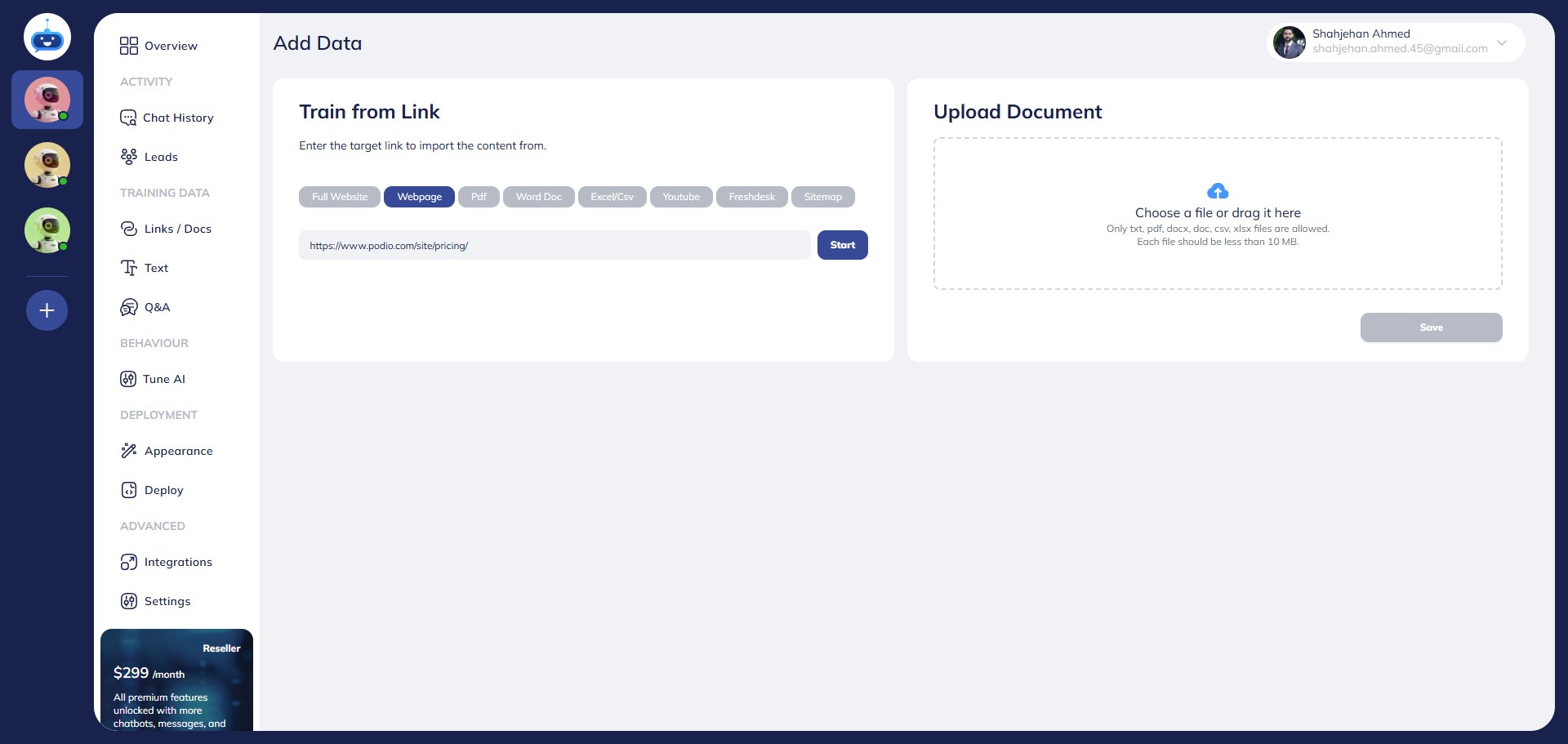
Enter the webpage URL that you want to add and click on the "Start" button.
7
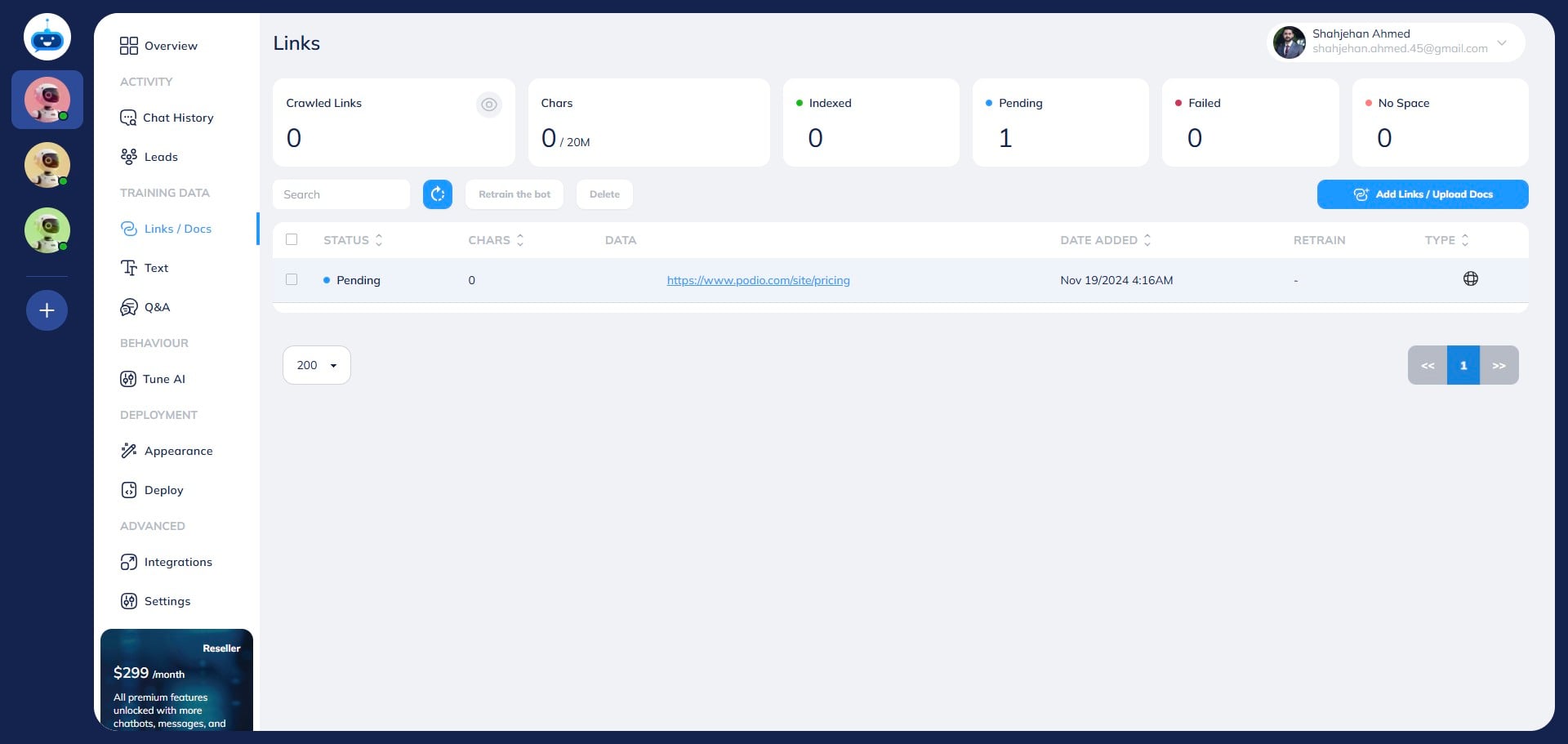
The URL should be showing the Pending status now.
8
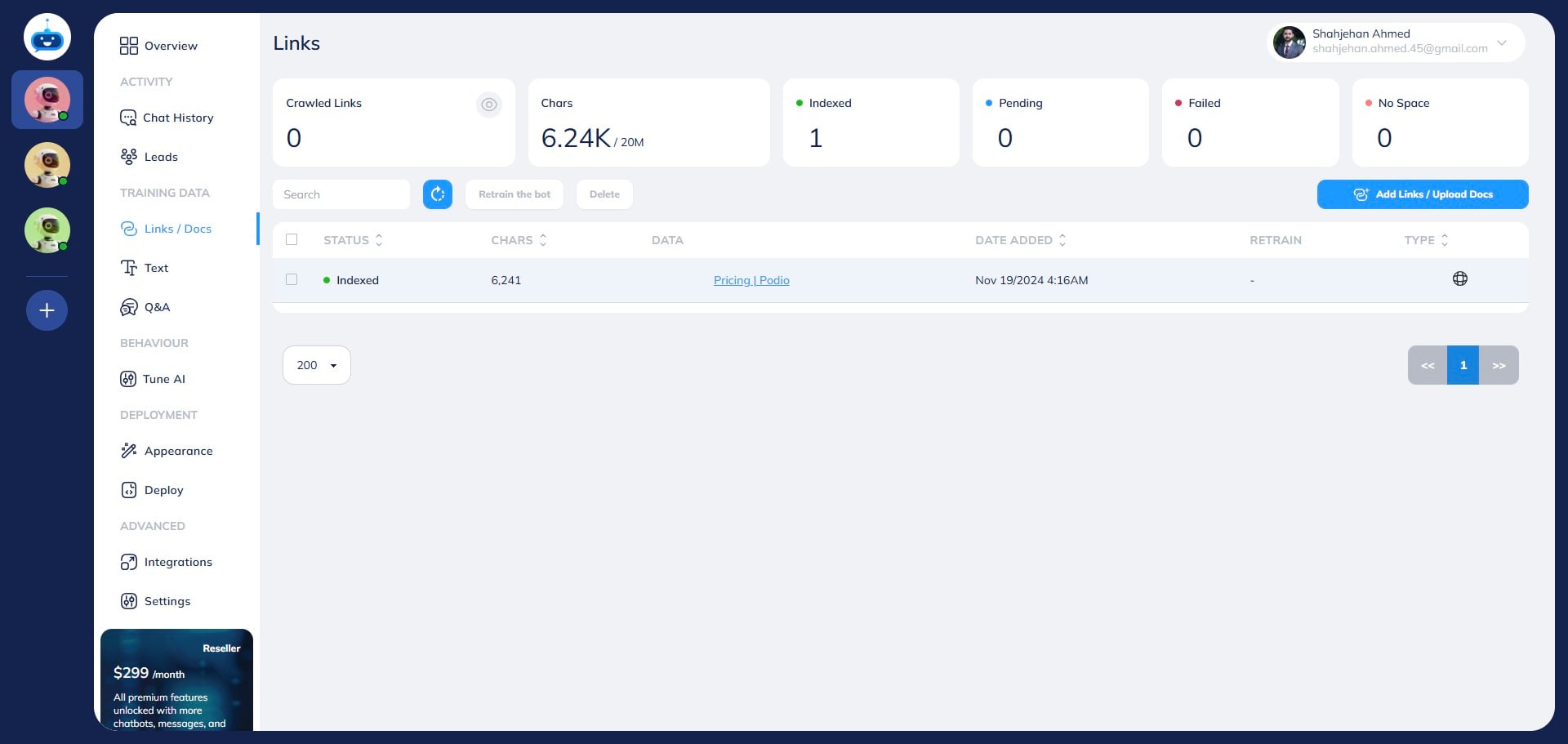
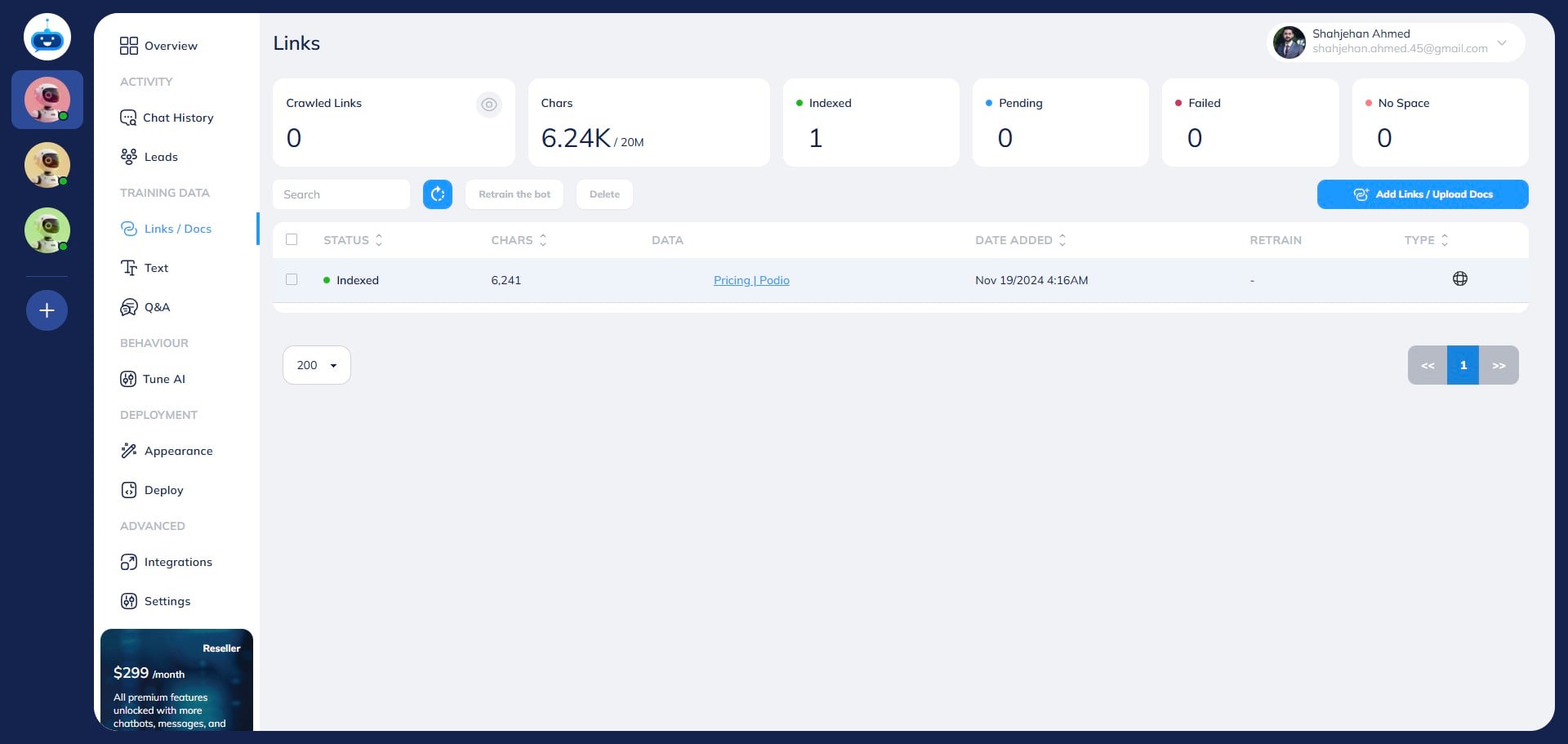
Once the URL is successfully added, it will be showing under the "Indexed" status with the Green mark.
9
You have successfully added the webpage to your chatbot training. Done 🚀