Quick Chatbot Setup Guide Old
Learn how to create a new chatbot.
Use this video to learn how to set up your first AI chatbot or alternatively, follow the step by step tutorial below.
Navigate to https://app.fastbots.ai/bots/new
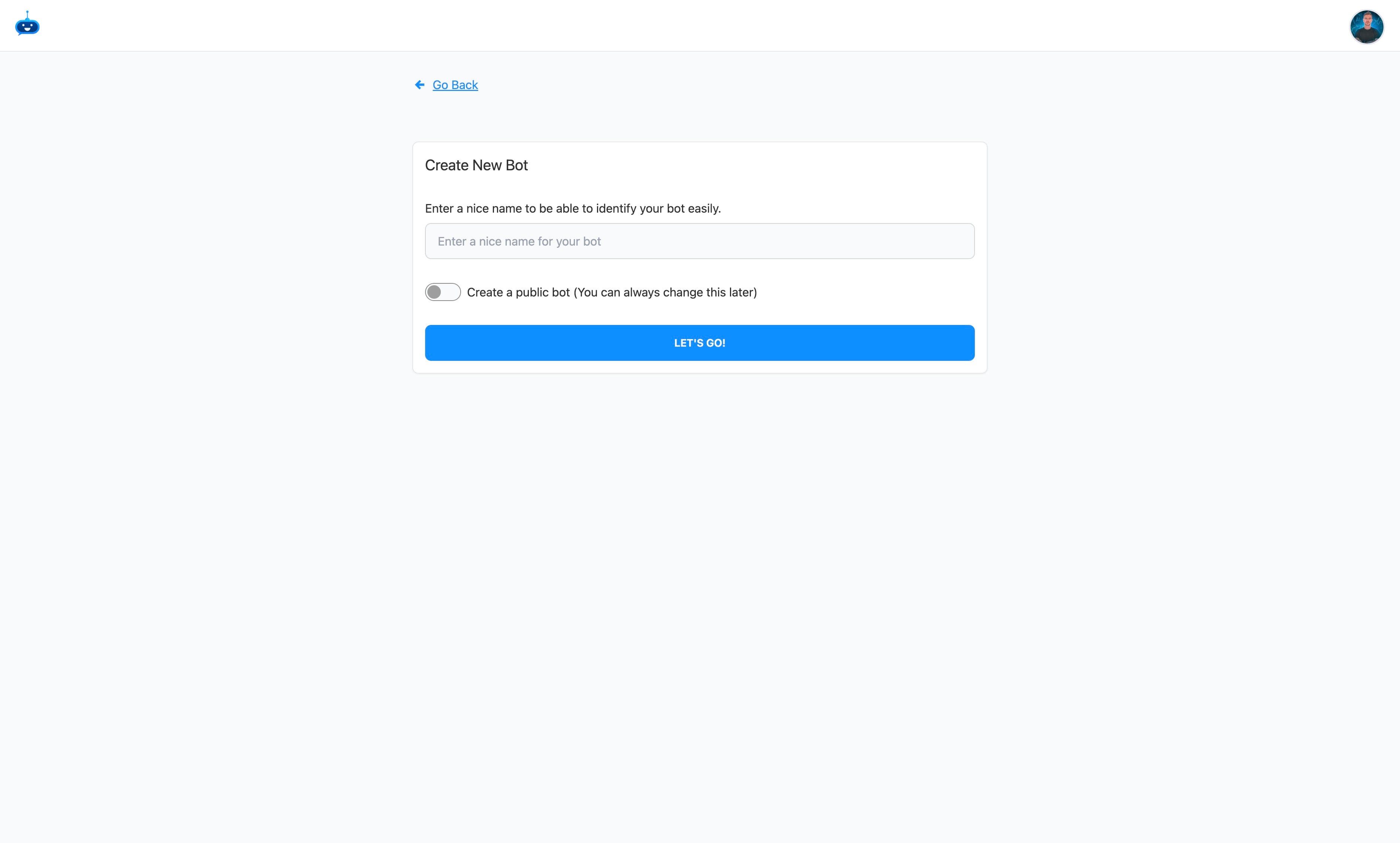
Give your chatbot a name.

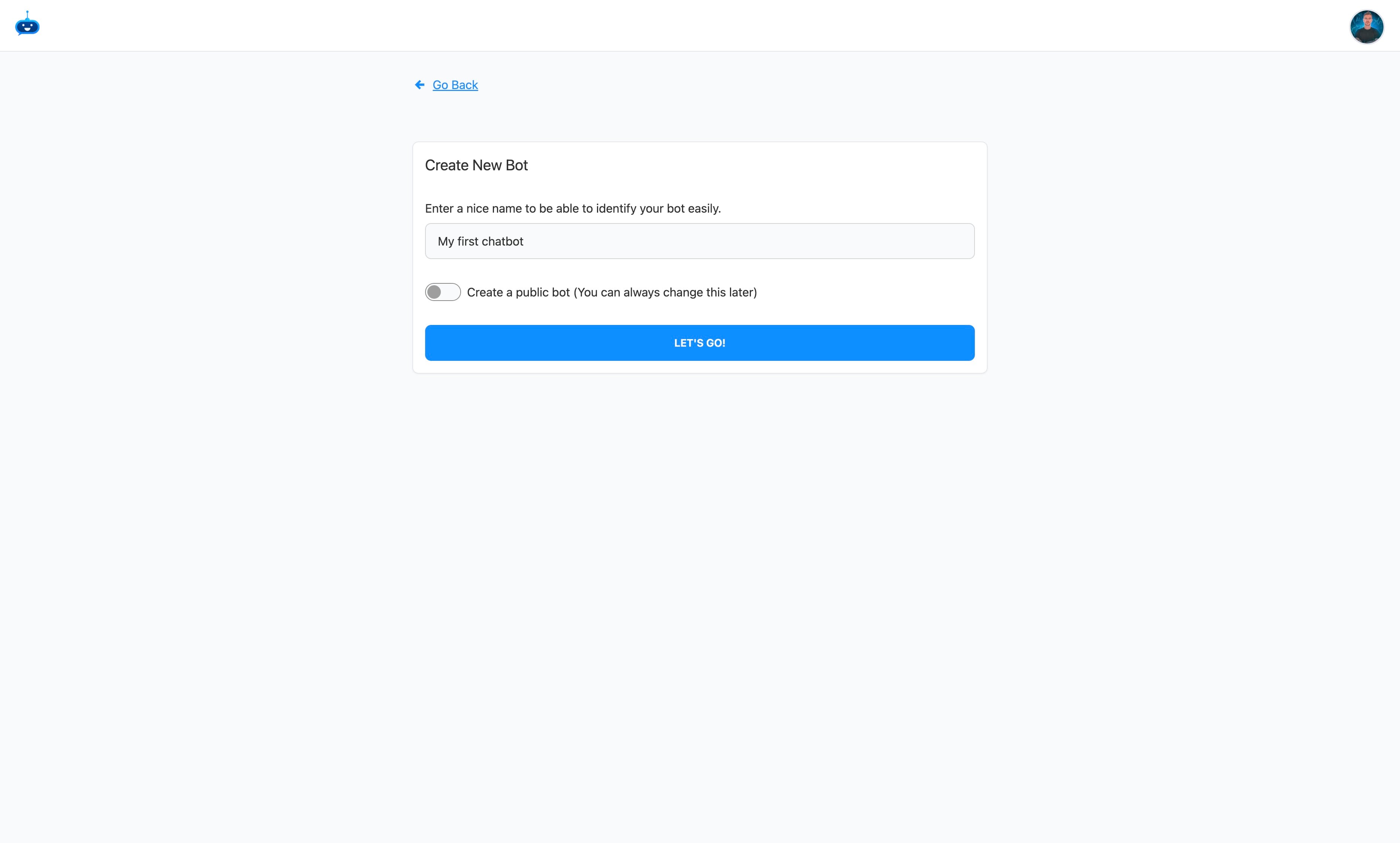
Choose if you are going to make the chatbot available to the public (ie. on your website)
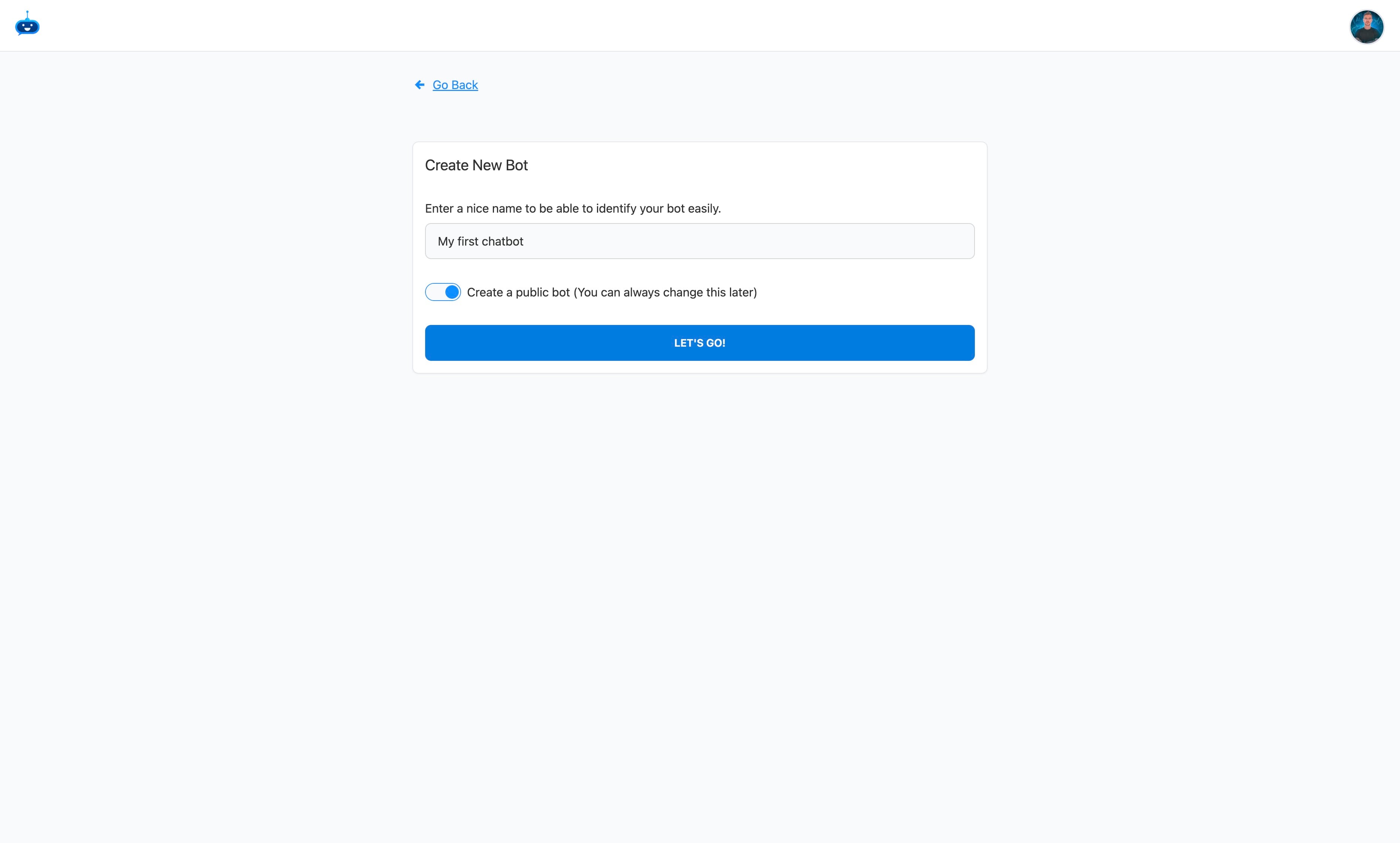
Click on "Let's Go!"
Choose the data you want to import into the chatbot to train it with.
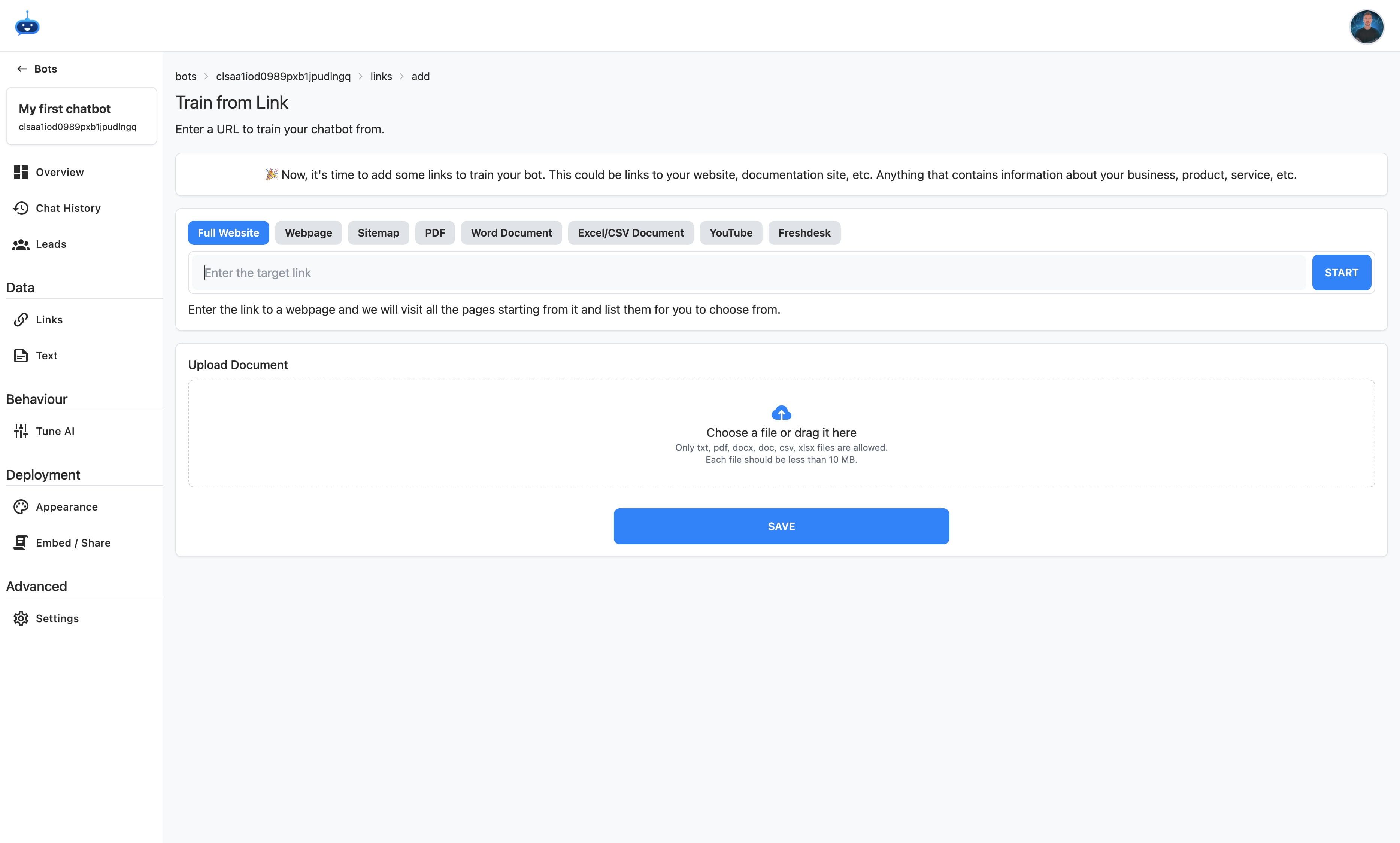
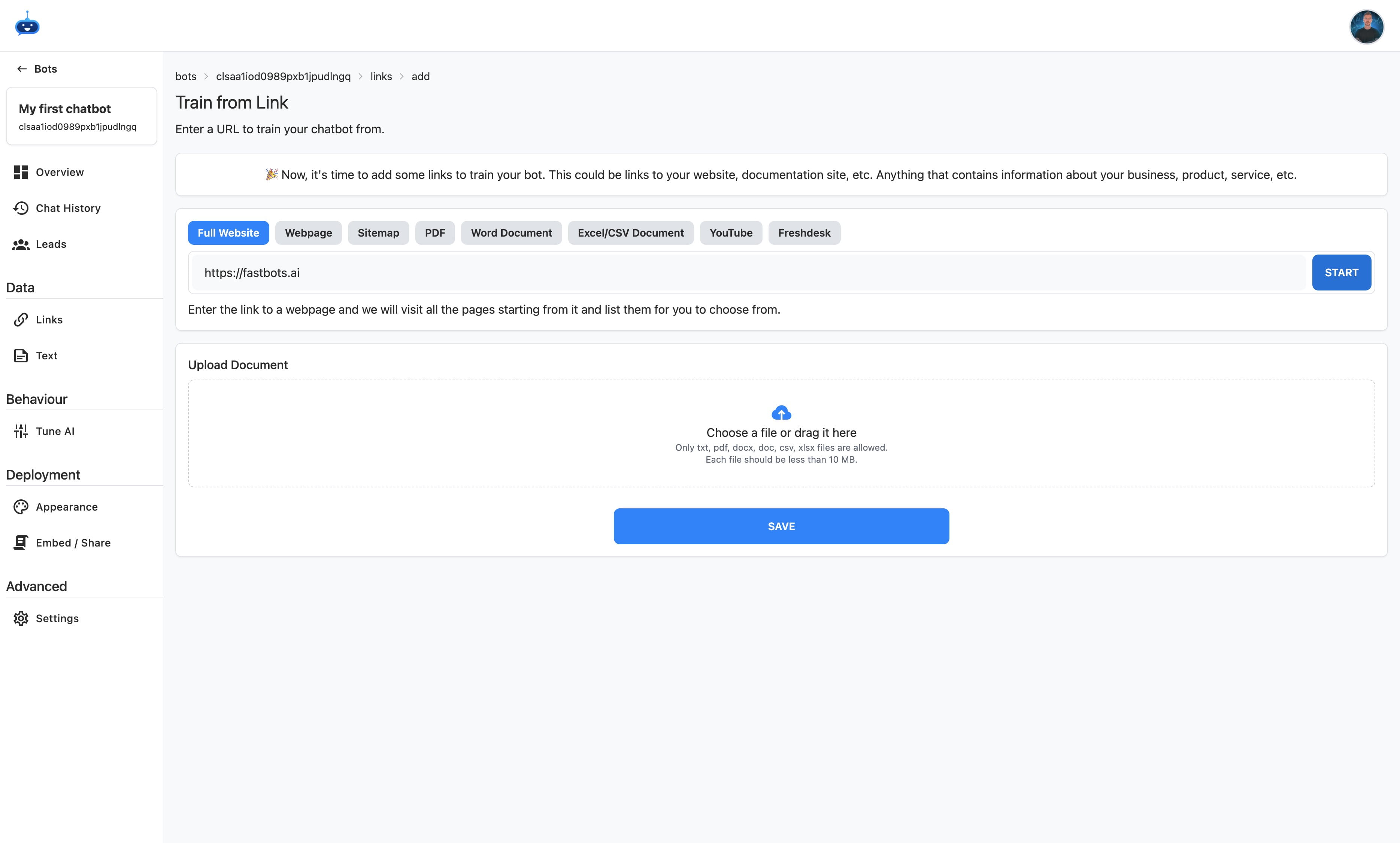
Click on "Start"
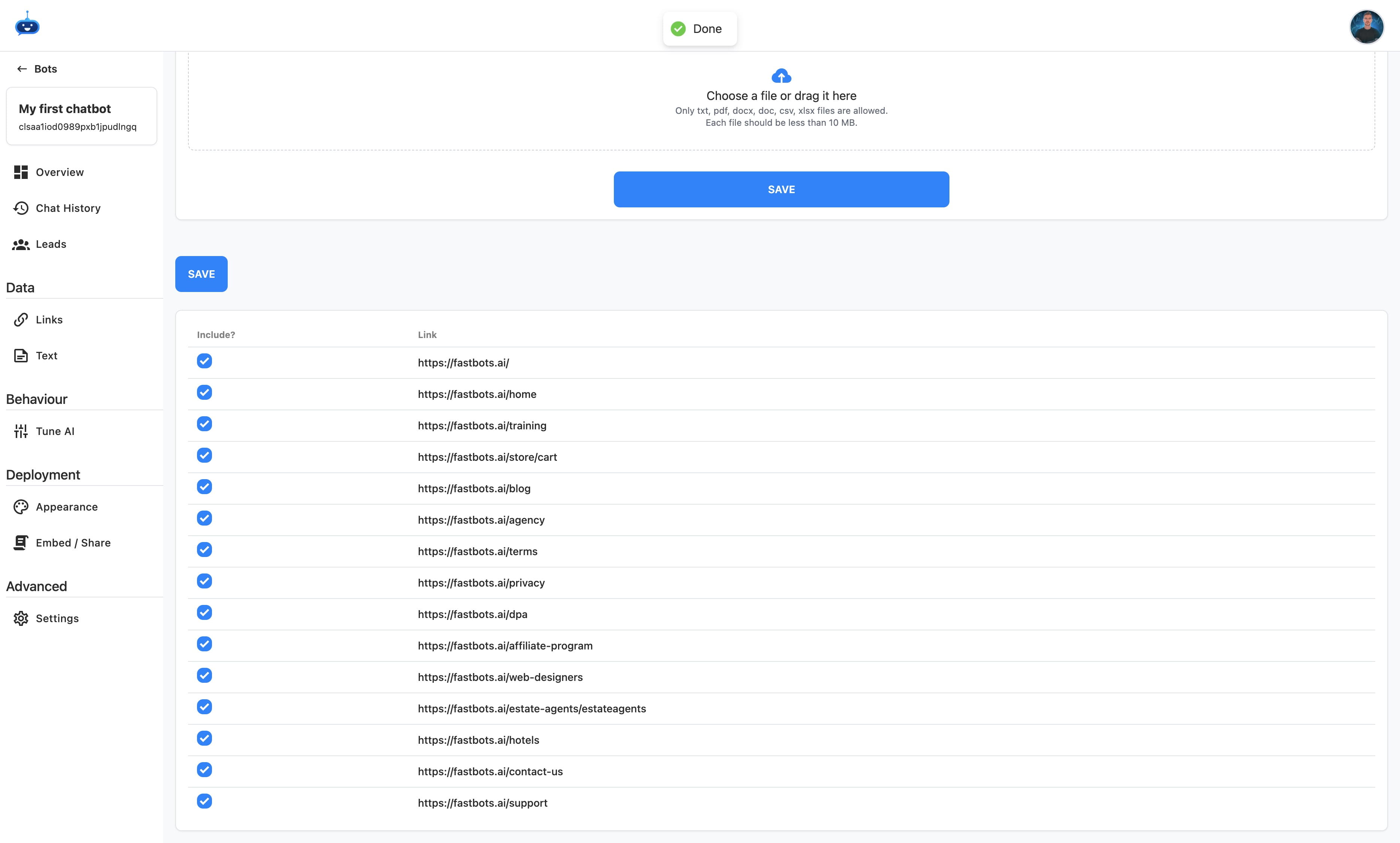
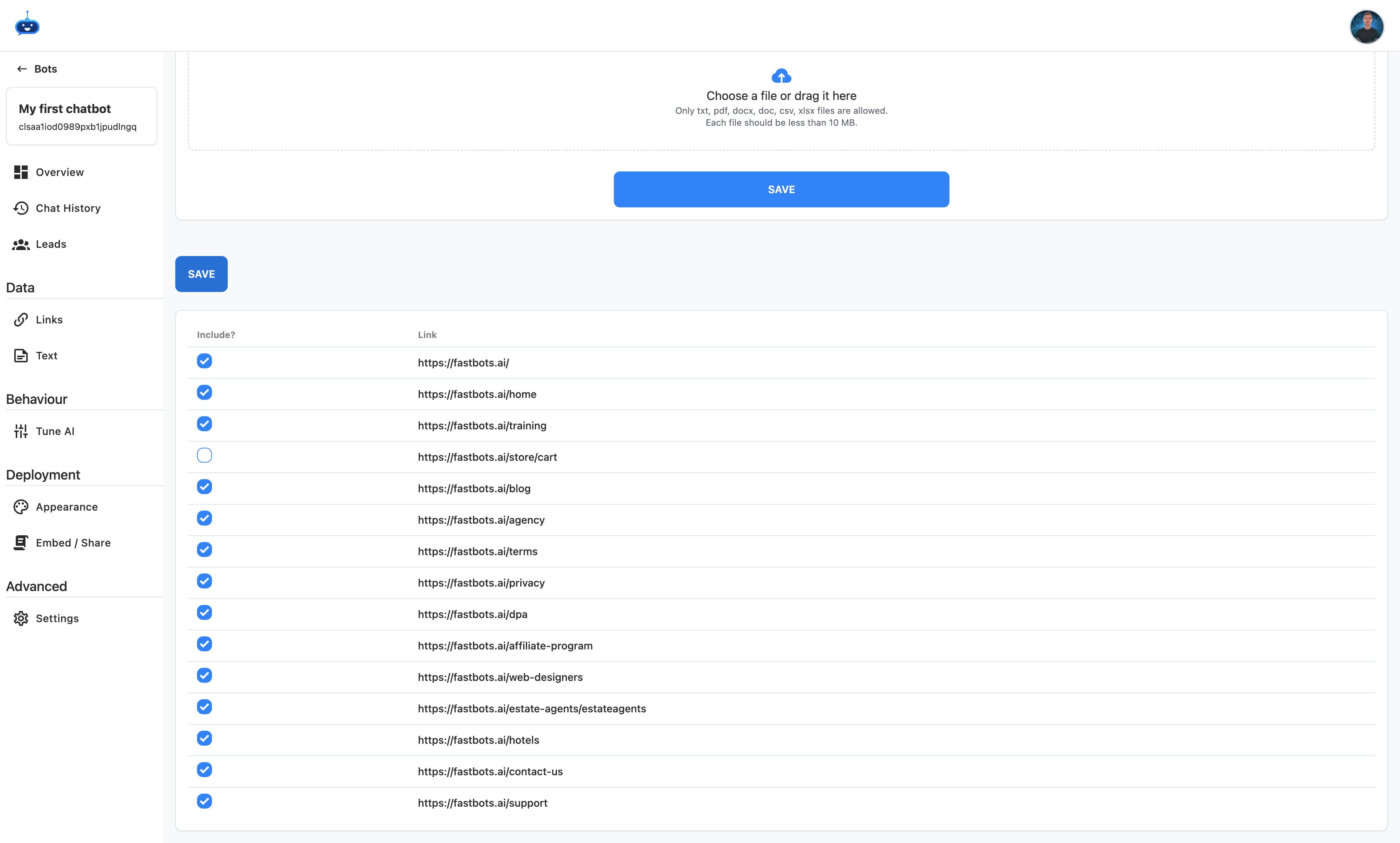
Deselect any links you don't need to be imported inot the chtabots data source.
Click on "Save"
Add a title for your chatbot.
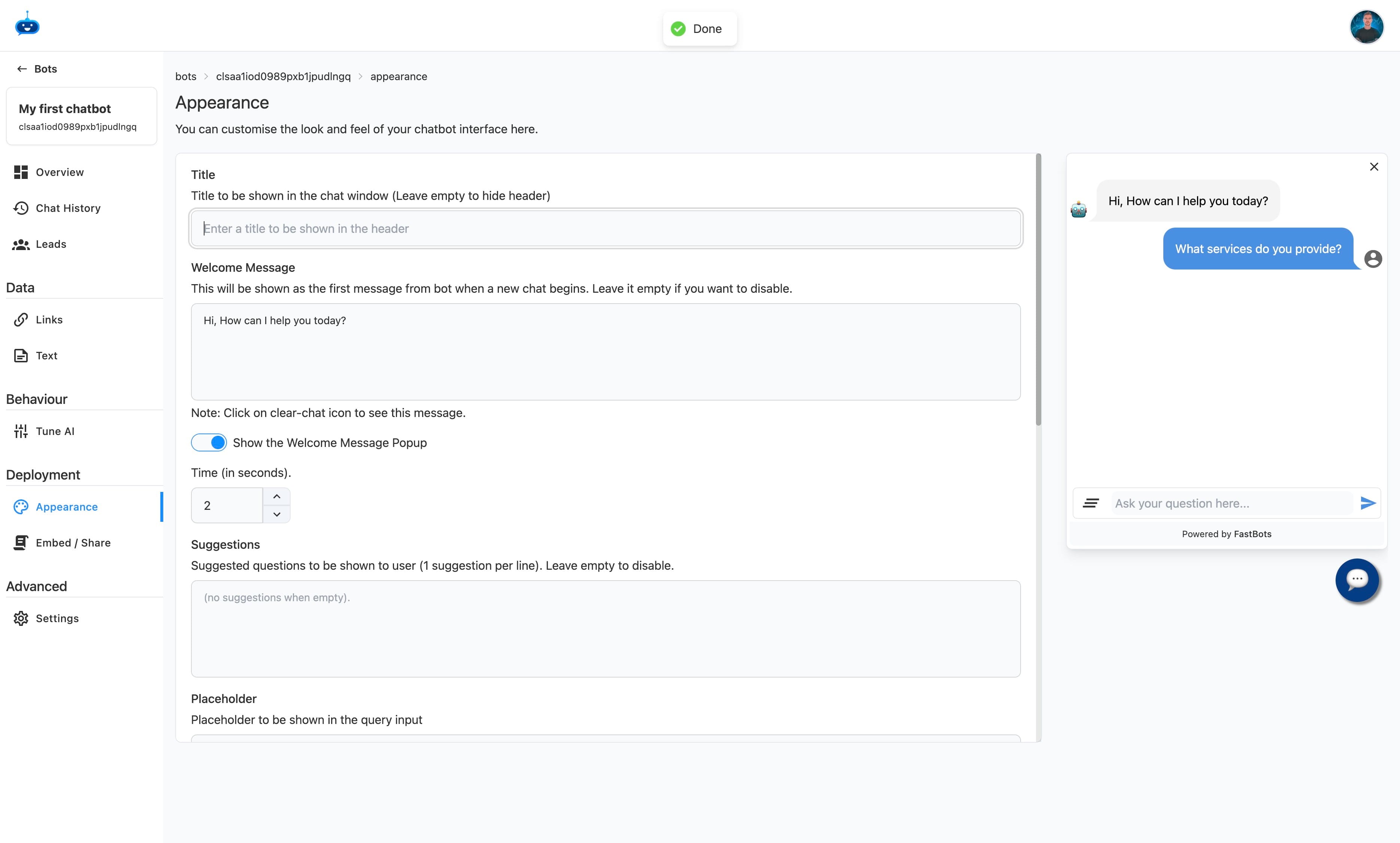
Click here
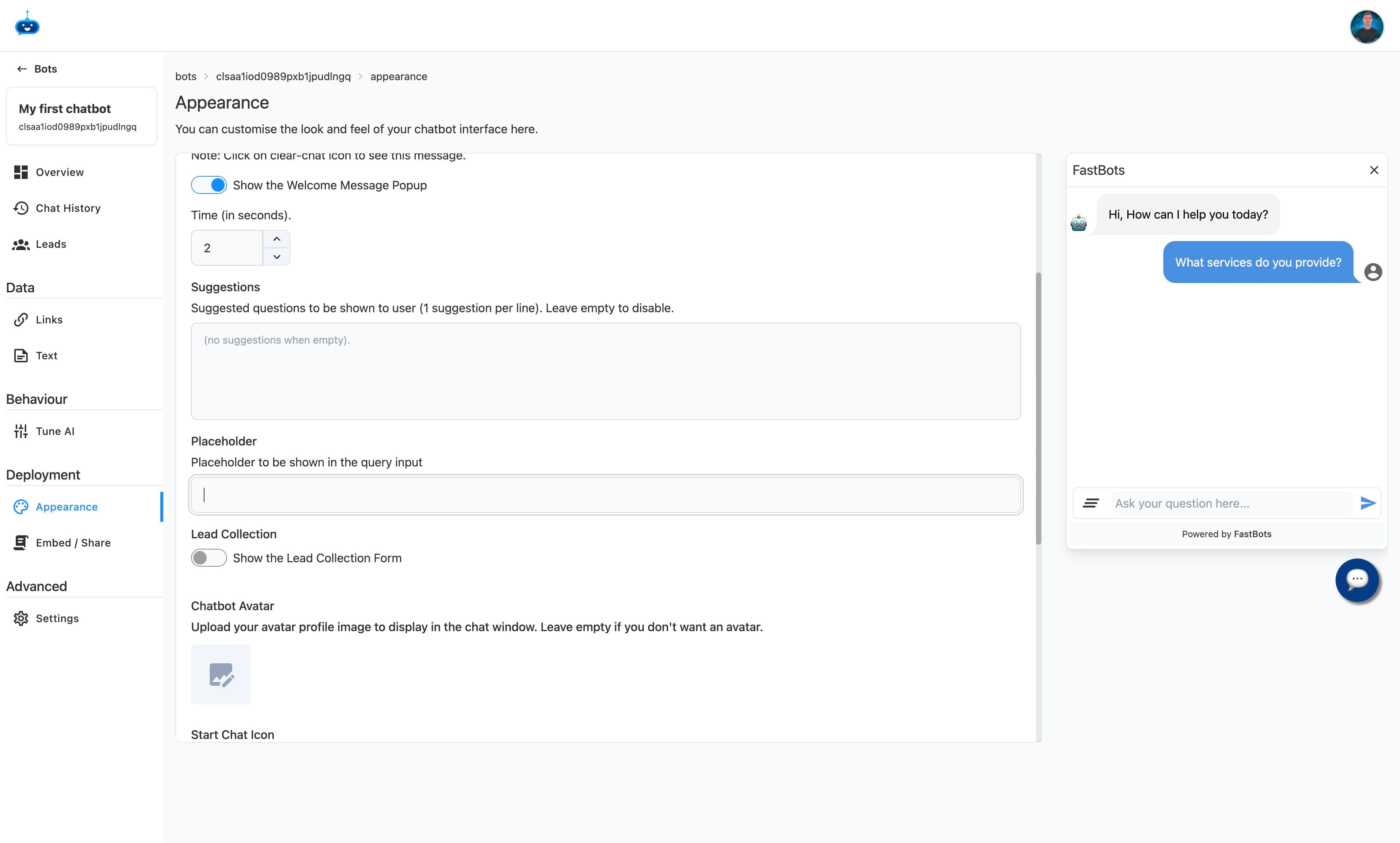
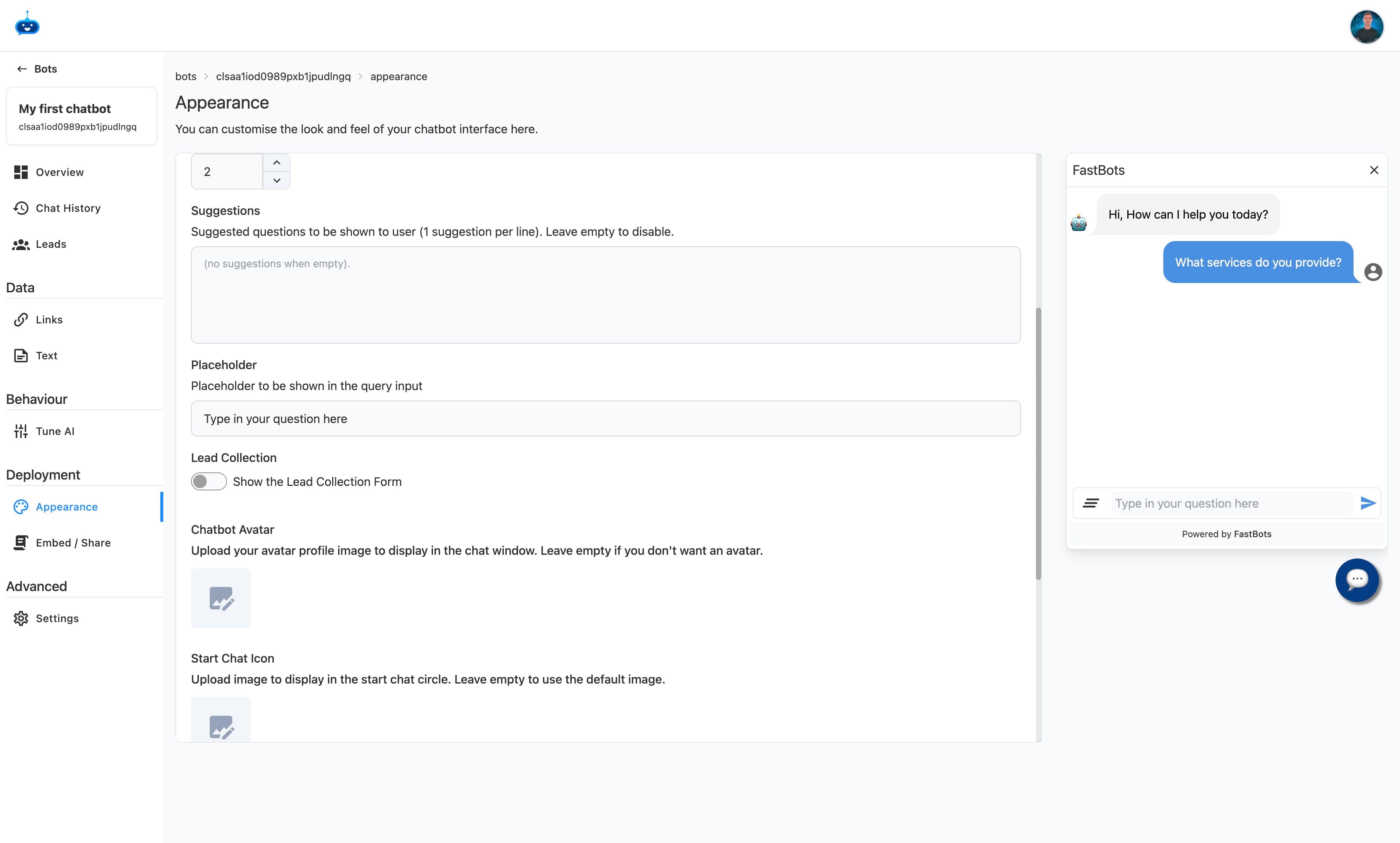
Choose if you want to display a lead form to your chat users.
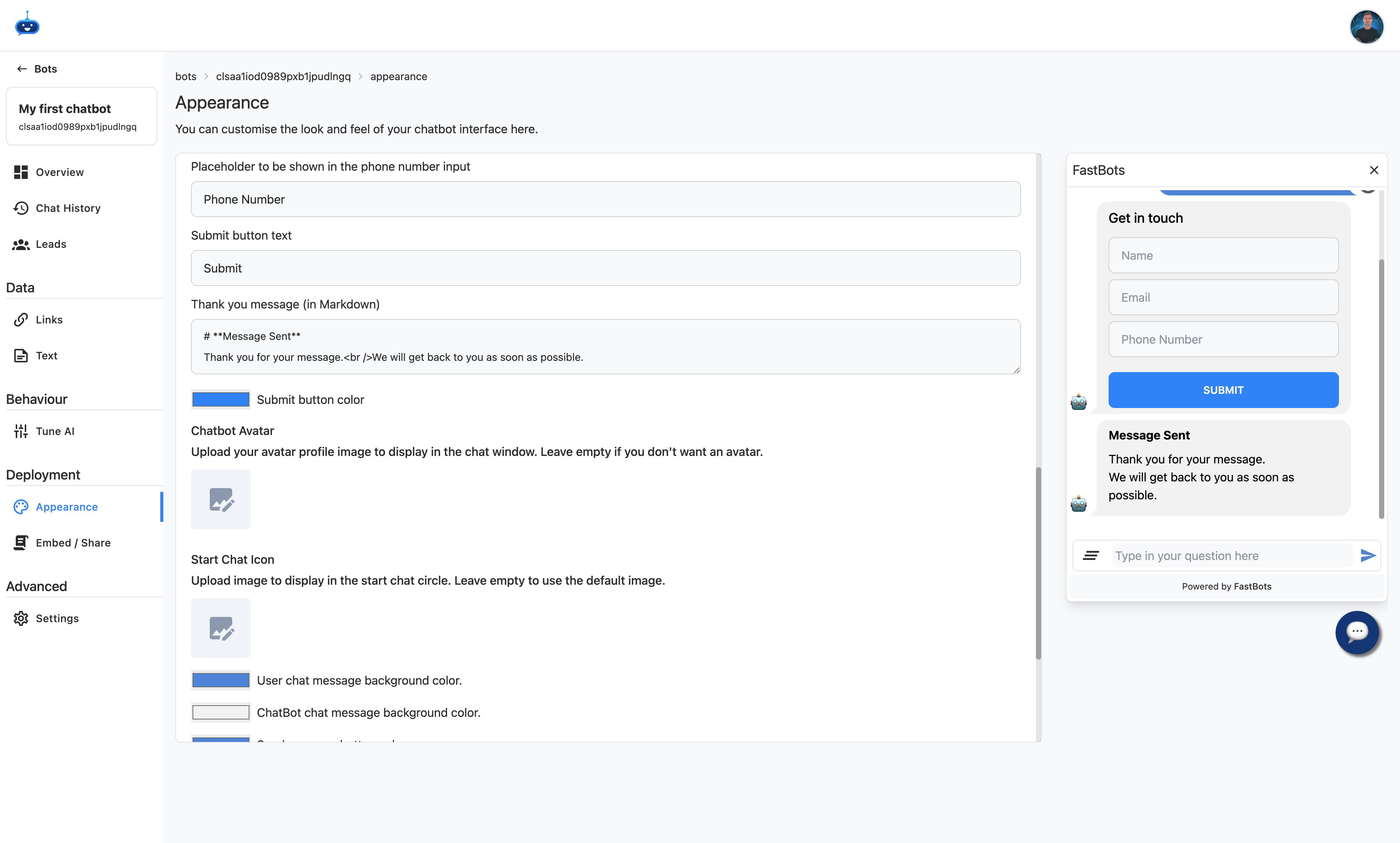
Change the colours to match your brand.
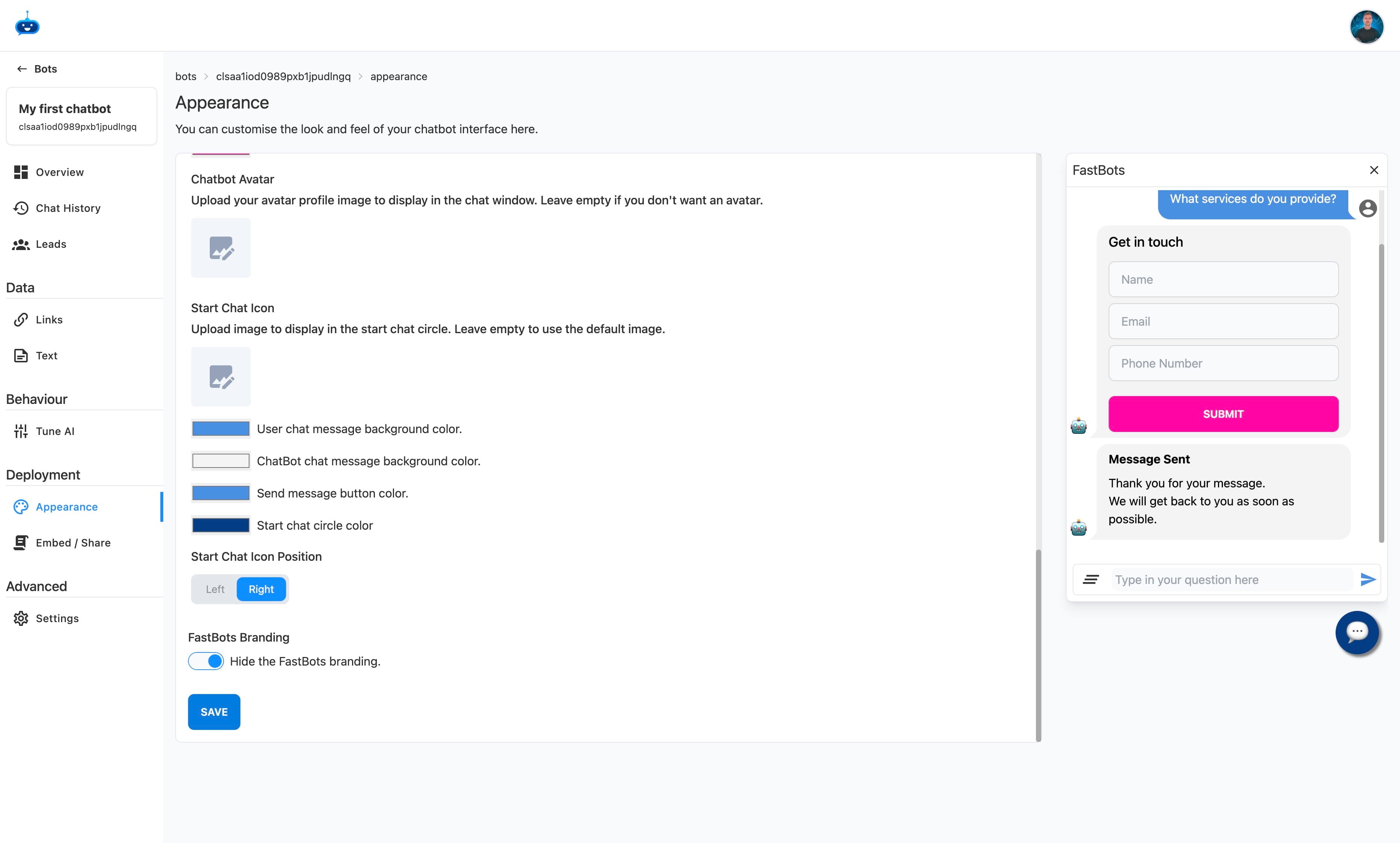
Choose if you want to remove our branding (may require a paid plan)
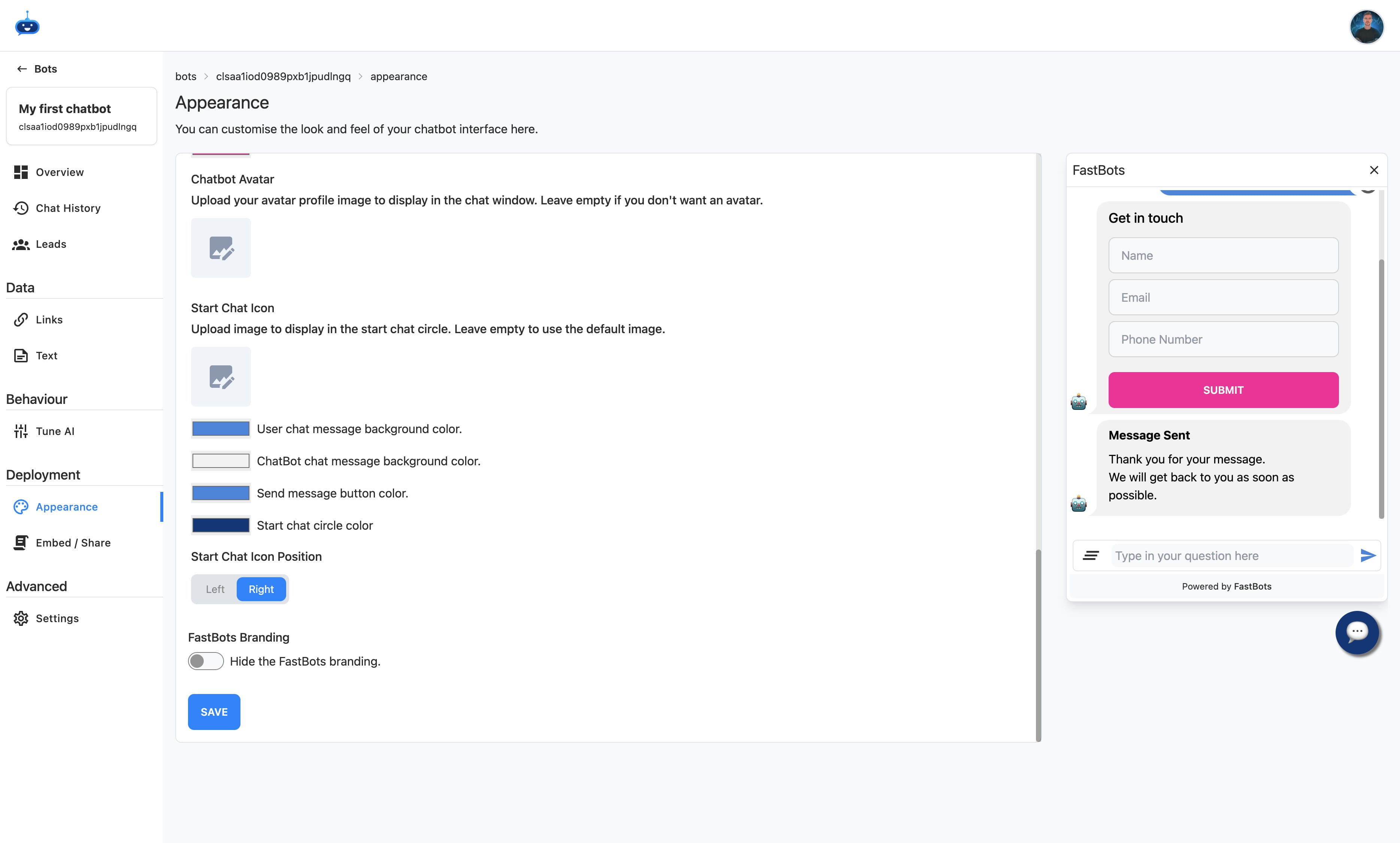
Click on "Save" to finish.
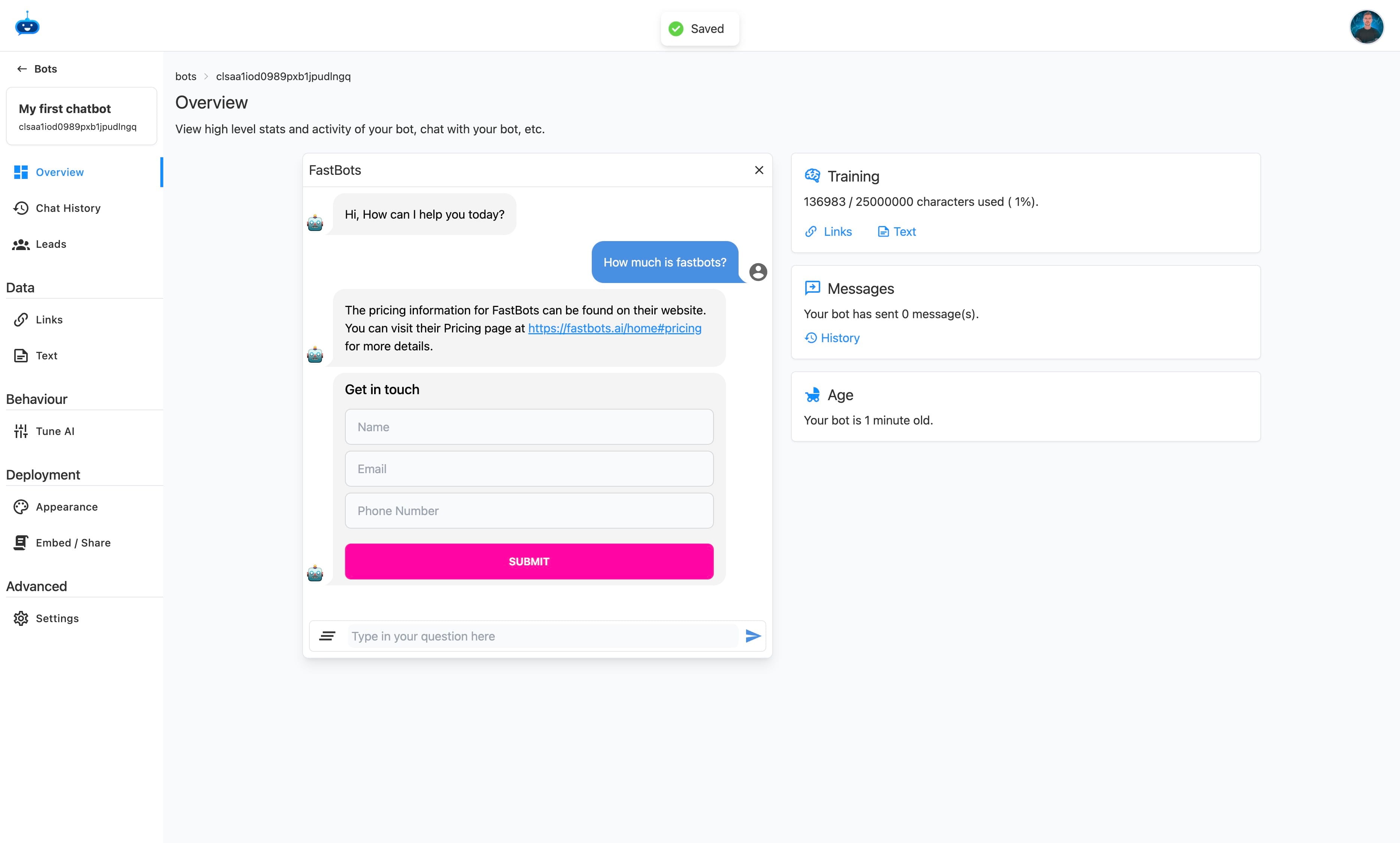
Test your new chatbot.
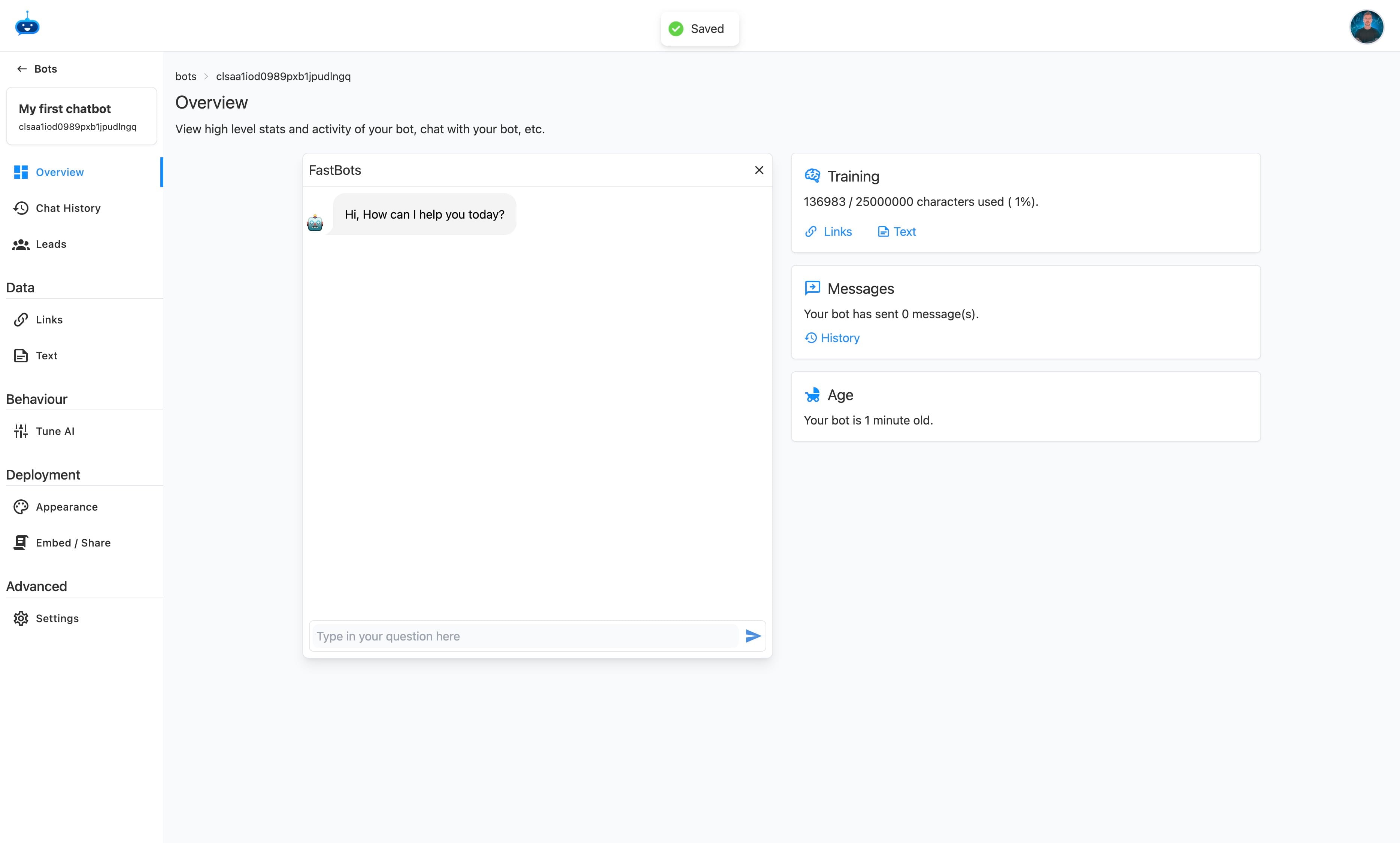
Done 🚀