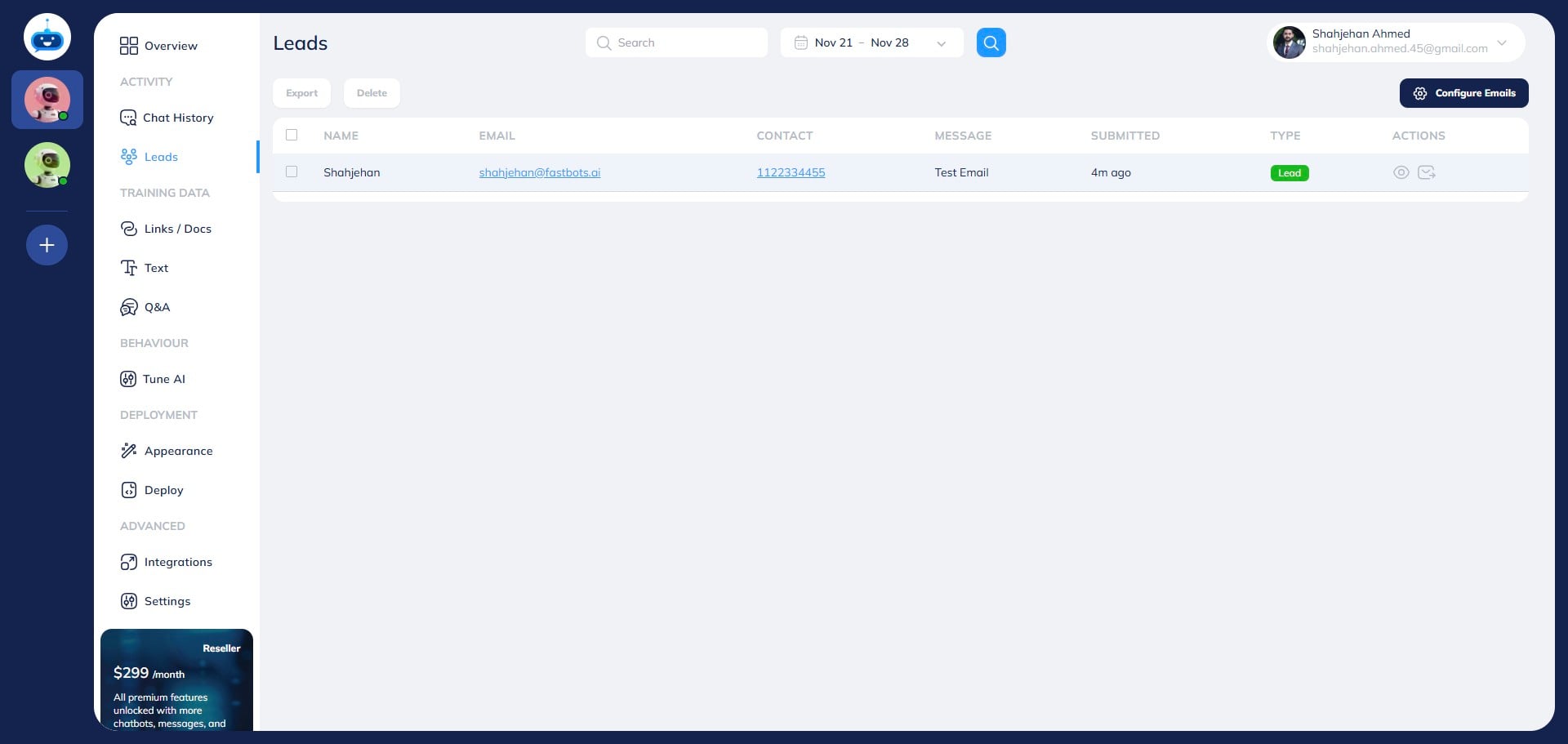
How to Have Leads Automatically Emailed
Learn how to get your inbound leads emailed to you or your team.
Navigate to https://app.fastbots.ai/
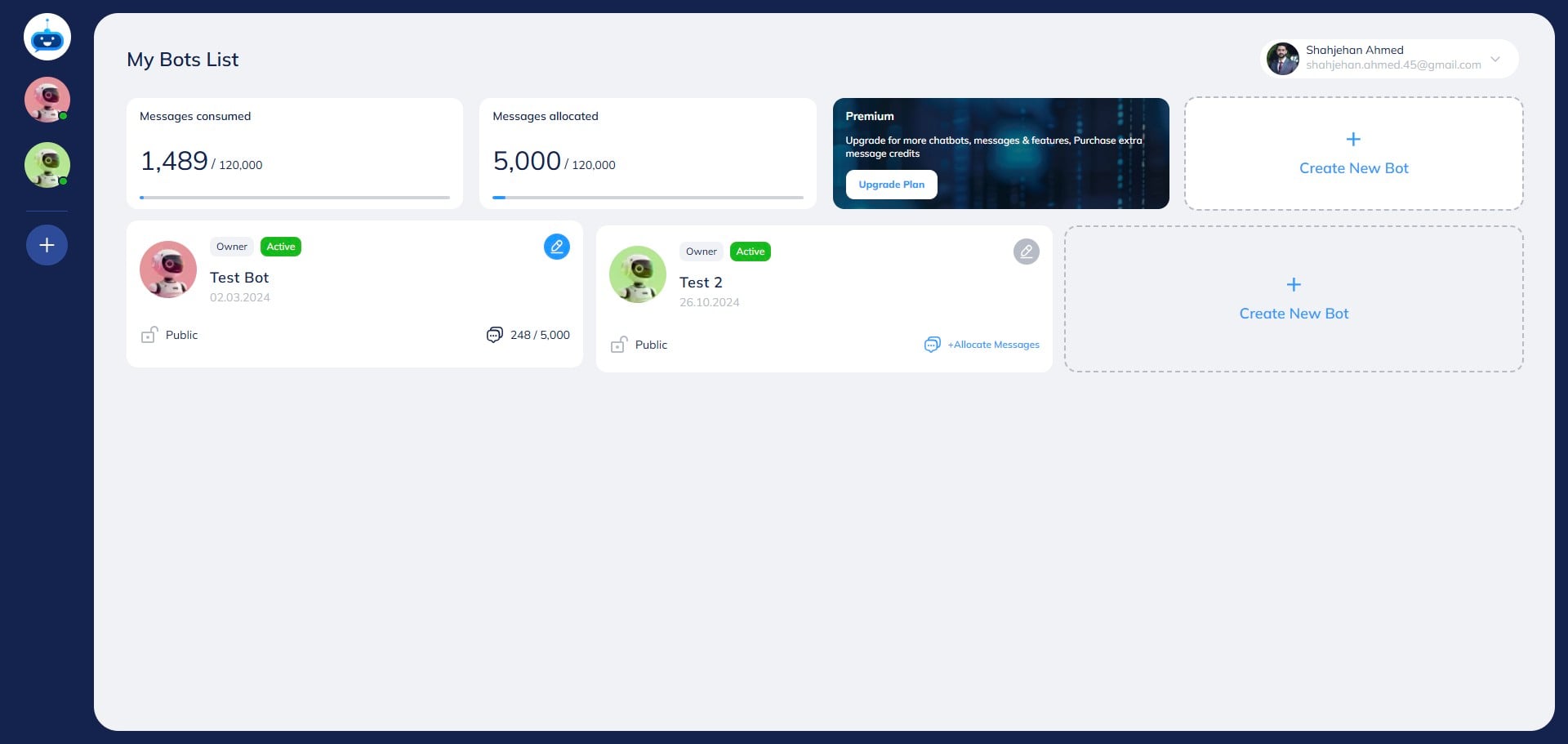
Click on the chatbot to open it.

Click on "Leads" button to open the page.
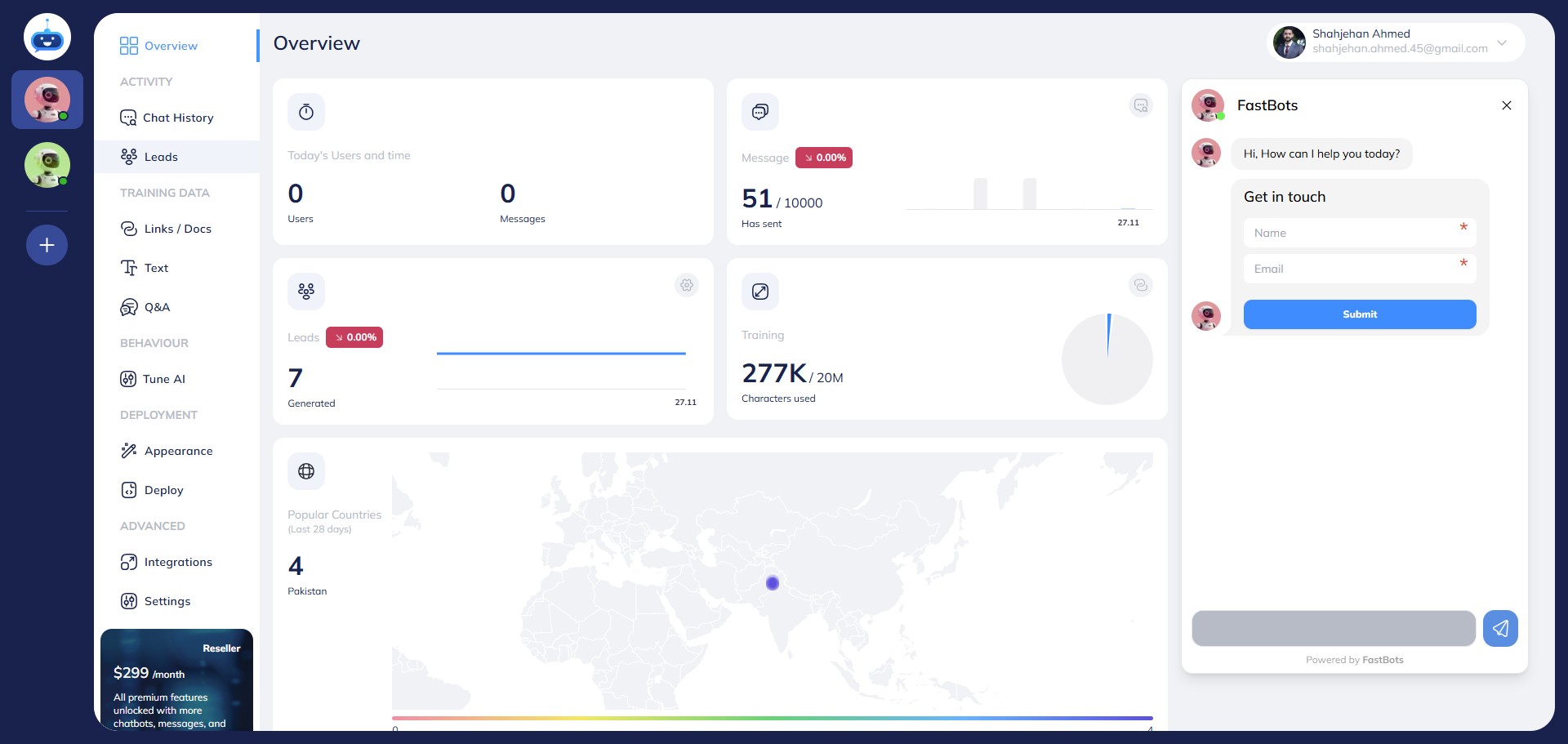
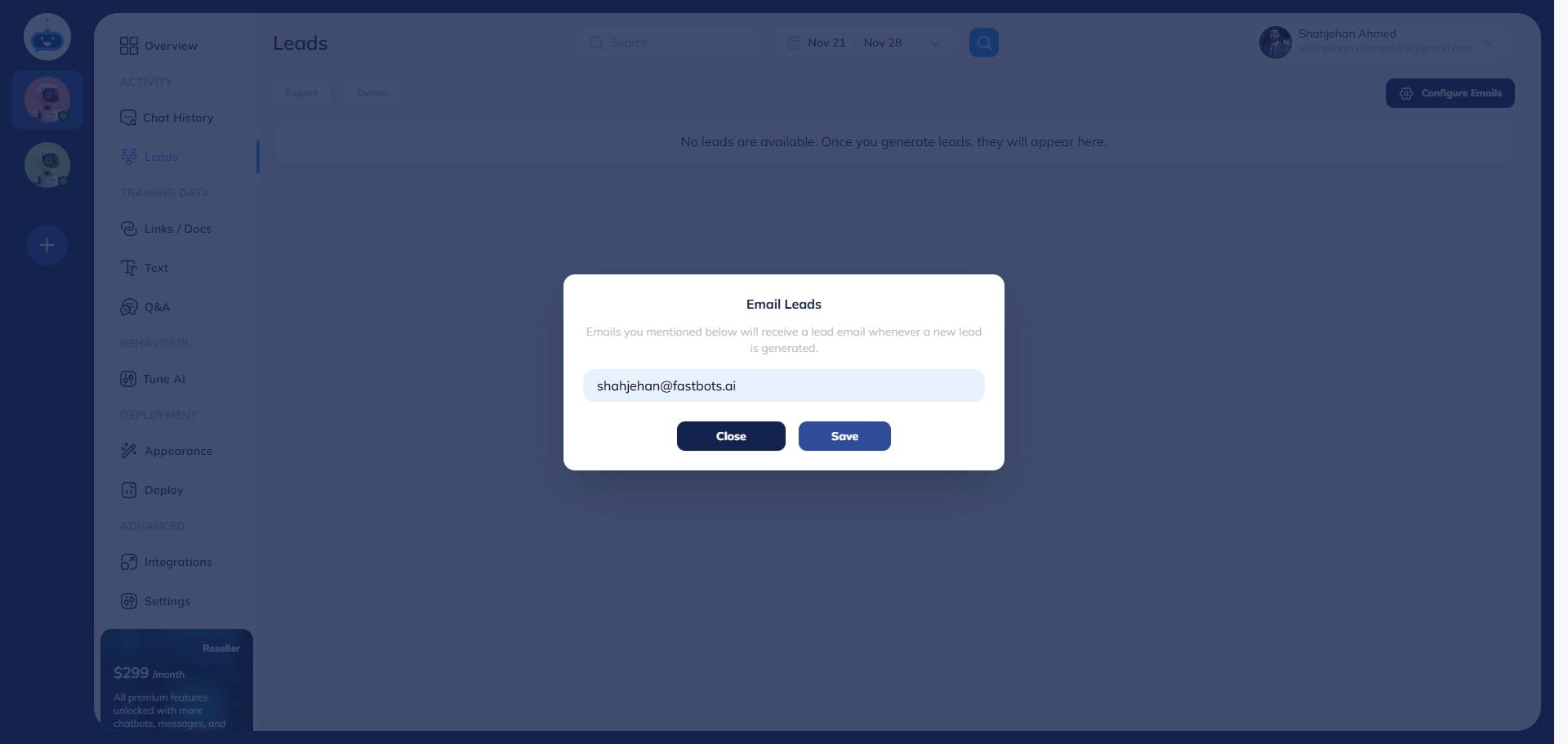
Click this Click on the "Configure Emails" button to add the email where you want to receive the leads.
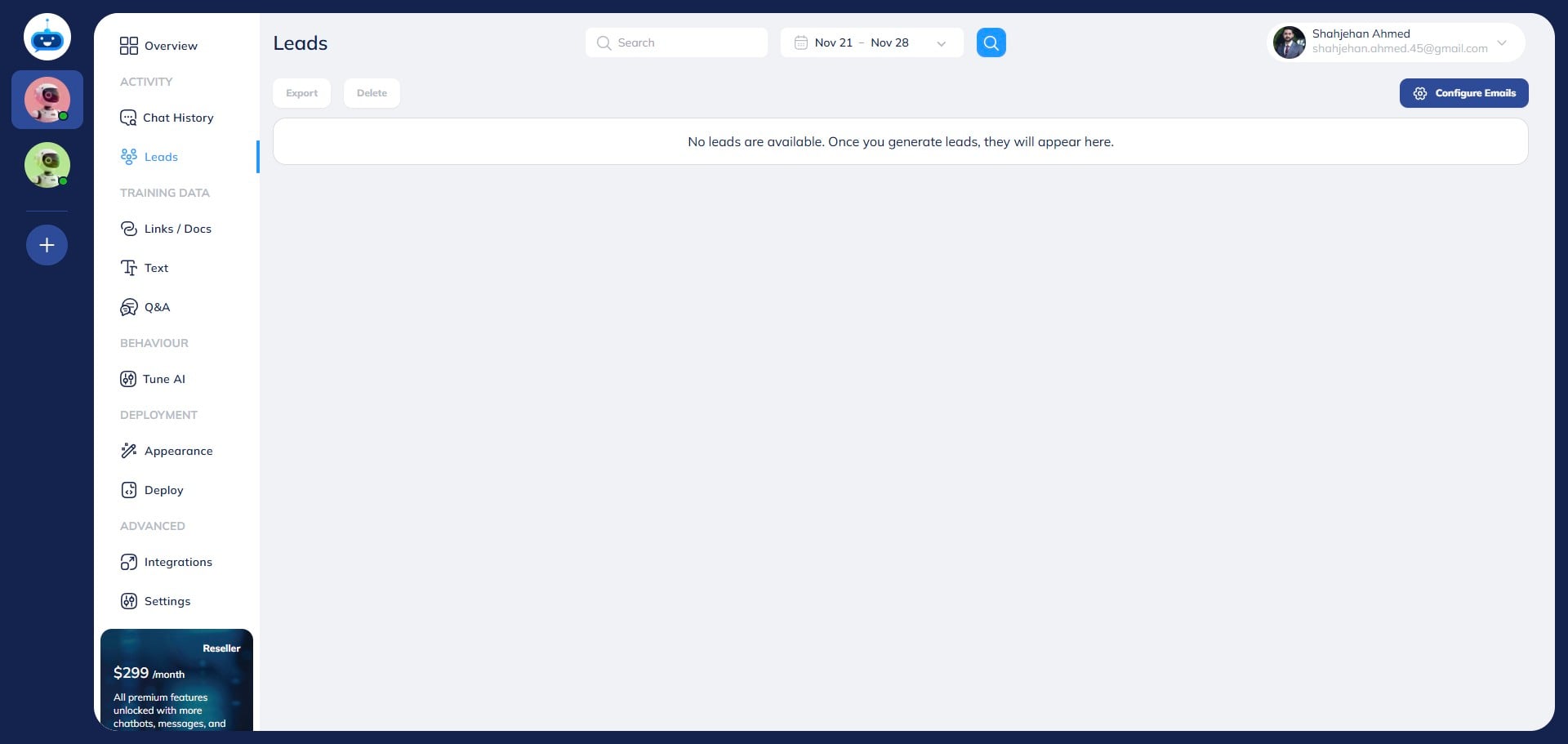
Add your email and click on "Save"
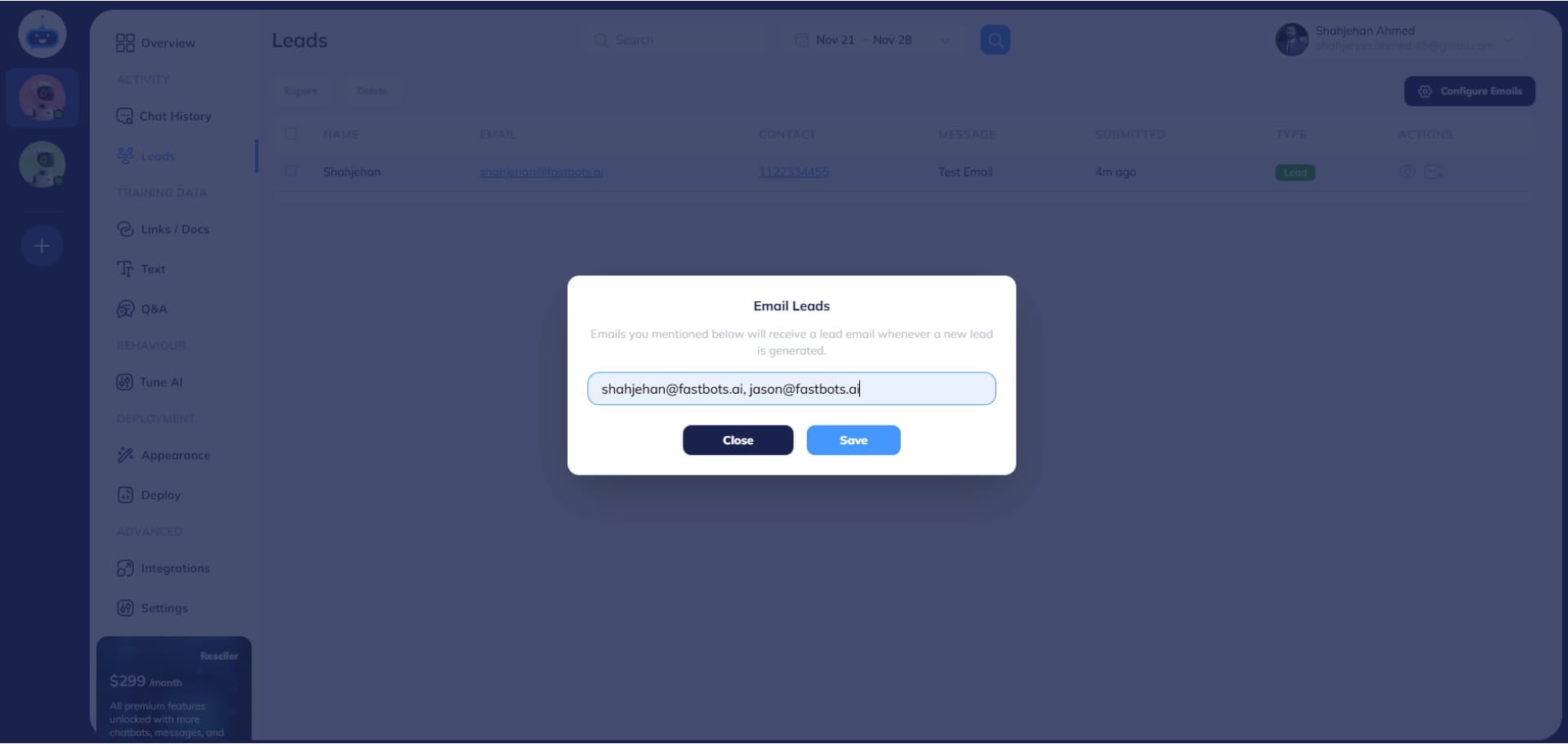
If you want the leads to go to multiple emails, you can just separate these emails by a comma and then click on the "Save" button to configure the emails.
You have successfully configured your emails. The next step is to send a test lead to make sure that your lead collection form is sending leads to your emails. So click on the "Overview" button.
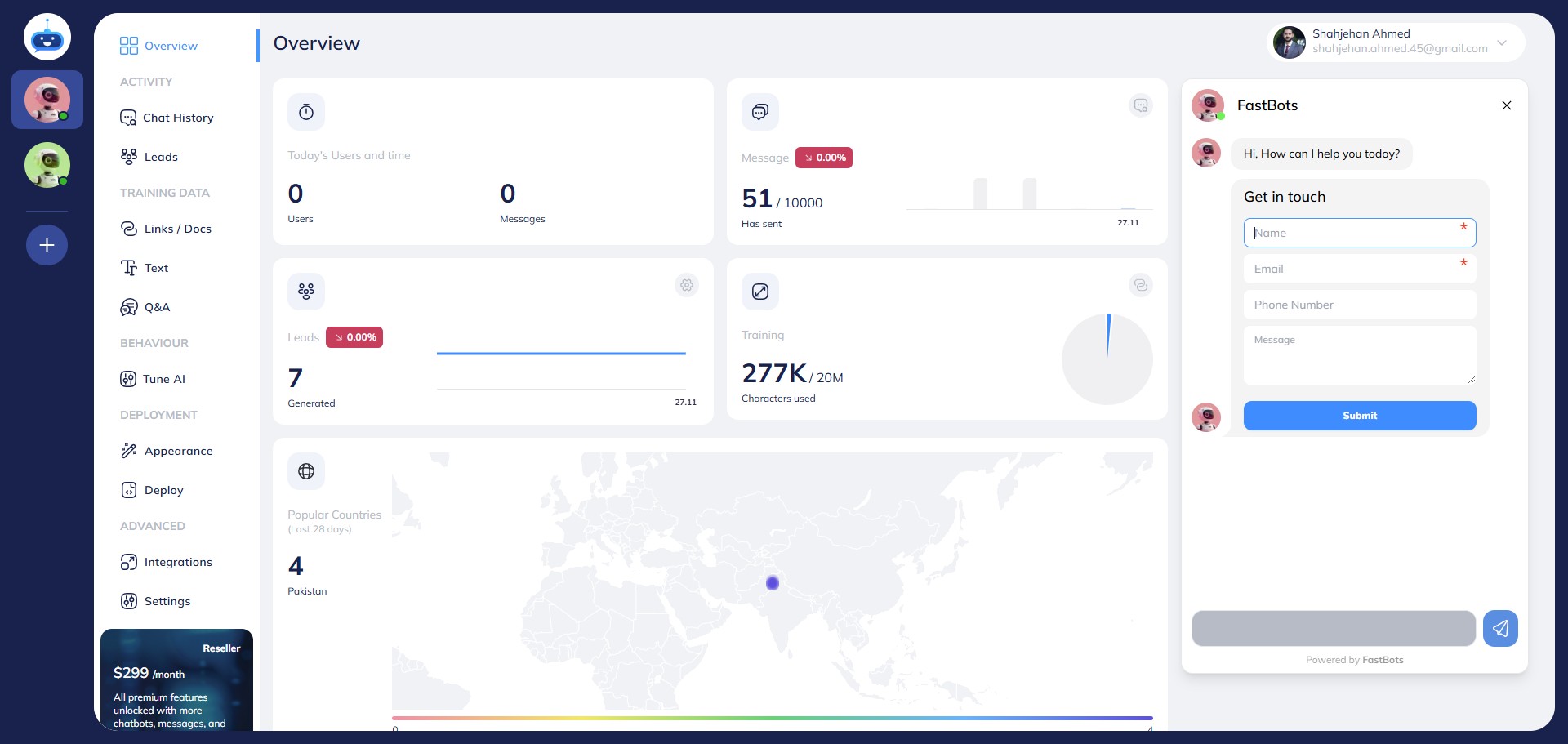
Fill in the lead collection form and click on the "Submit" button.
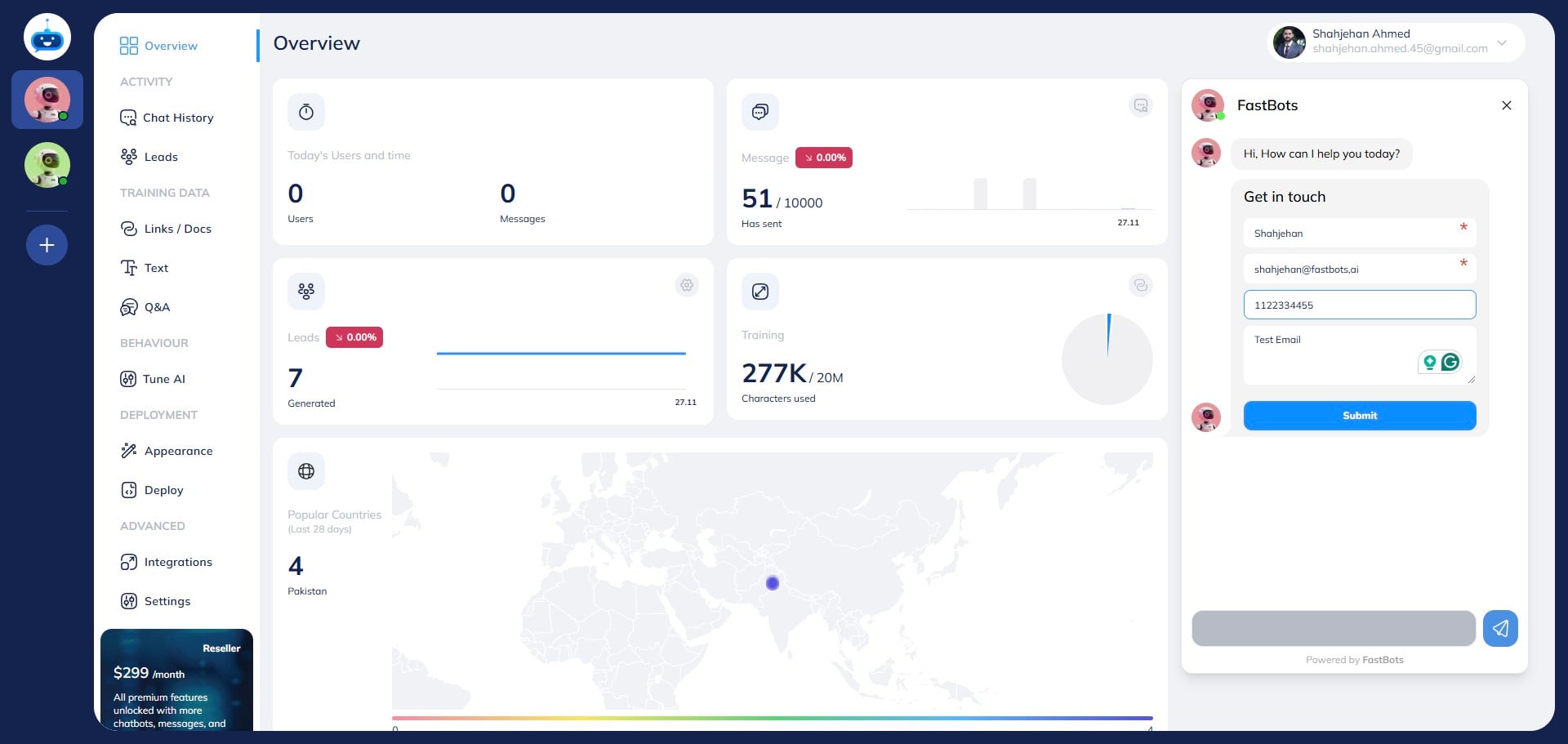
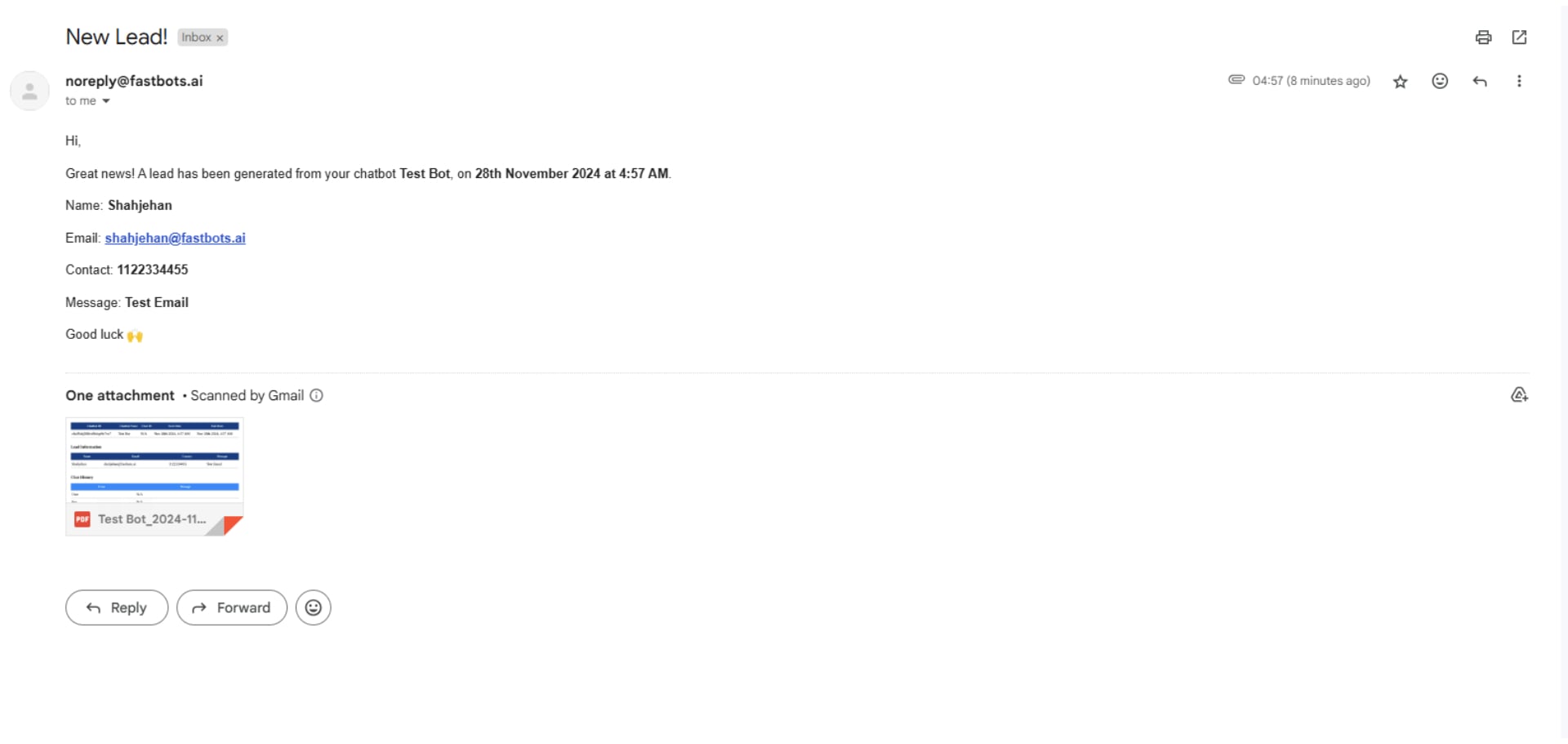
It should send you an email with leads details. The email should look like this.
Congratulations!! You have successfully configured your lead collection form with your email 🚀