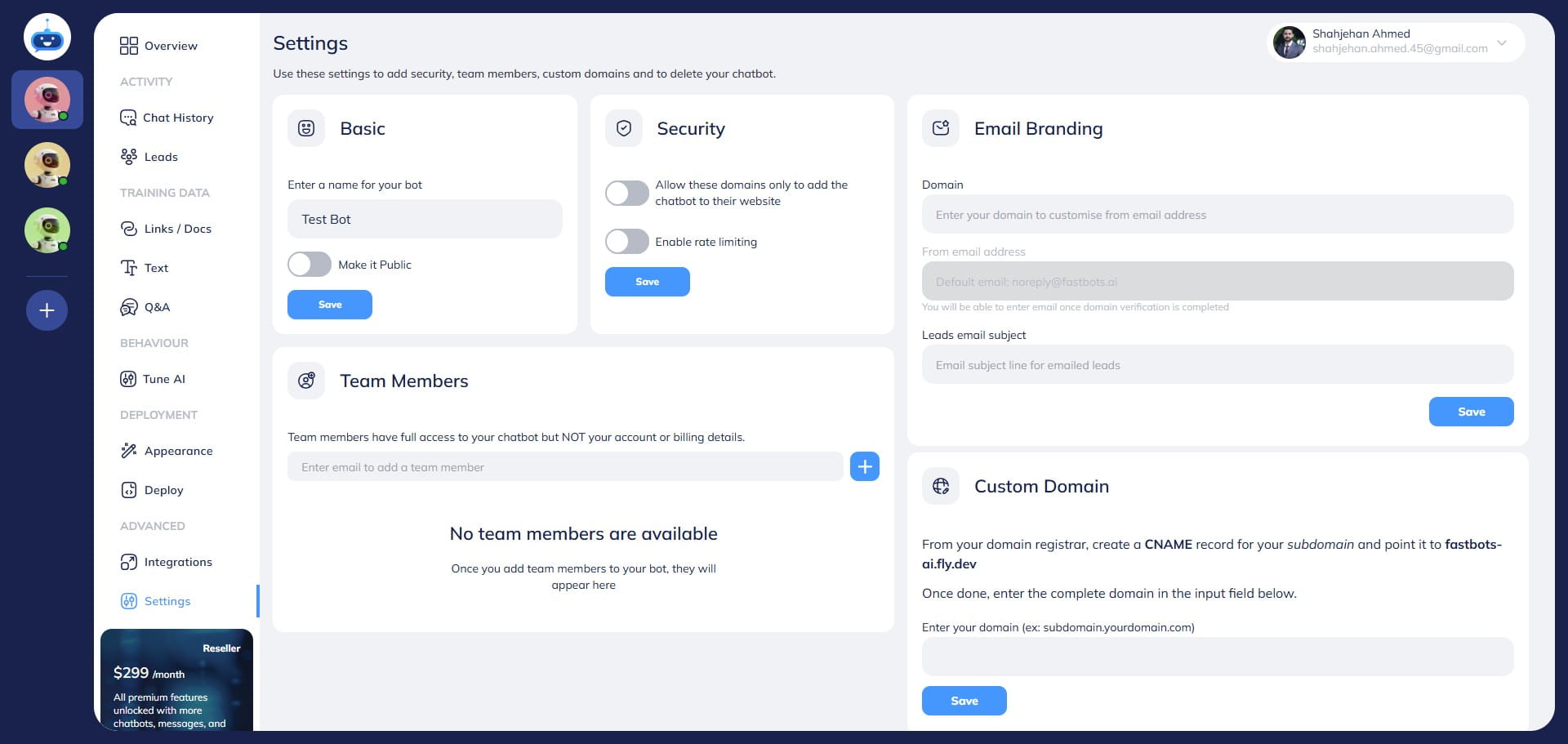
How To Make Your Chatbot Private
Learn how to make your chatbot private to prevent it from being used on the internet.
Nov 19, 2024●
1
Navigate to https://app.fastbots.ai/
2
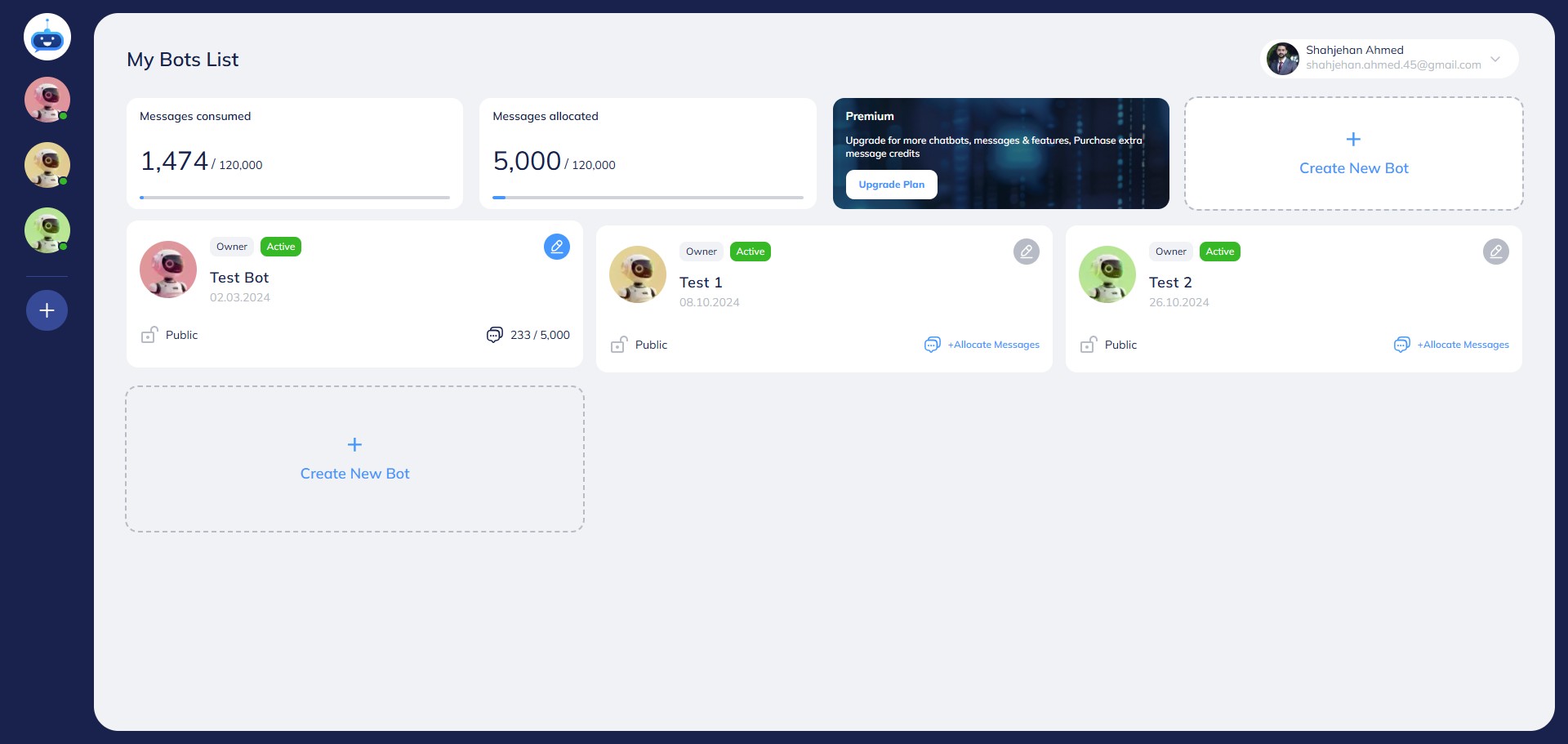
Click on your chatbot to open it.

3
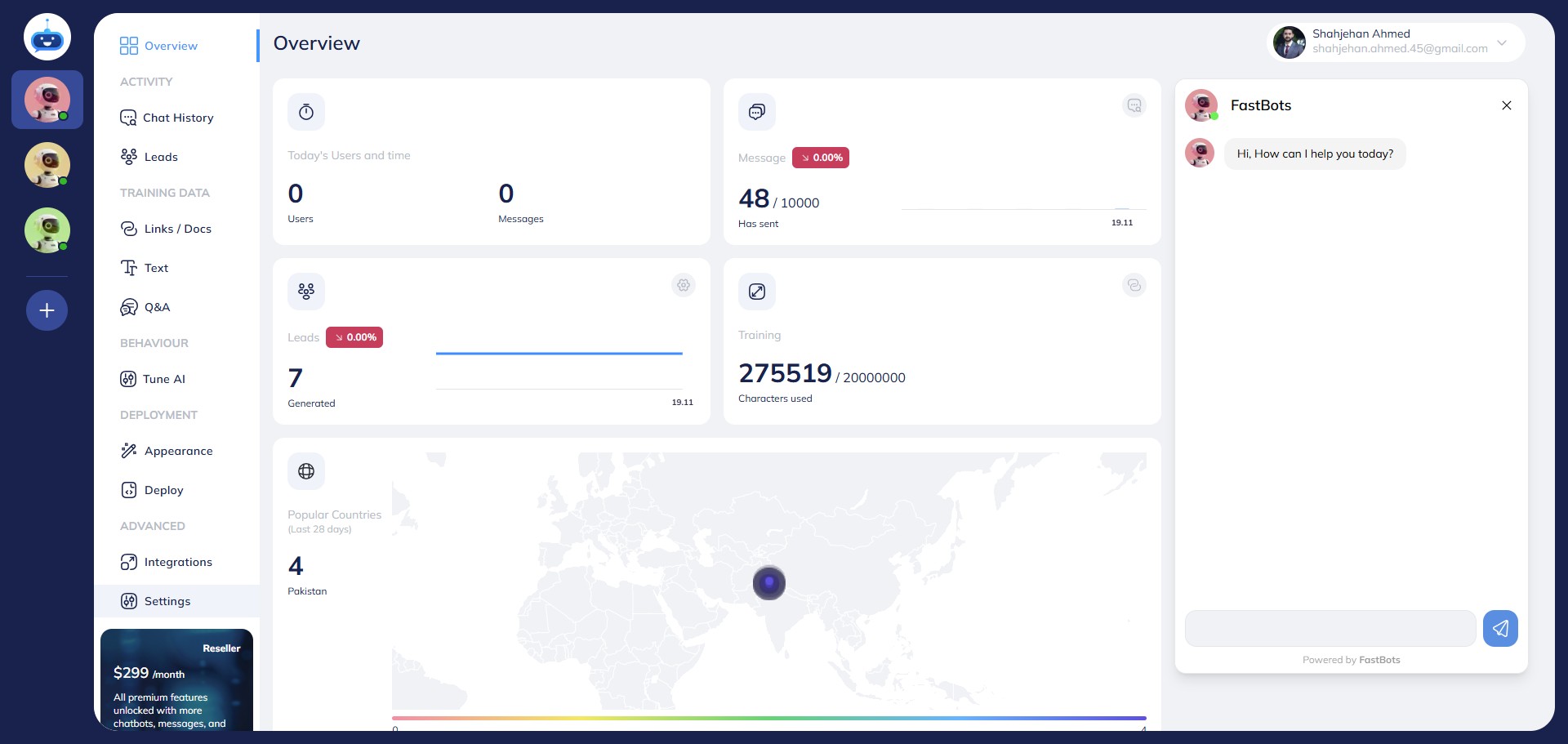
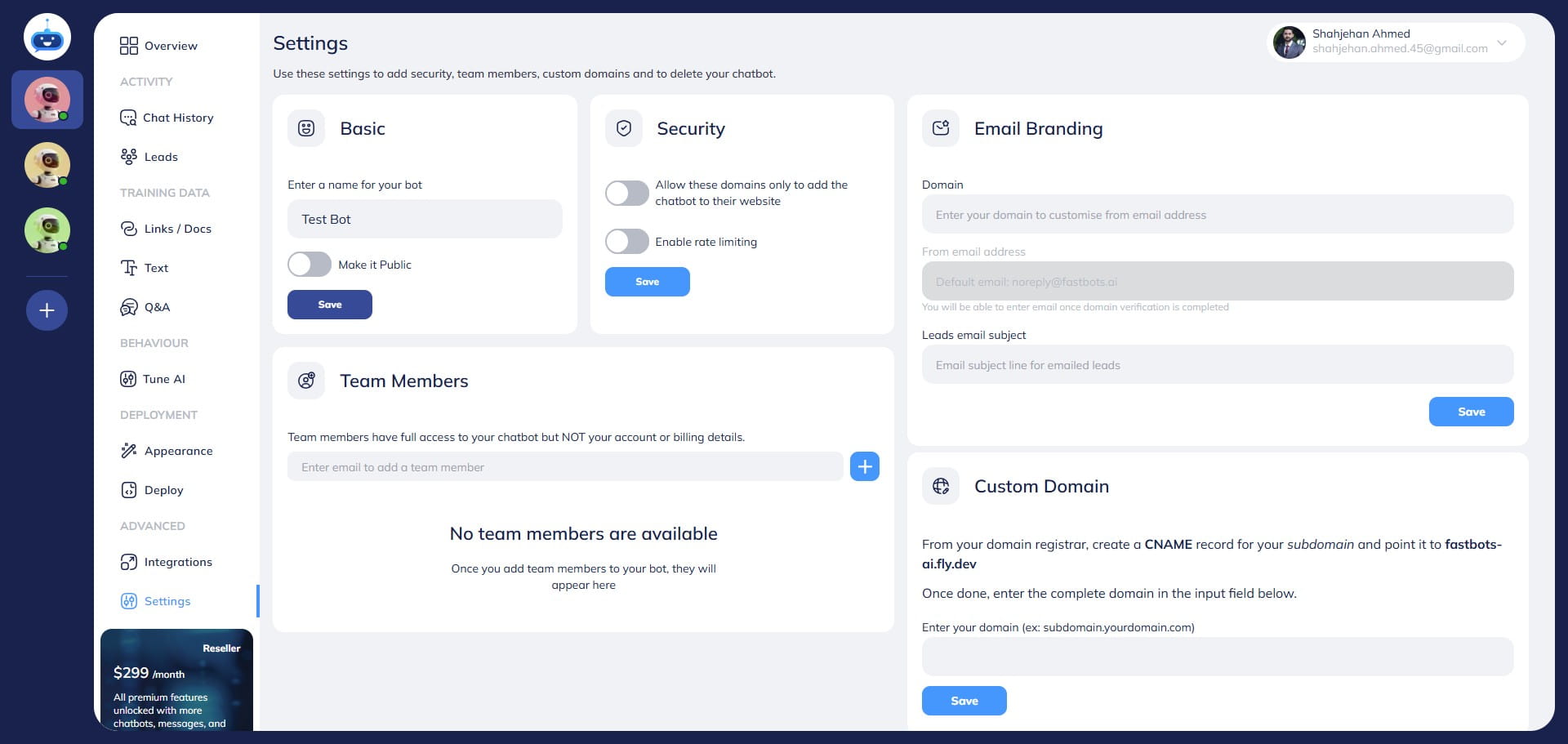
Click on "Settings" to open this page.
4
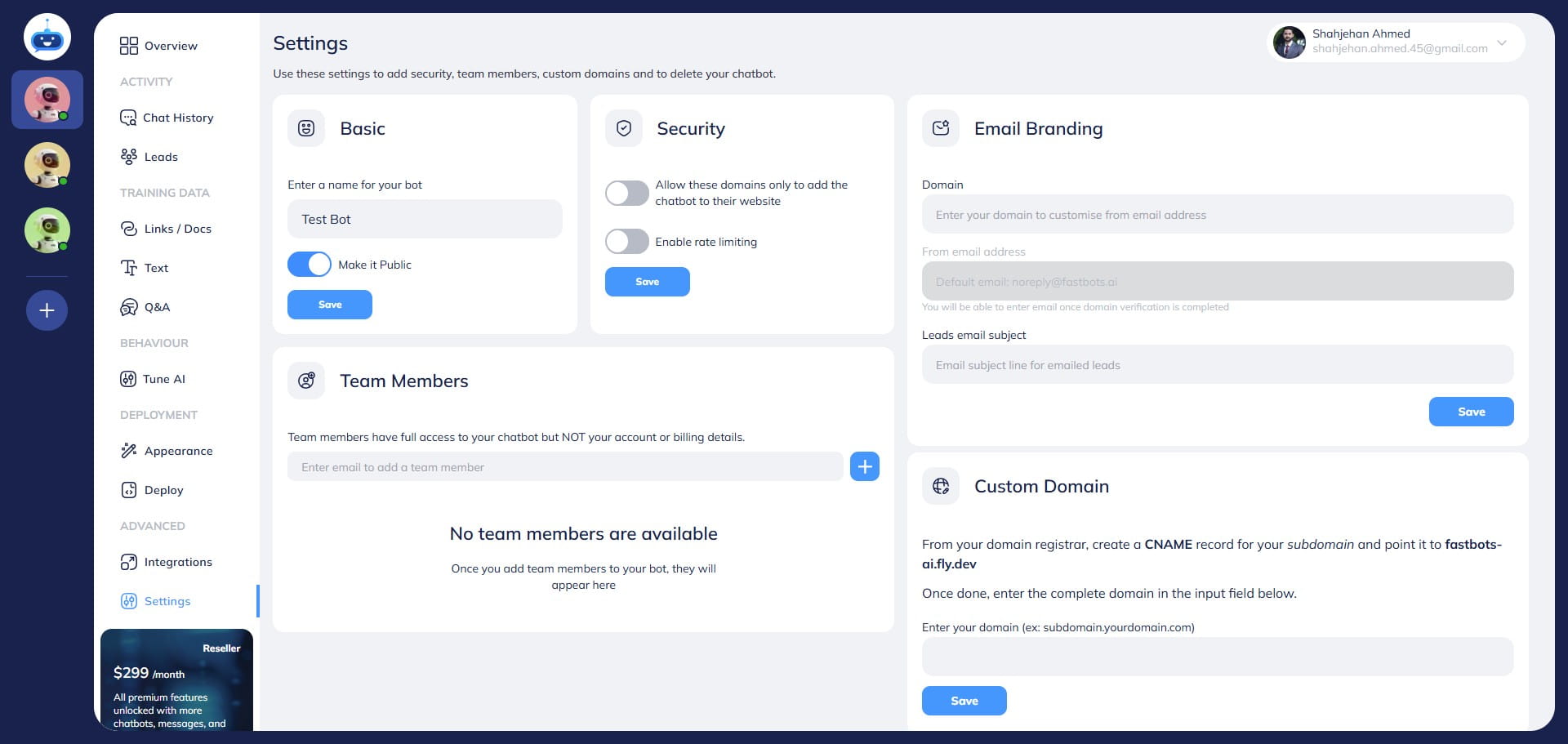
Turn off the "Mark it as public" toggle button.
5
Click on "Save"
6
Done 🚀. You have successfully made your chatbot private. Now it won't work outside of the app.