How to Upgrade Your FastBots Account
Learn how to choose a paid plan during or after your 14-day FastBots trial.
Aug 24, 2026●
1
Navigate to https://app.fastbots.ai/
2
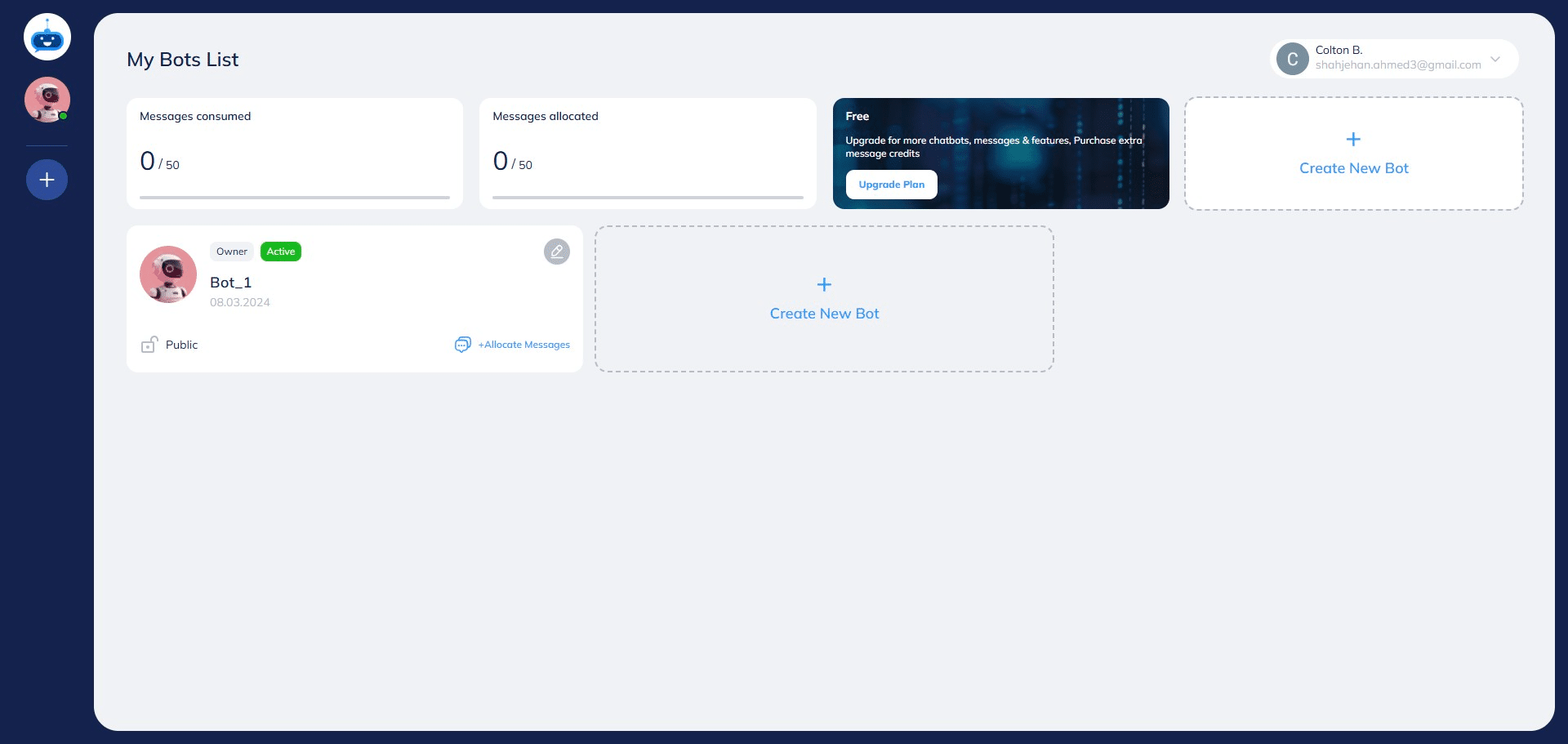
Open your FastBots account. On this page, you can see your current trial or plan, chatbot allowance, and remaining message credits.

3
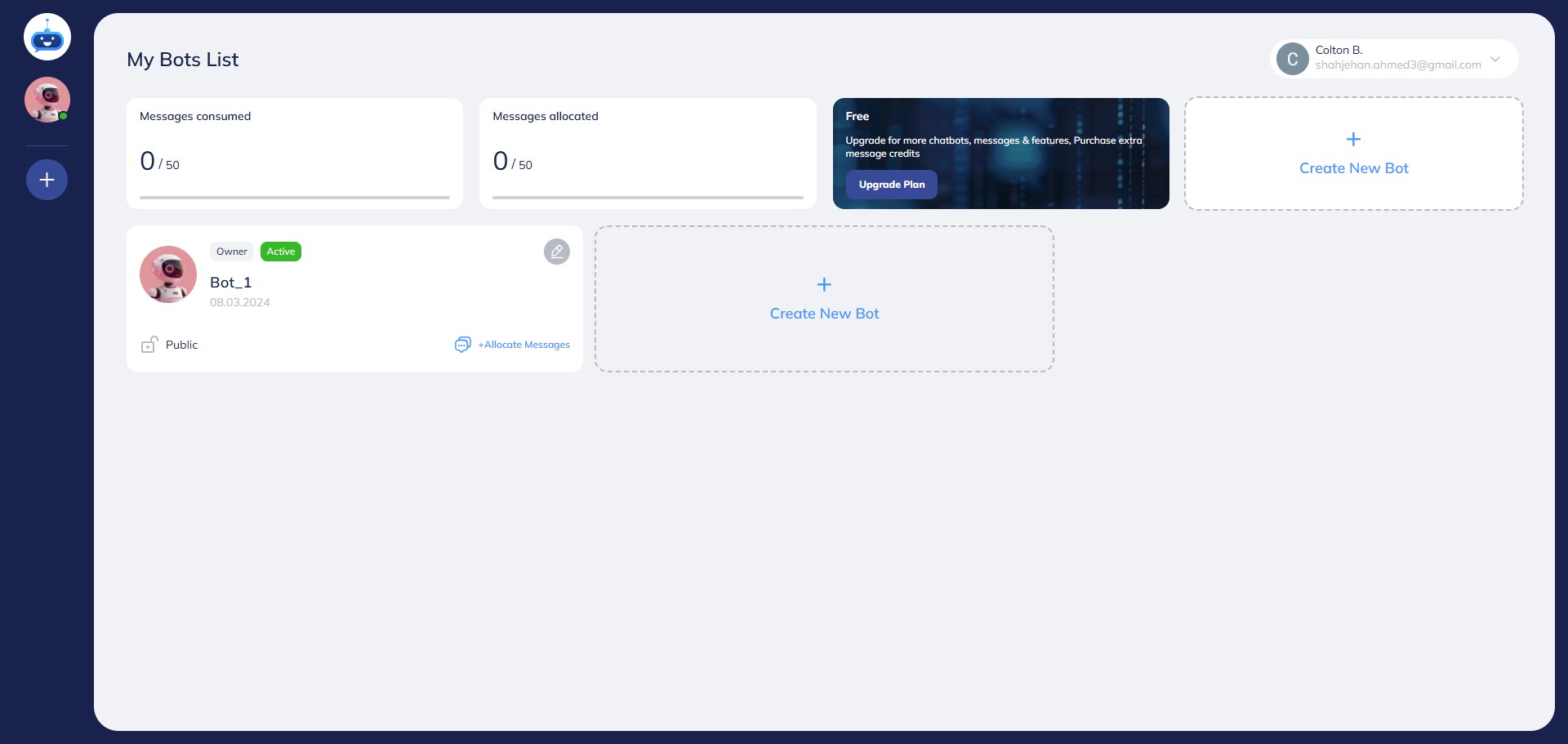
Click on "Upgrade Plan" button.
4
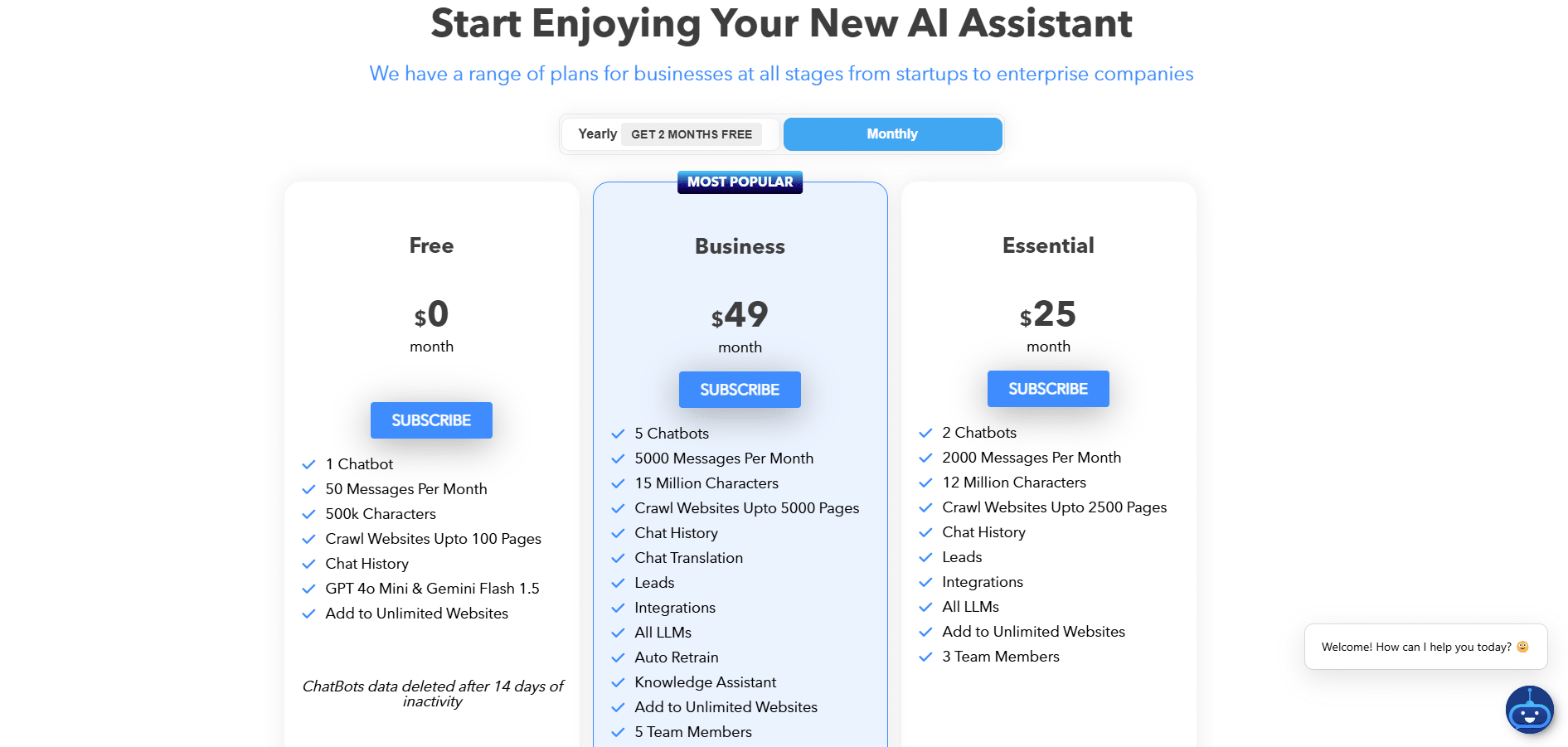
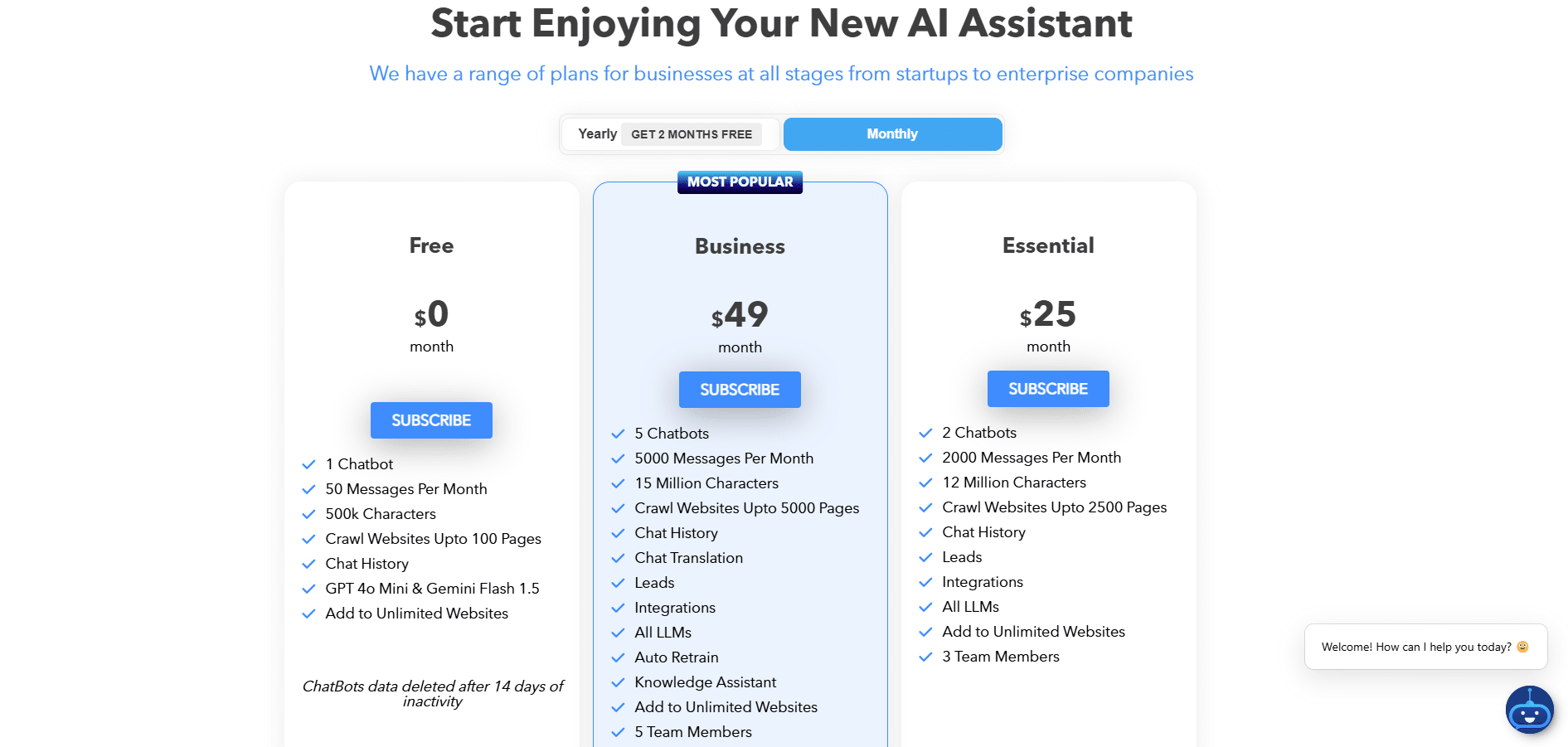
Here you can see all the plans we have available. You can choose the plan that suits your business and choose between a Yearly or a Monthly subscription.
5
After choosing a plan, simply click on the "Subscribe" button.
6
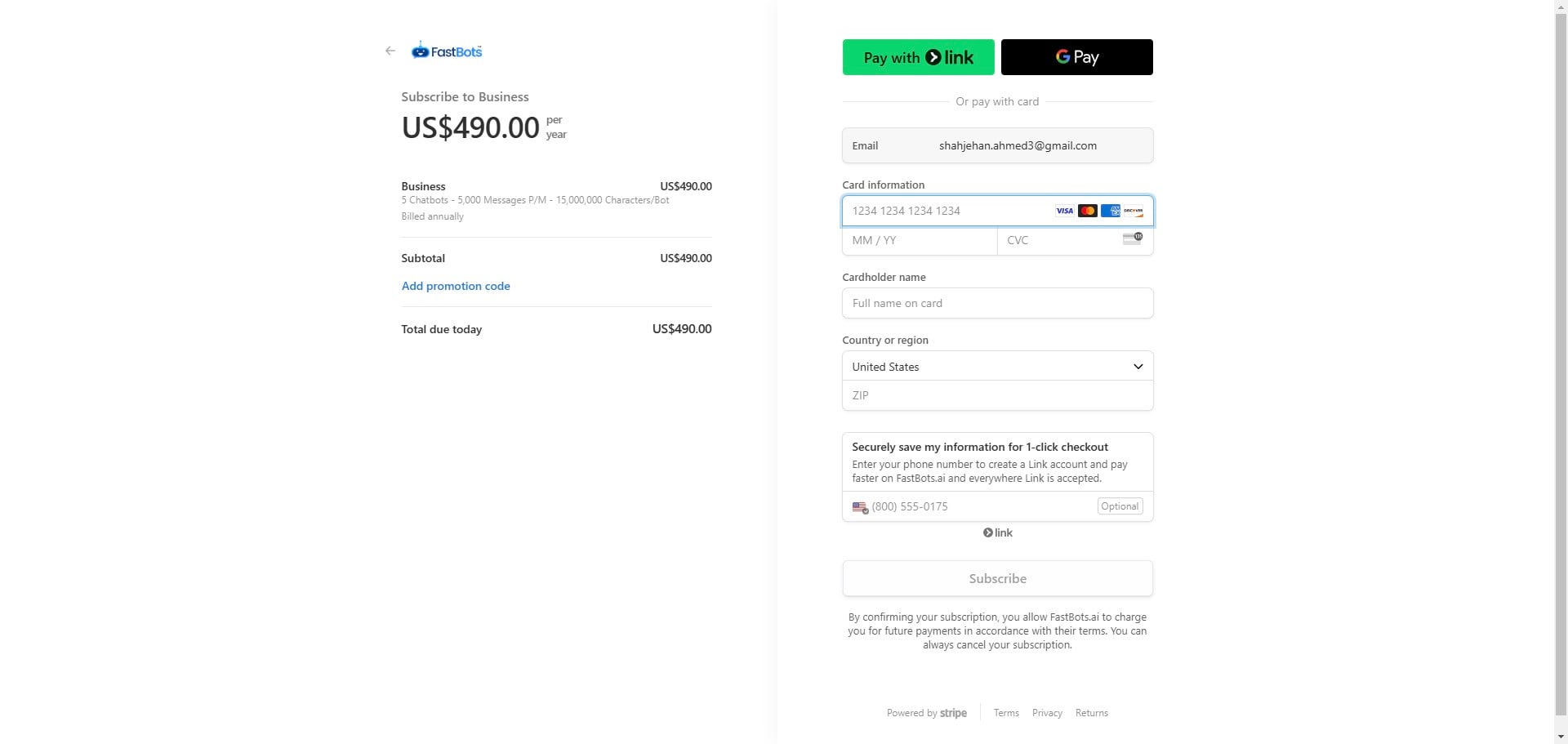
Add your payment details and click on the "Subscribe" button to activate your plan 🚀