How To Add Suggested Questions To The Chatbot
This training guide will show you how to add suggested questions to your chatbot. Suggested questions provide users with a few options to help initiate the conversation.
Nov 30, 2024●
1
Navigate to https://app.fastbots.ai/
2
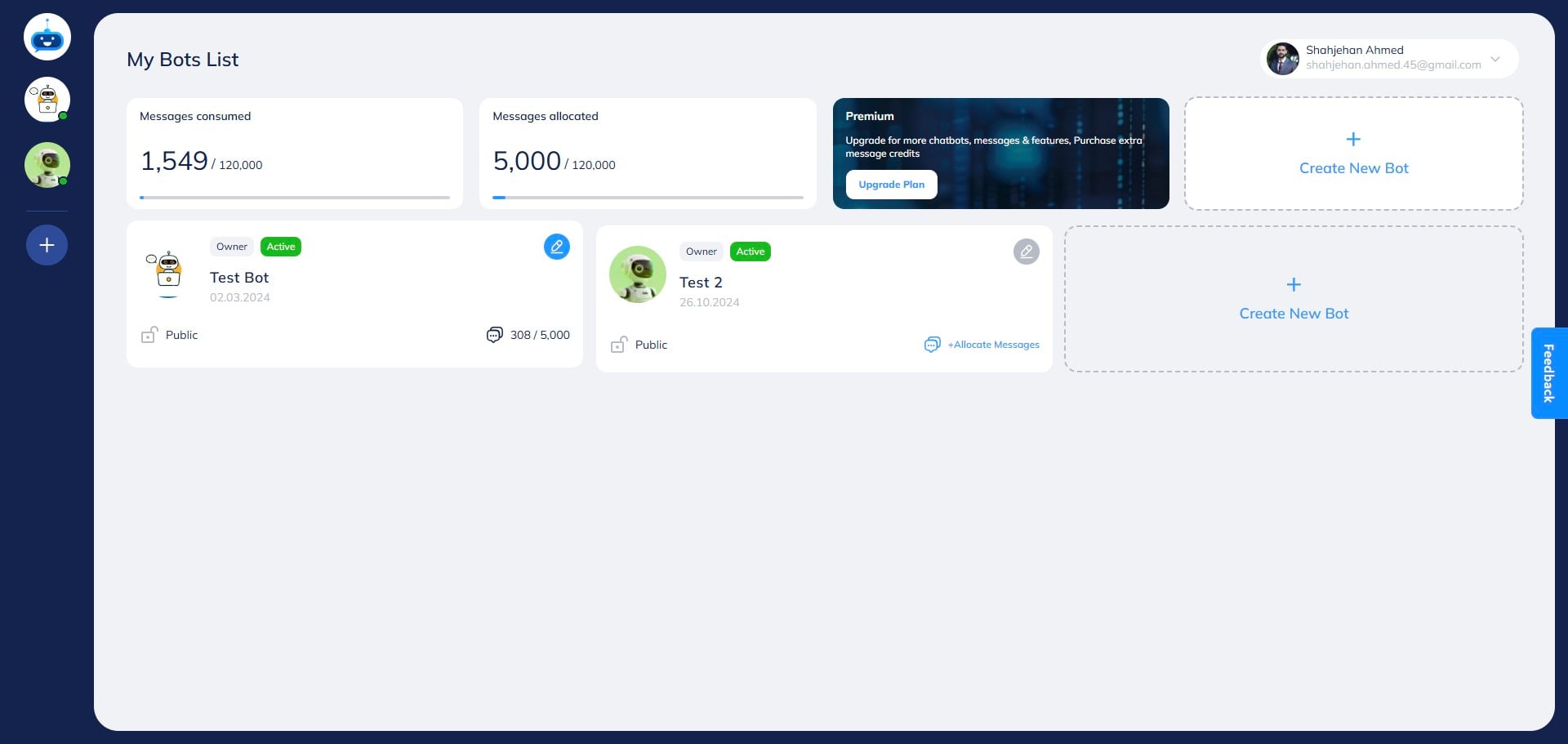
Click on the chatbot to open it.

3
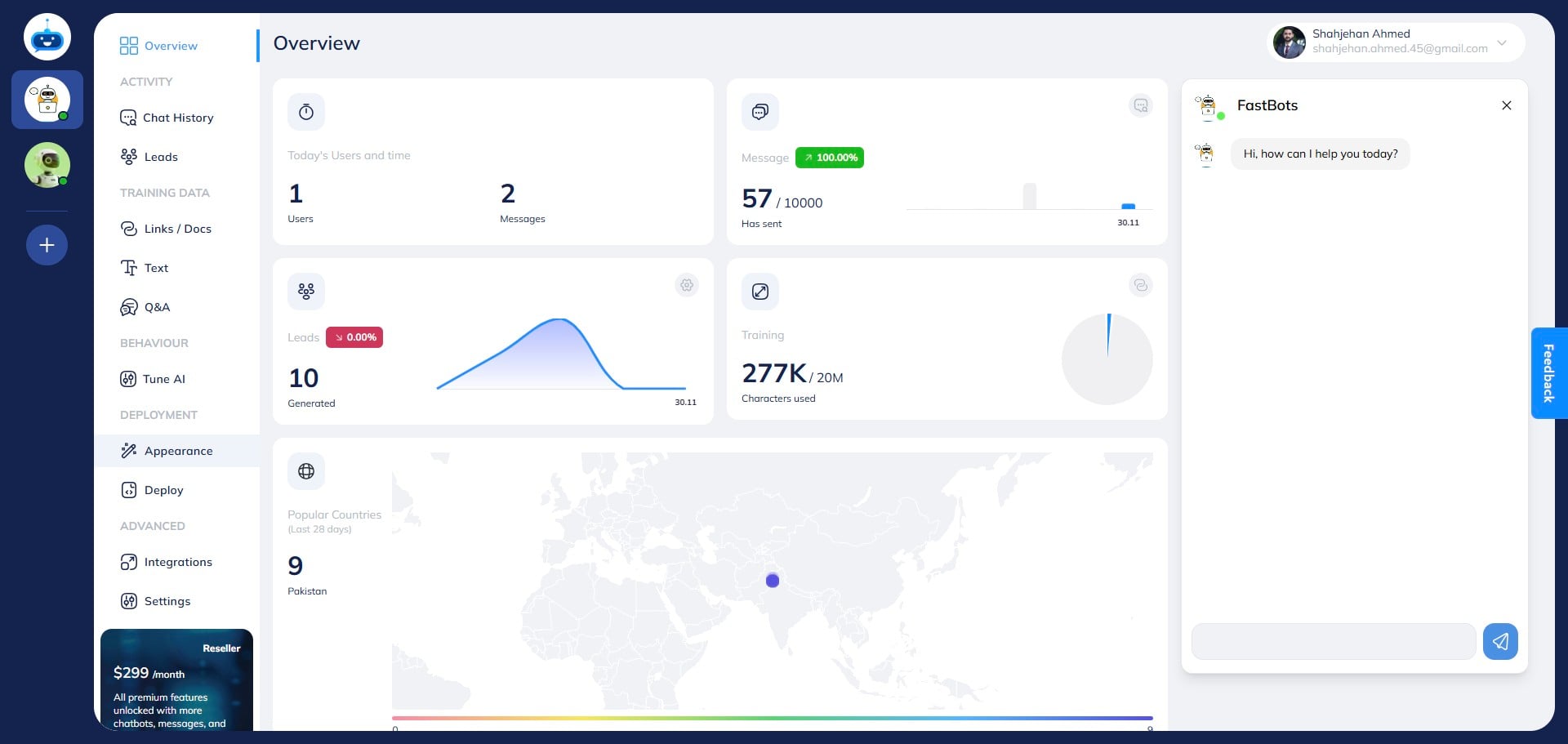
Click on "Appearance" to open this page.
4
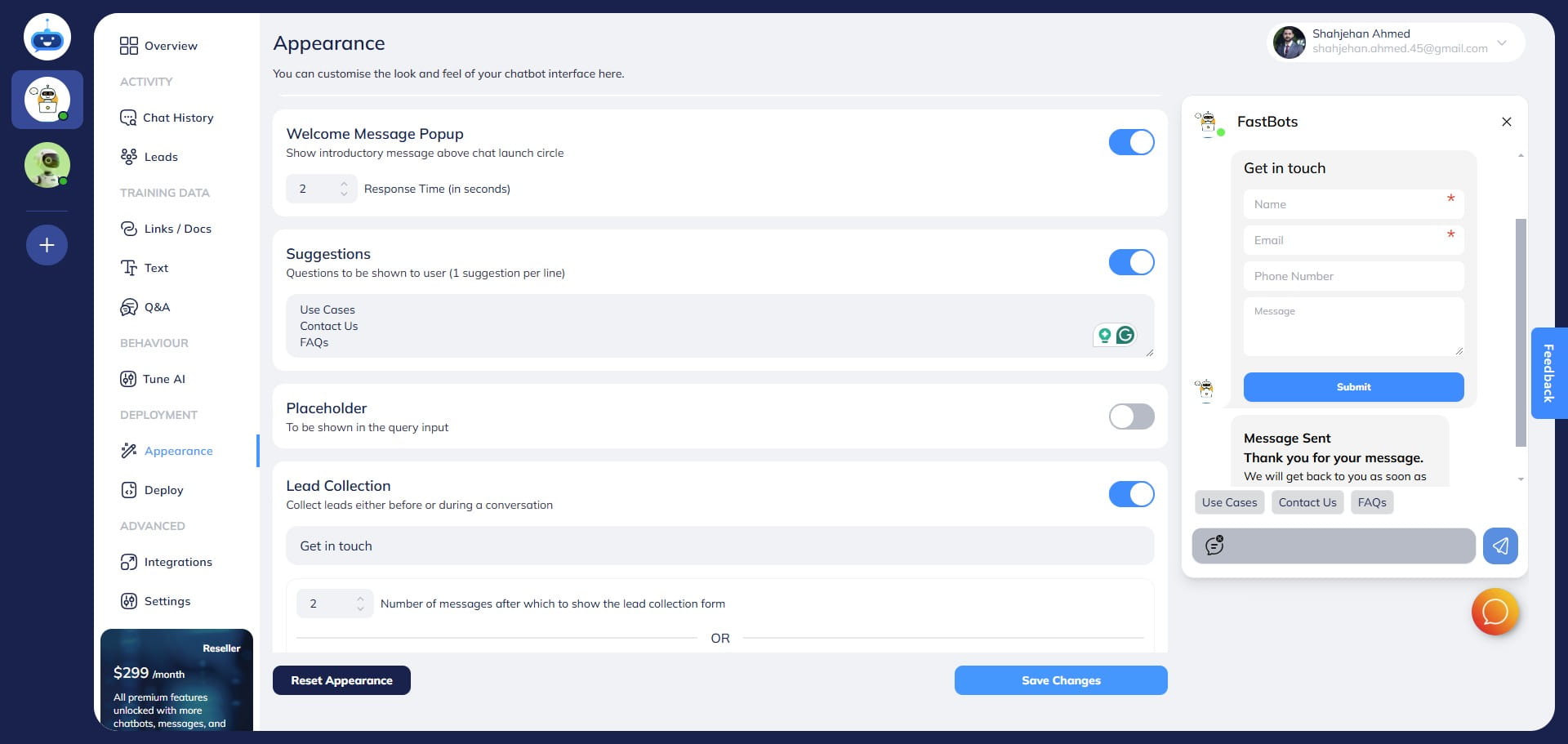
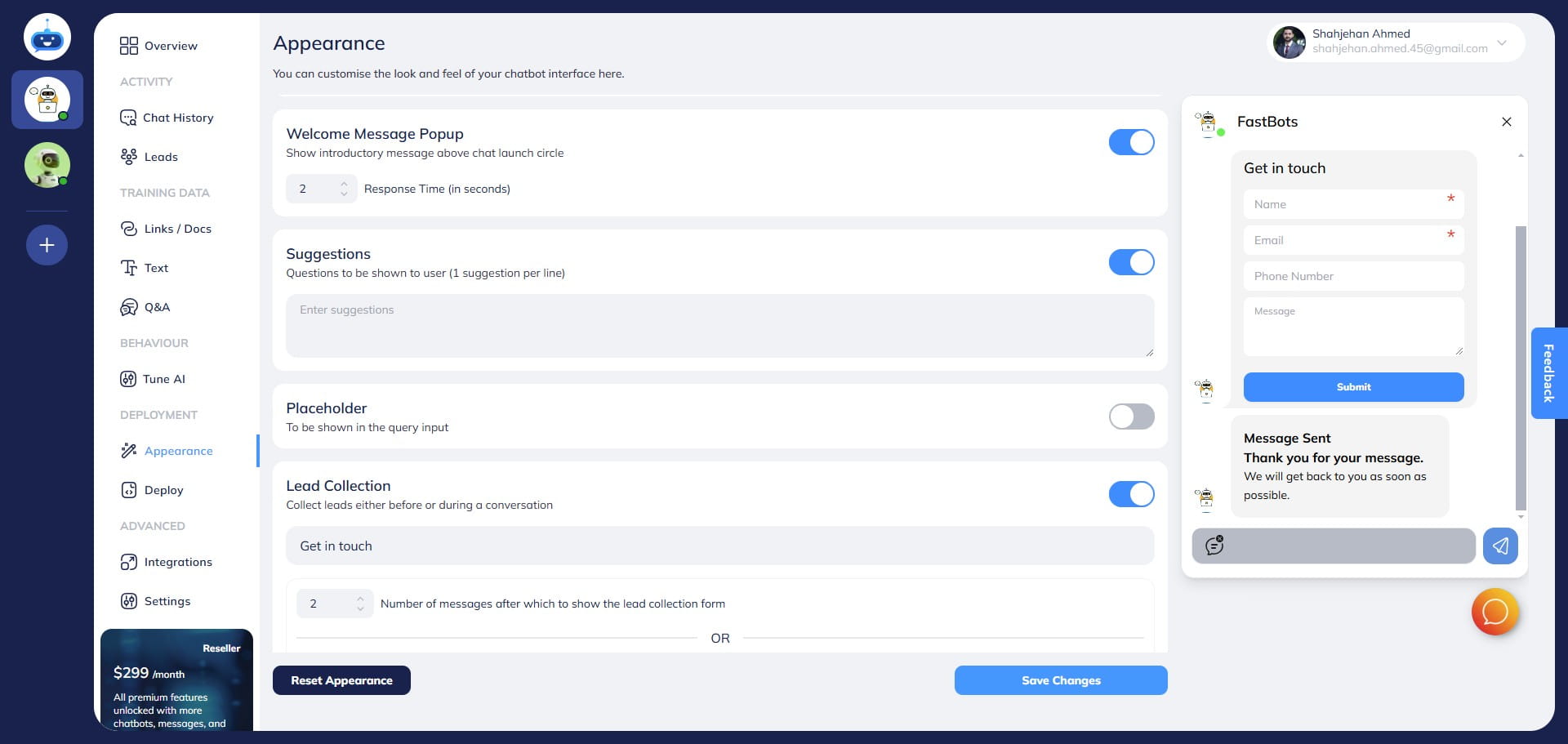
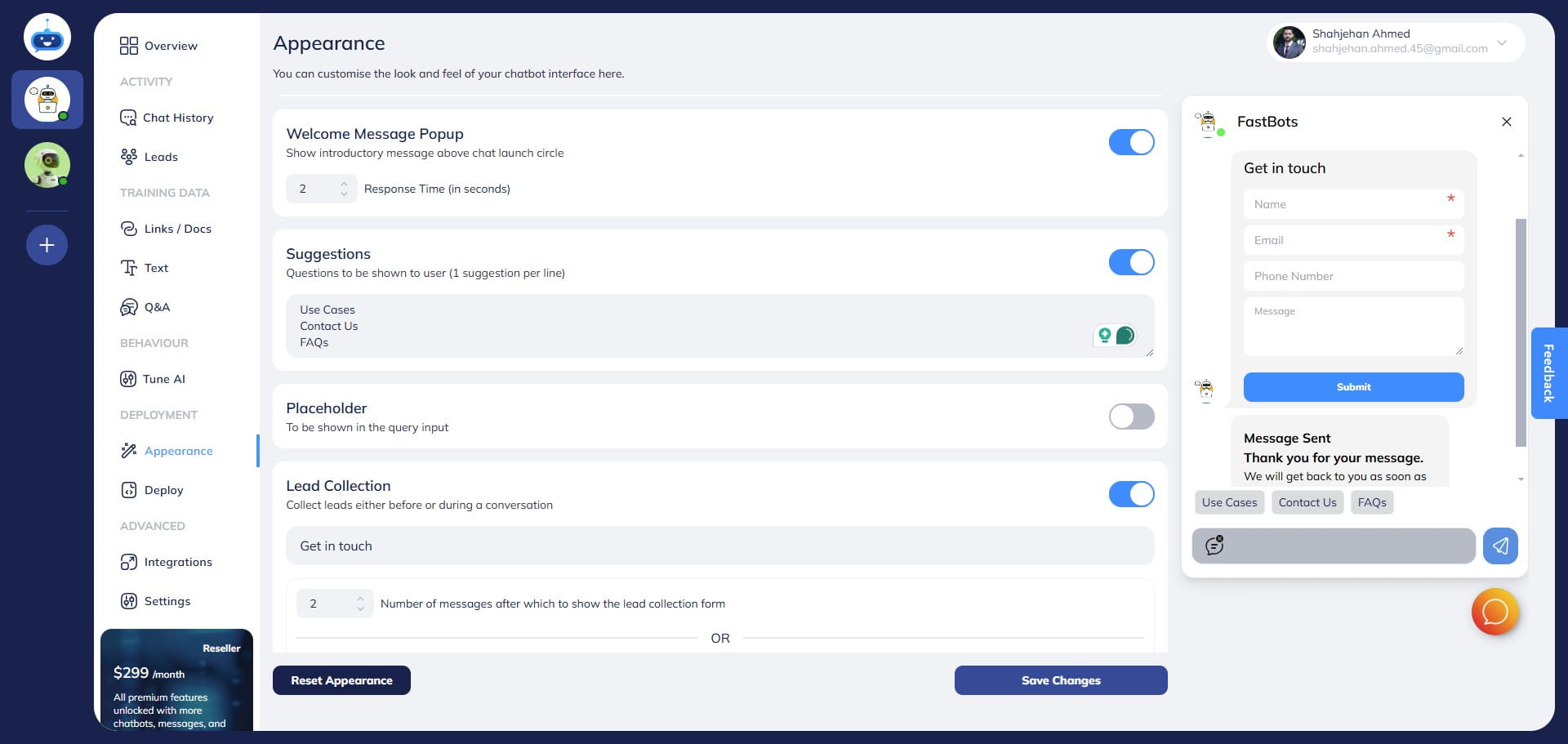
In this area, you can add the suggested questions. Only 1 suggestion should be added per line. For the next suggestion, use the next line.
5
After you add the suggested questions. You can see the added suggested questions here.
6
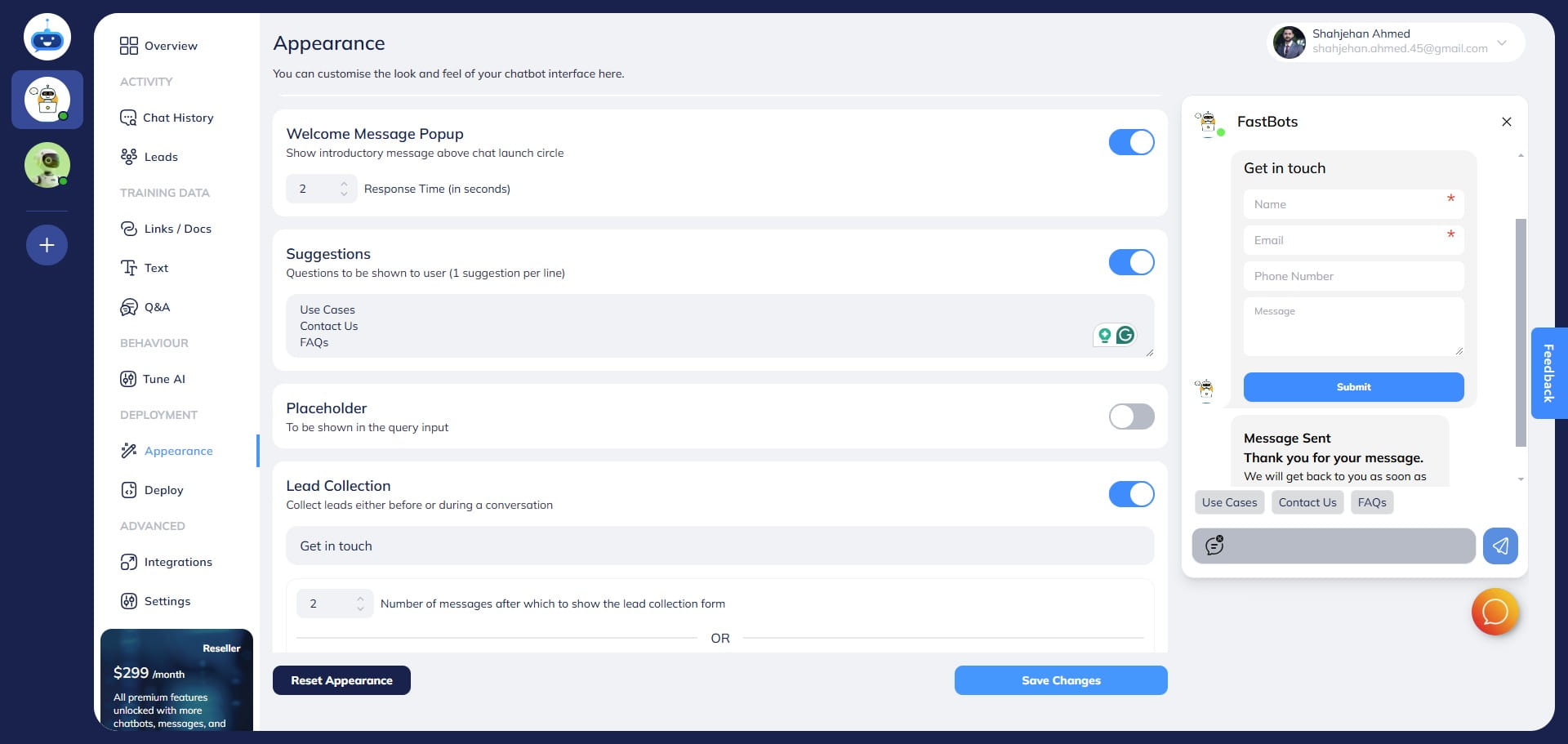
Click on the "Save Changes" button to save the settings.
7
Done! You have added the suggested questions to your chatbot. 🚀