

How To Add A YouTube Video To Chatbot
Learn how to do the training of your chatbot using a YouTube video.
Navigate to https://app.fastbots.ai/
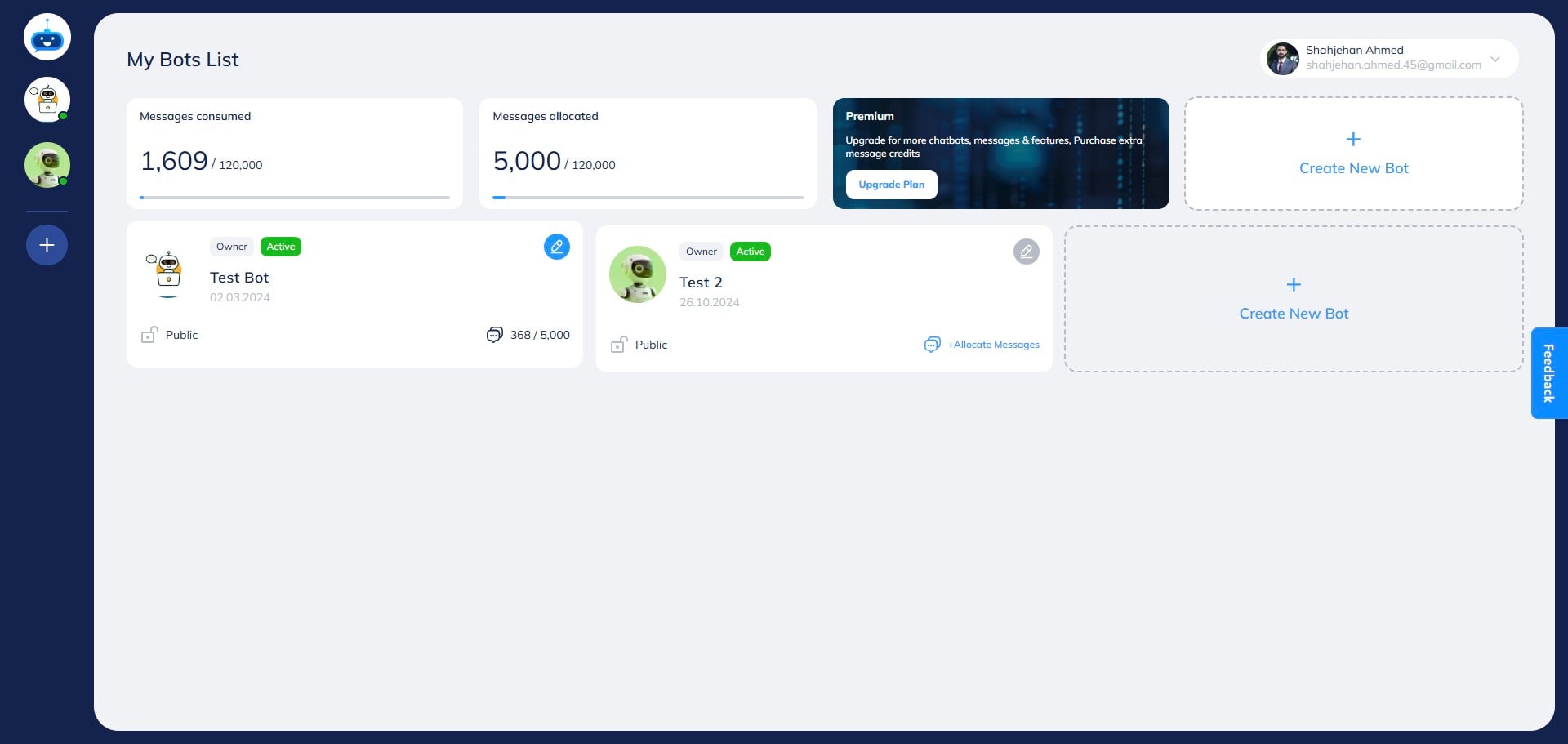
Click on the chatbot to open it.

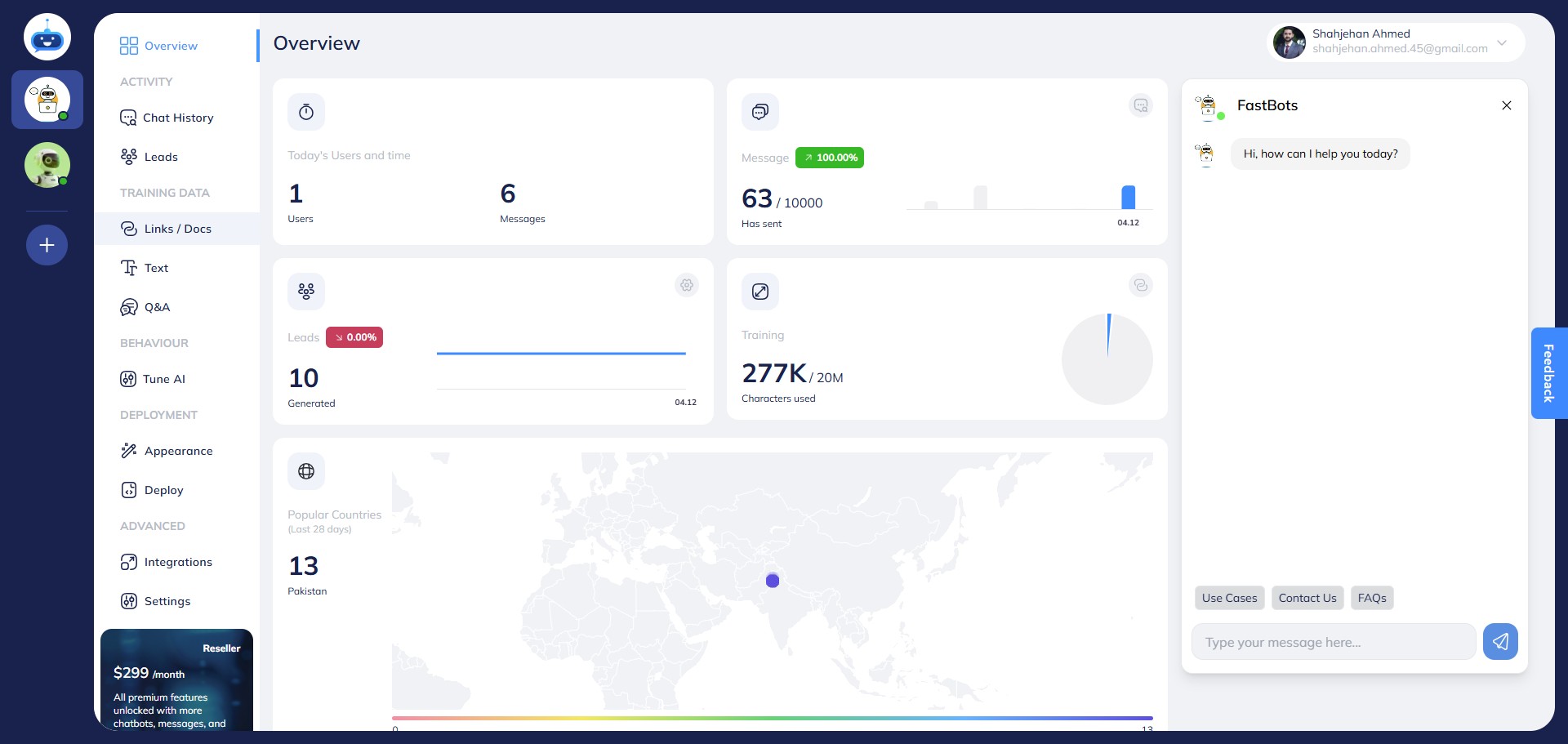
Click on "Links / Docs" to open this page.
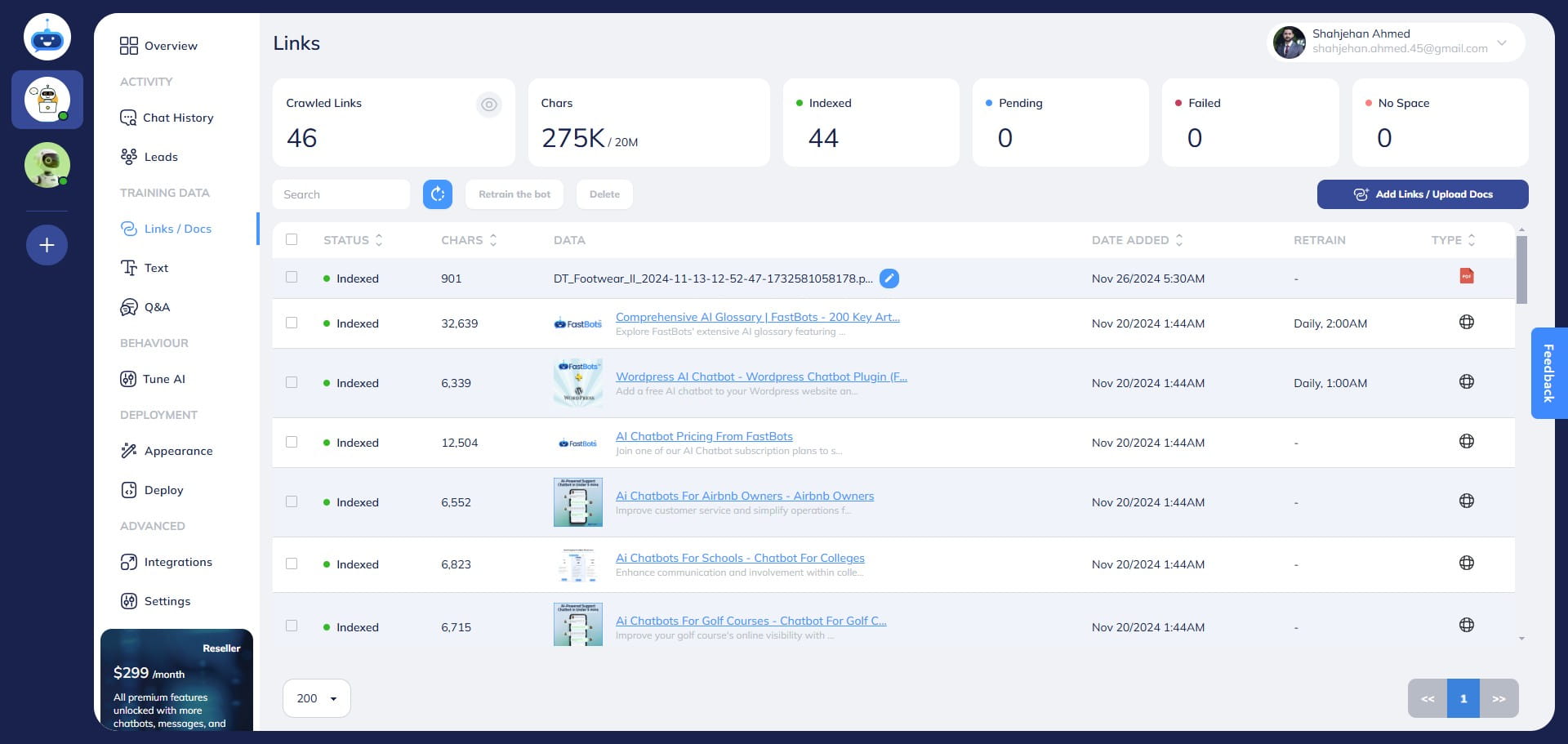
Click on the "Add Links/Upload Docs" button.
Select the "YouTube" option by clicking on it.
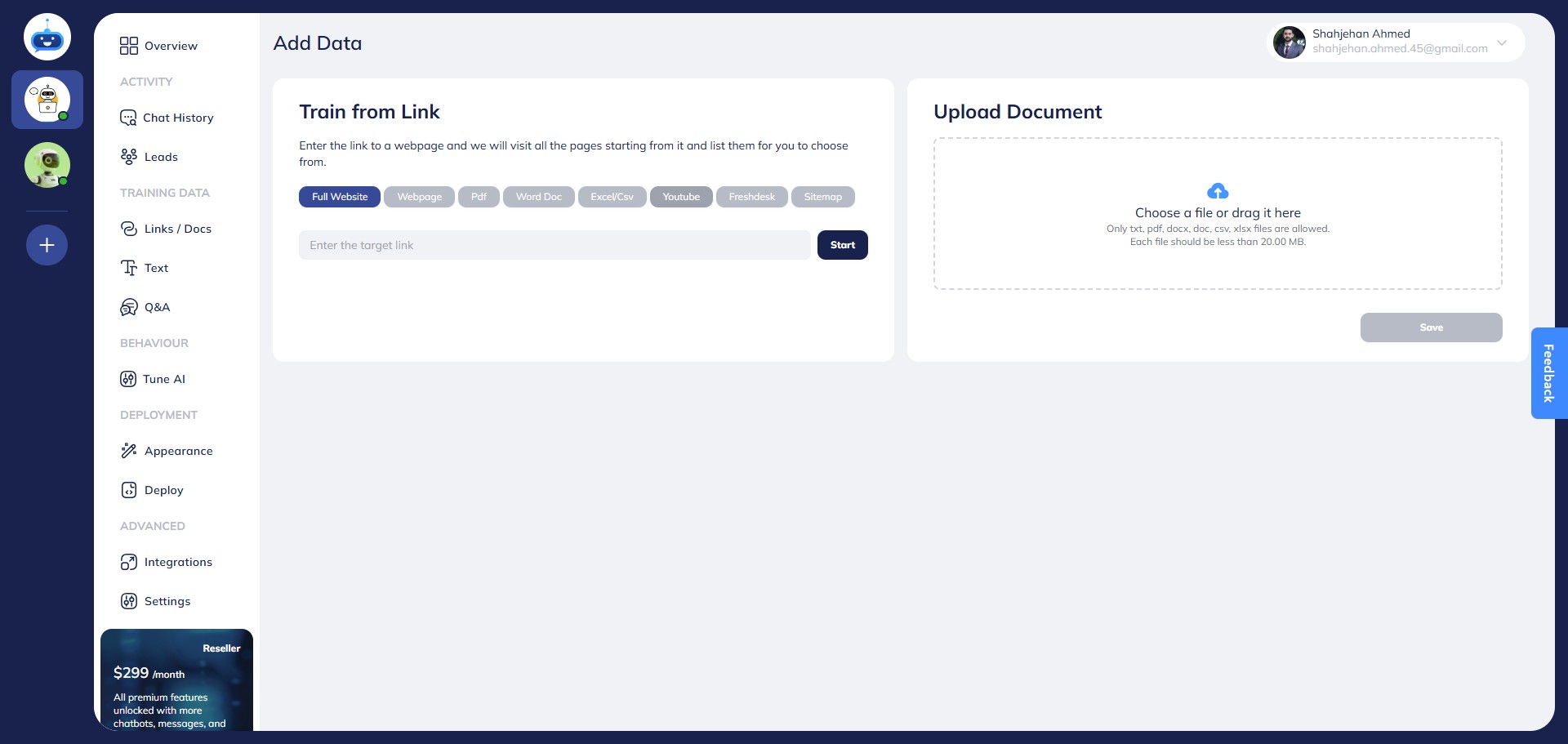
Add the URL of the YouTube video here.
Note: Chatbot can only add YouTube videos that have a transcript available. If the YouTube does not have the transcript, chatbot won't add it and shows a failed status.
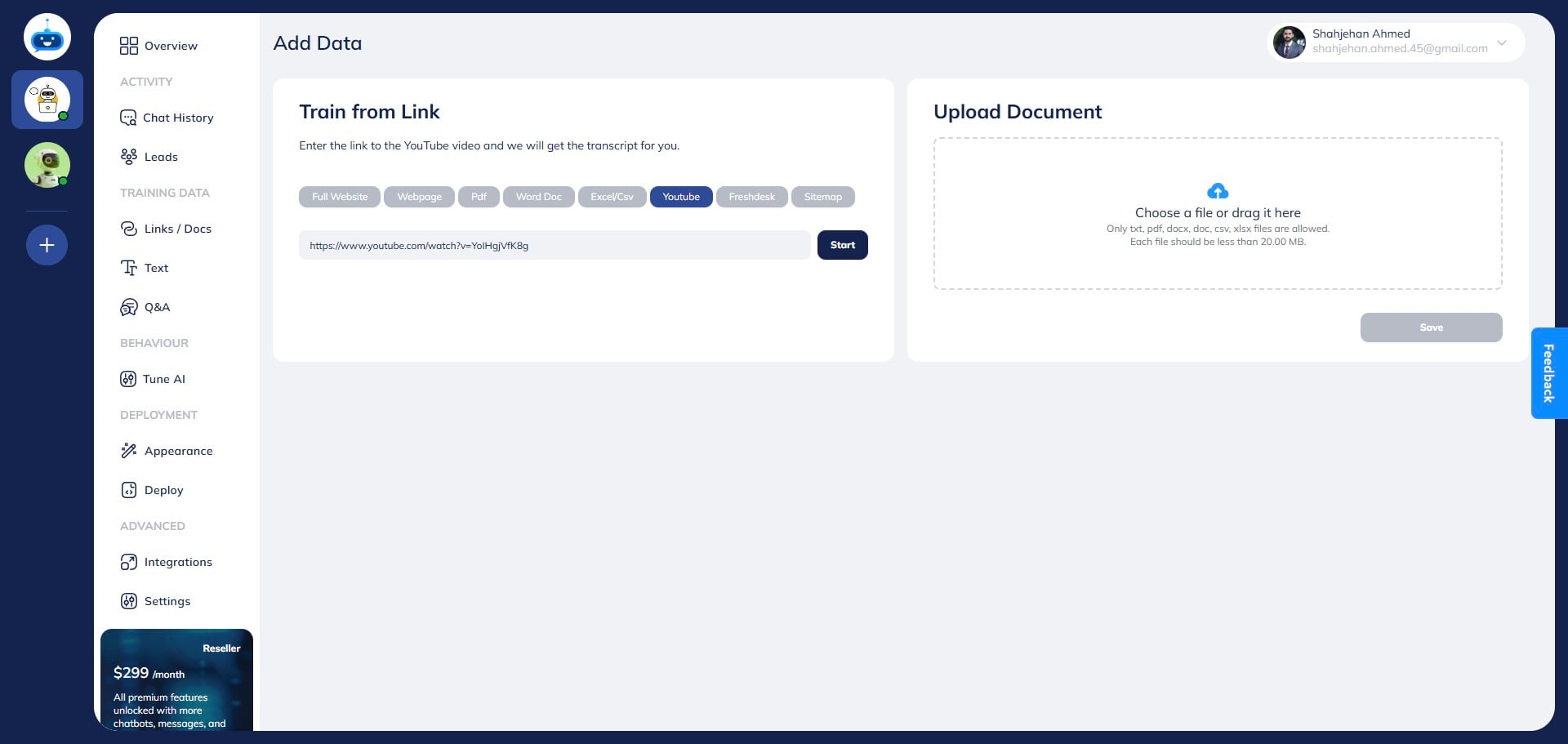
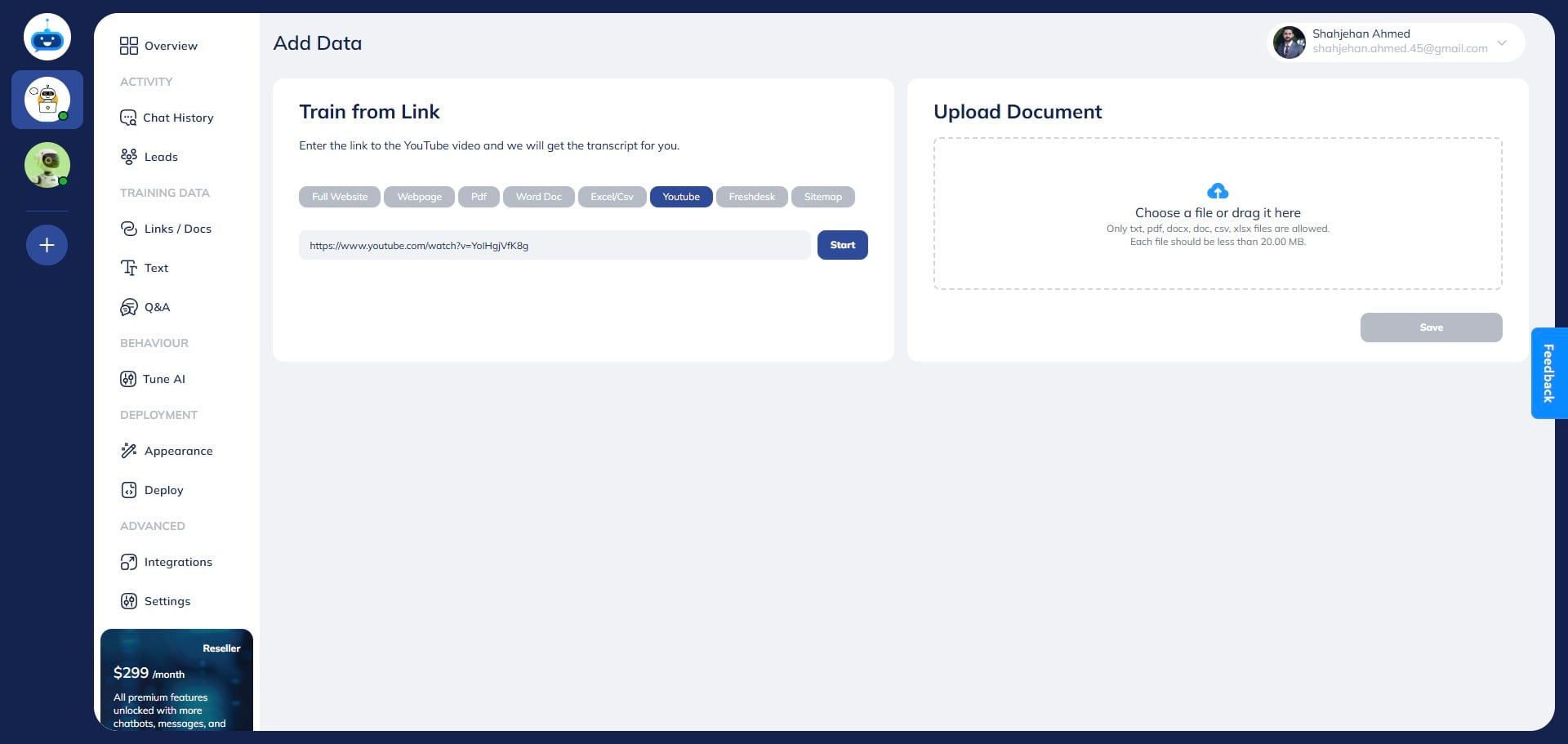
Click on "Start"
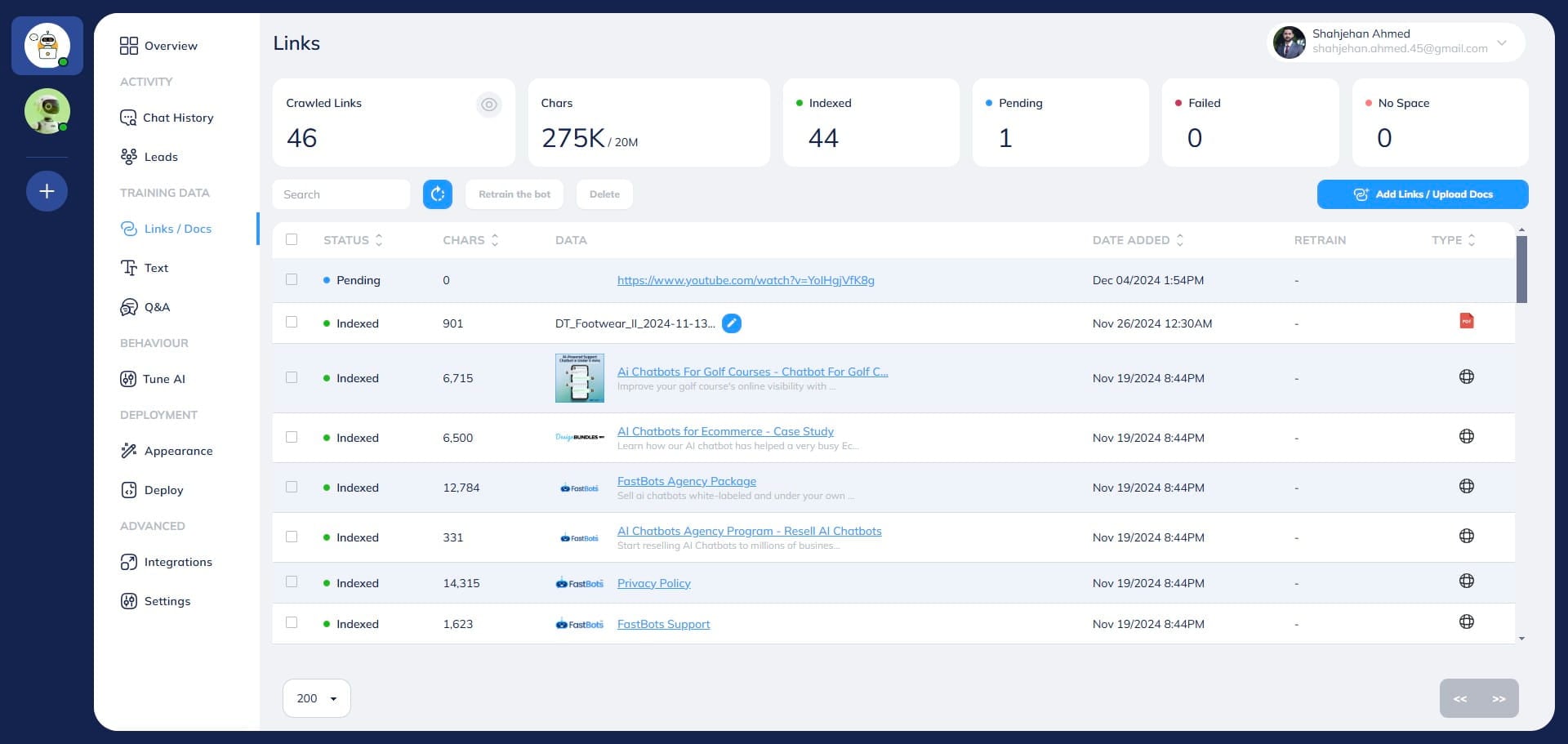
This icon shows that your YouTube video is being processed at the moment. Just give it a couple of minutes and then refresh your page to check the status again.
Once the YouTube video has been successfully added to the chatbot, you see "Indexed" under the status column.
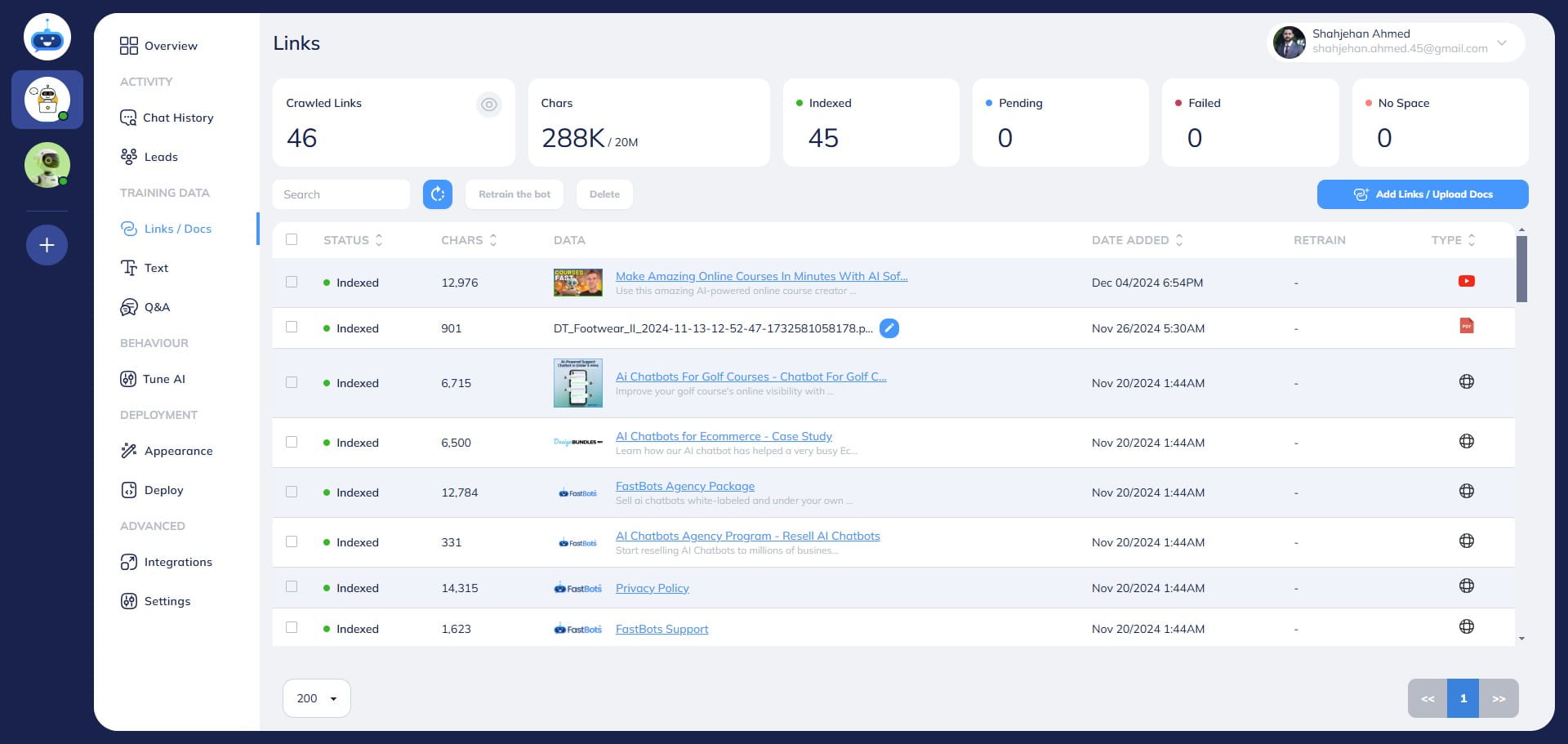
Done 🚀 You have added the YouTube video to your chatbot training.