

How to Have Leads Automatically Emailed
Learn how to get your inbound leads emailed to you or your team.
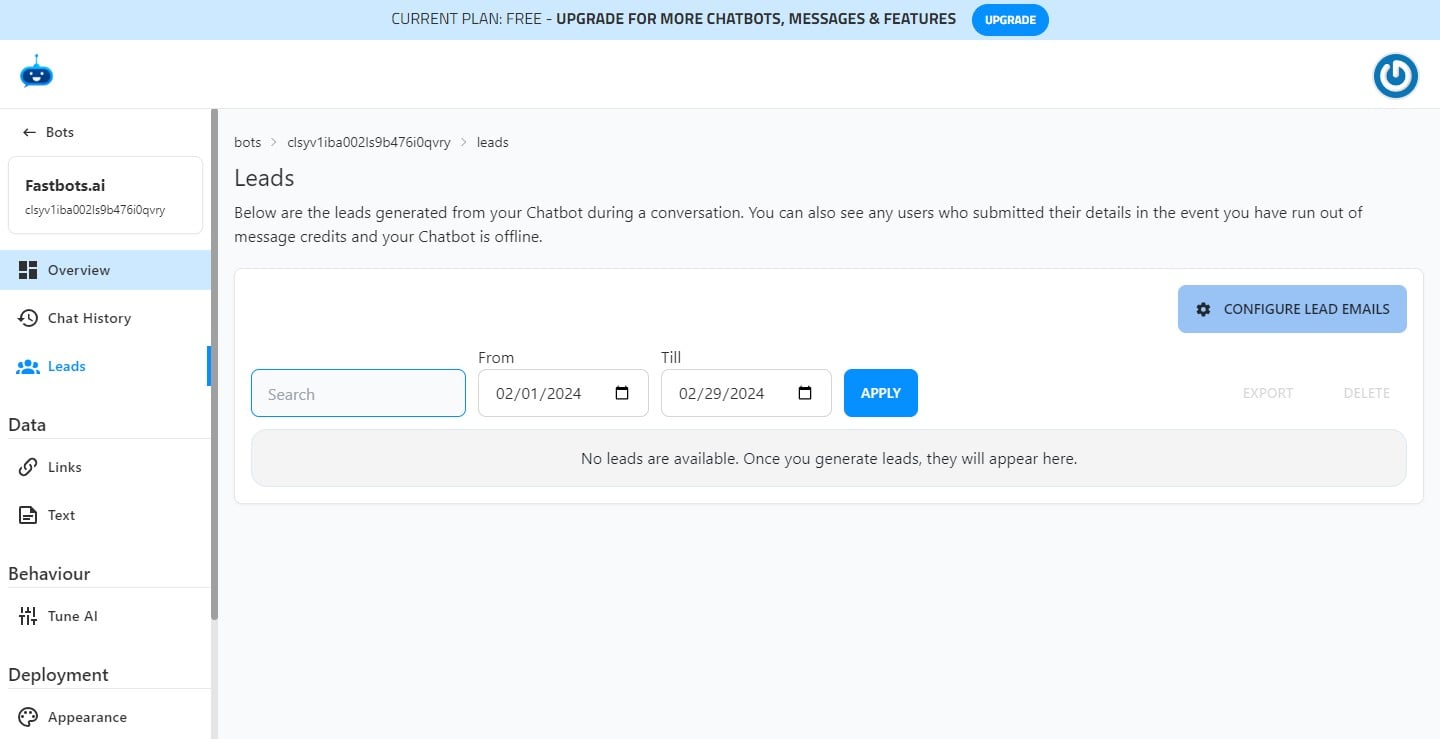
Navigate to https://app.fastbots.ai/. Open your Chatbot and Click on "Leads" on the menu.
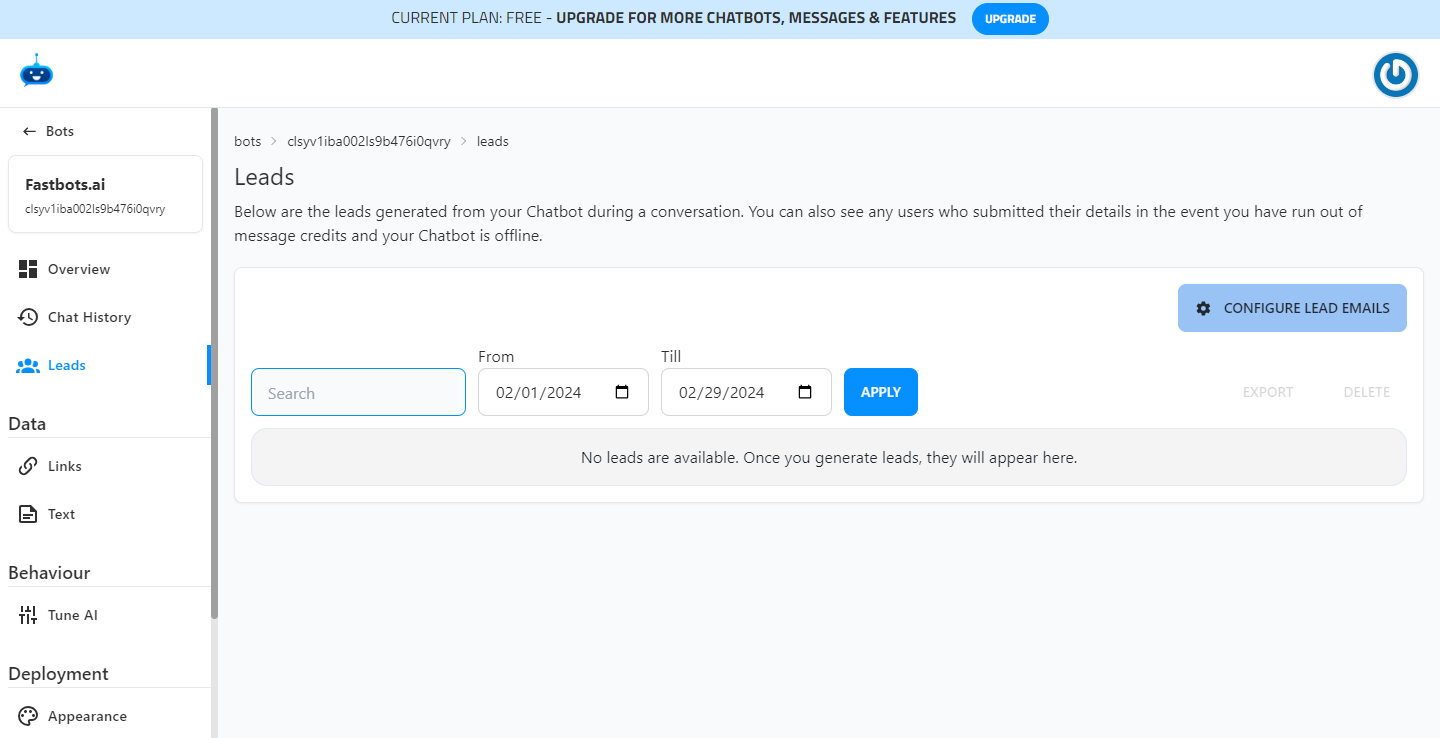

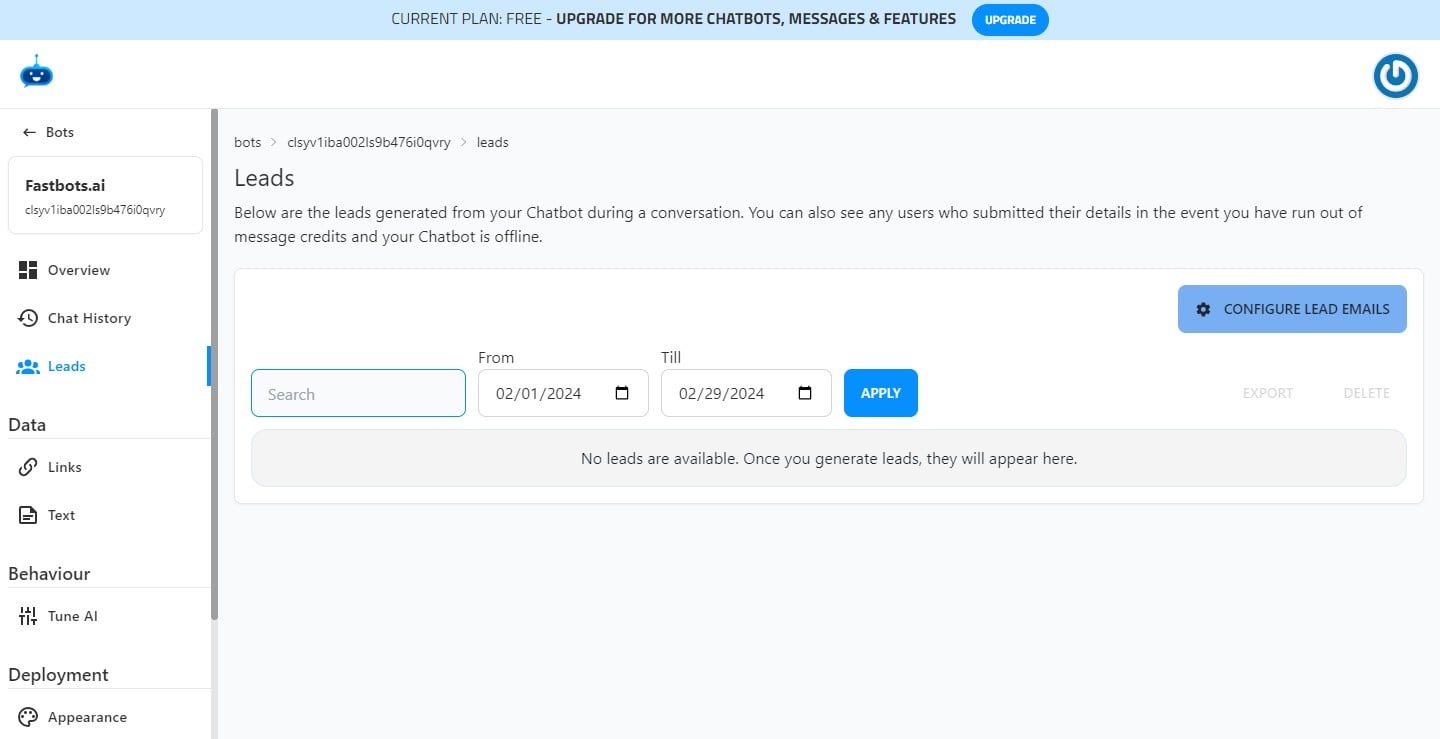
Click on the "Configure Lead Emails" button to add the email where you want to receive the leads.
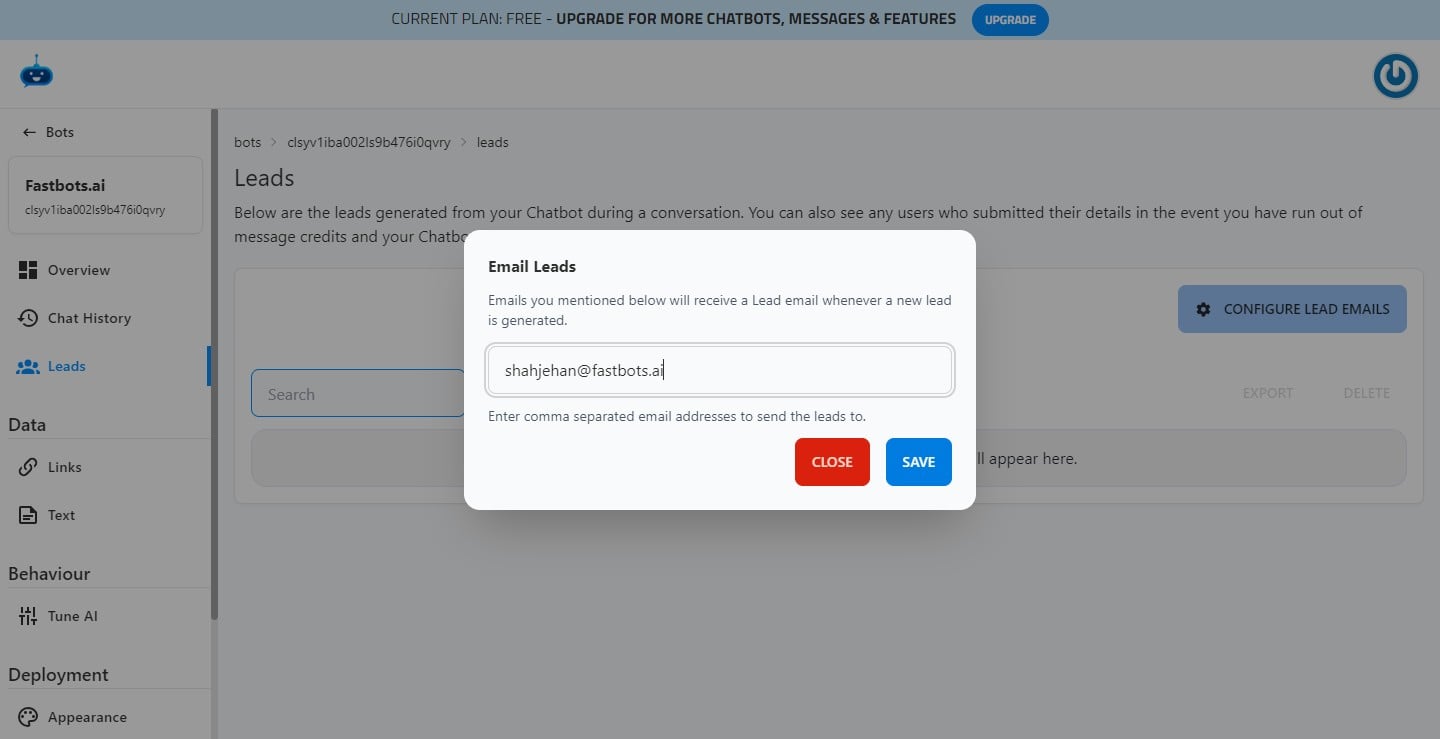
Add your email and click on "Save"
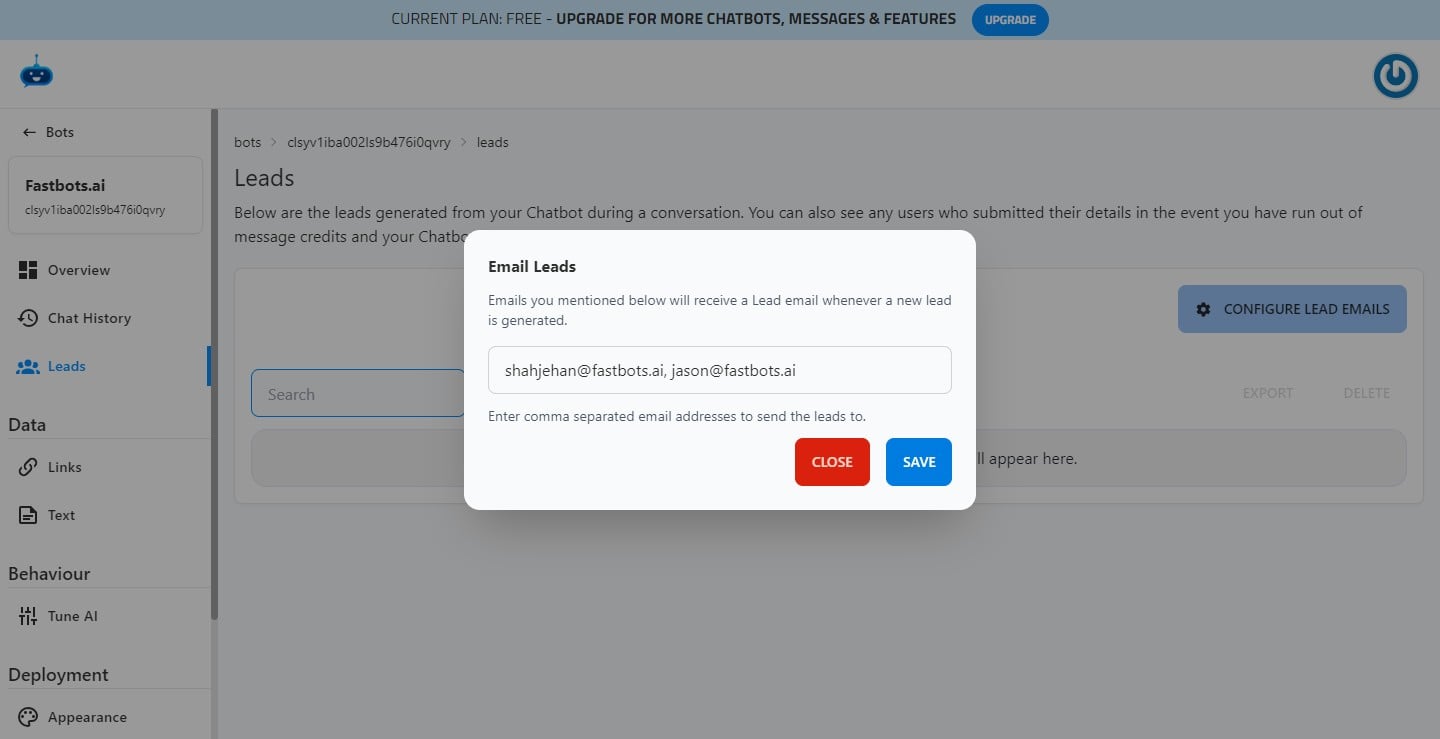
If you want the leads to go to multiple emails, you can just separate these emails by a comma and then click on the "Save" button to configure the emails.
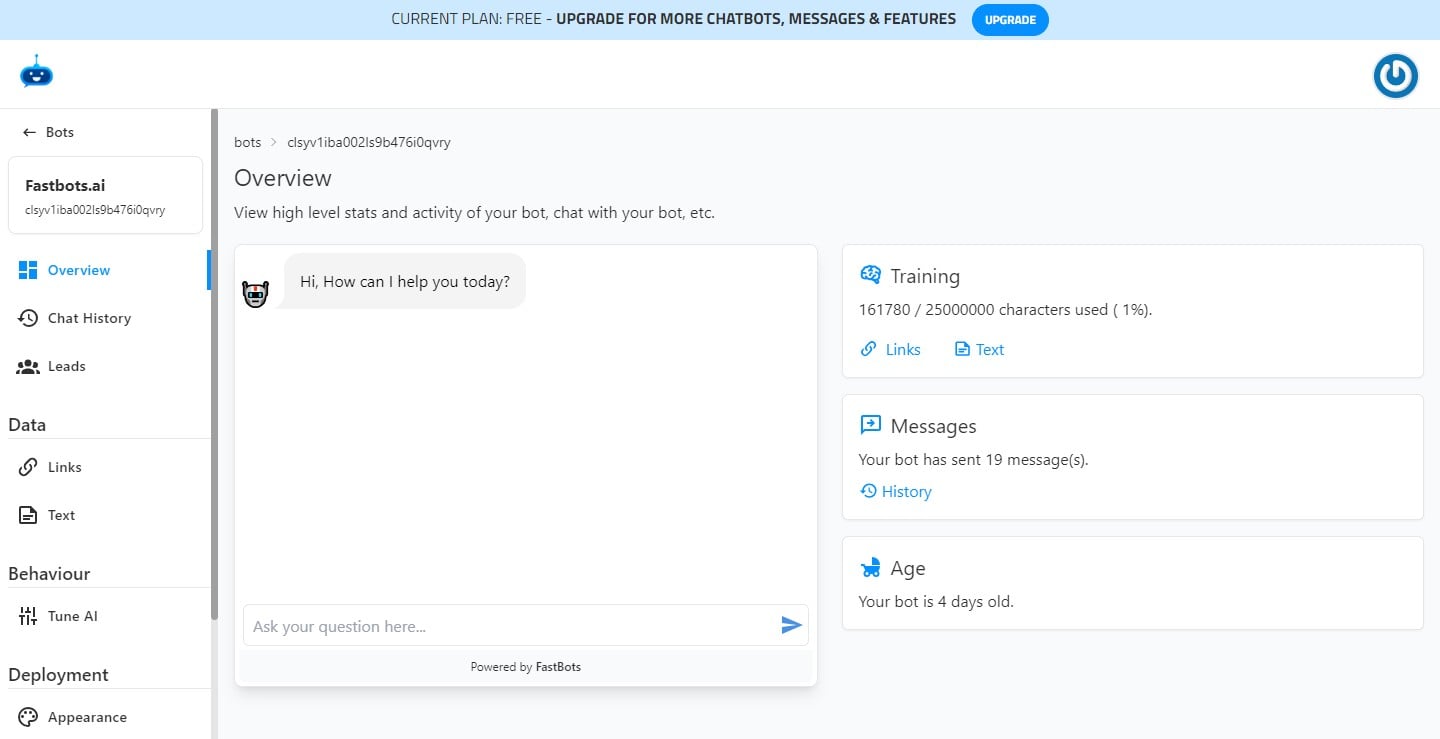
You have successfully configured your emails. The next step is to send a test lead to make sure that your lead collection form is sending leads to your emails. So click on "Overview"
Start a conversation with your Chatbot in the overview section so it can show you the lead collection form.
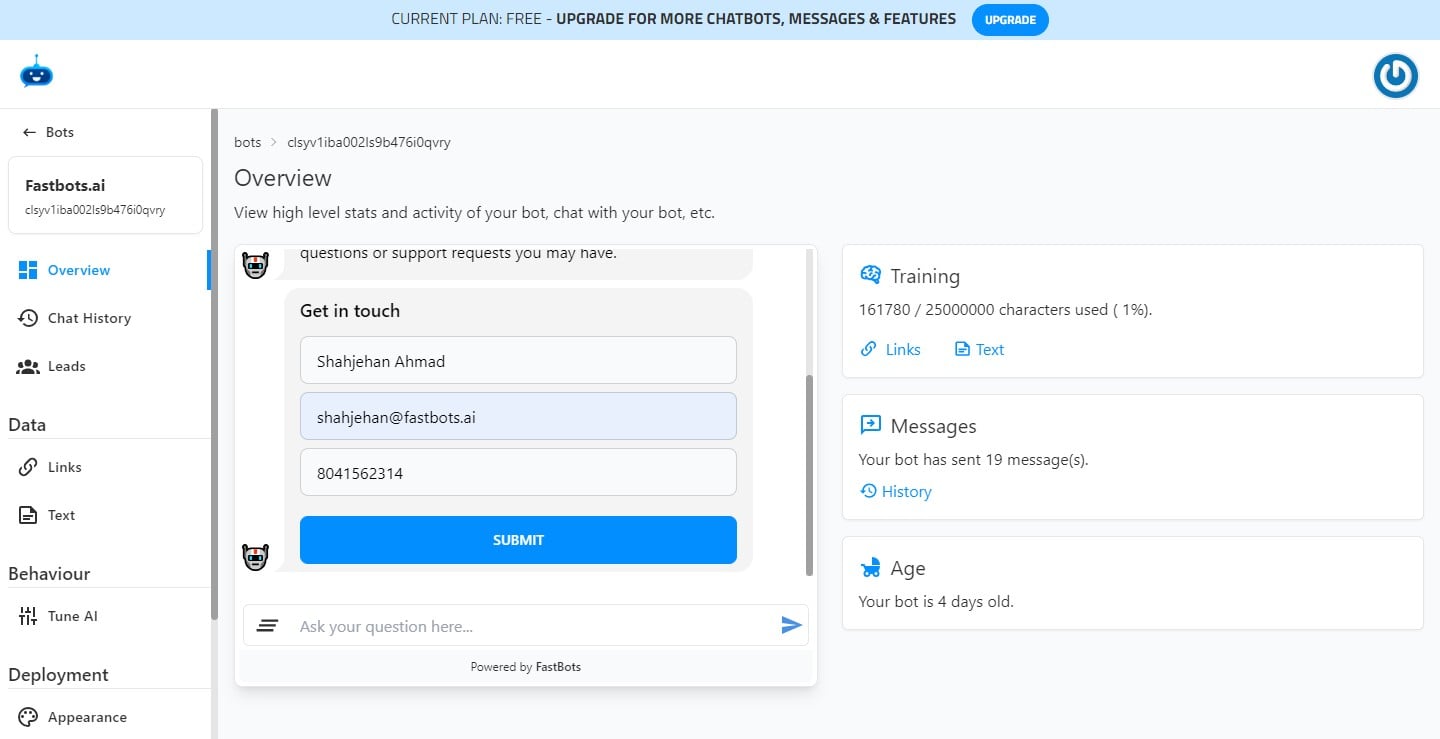
Enter the details and click on "Submit" and it should send the lead to your configured email.
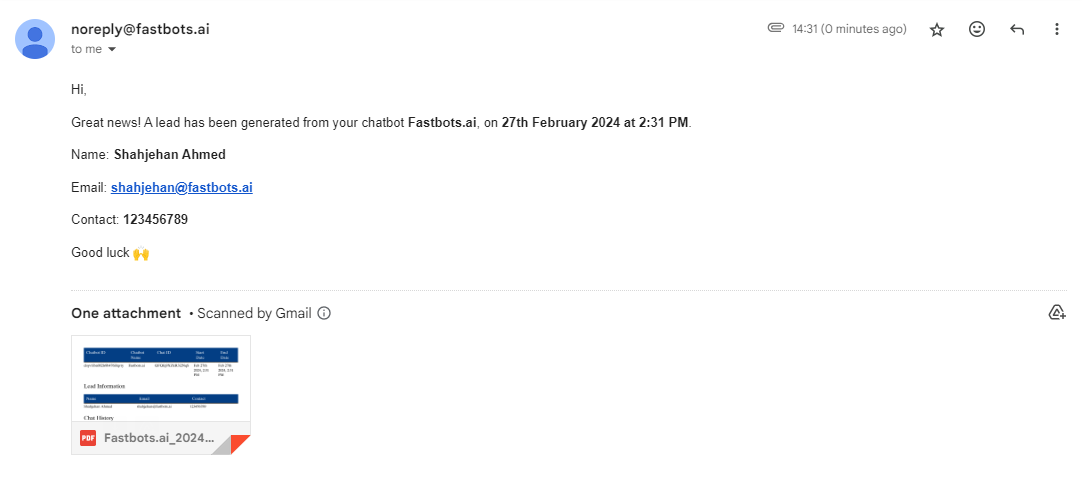
The email should look like this.
Congratulations!! You have successfully configured your lead collection form with your email 🚀