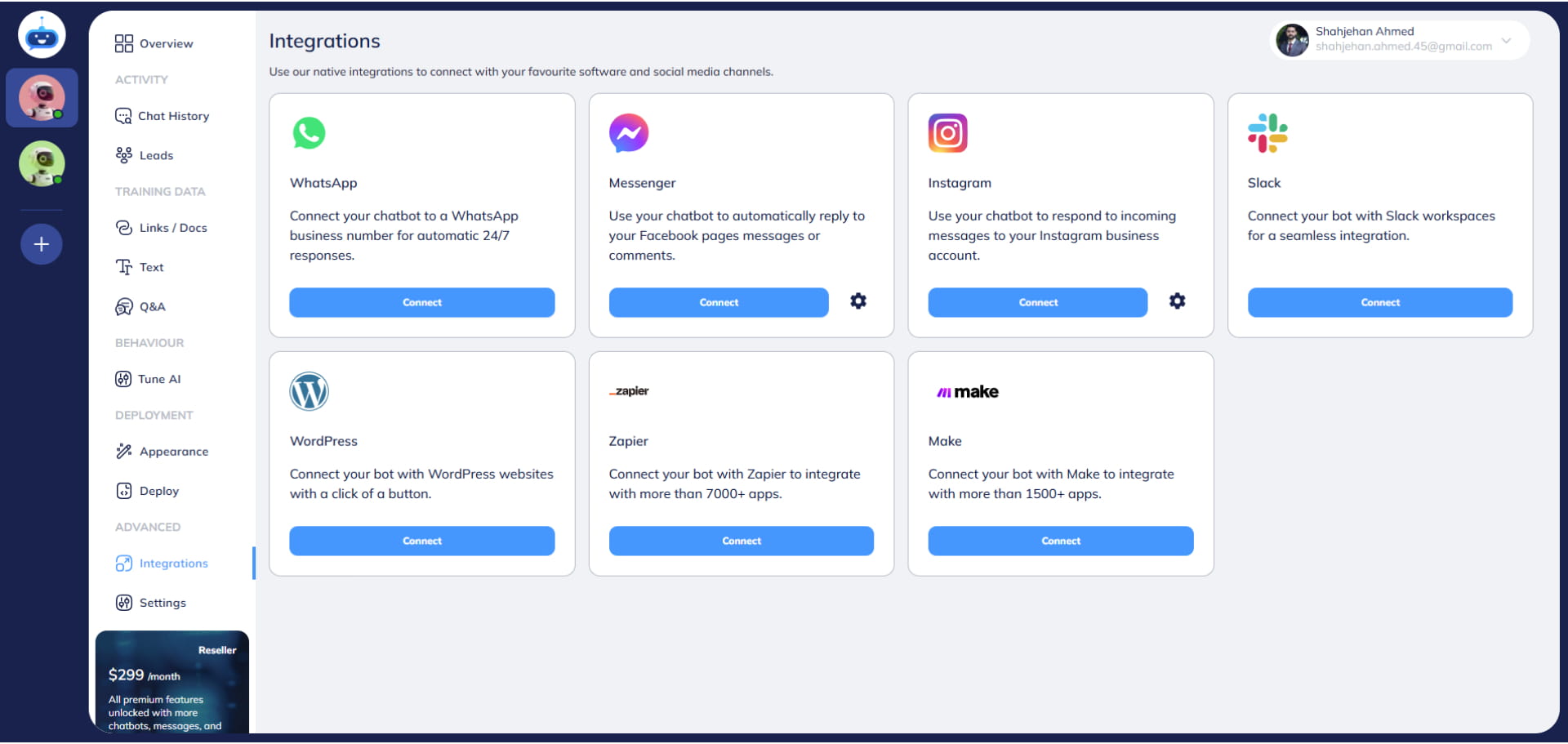
How to Integrate Fastbots with Instagram
This training guide provides a step-by-step process for connecting your chatbot to your Instagram account, enabling it to respond to user messages on Instagram and function as a 24/7 customer service representative for your business.
Navigate to https://app.fastbots.ai/
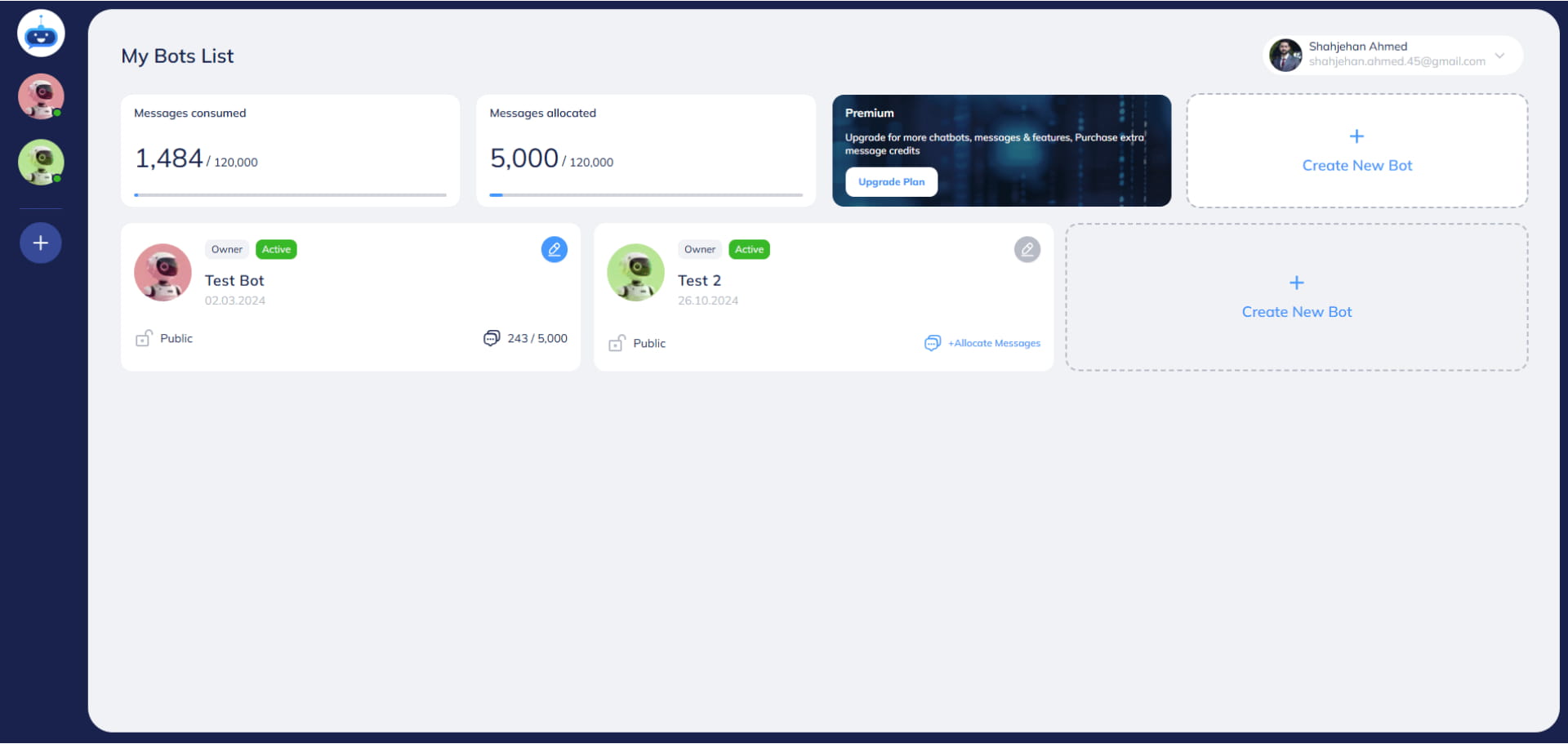
Click on your chatbot to open it.

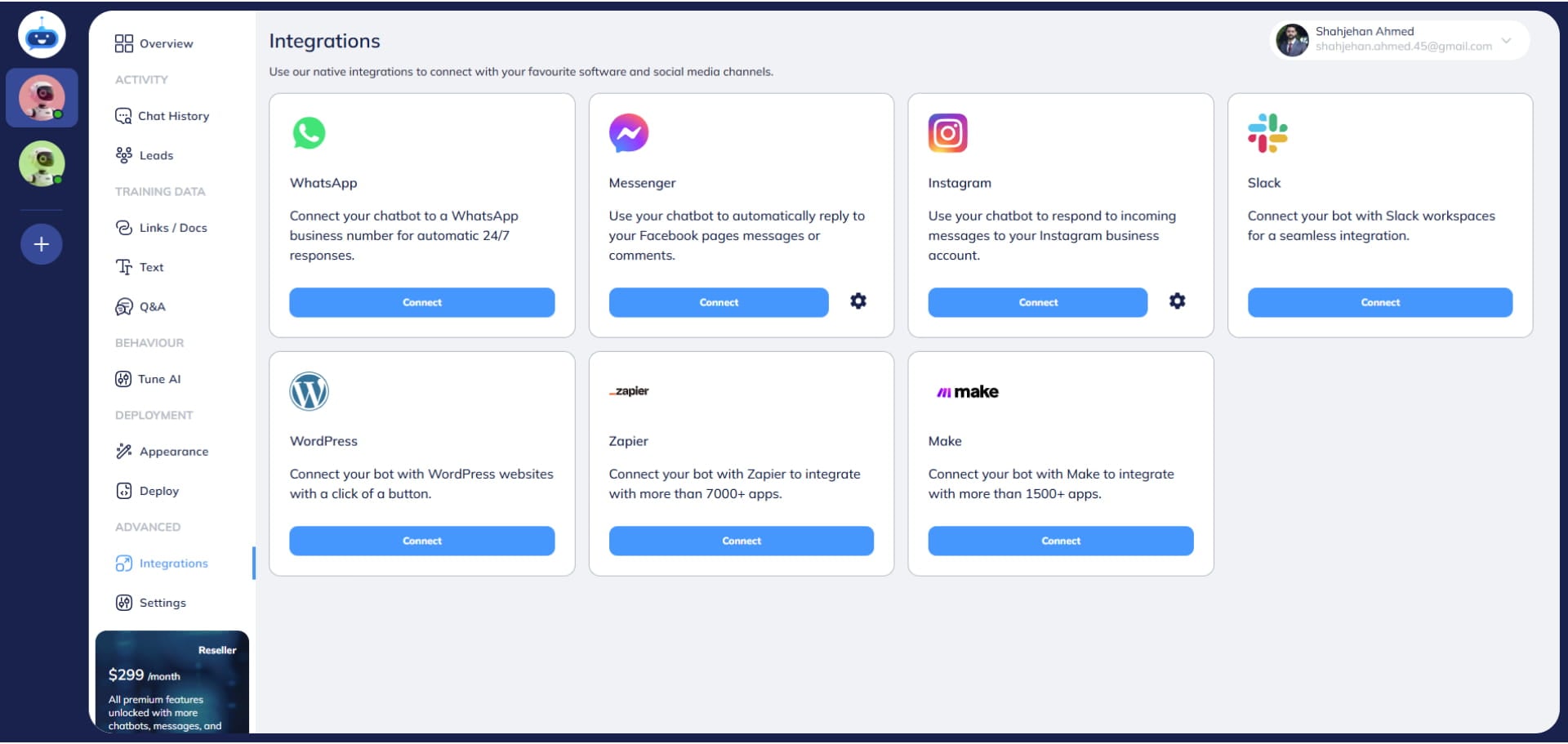
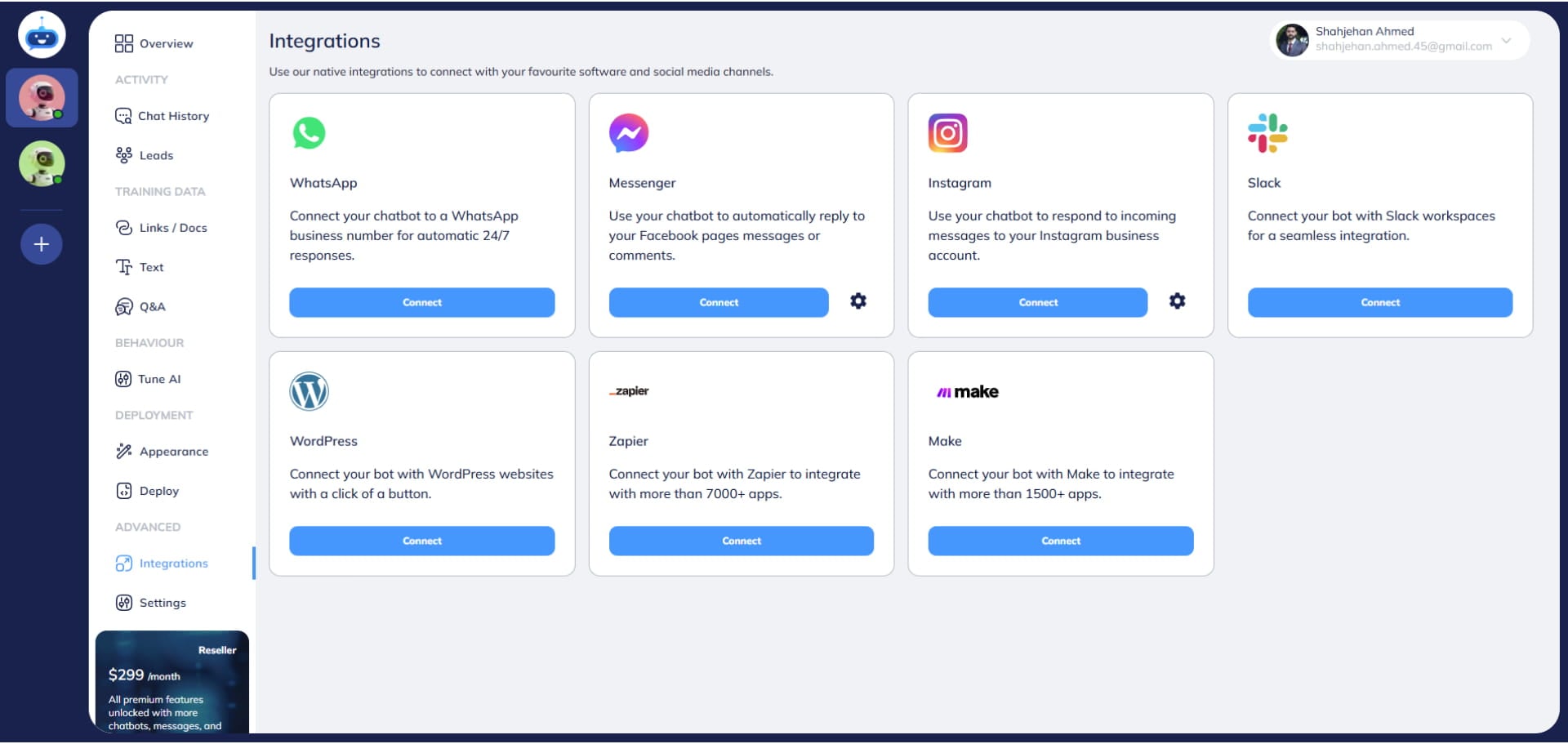
Click on "Integrations" to open this page.
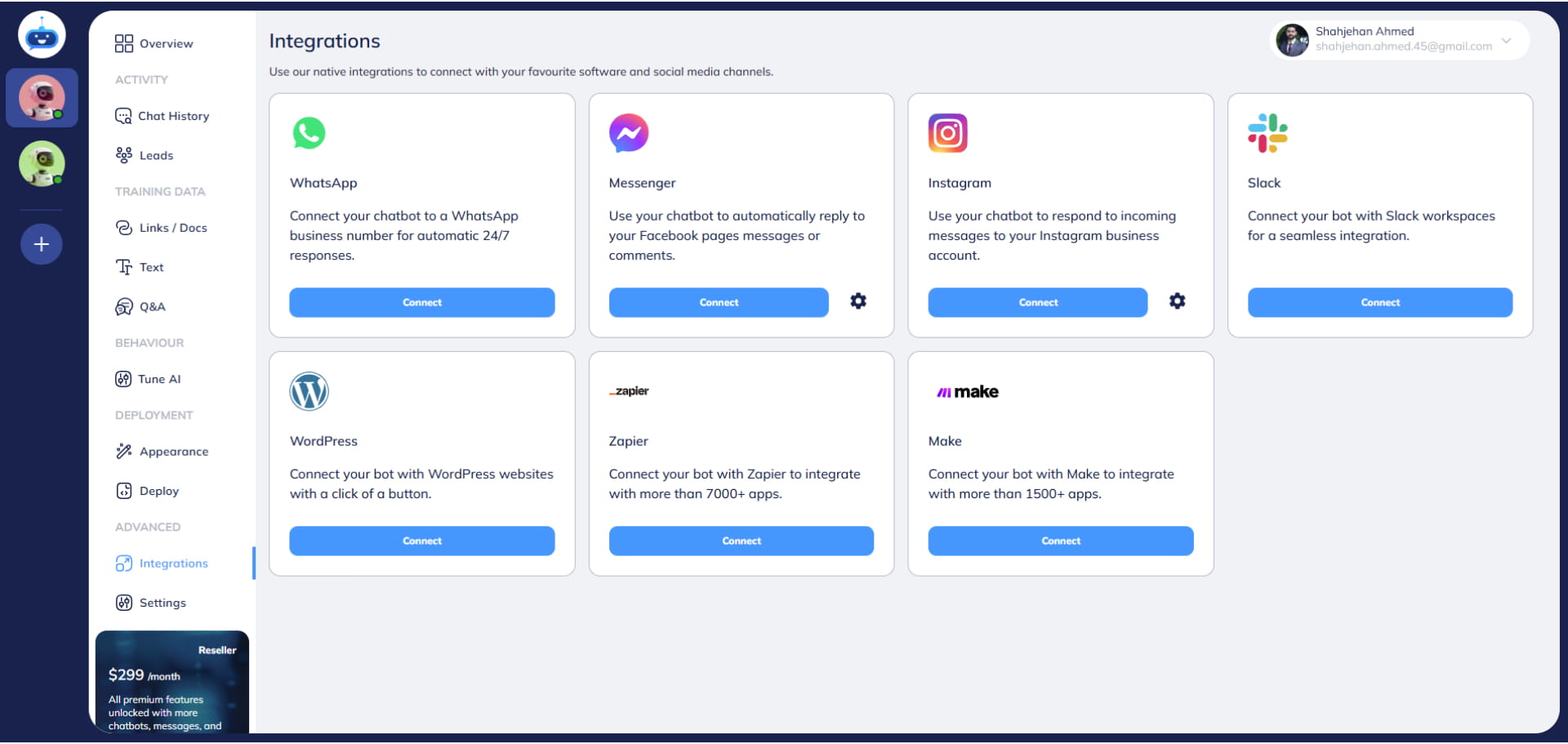
Click on the "Connect" button.
Turn on the "Alow access to messages" option.
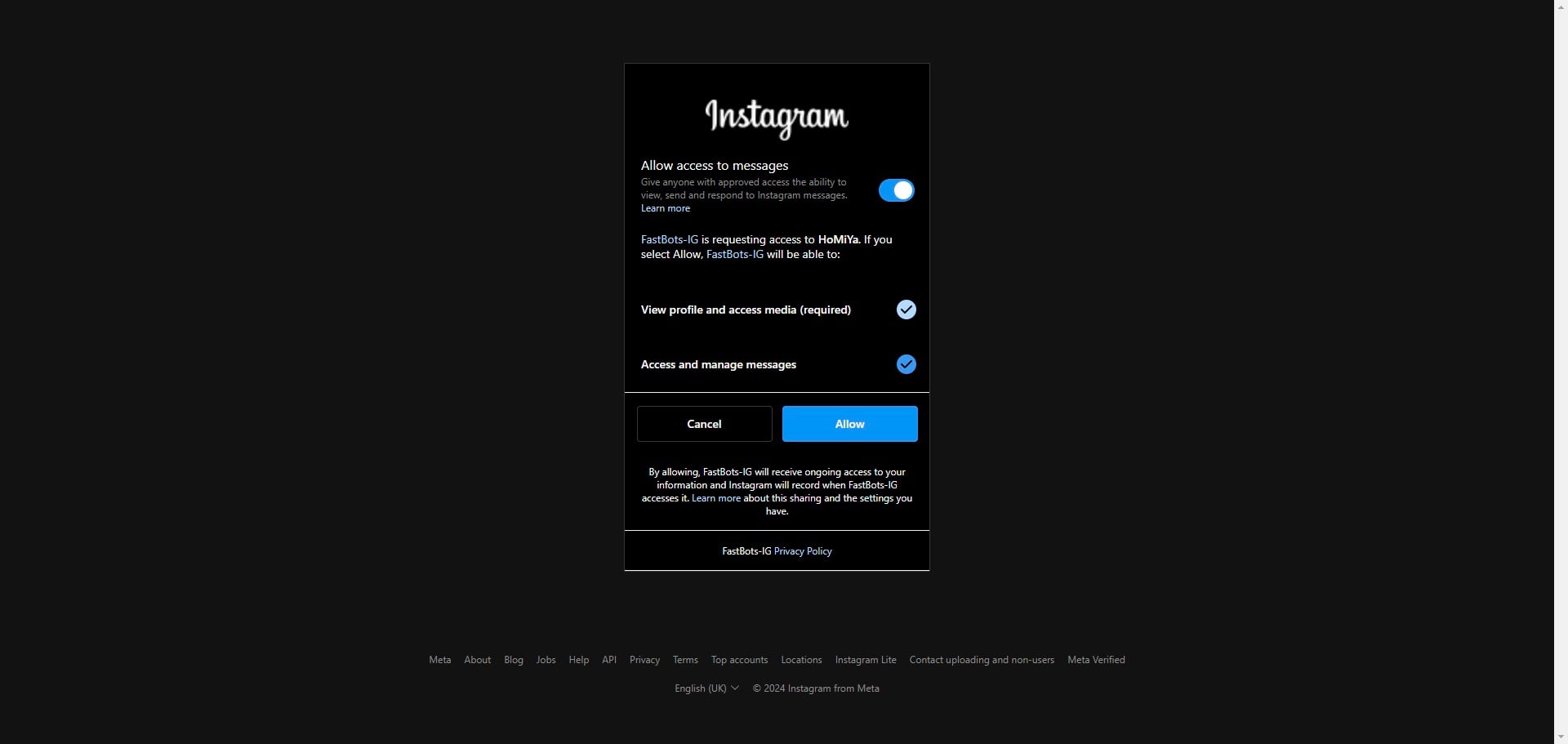
Click on "Allow" button to give the required permissions.
Click on the "Settings" icon.
Turn on the "Reply to Messages" toggle button.
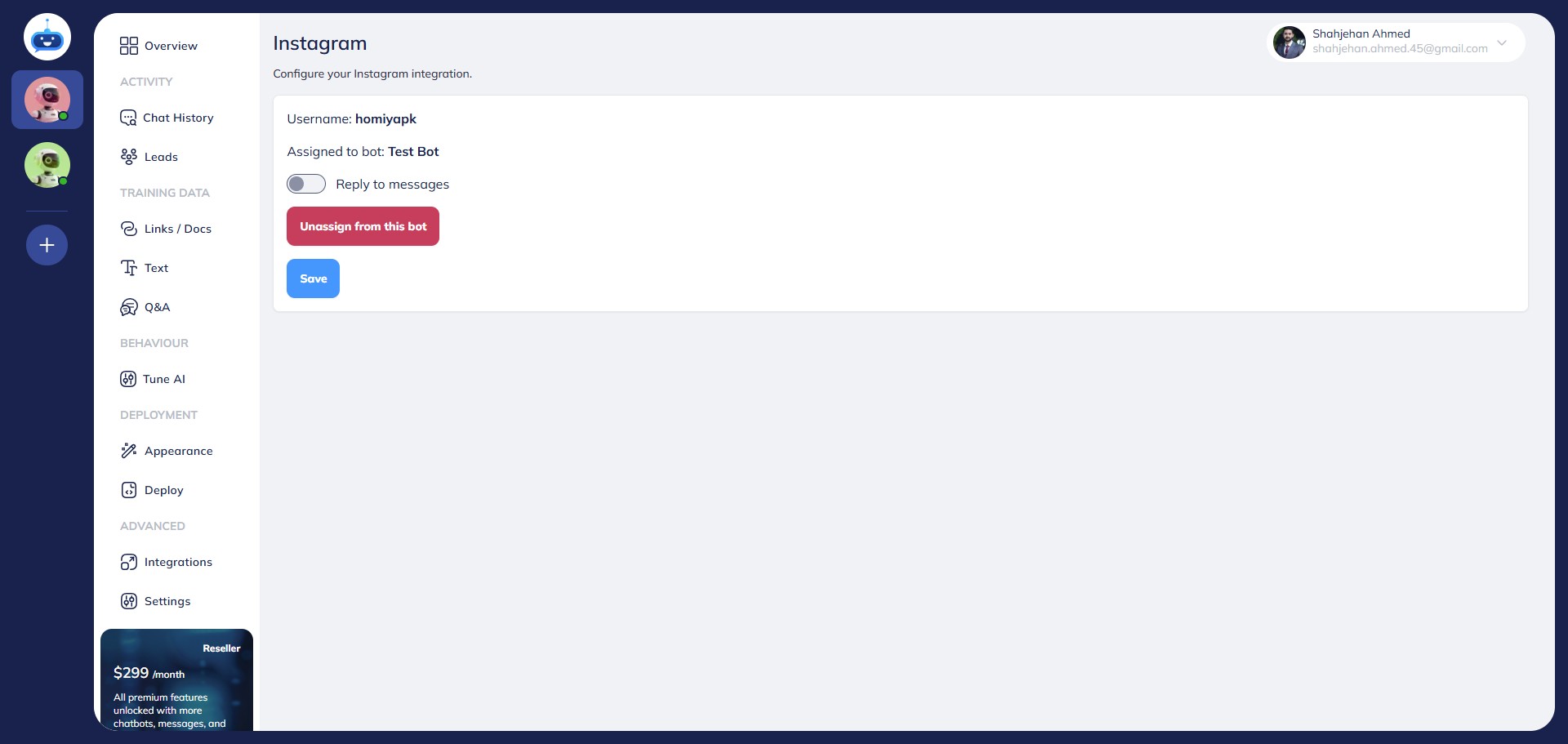
Click on "Assign to this bot"
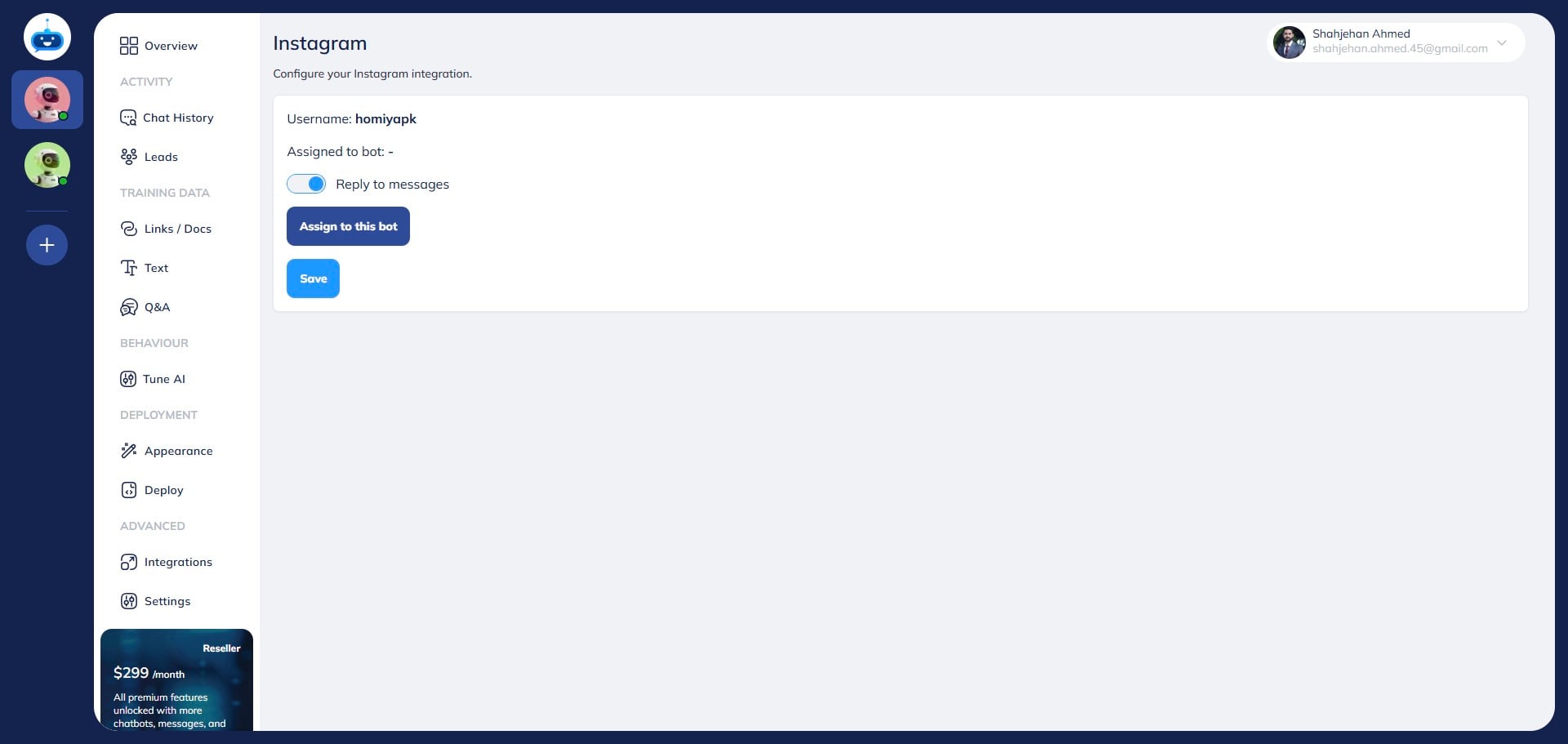
Click on the "Save" button.
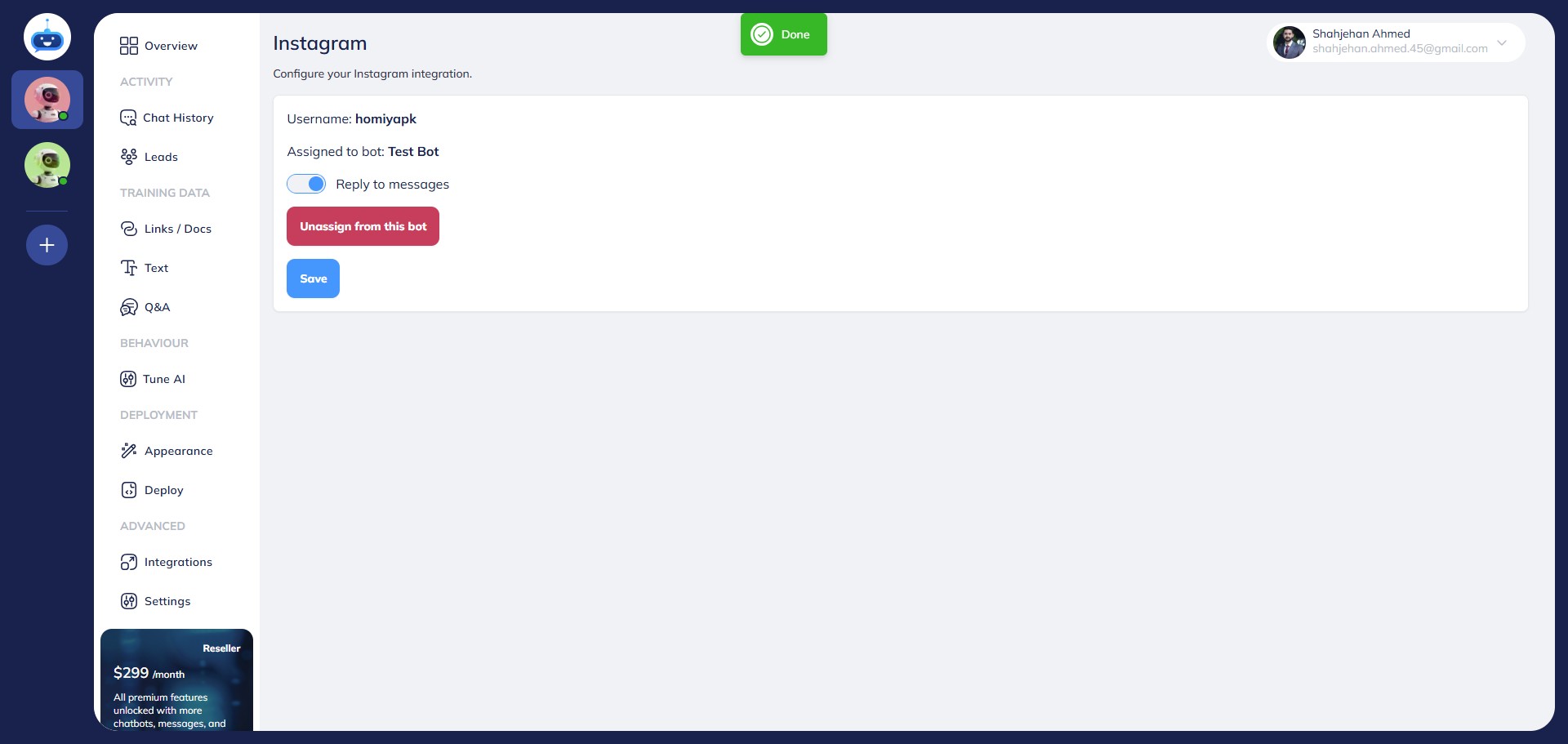
Done 🚀 You have now successfully connected your chatbot with your Instagram account and it can now reply to the messages you receive on the Instagram account.