How To Train The Bot via Text Training Area
Learn how to train your chatbot using the Text training page.
Nov 19, 2024●
1
Navigate to https://app.fastbots.ai/
2
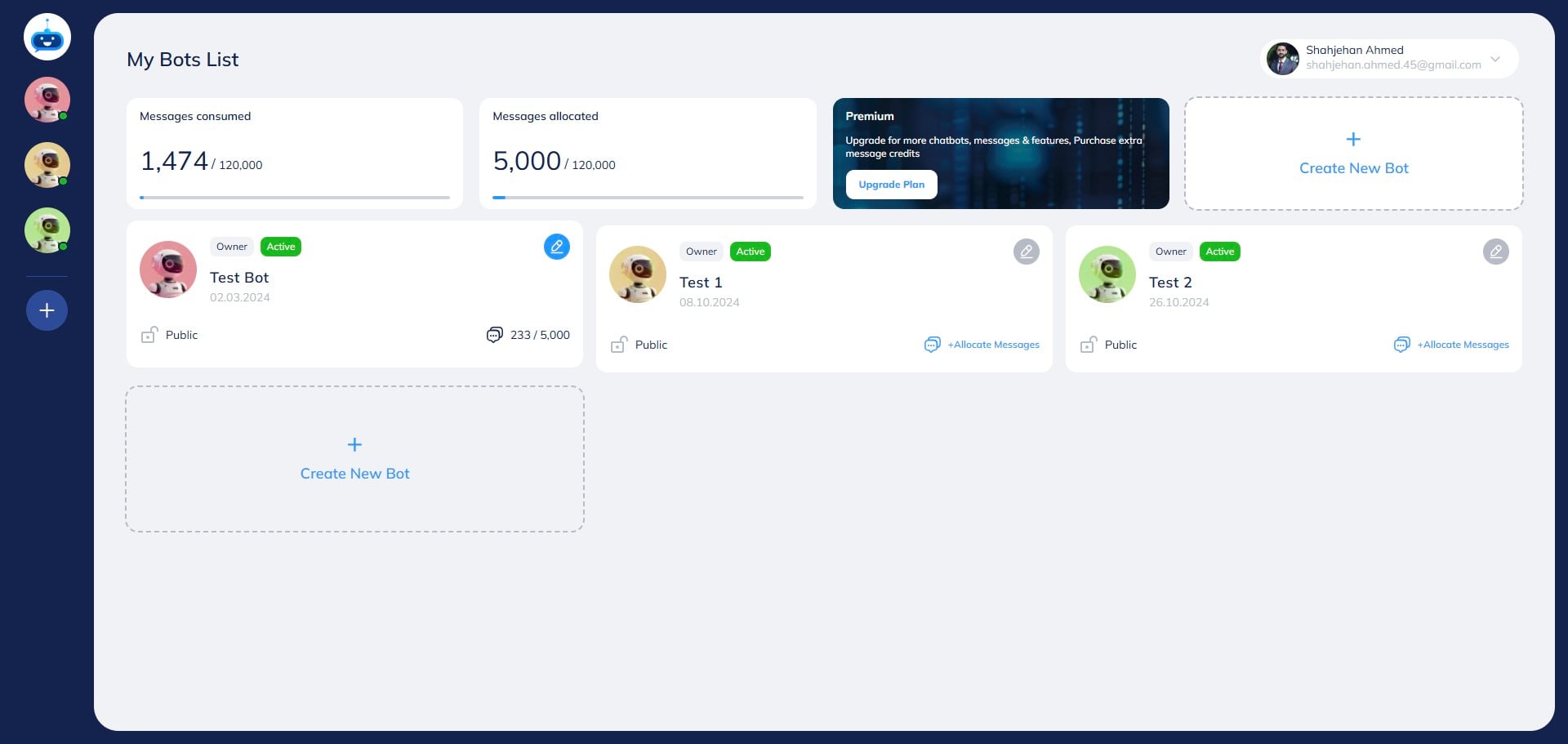
Click on the chatbot to open it.

3
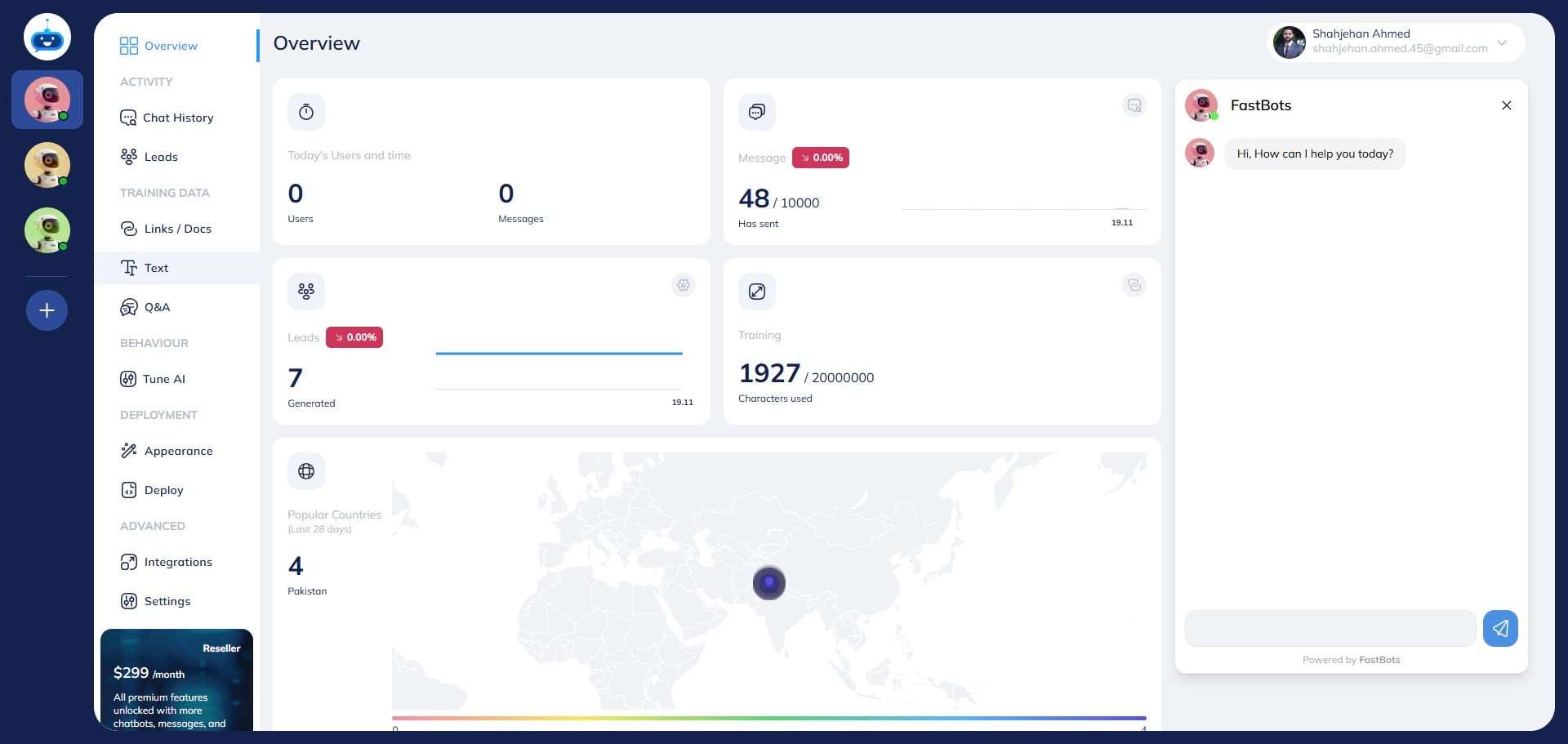
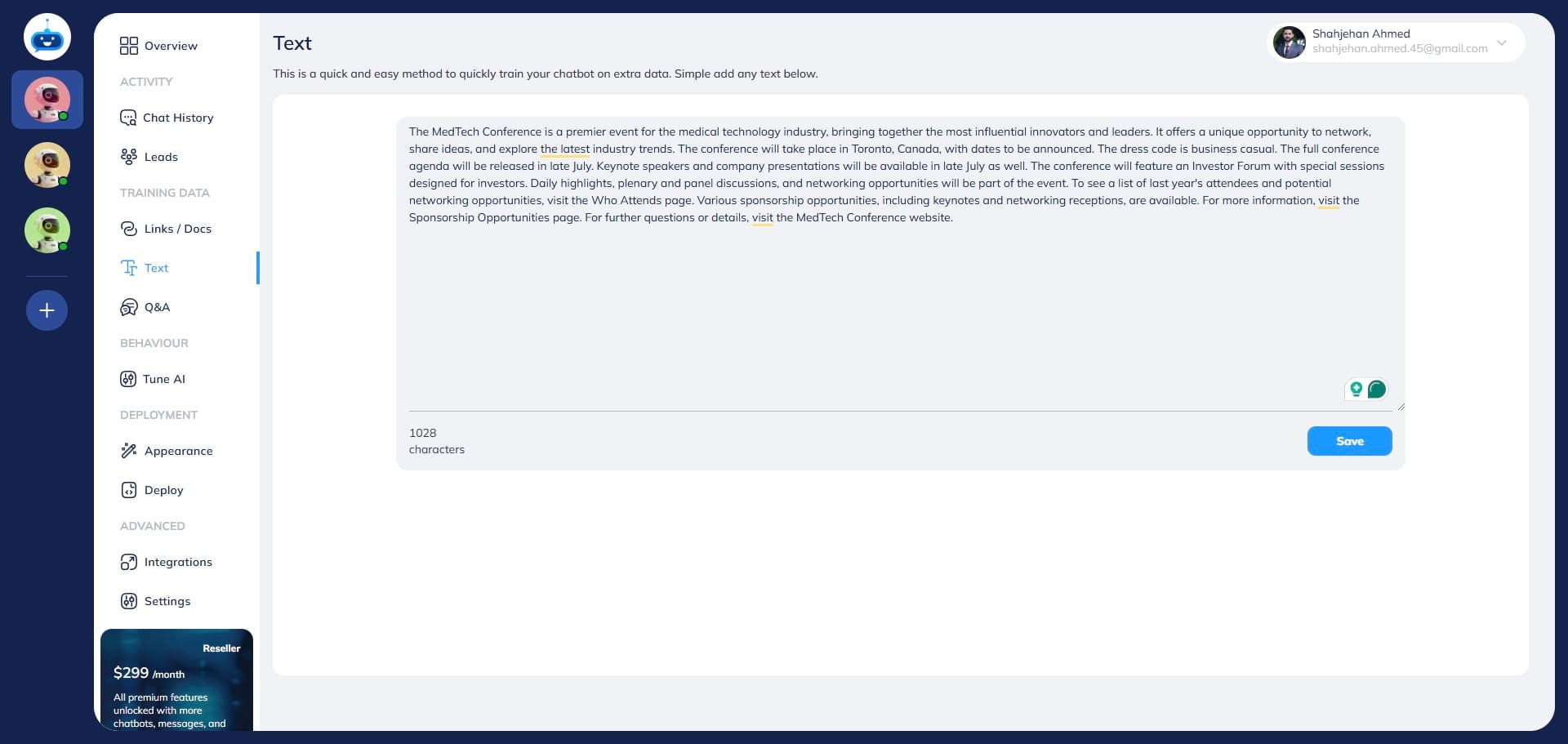
Click on "Text" to open this page.
4
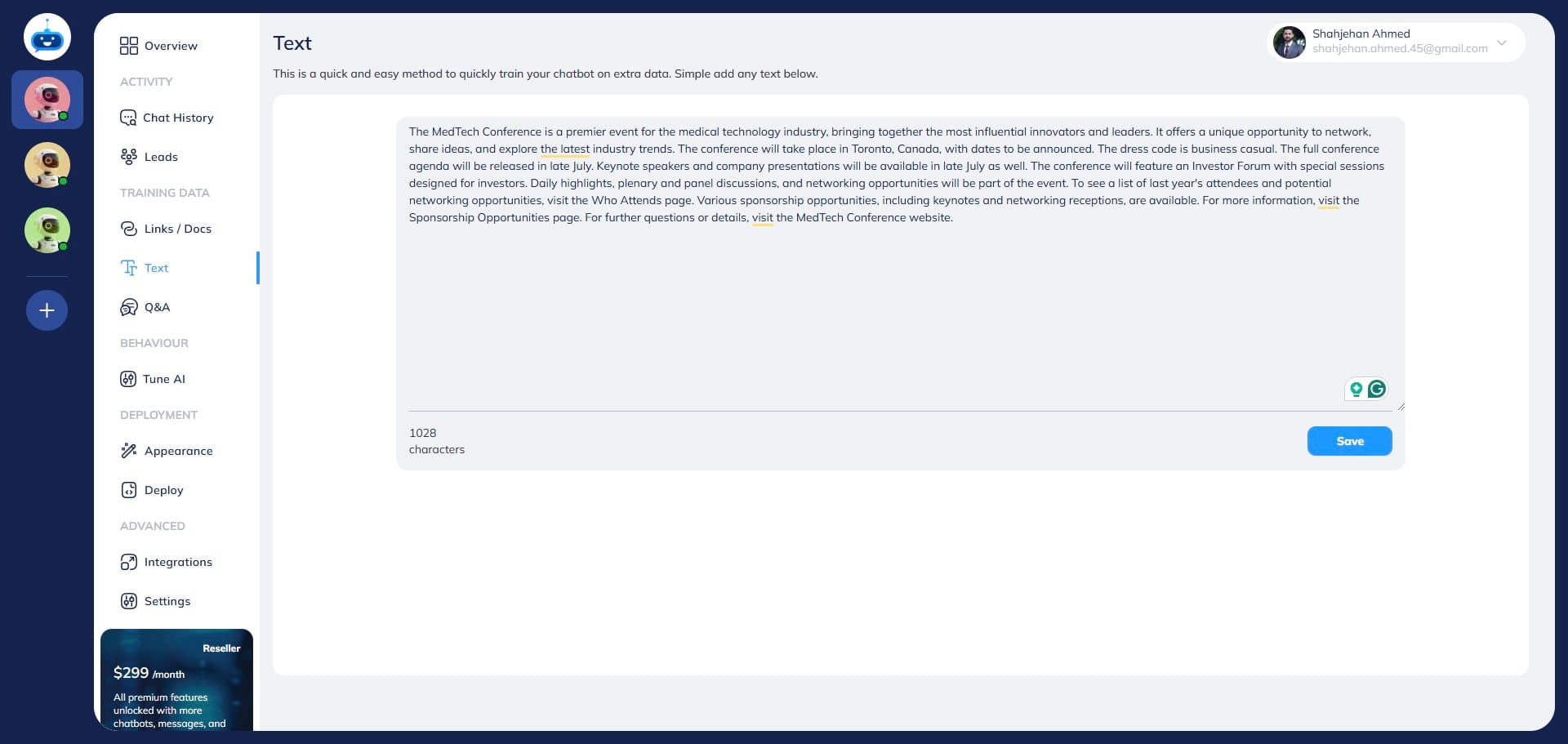
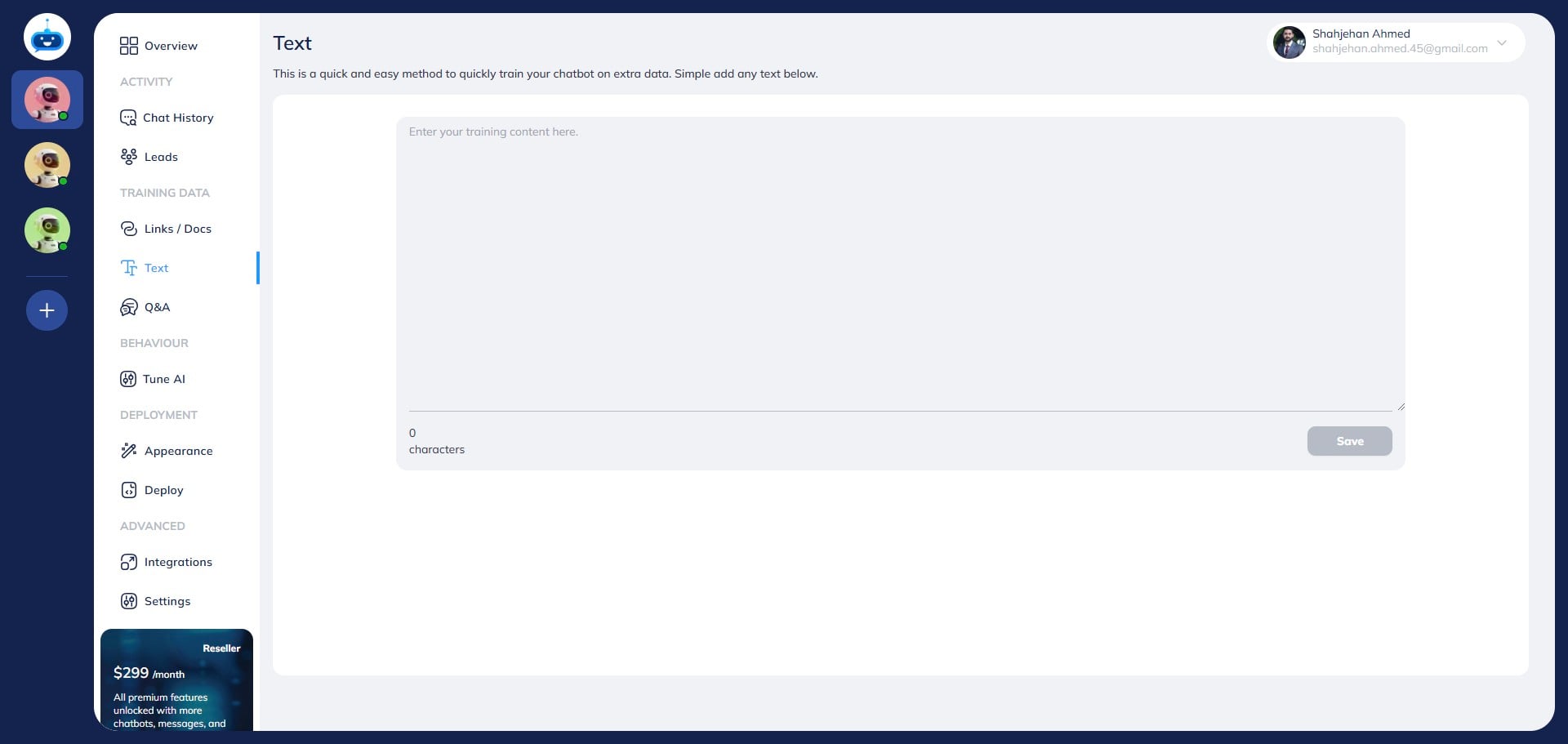
You can train your bot by feeding the text content directly in the Text Training area.
5
You can copy-paste the text here and chatbot will use that information to train itself and answer the user's questions.
6
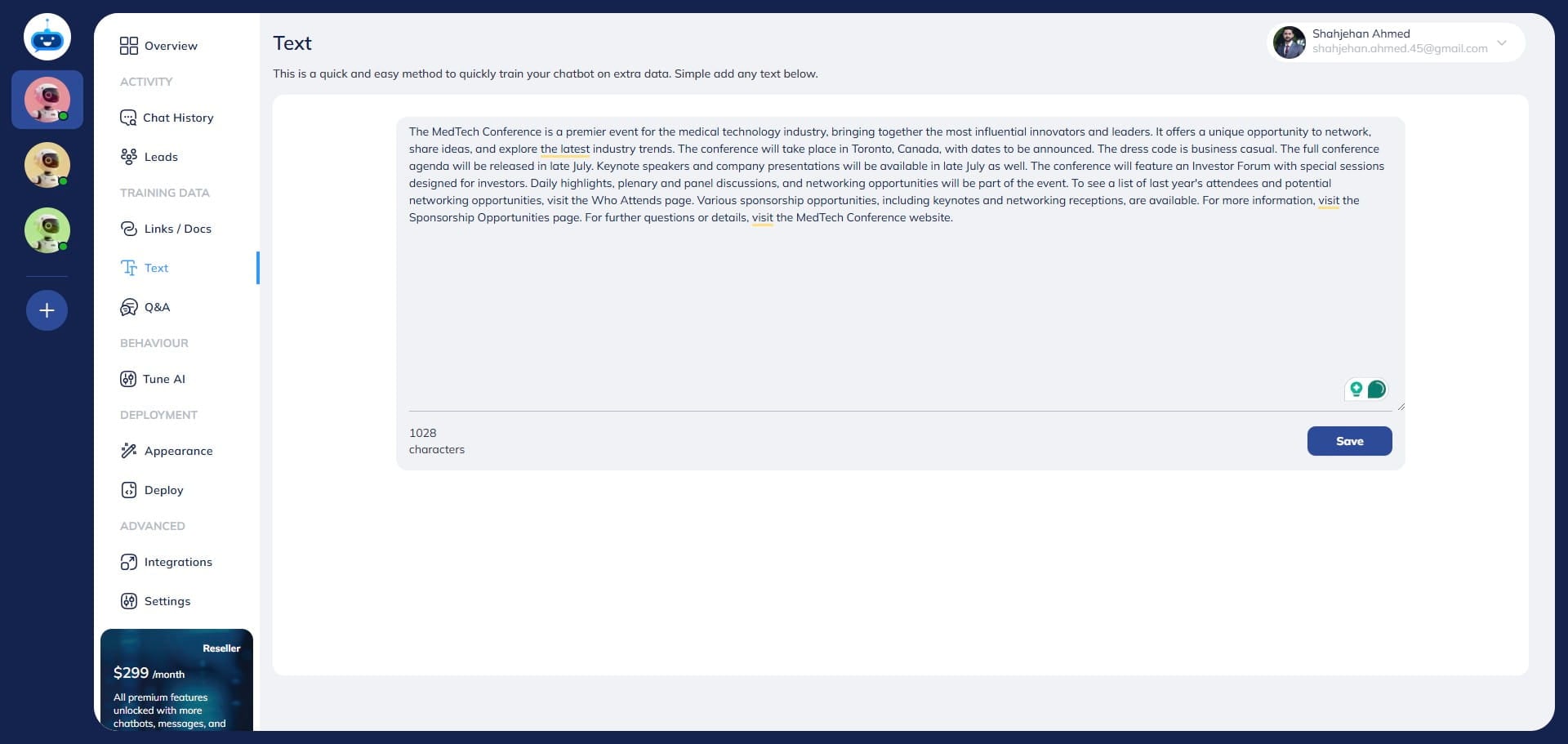
After adding the text, click on the "Save" button.
7
Done 🚀. You have successfully trained your chatbot using the Text page.