

How To Change The Placeholder Of Your Chatbot.
Learn how to change the placeholder of your chatbot.
Sep 25, 2026●
1
Navigate to https://app.fastbots.ai/ Text Input Placeholder is the hint in the written message box. In Voice Only, find it under Text Chat Appearance. To change the voice start screen instead, use Conversation Options → Voice Start Screen → Heading / Supporting Text.
2
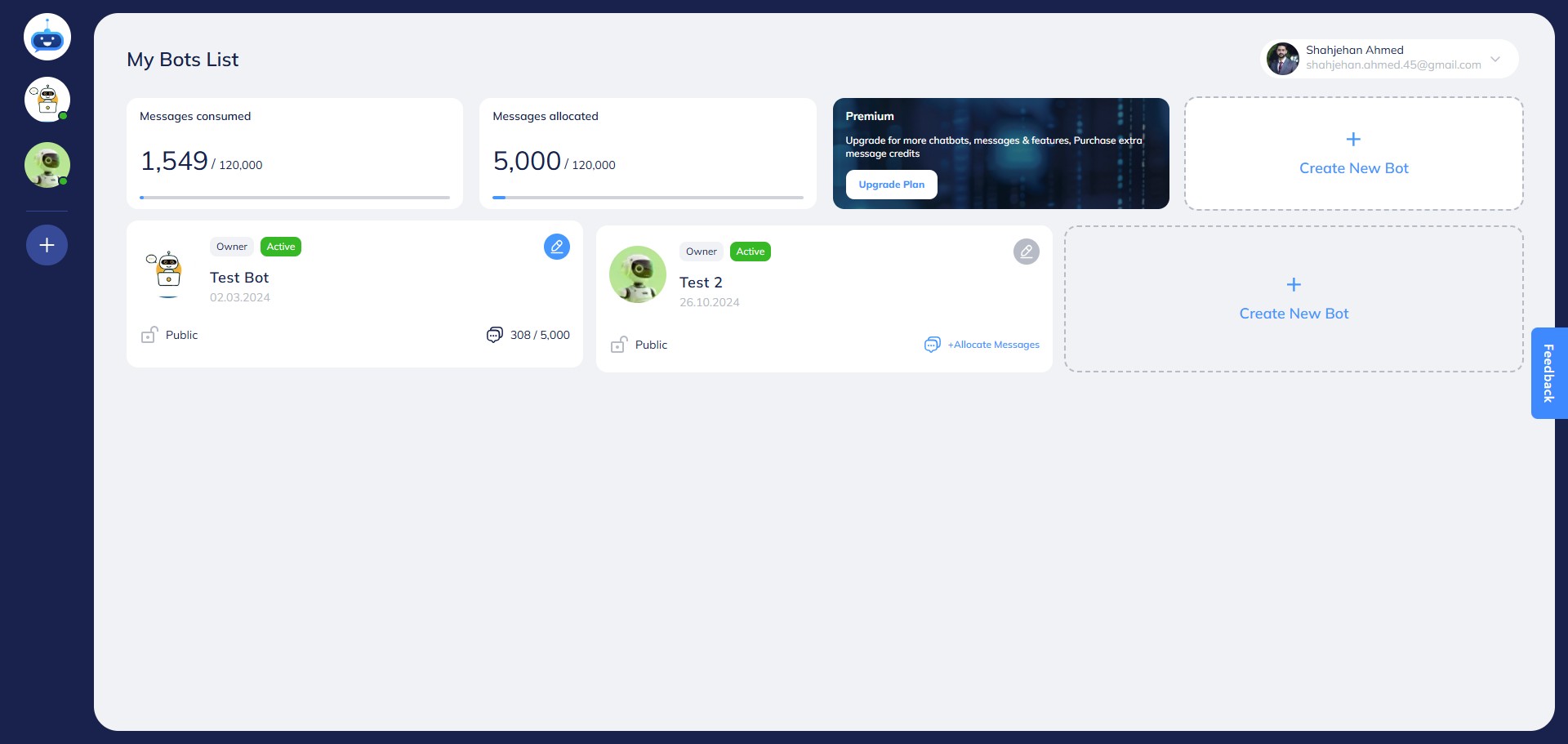
Click on the chatbot to open it.

3
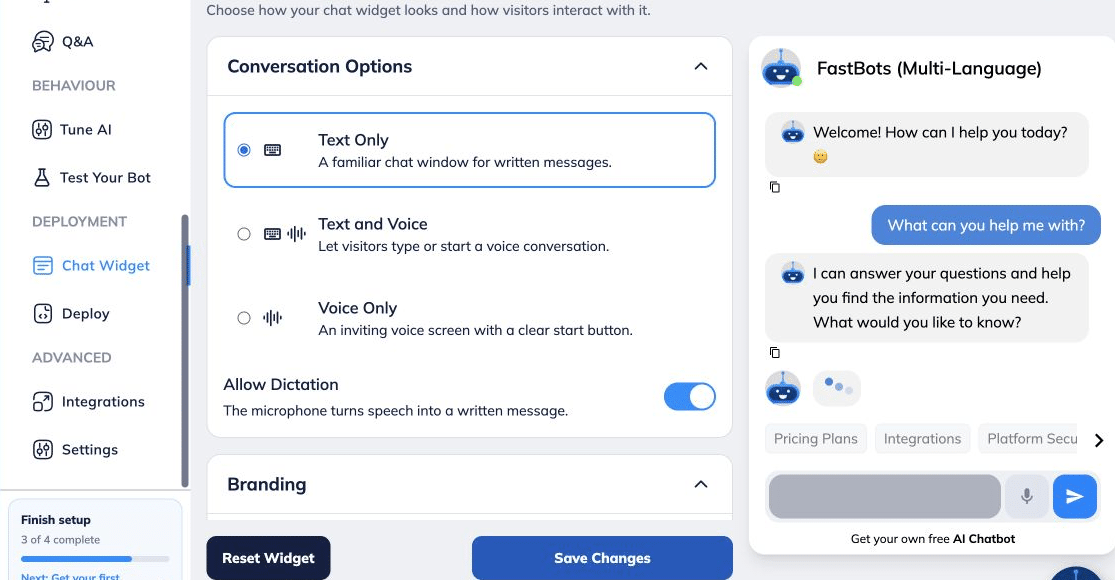
Open Deployment → Chat Widget → Chat Content → Text Input Placeholder.
4
Open Deployment → Chat Widget → Chat Content → Text Input Placeholder.
5
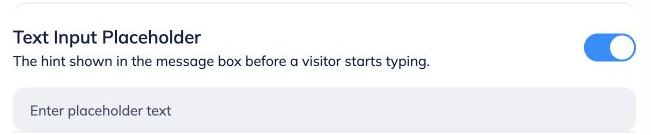
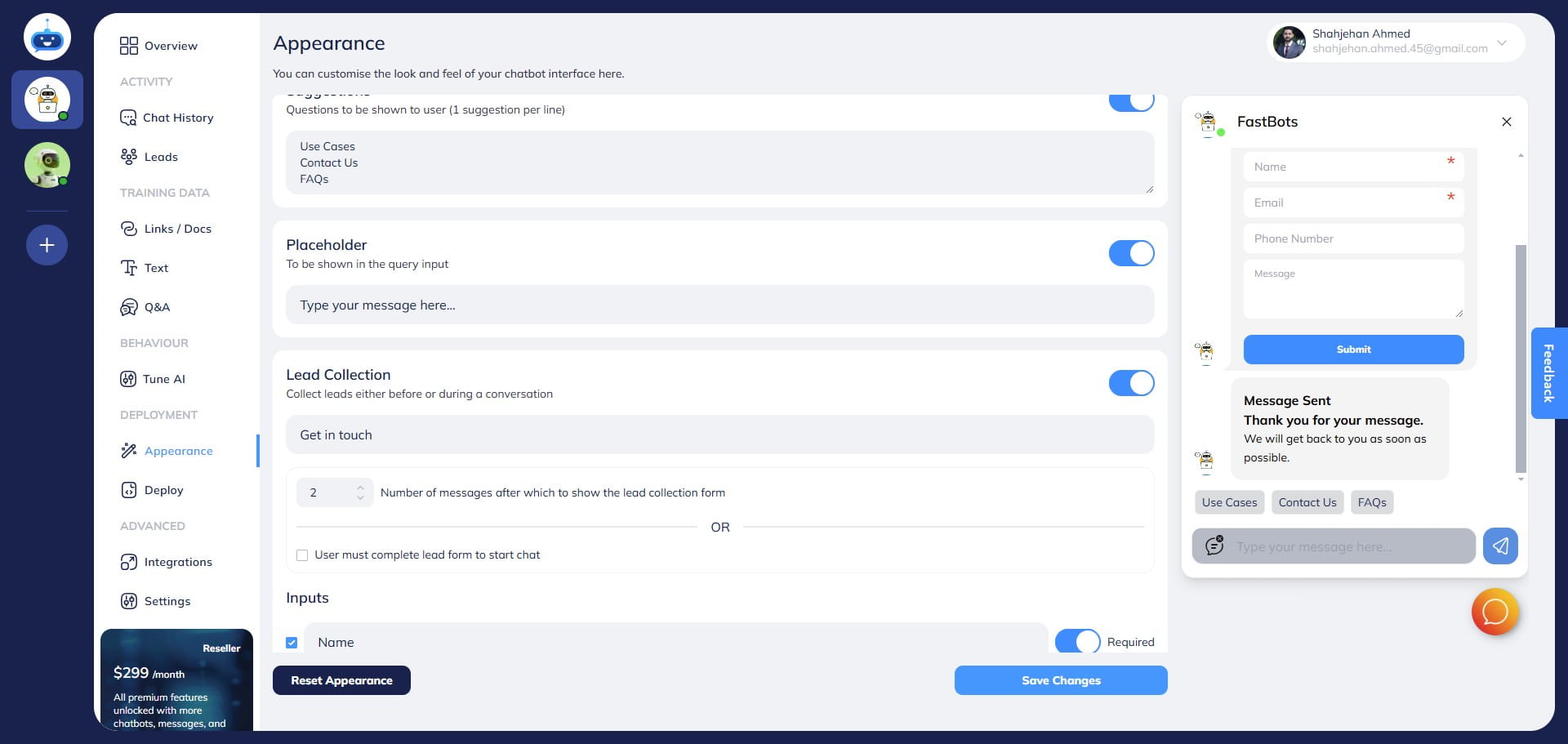
Turn on the toggle.
6
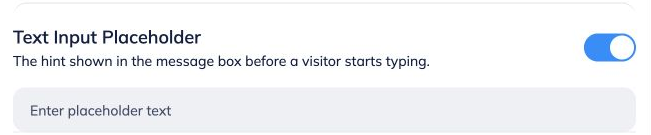
Type your text in this area.
7
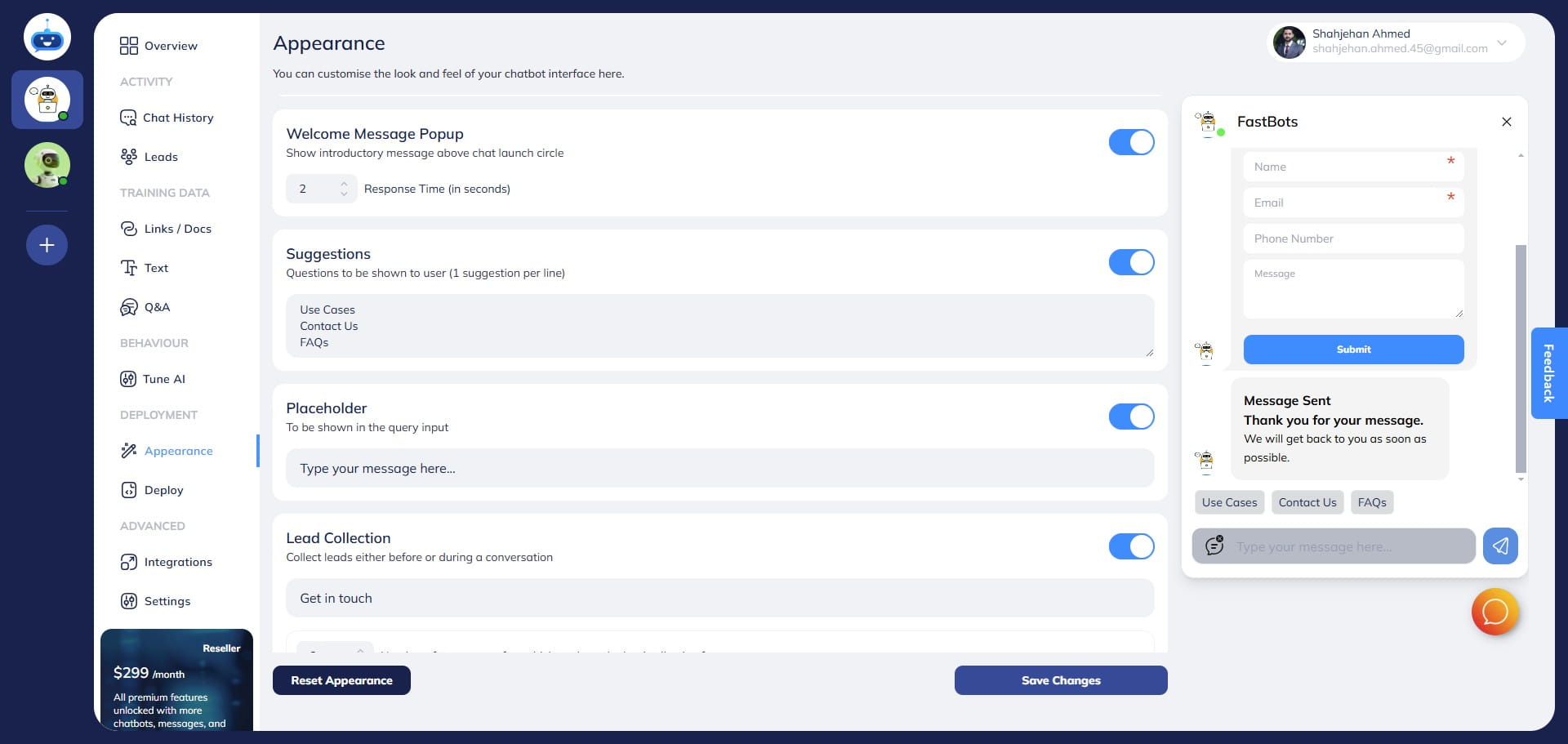
The text typed in the Placeholder field will appear in the query input on the chatbot window as shown below.
8
Click on "Save Changes"
9
Done 🚀