

How to Integrate Fastbots with Make.com | Part II
This tutorial will show a step-by-step guide on how to create "Sending Message" automation using Fastbots-Make integration. In this specific tutorial, we will create an automation between, Google Forms - Fastbots - Gmail. In this automation, we will capture the leads using a Google form, send the leads information to Fastbots so I can write a message for us and automatically email it to client using our Gmail account.
Click on "Create a new scenario"
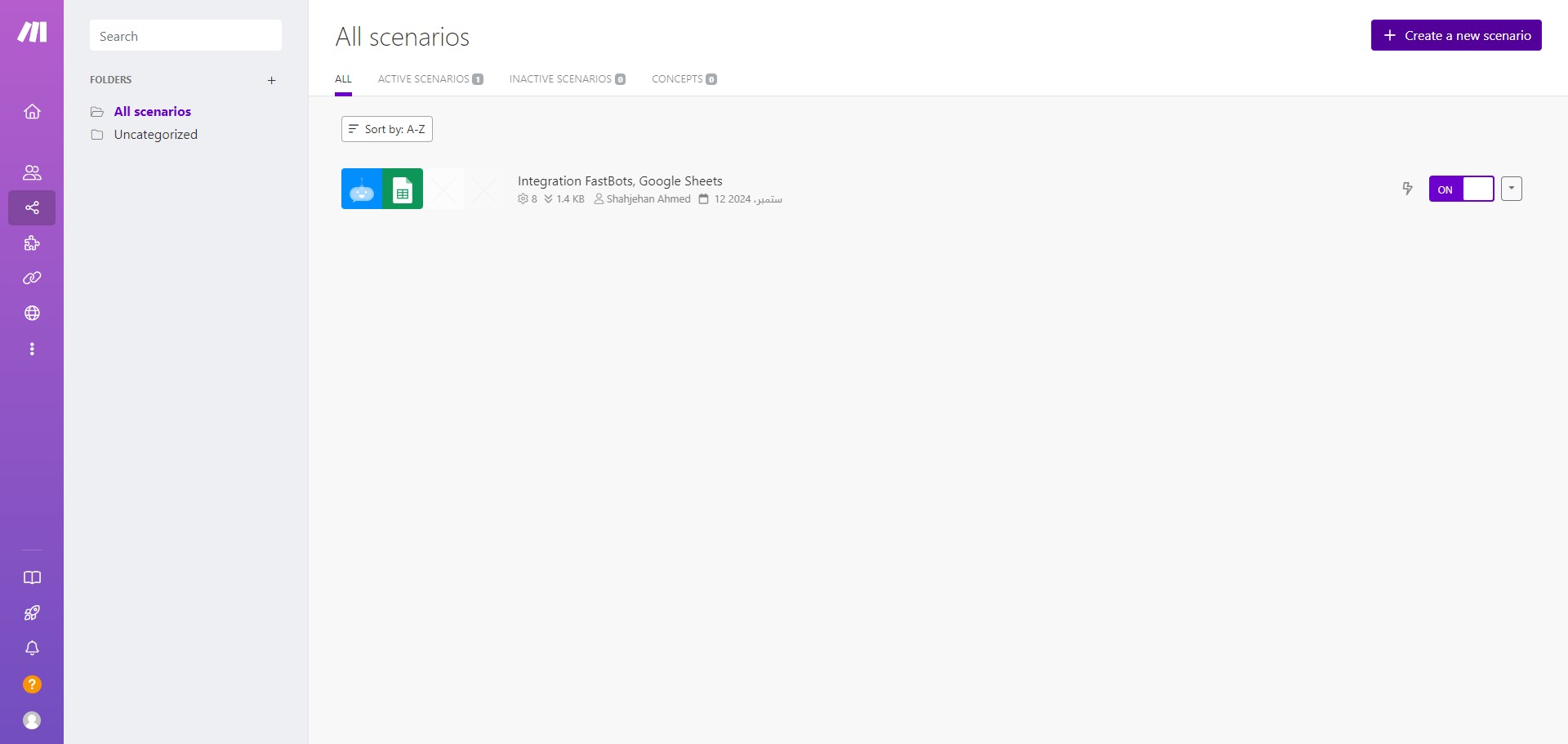

In this specific tutorial, we will create a scenario between Google Forms - Fastbots - Gmail.
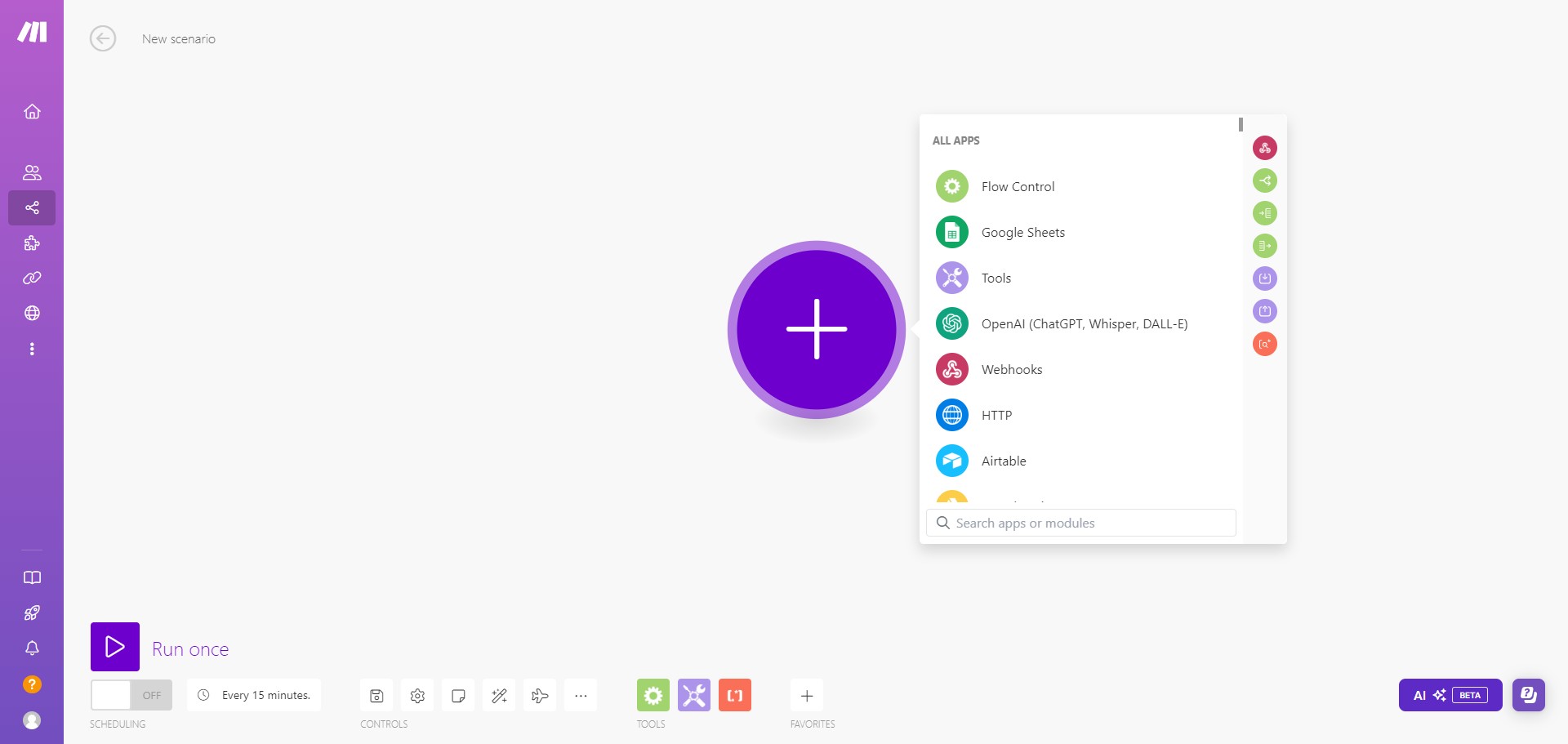
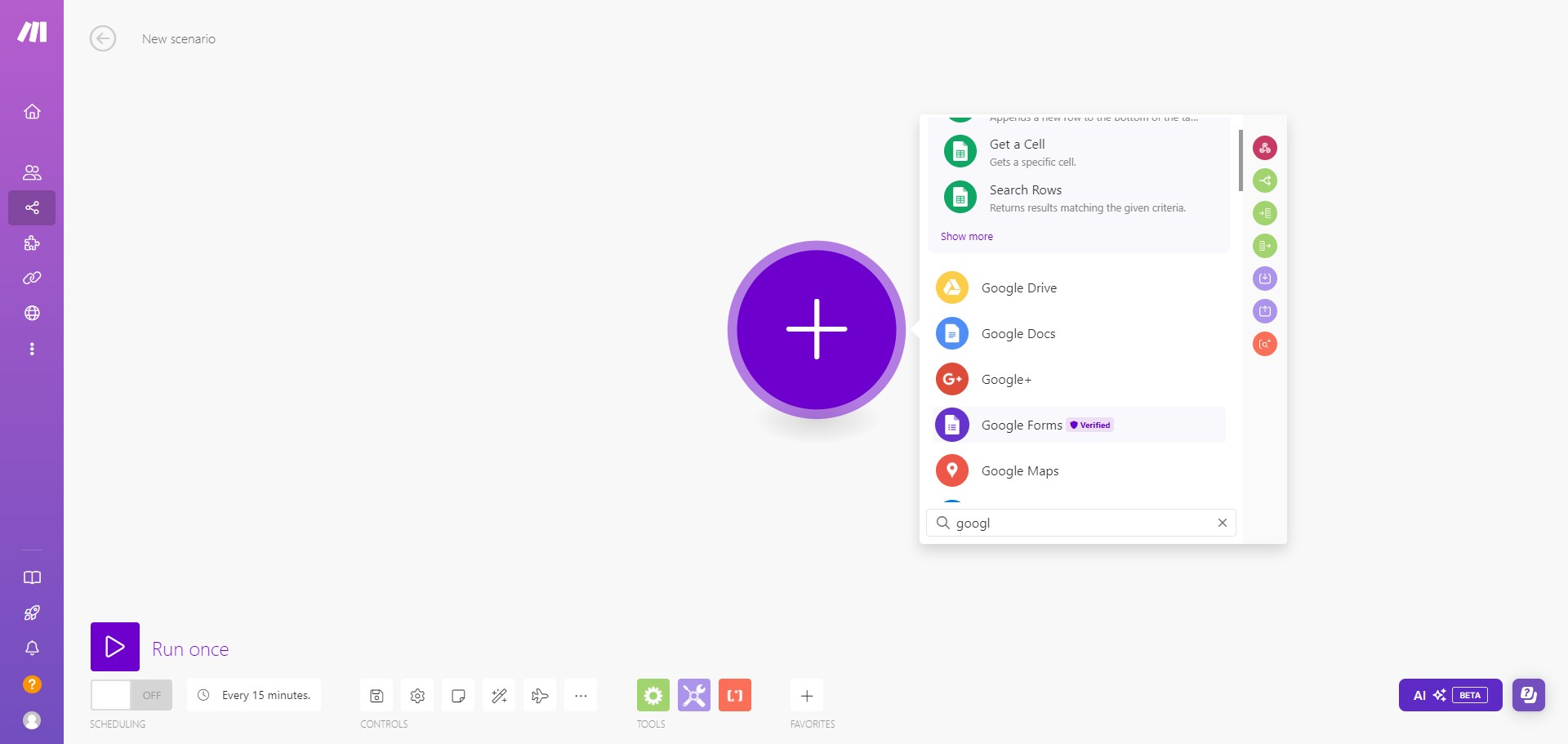
In the Search bar, type Google Form and select it from the list.
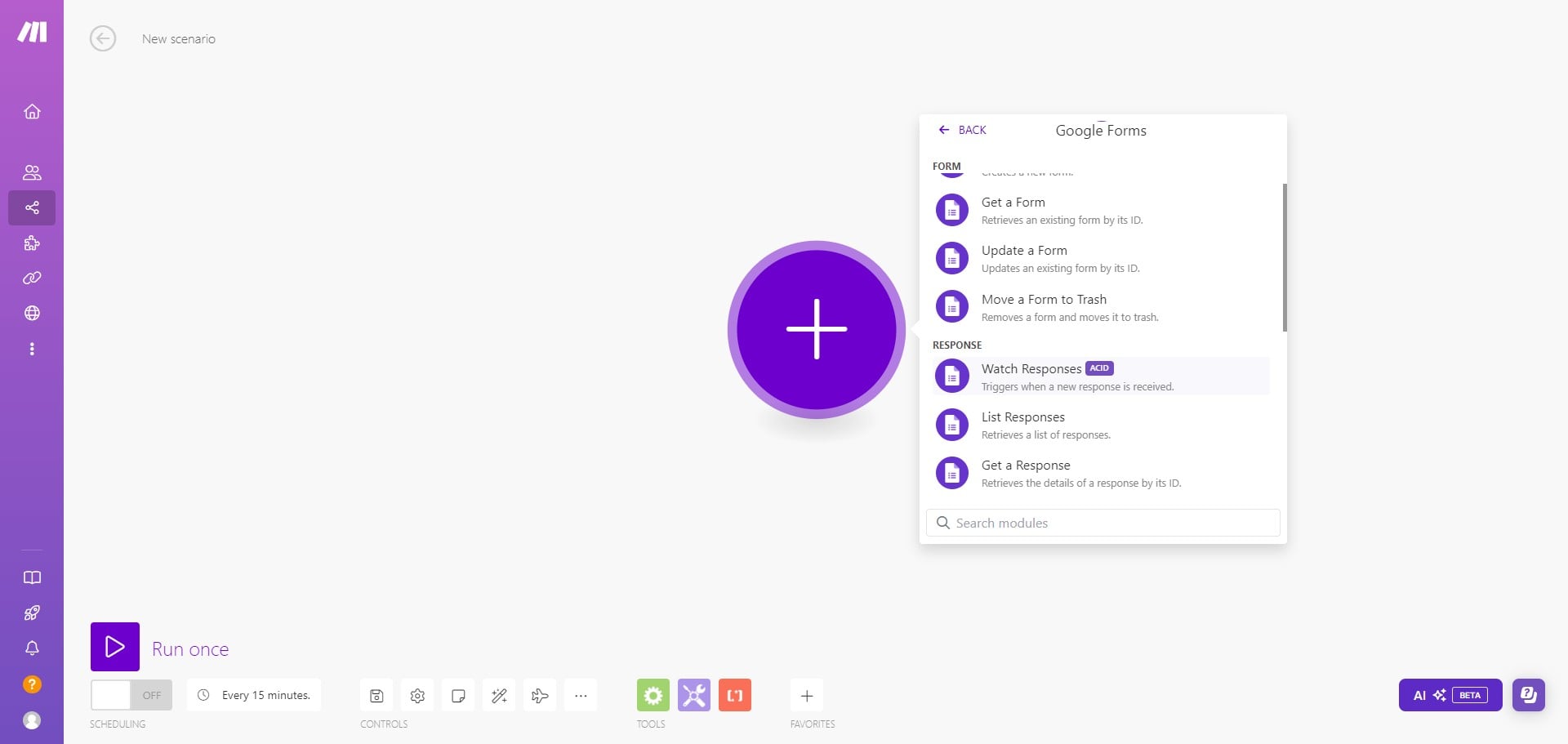
Click on "Watch Responses"
Make sure that your Gmail account is connected to Make.com. If it is not connected, click on Connections and connect your Gmail account.
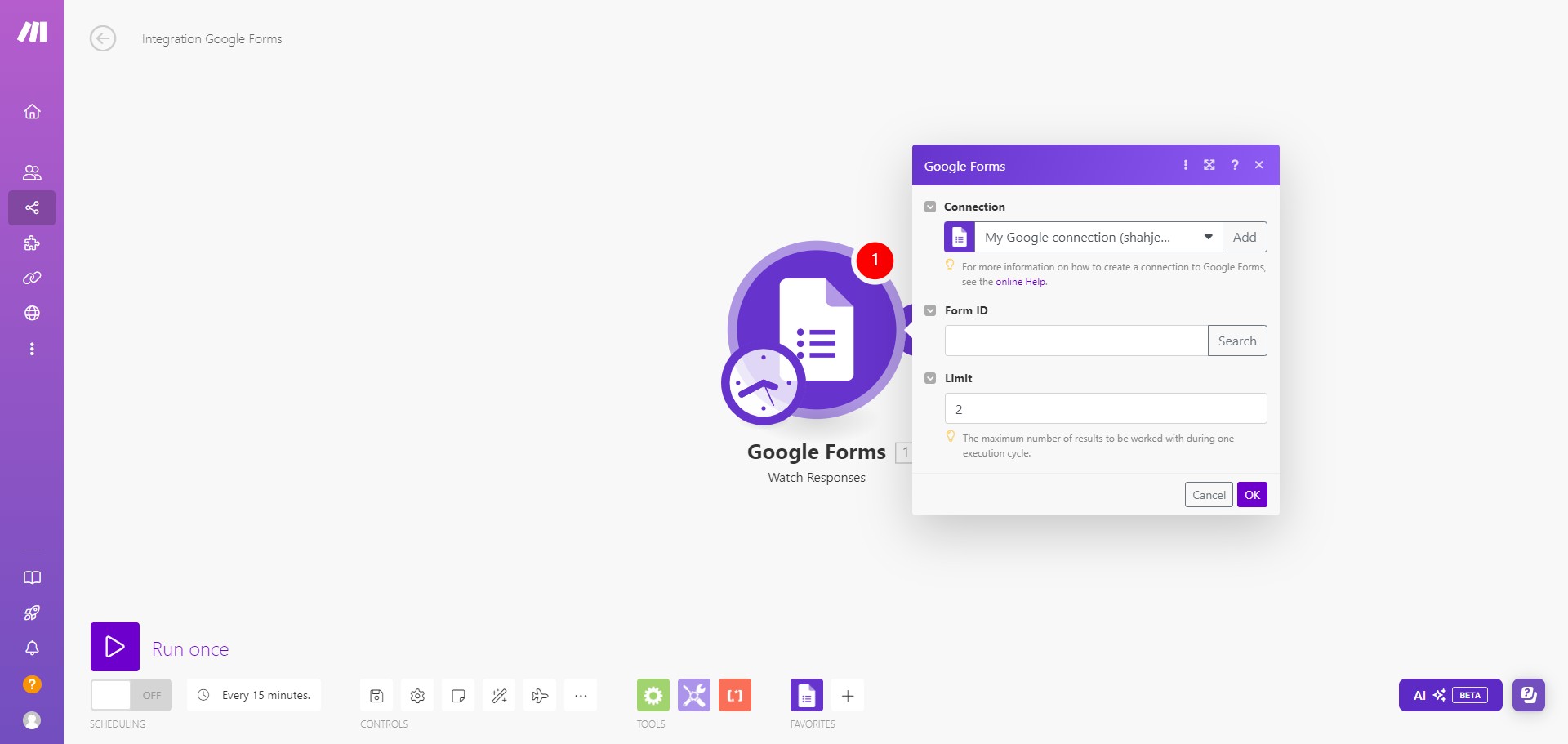
Go to your Google form and copy your Google Form ID. Paste the Form ID in Make.com
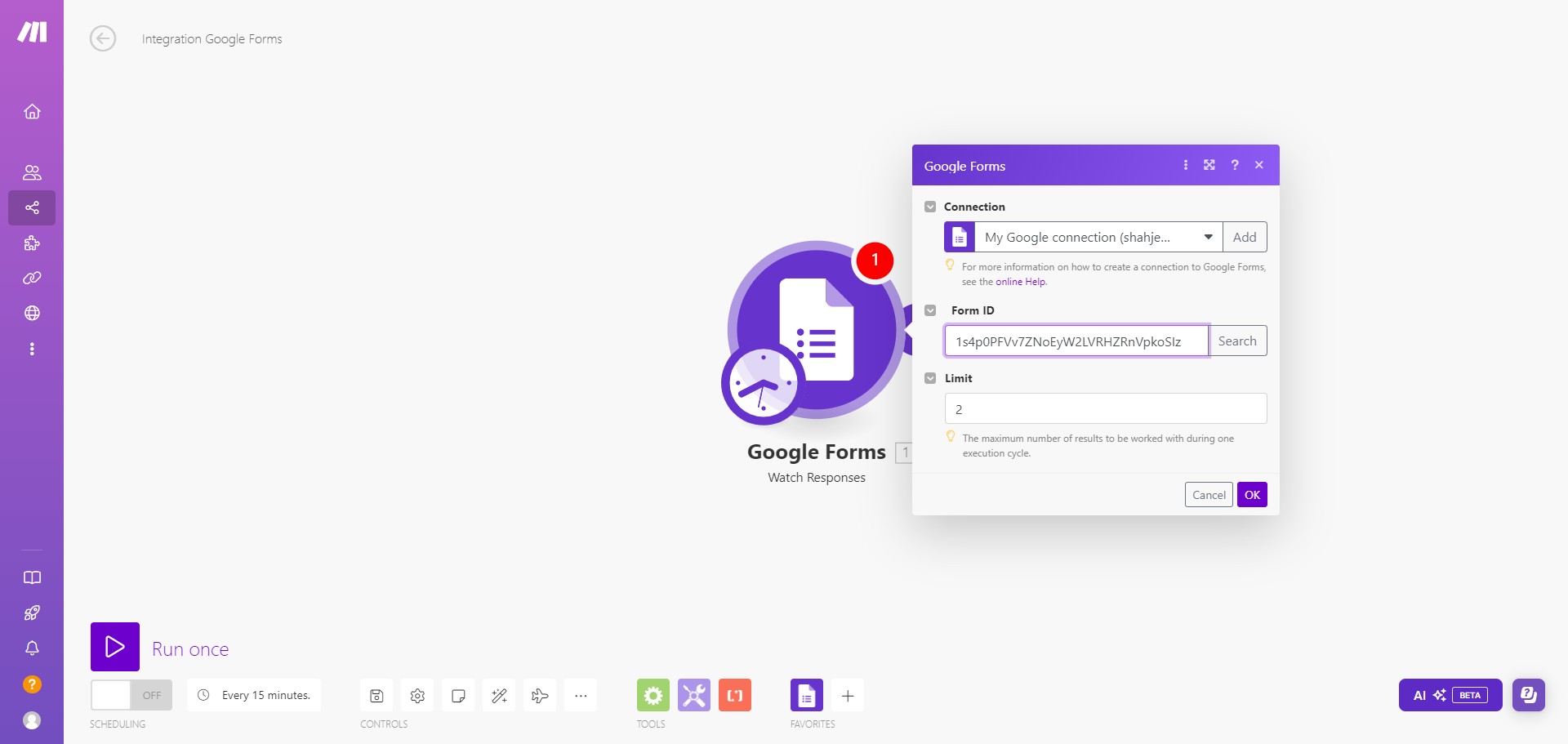
Click on "Search"
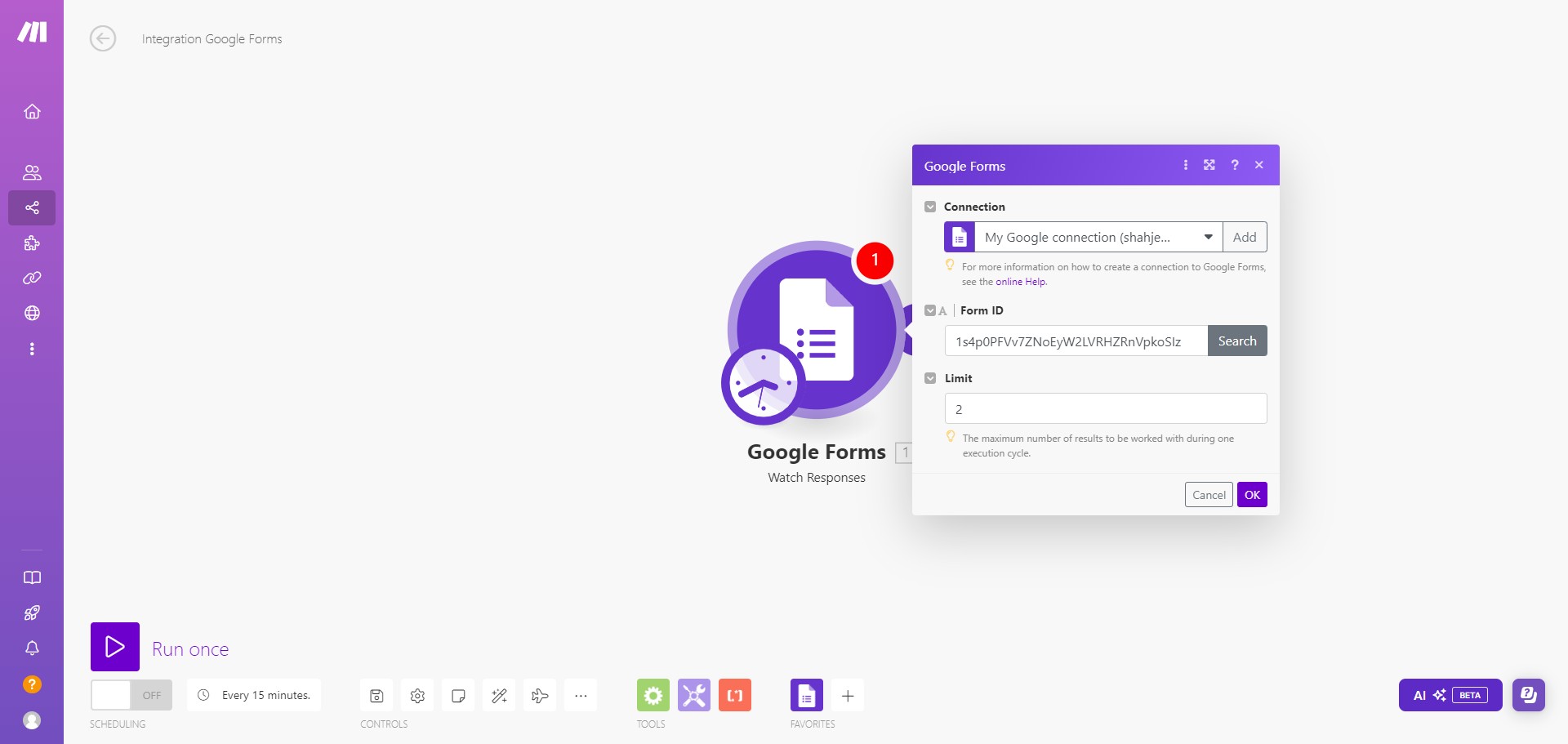
Click on "OK"
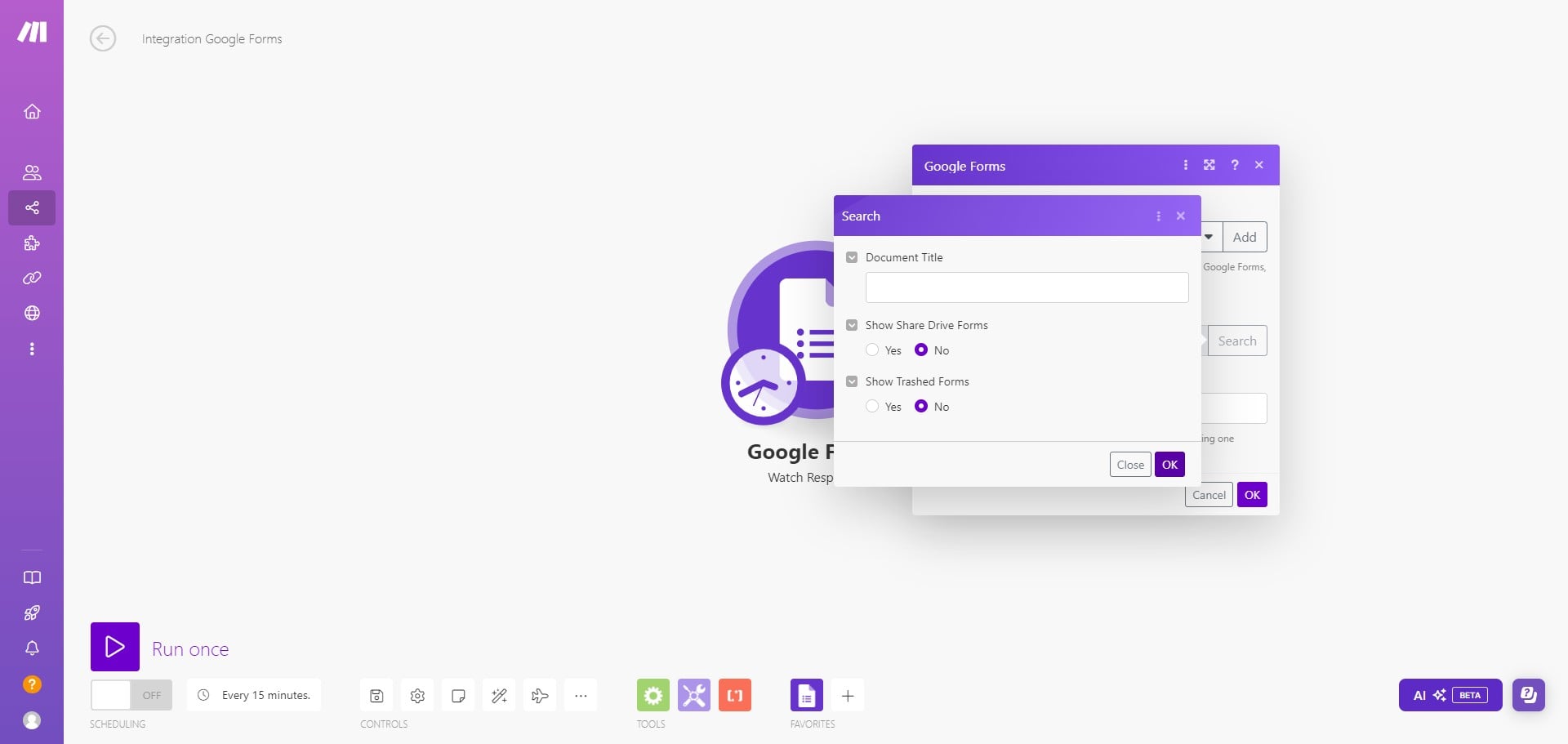
Select the Google Form from the list.
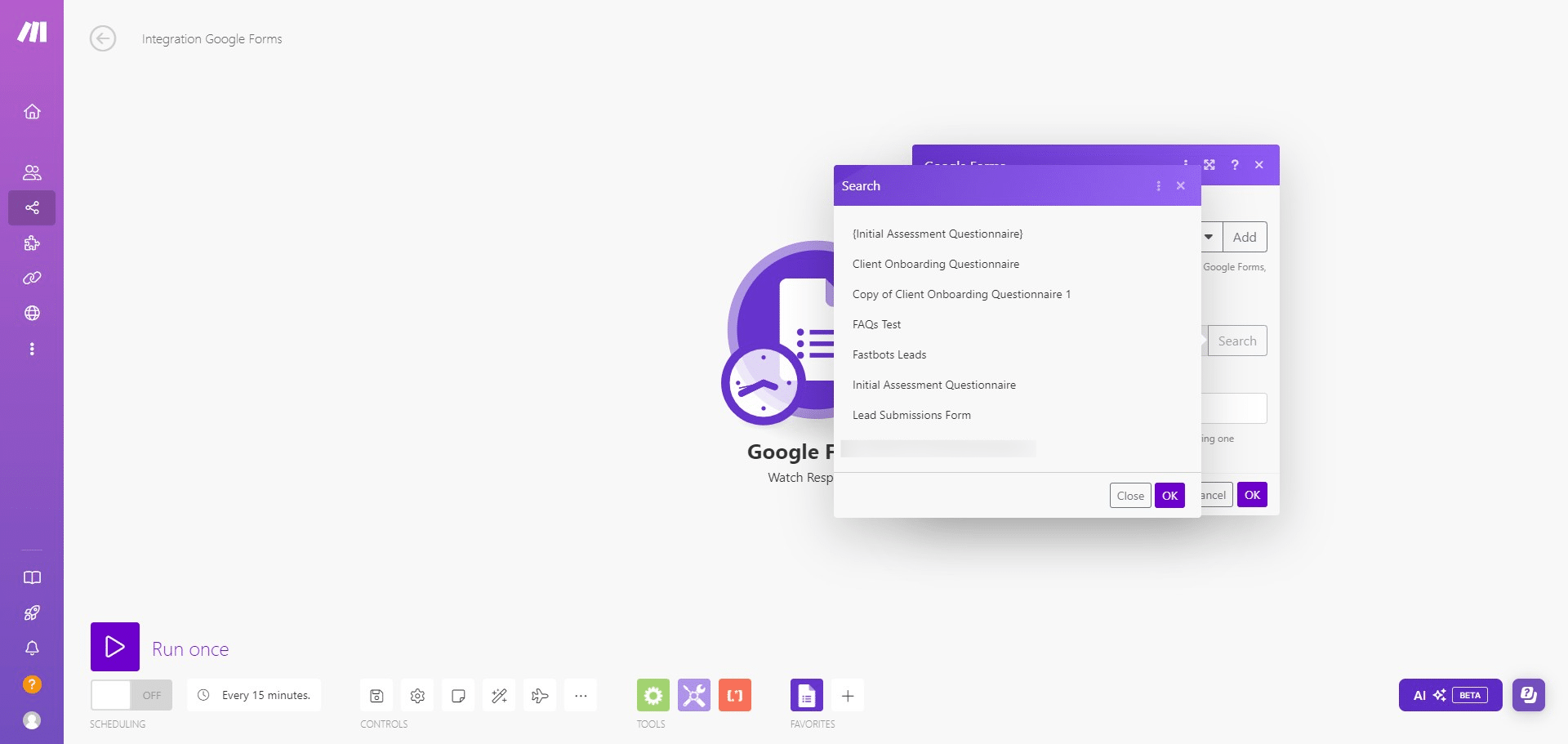
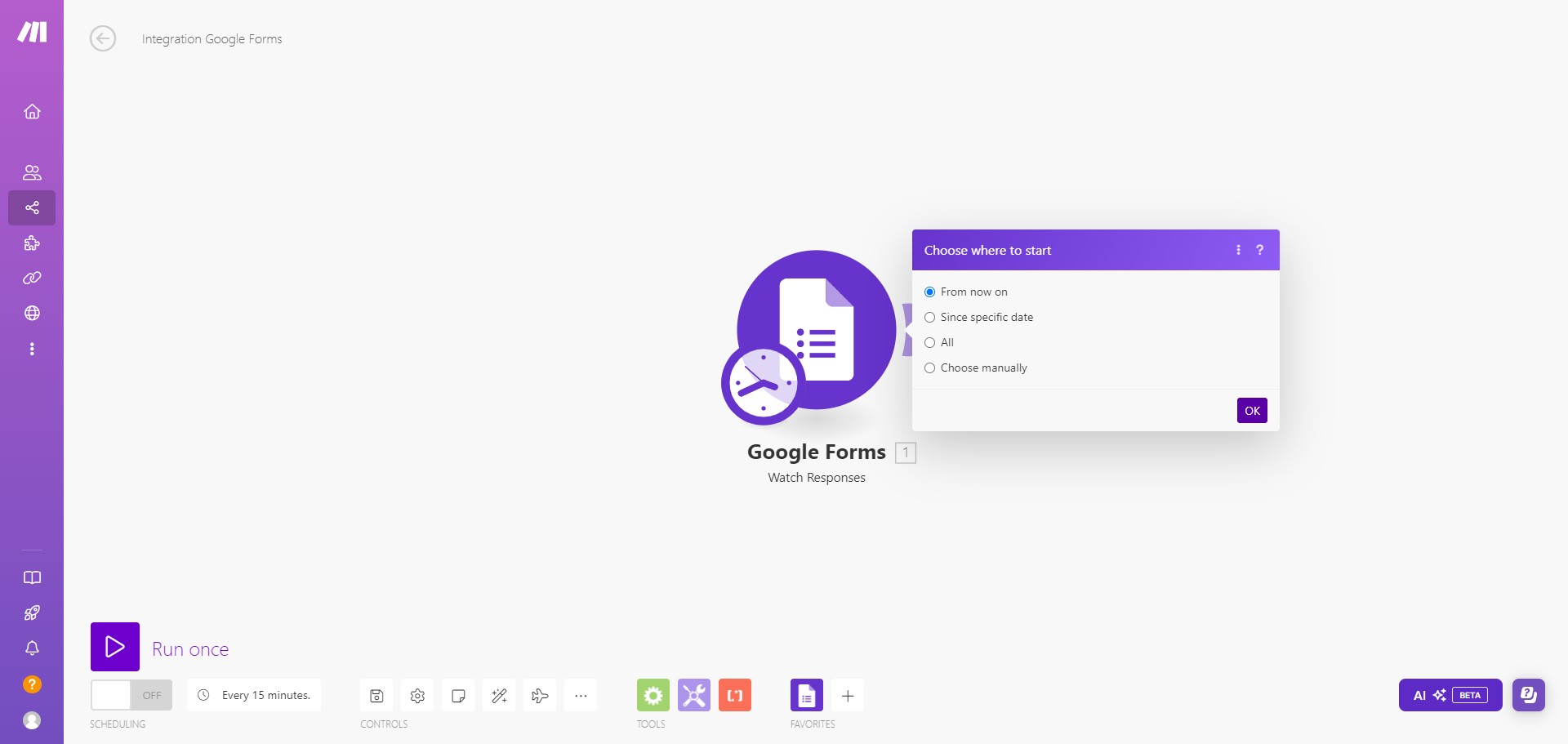
Click on "OK"
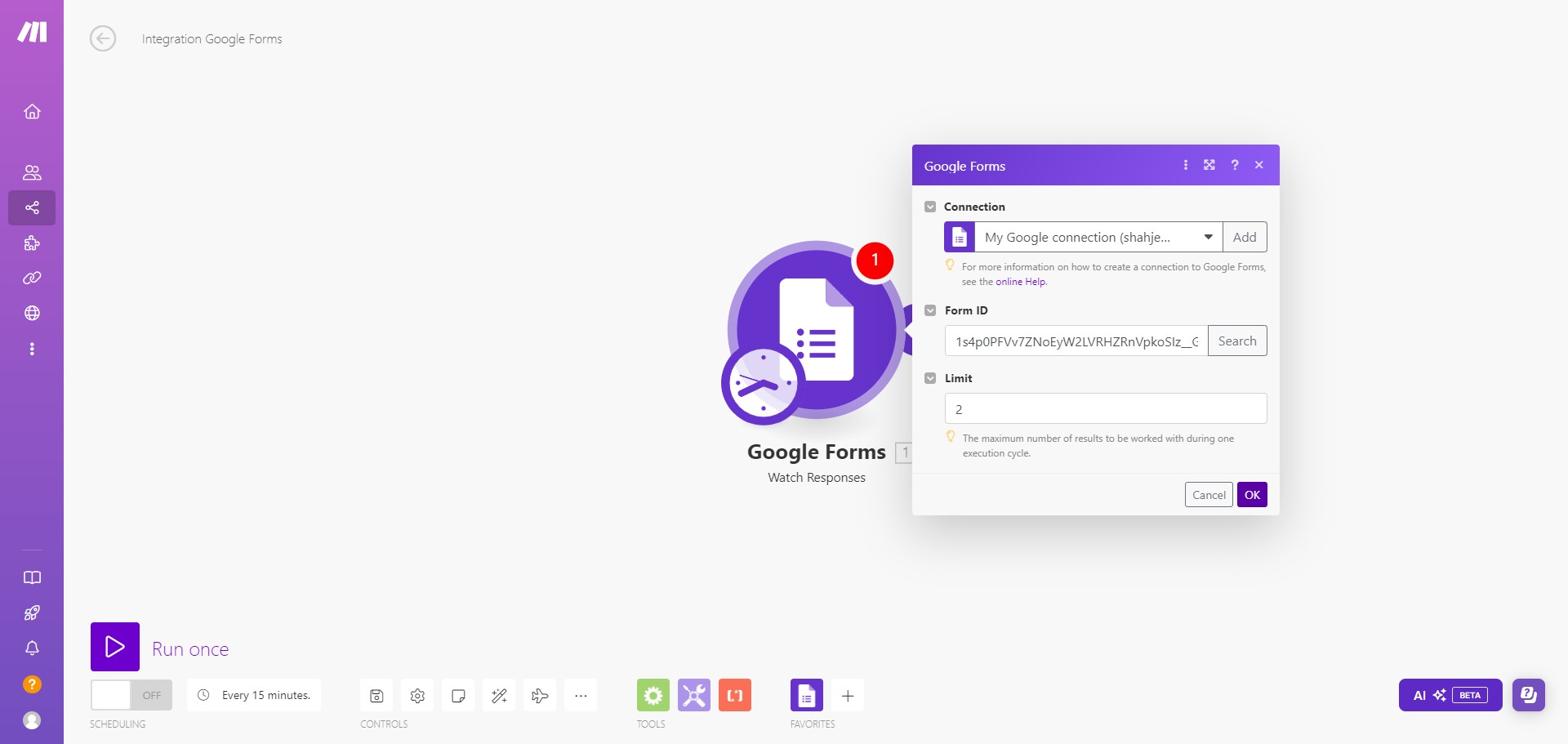
Click on "OK"
Now let's add the Fastbots. Create a new module and search Fastbots.
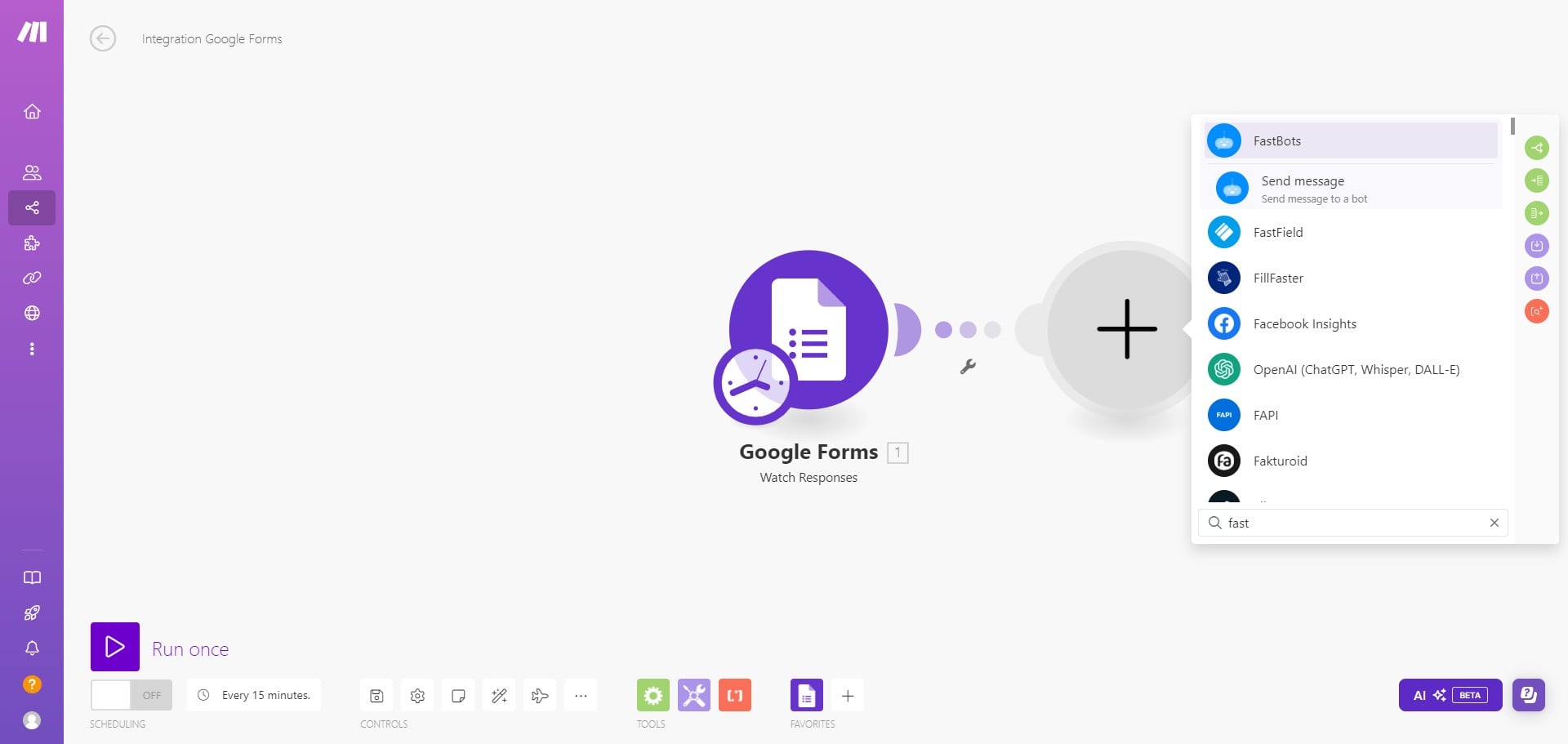
Select the "Send message to a bot" option.
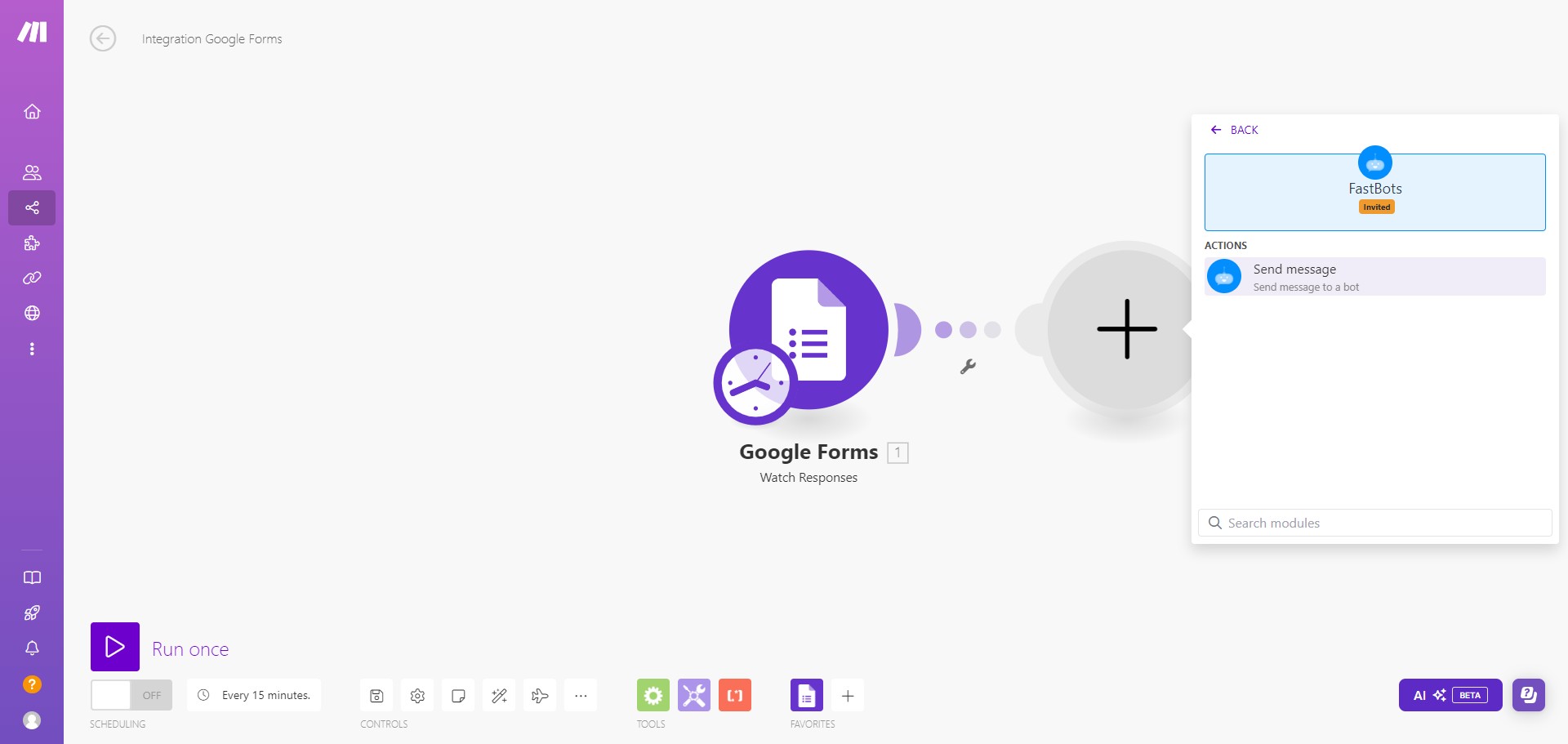
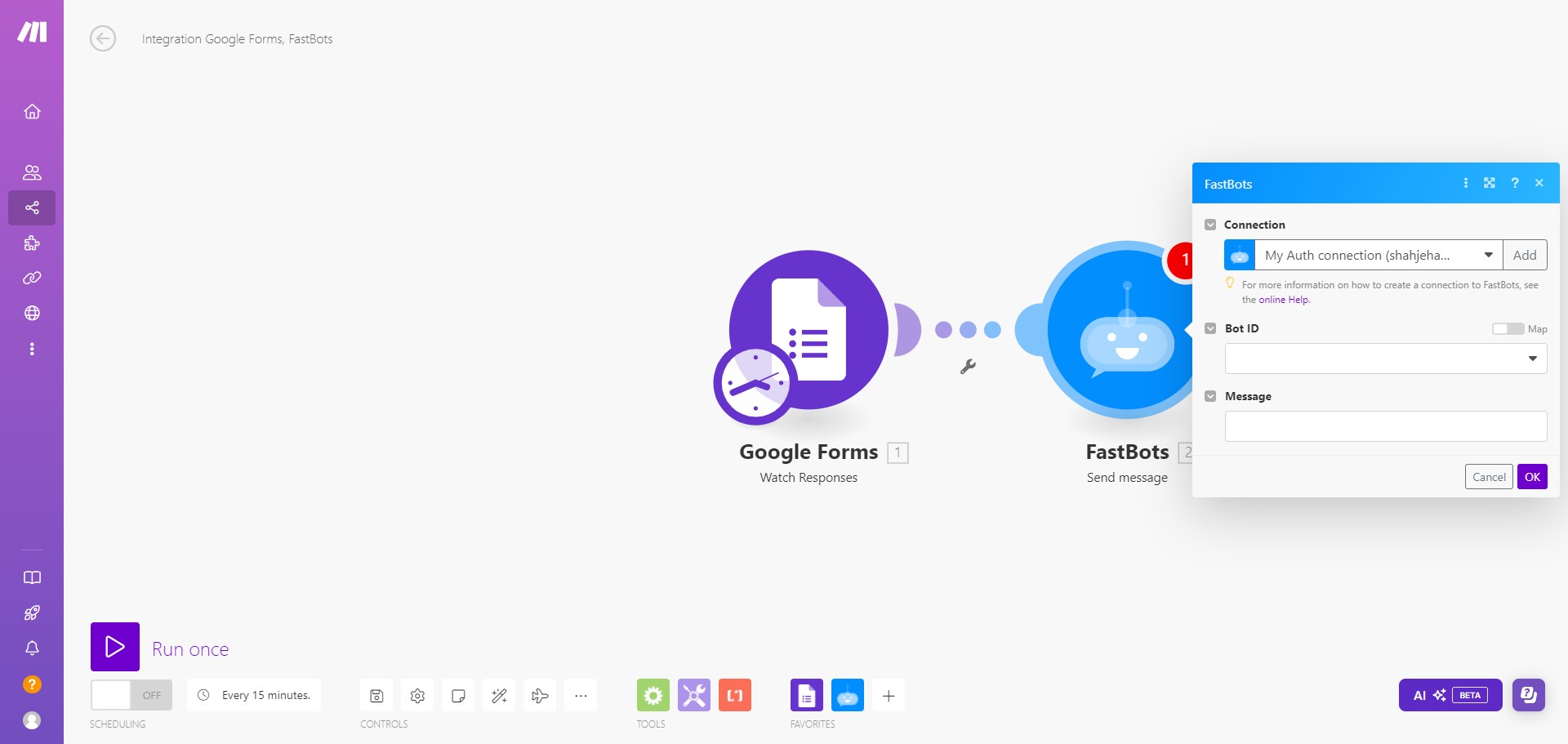
Select the Chatbot by clicking on Bot ID.
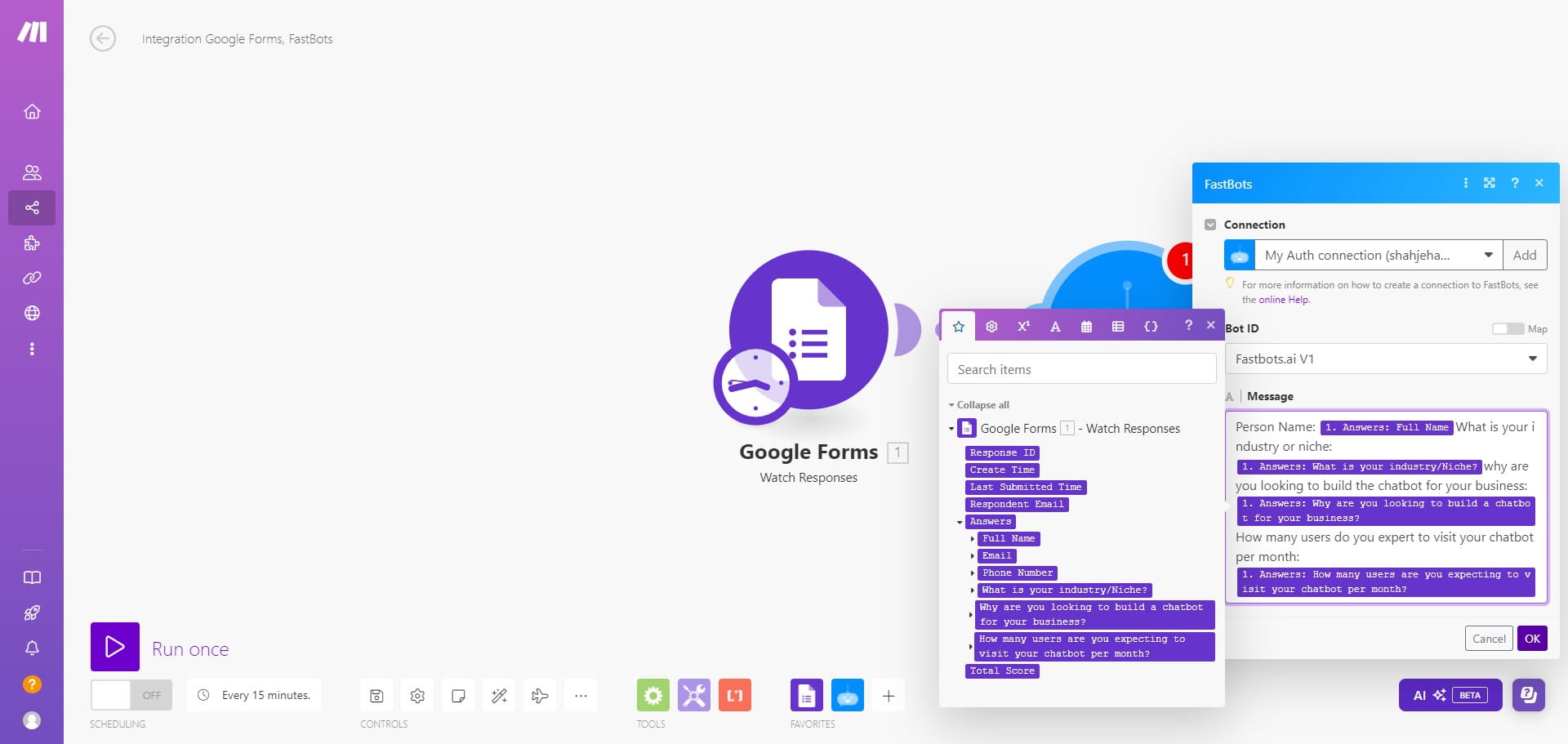
In the "Message" section, add the information that you want to send to the chatbot so it can create a message that we want to send to Gmail.
After adding the message, click on "Ok"
The last step is to connect the Gmail account. Create a new module and select the Gmail.
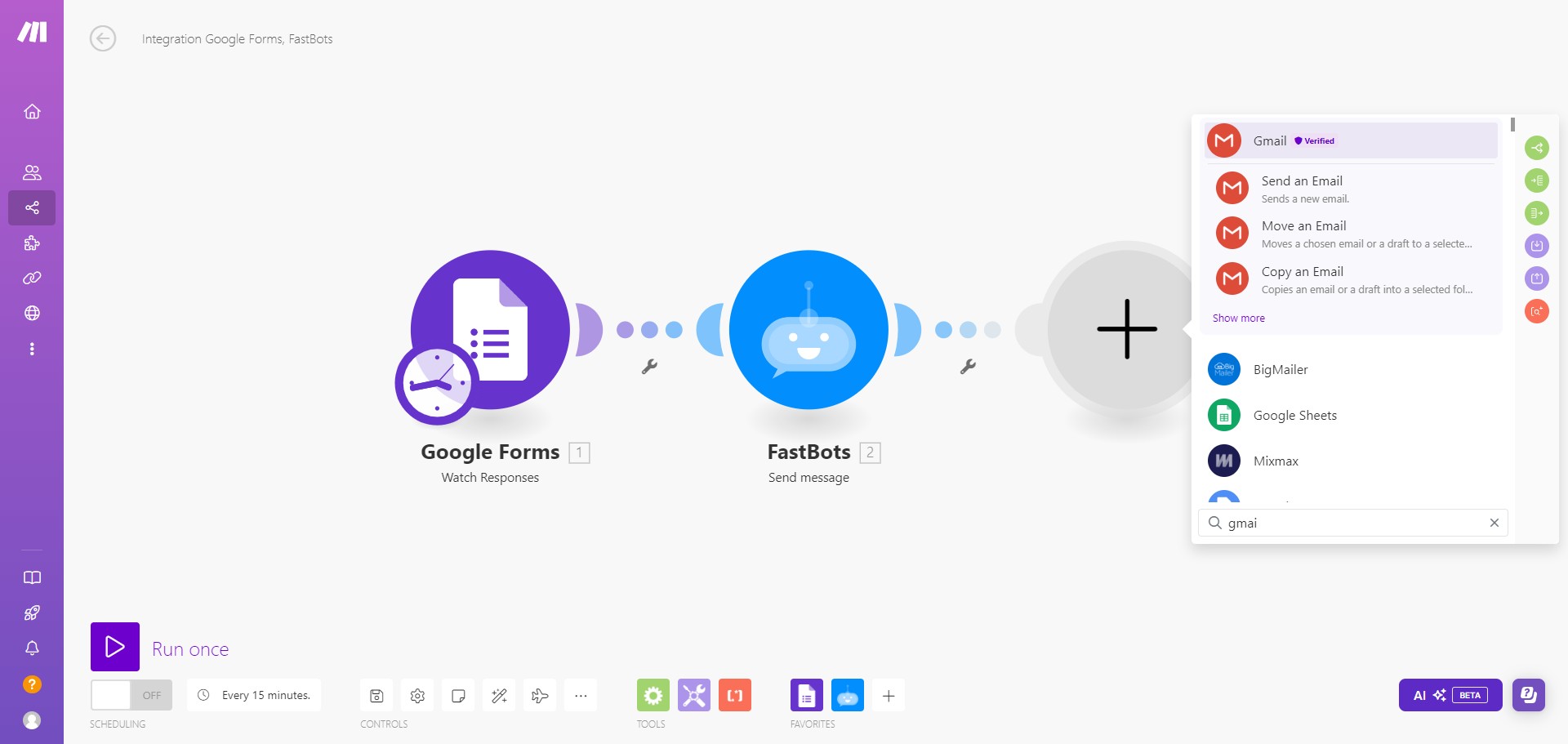
Select the operation that you want the Gmail to perform. In this tutorial, we will select "Send an Email"
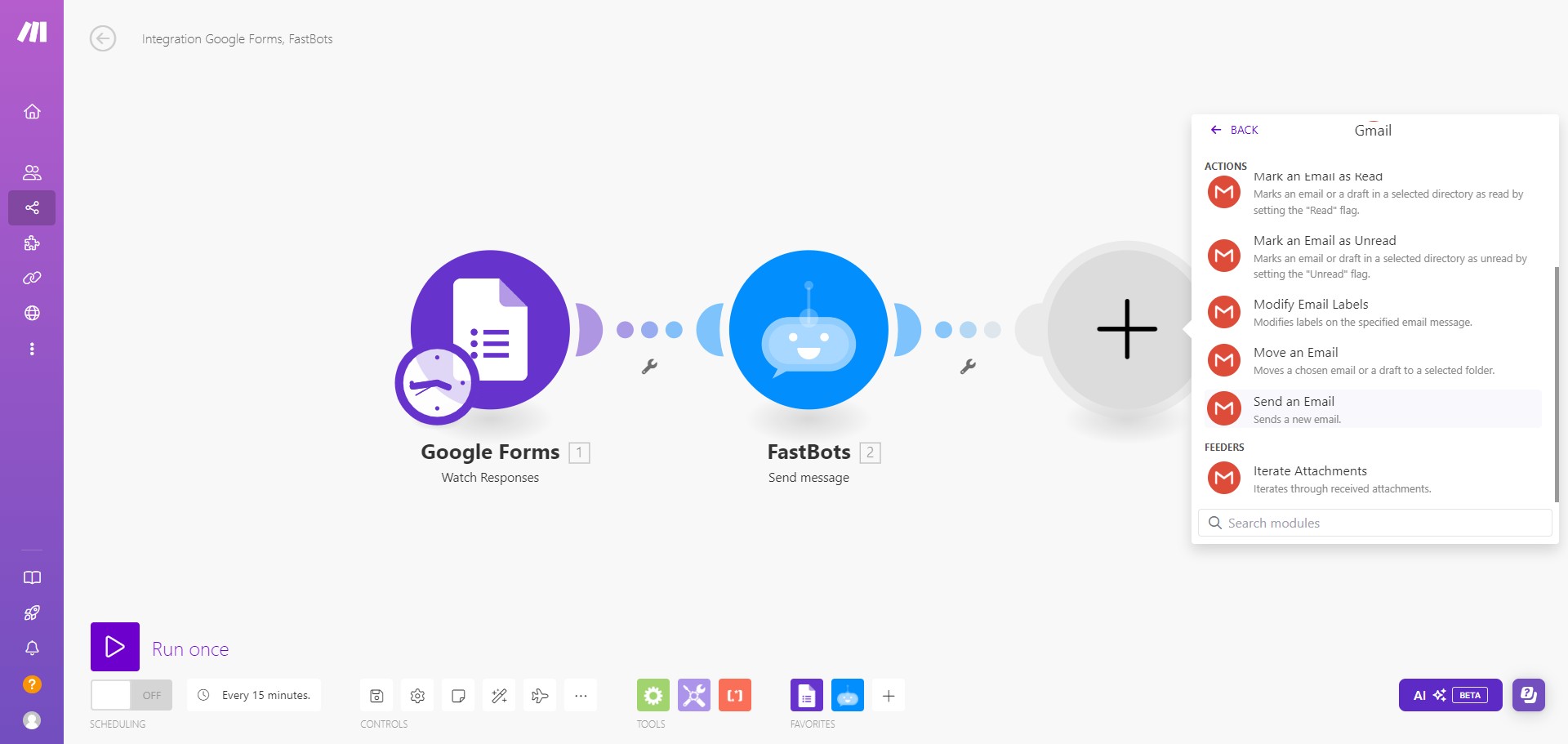
Connect your Gmail account by clicking on "Create a connection"
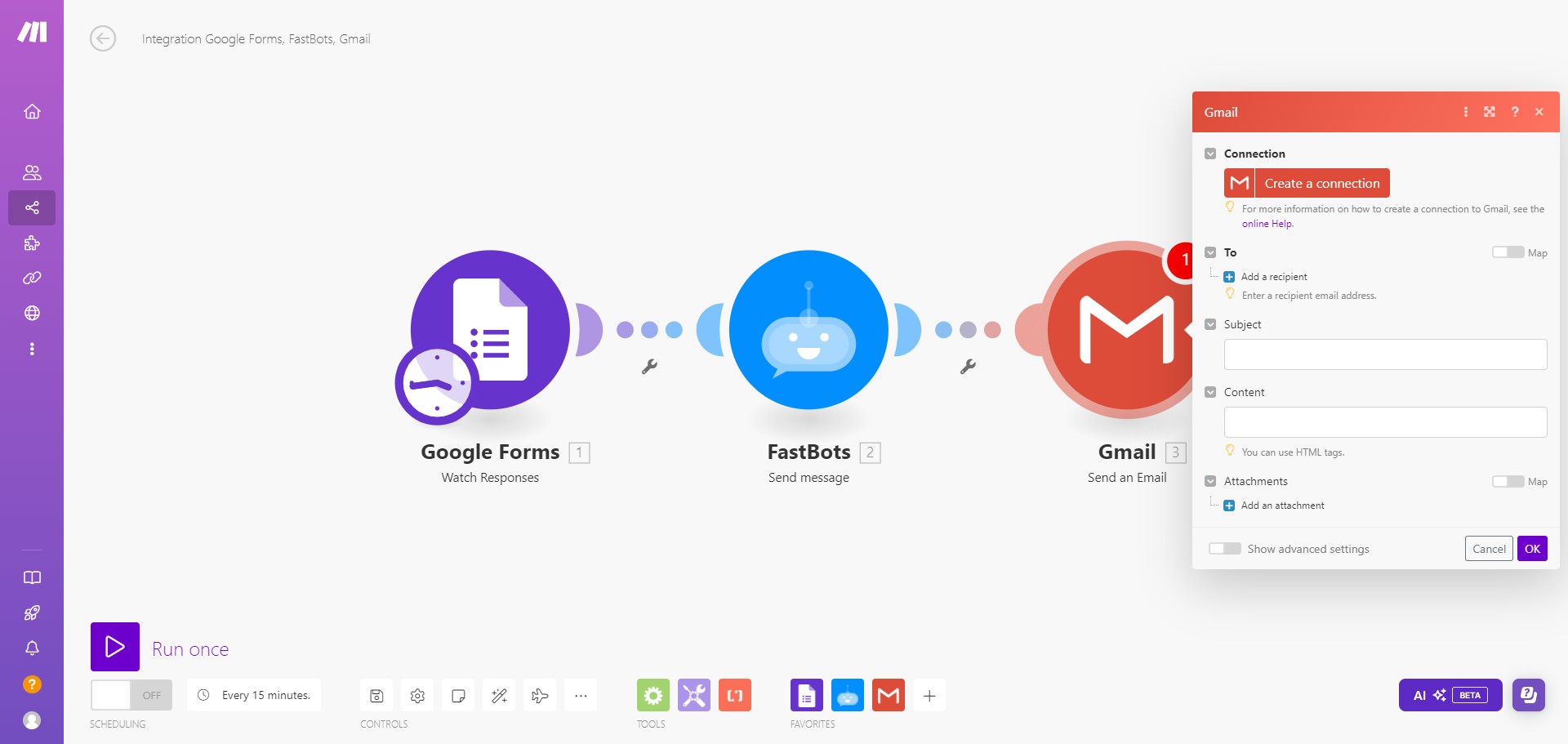
Click on "Sign in with Google" to connect with Gmail account.
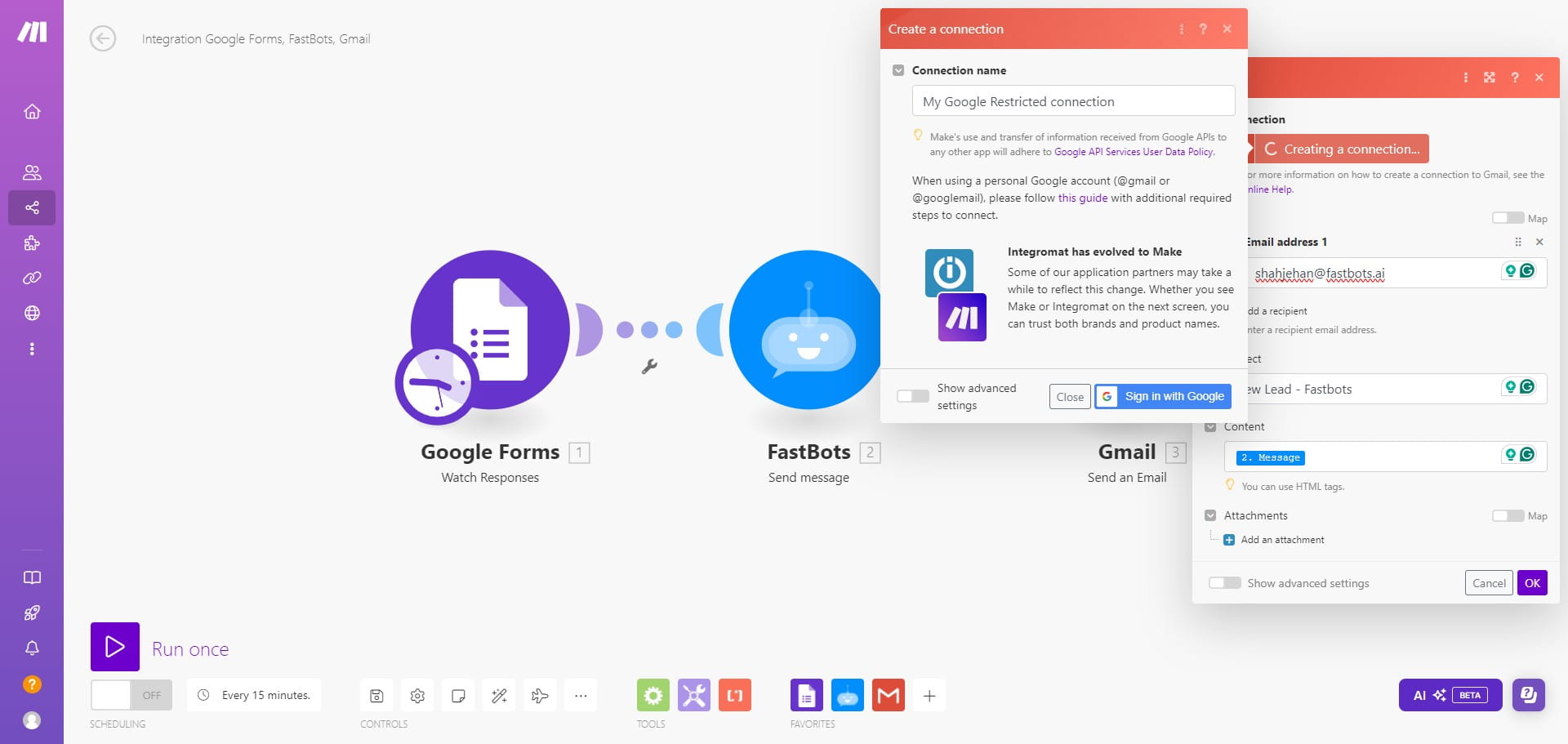
Click on "Add a recipient"
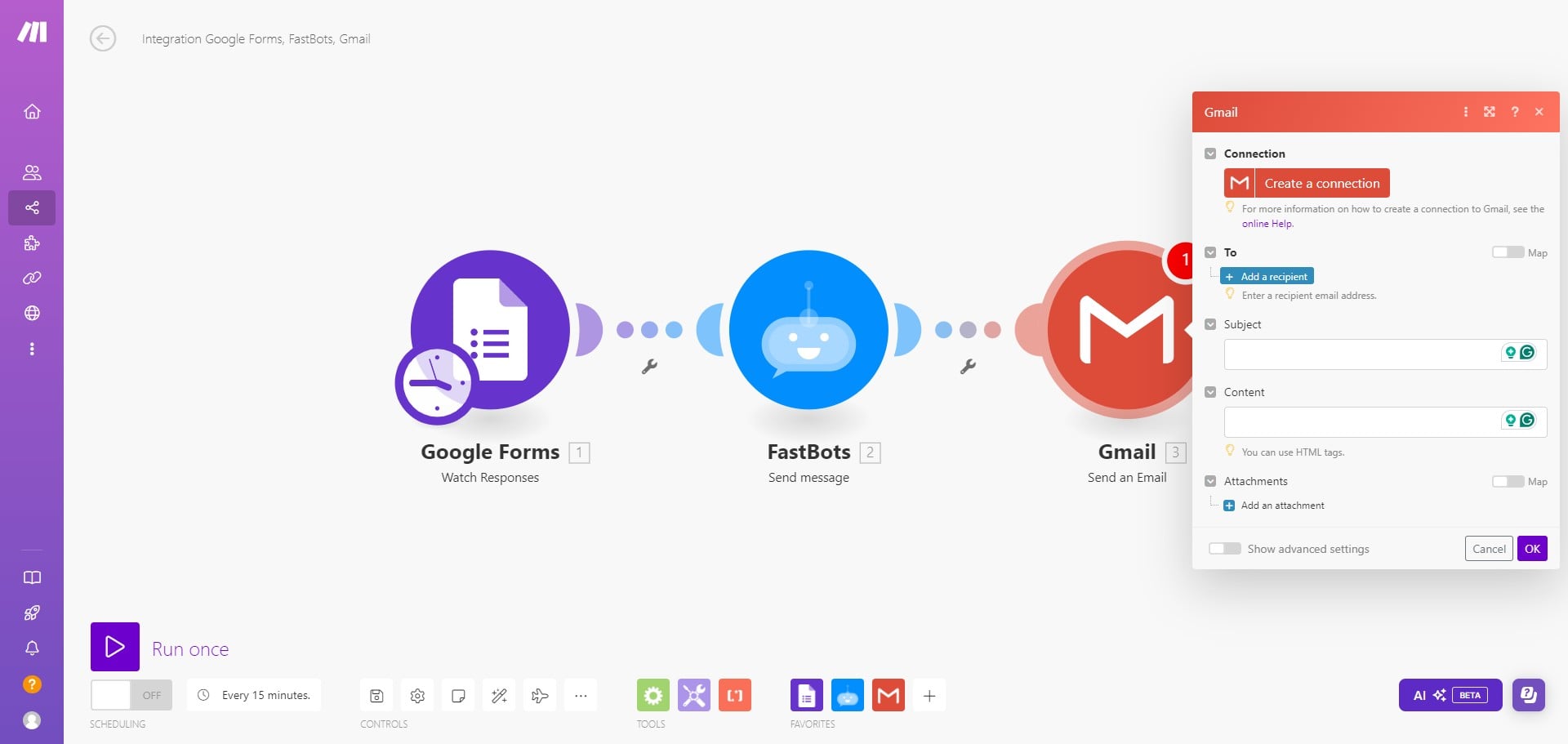
Add the email address where you want to send the message.
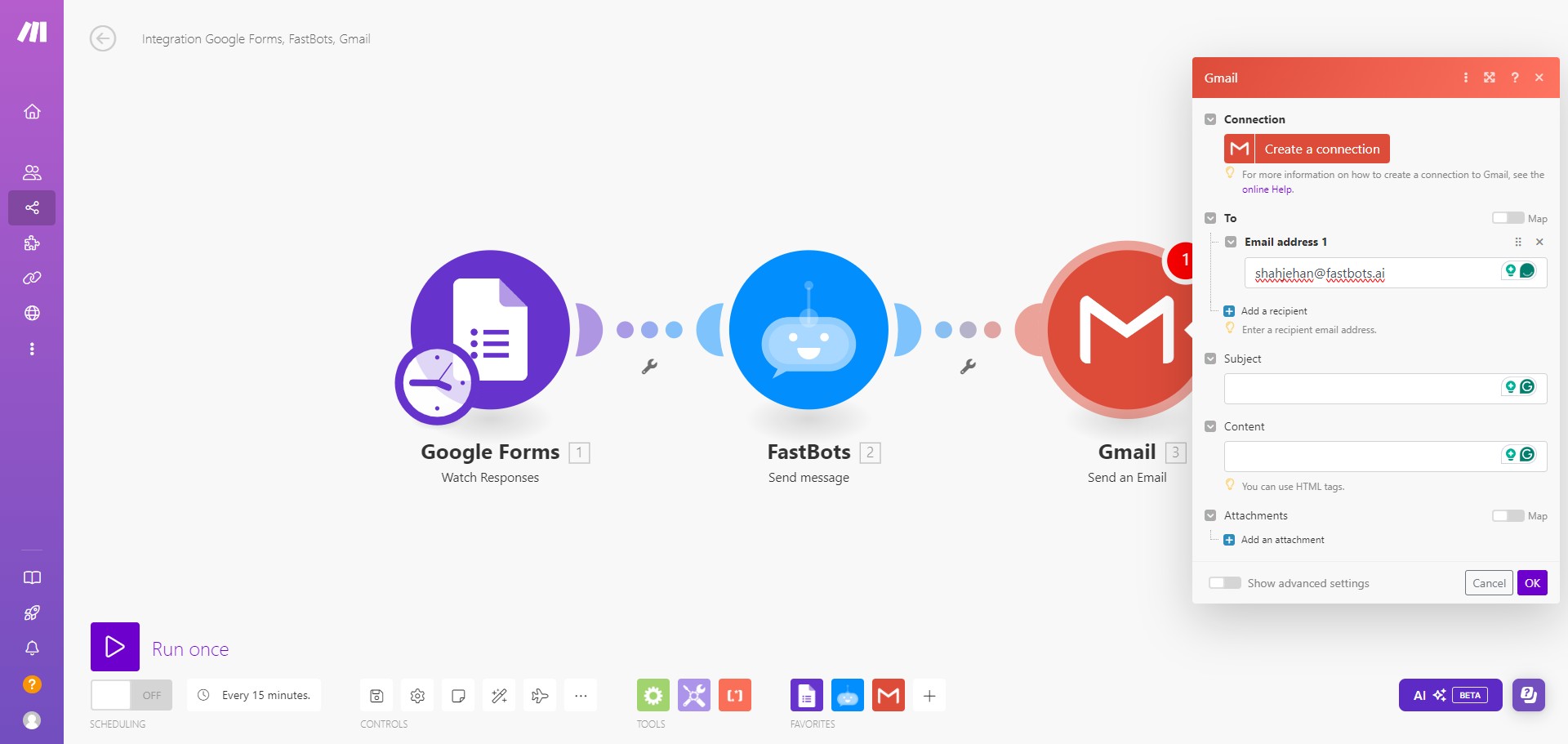
Add the "Subject" of the email.
Add the content of the email. Click on the "Content" and select the "Message" option.
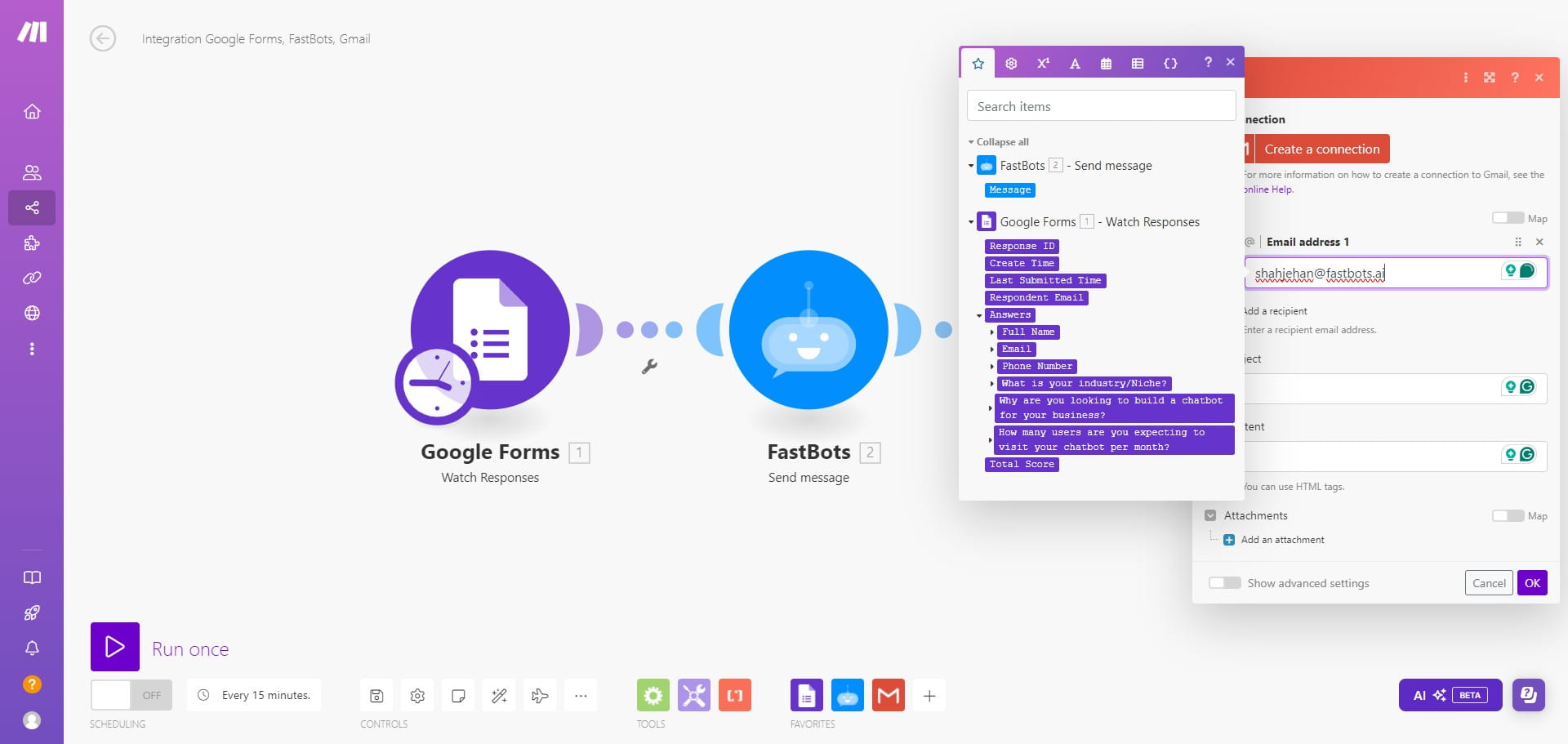
Select the "Message" option
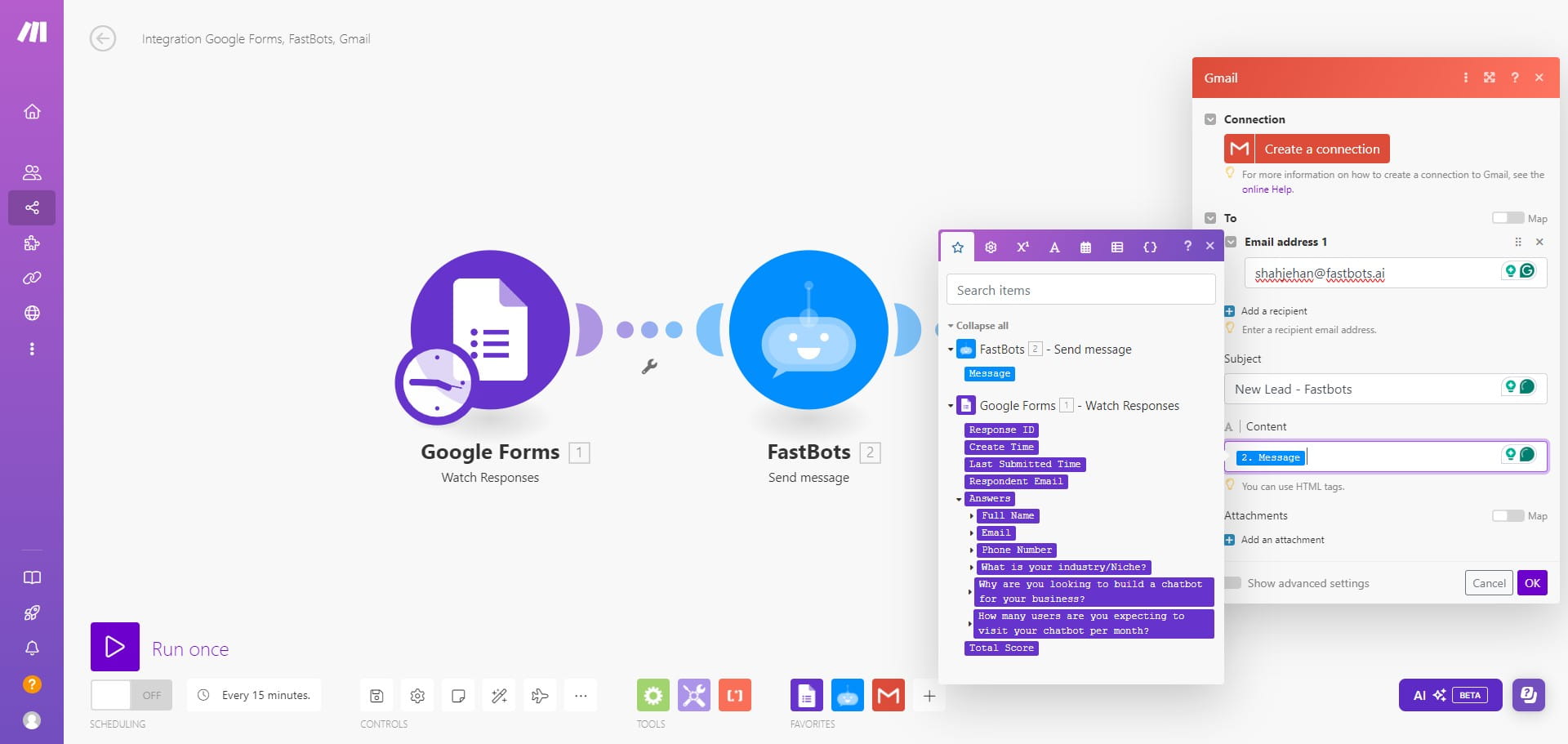
Click on "OK" to save the settings.
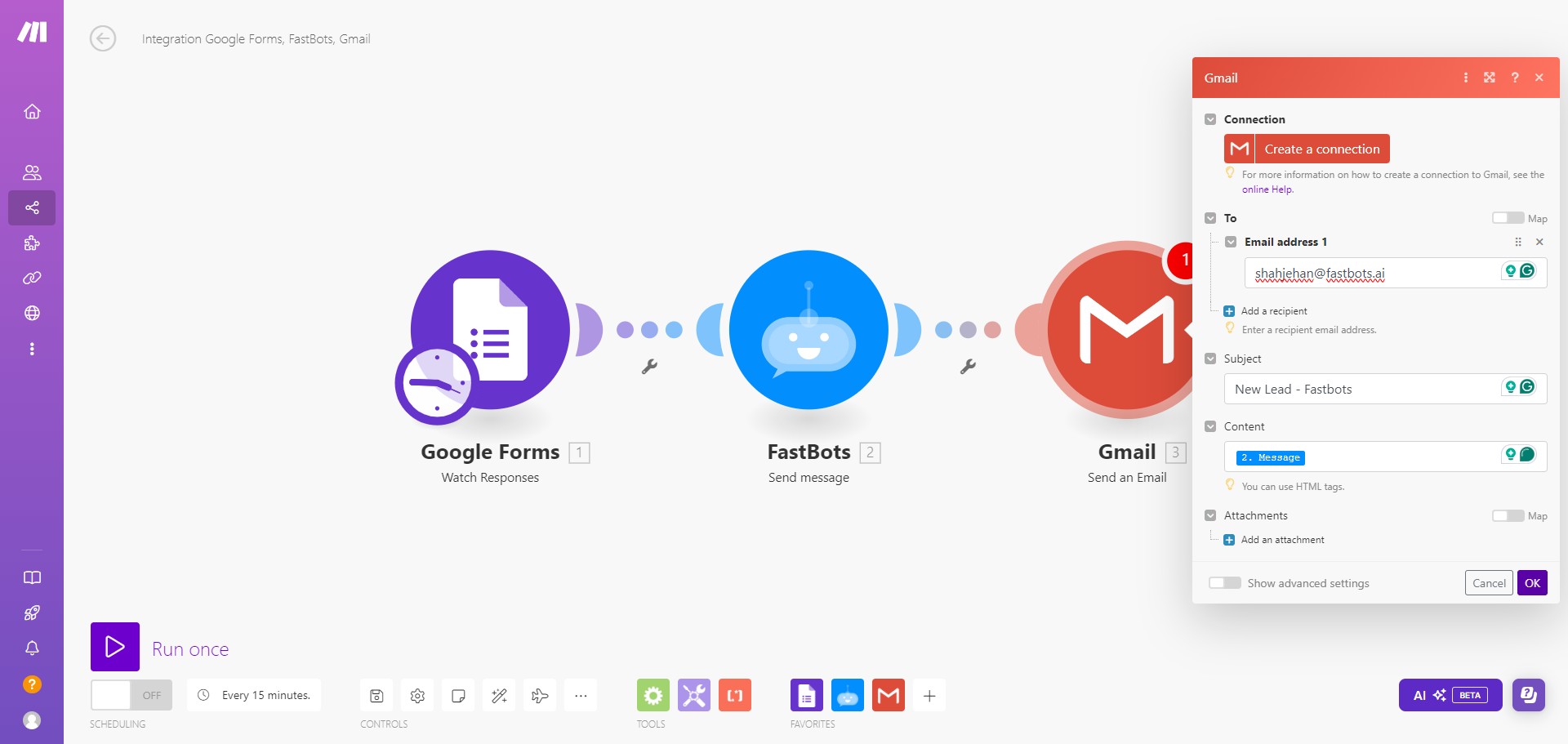
We have now created the scenario to send automated emails using Google Forms. You can run a test by clicking on the "Run Once" button and submitting the test lead on Google Forms.
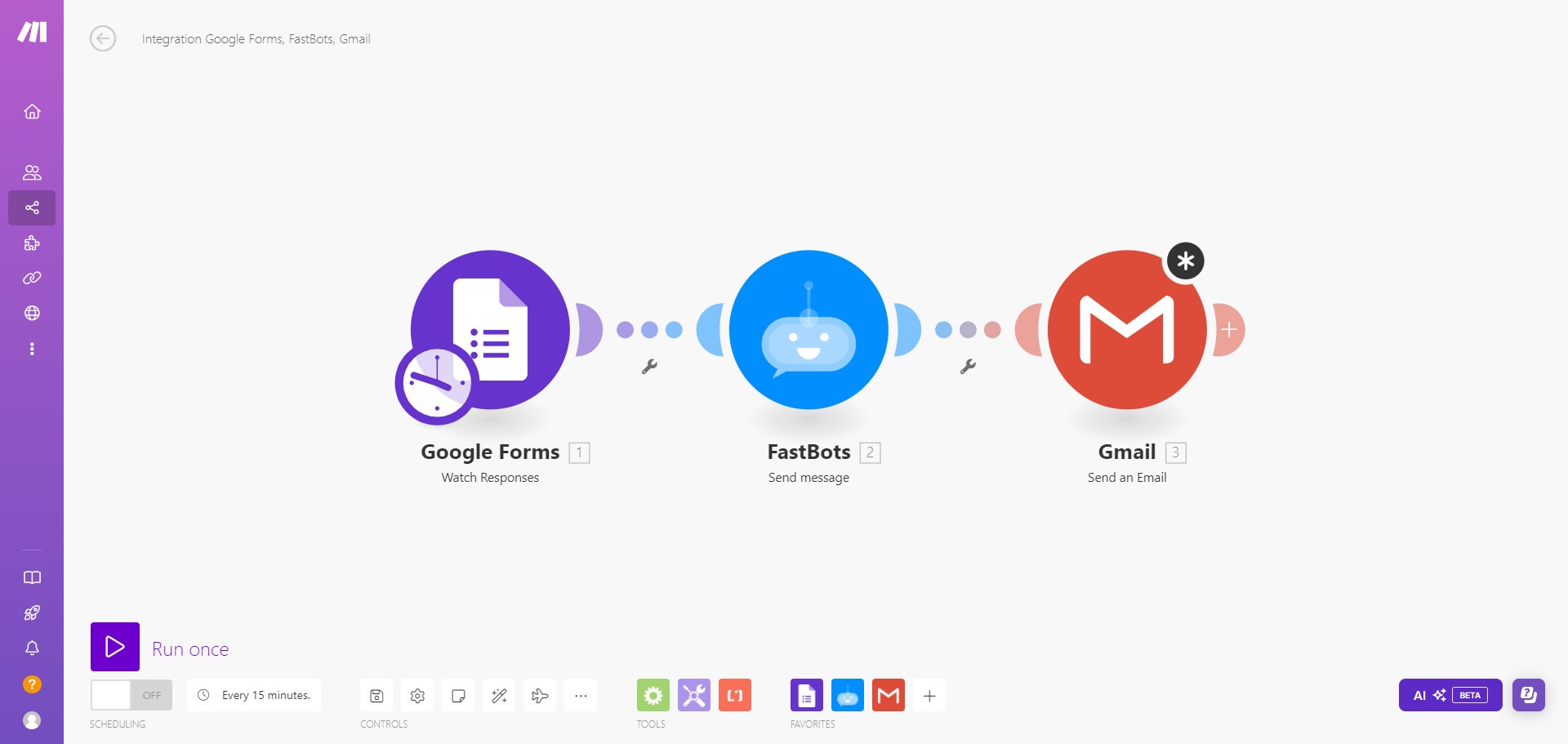
Once you receive a lead on Google form, it will be sent to Fastbots, and the chatbot will create a message based on the information received and send it to your email 🚀