

How to Change the Chatbot Avatar
This training guide will show the complete process of changing the avatar of your chatbot. Setting up the correct chatbot avatar is important for branding and personalizing the chatbot.
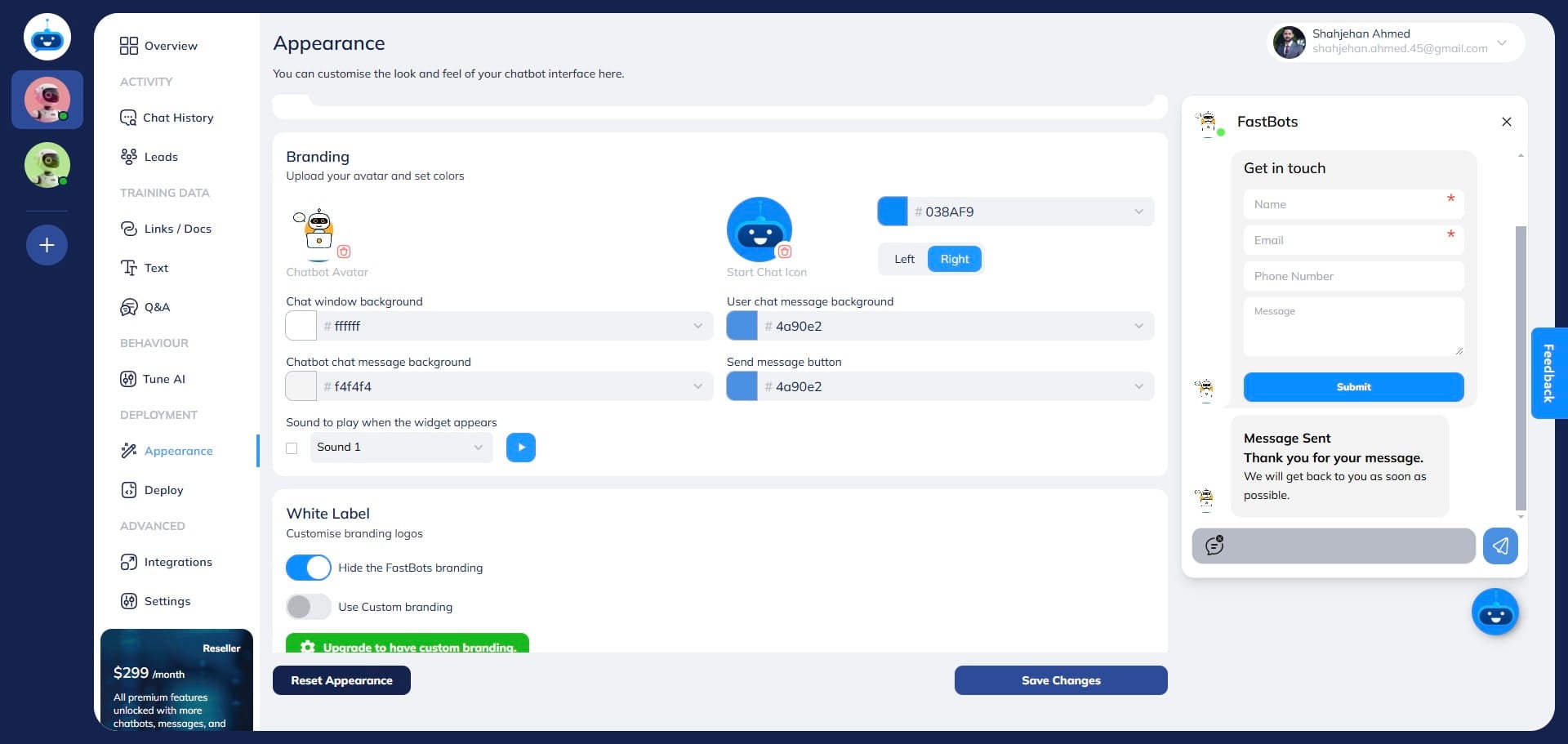
Navigate to https://app.fastbots.ai/ Use Chatbot Avatar under Branding. Use the upload control and follow the image requirements shown there. Welcome sounds are under Attention Grabbers → Welcome Sound.
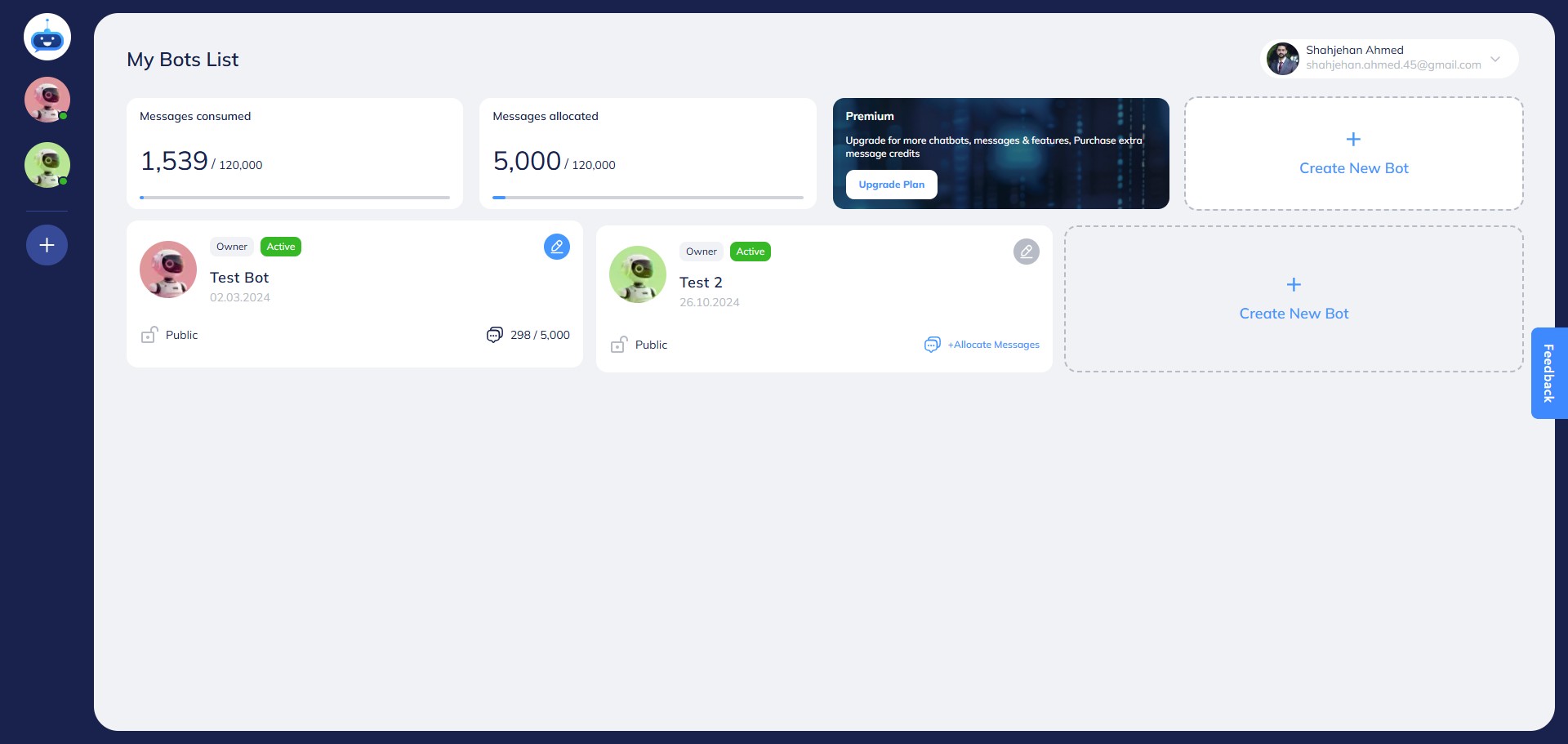
Click on the chatbot to open it.

Open Deployment → Chat Widget → Branding → Chatbot Avatar.
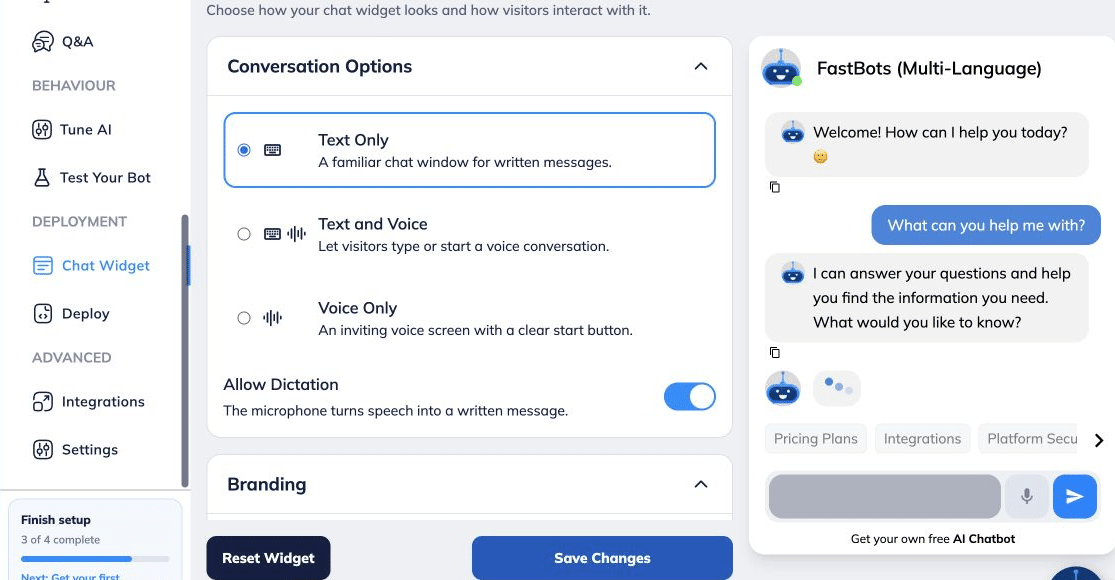
Scroll down and find the "Chatbot Avatar" option.
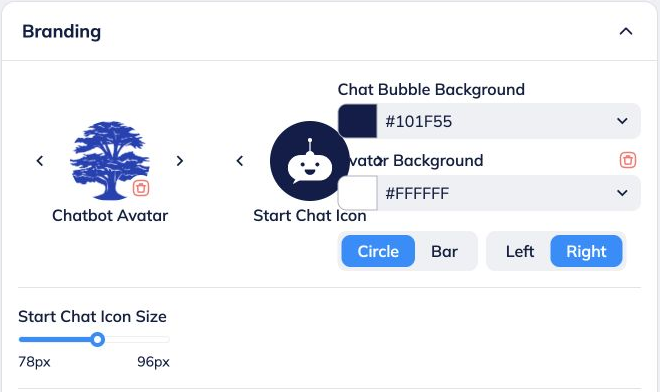
Use the upload control under Branding → Chatbot Avatar and select your image. Follow the image requirements shown in the upload interface.
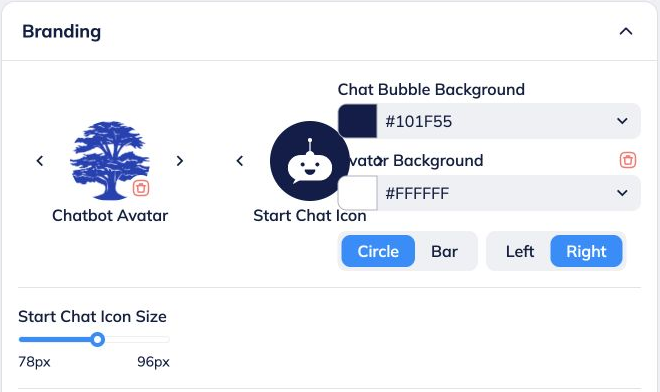
After you upload the Avatar, it will show on your chatbot.
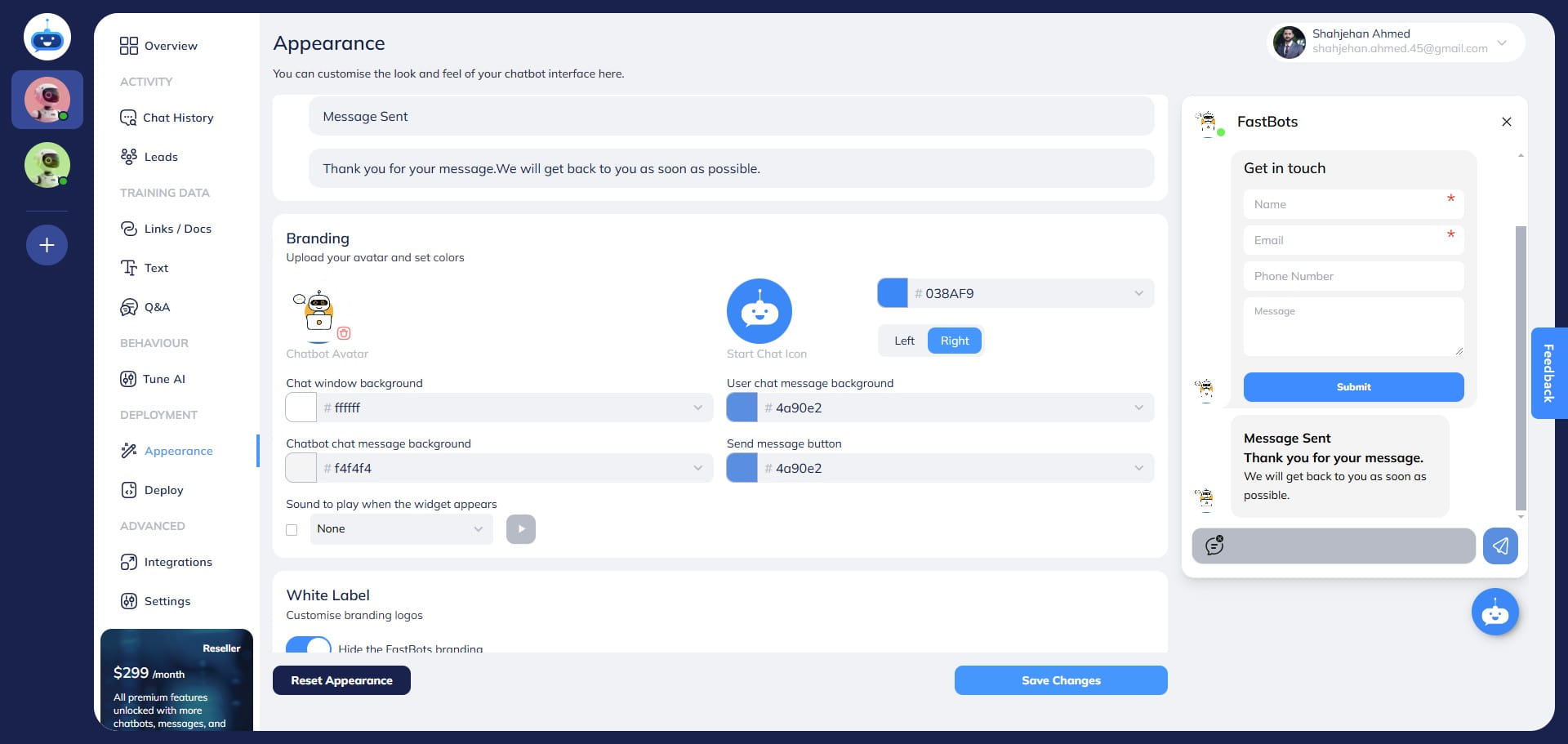
Open Attention Grabbers and enable Welcome Sound if you want a sound when the widget first appears.
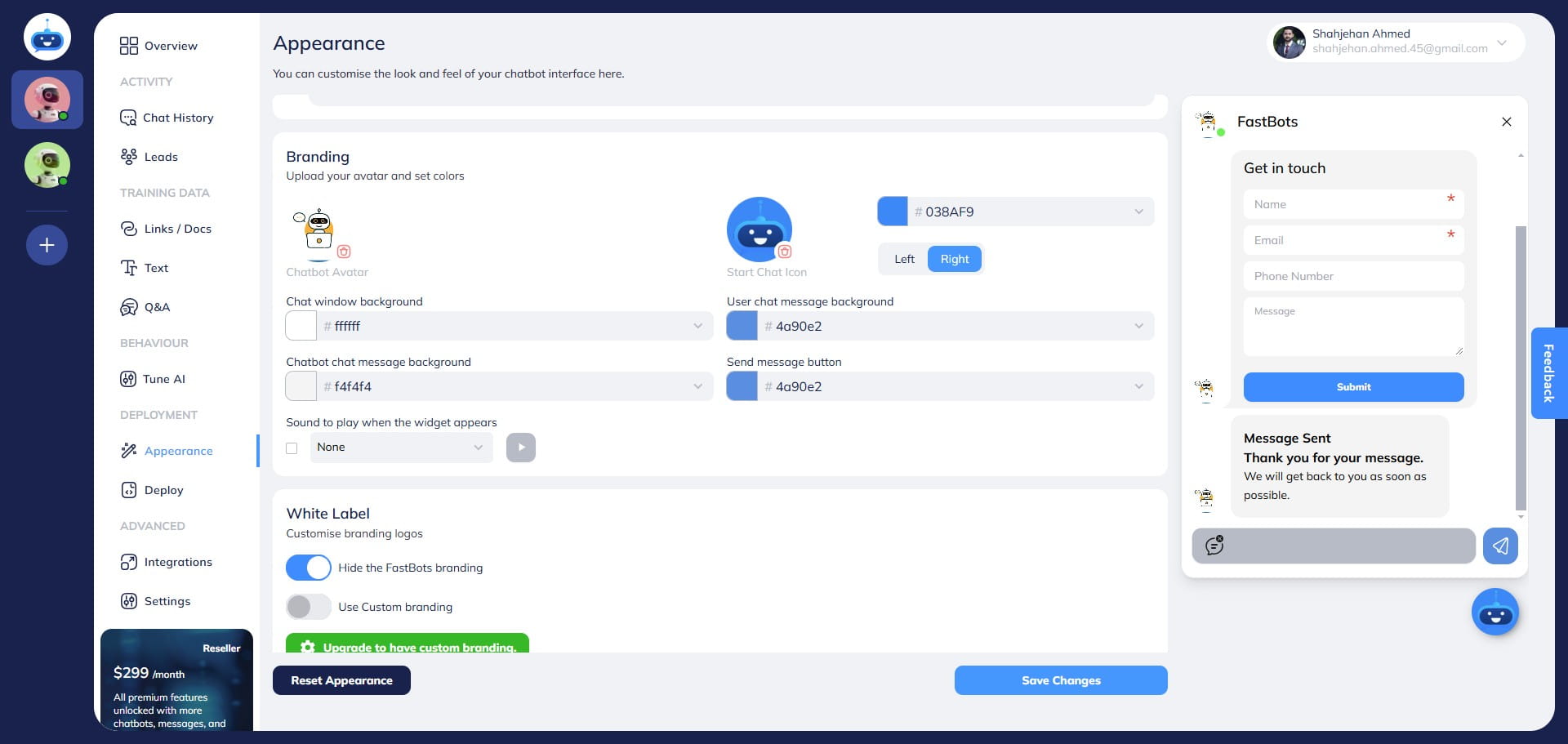
You can choose a sound from the drop-down menu.
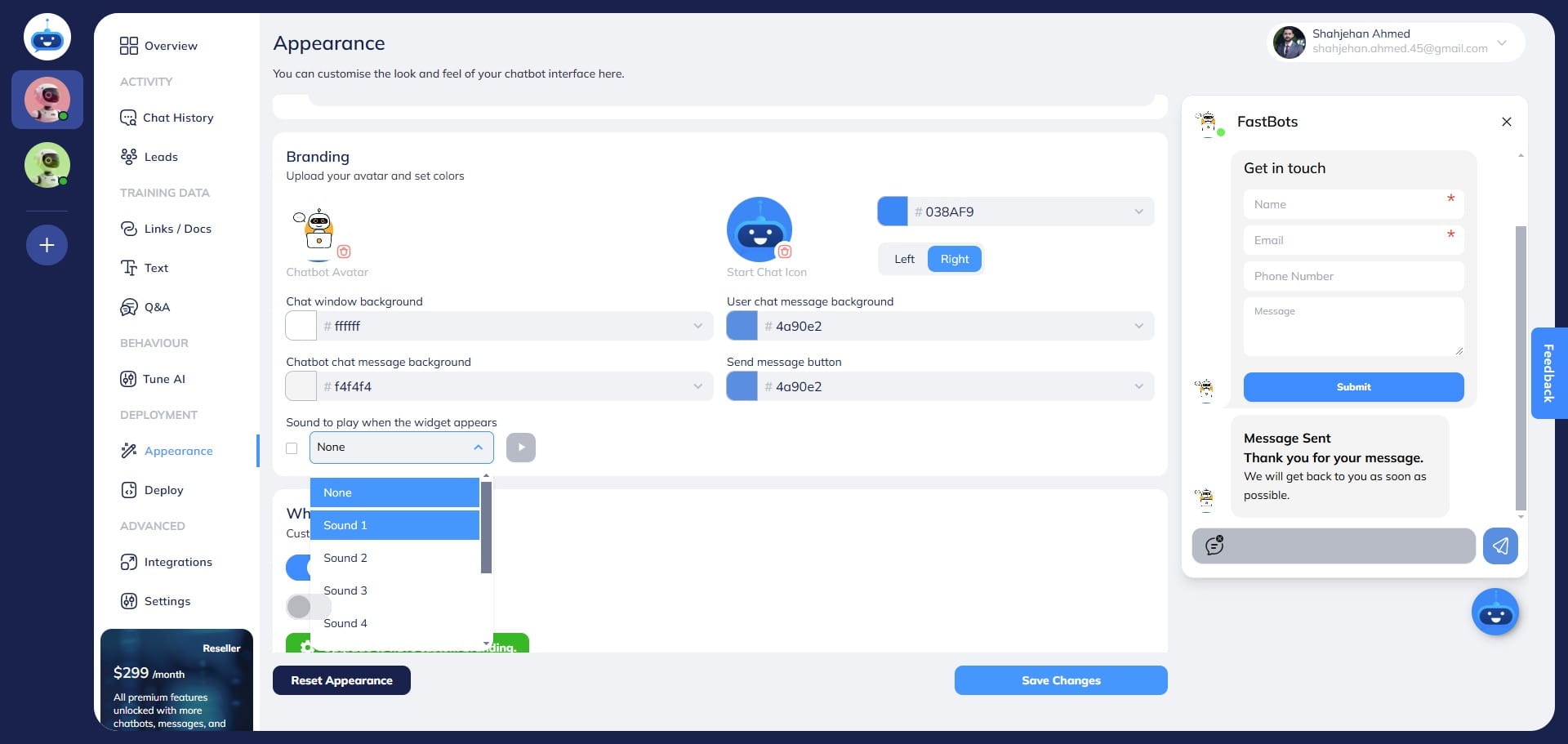
After selecting the sound, click on this "Icon" to test the sound.
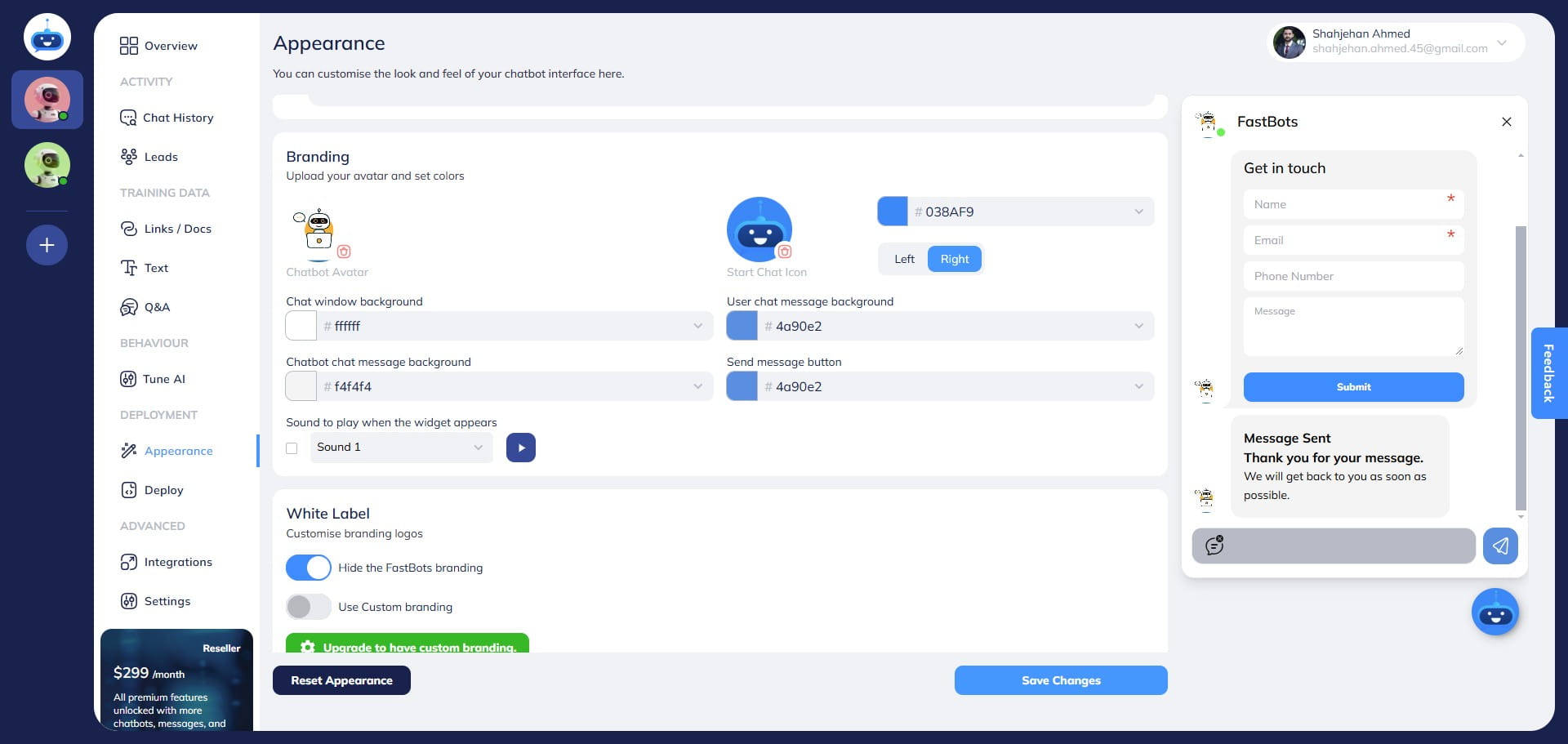
Select Save Changes.
Done 🚀 You have successfully uploaded the chatbot avatar.