How To Change Email of Your Fastbots Account
This guide will provide step-by-step instructions on how you can change the email of your Fastbots account and transfer that account to a different email.
Nov 26, 2024●
1
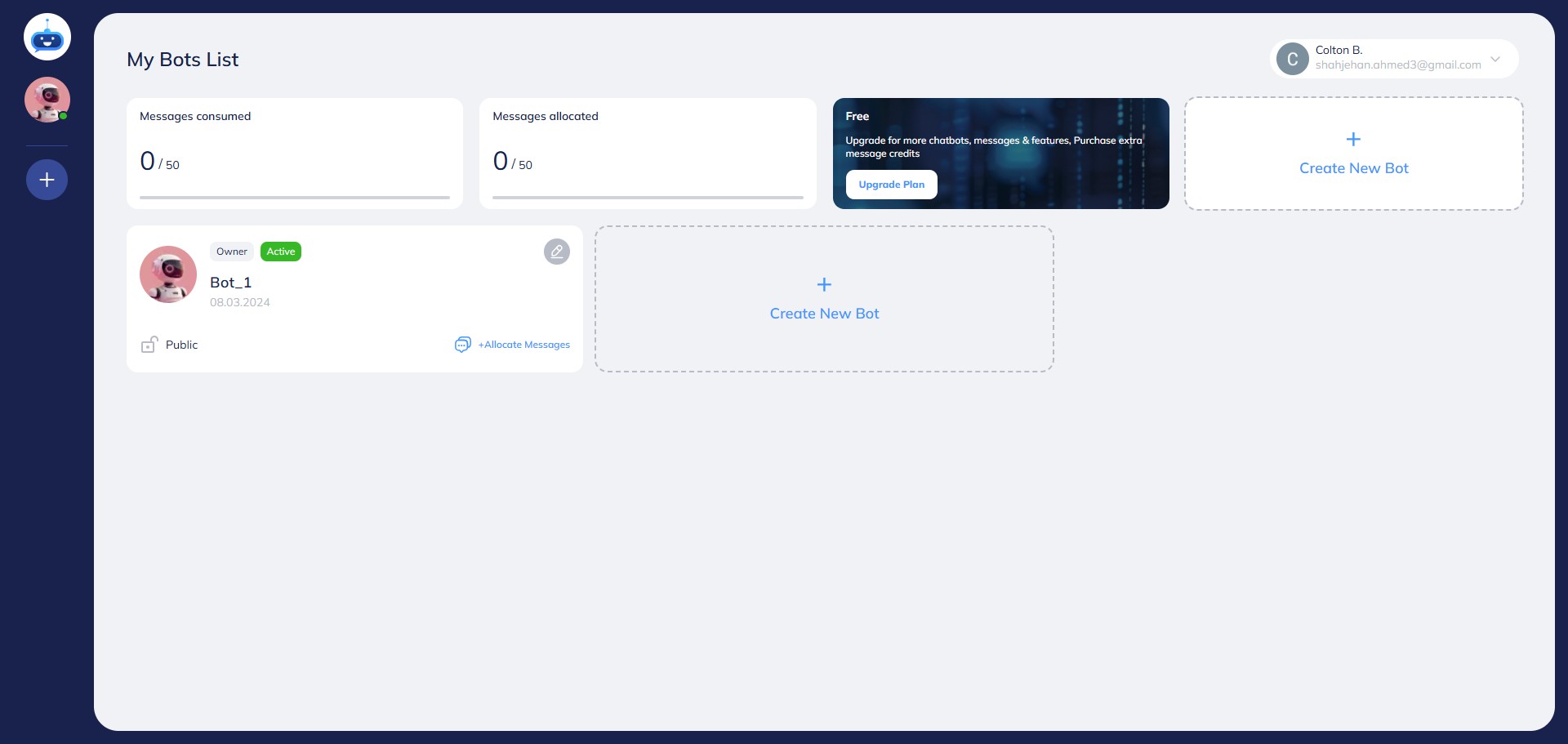
Navigate to https://app.fastbots.ai/
2
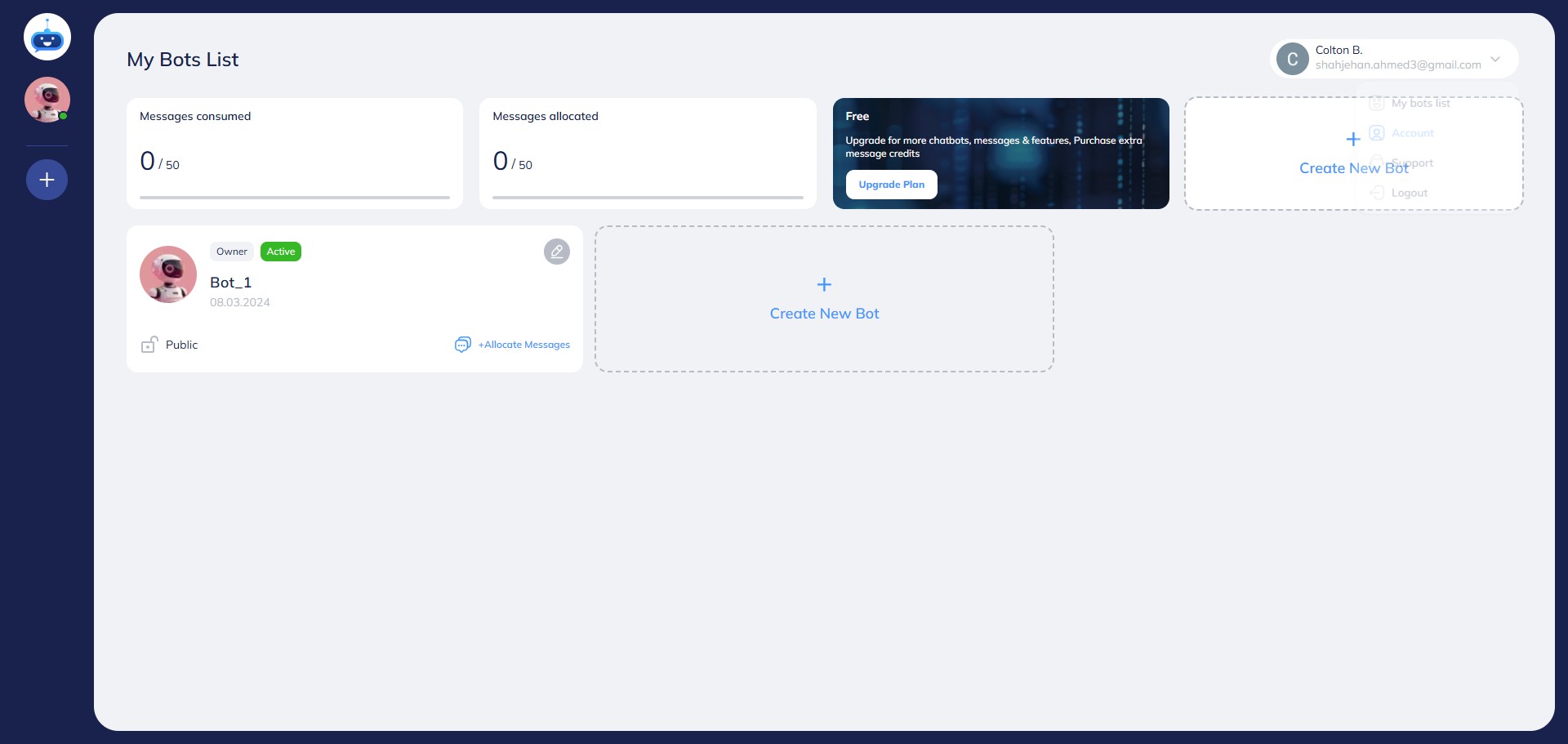
Click on the picture to open the drop-down menu.

3
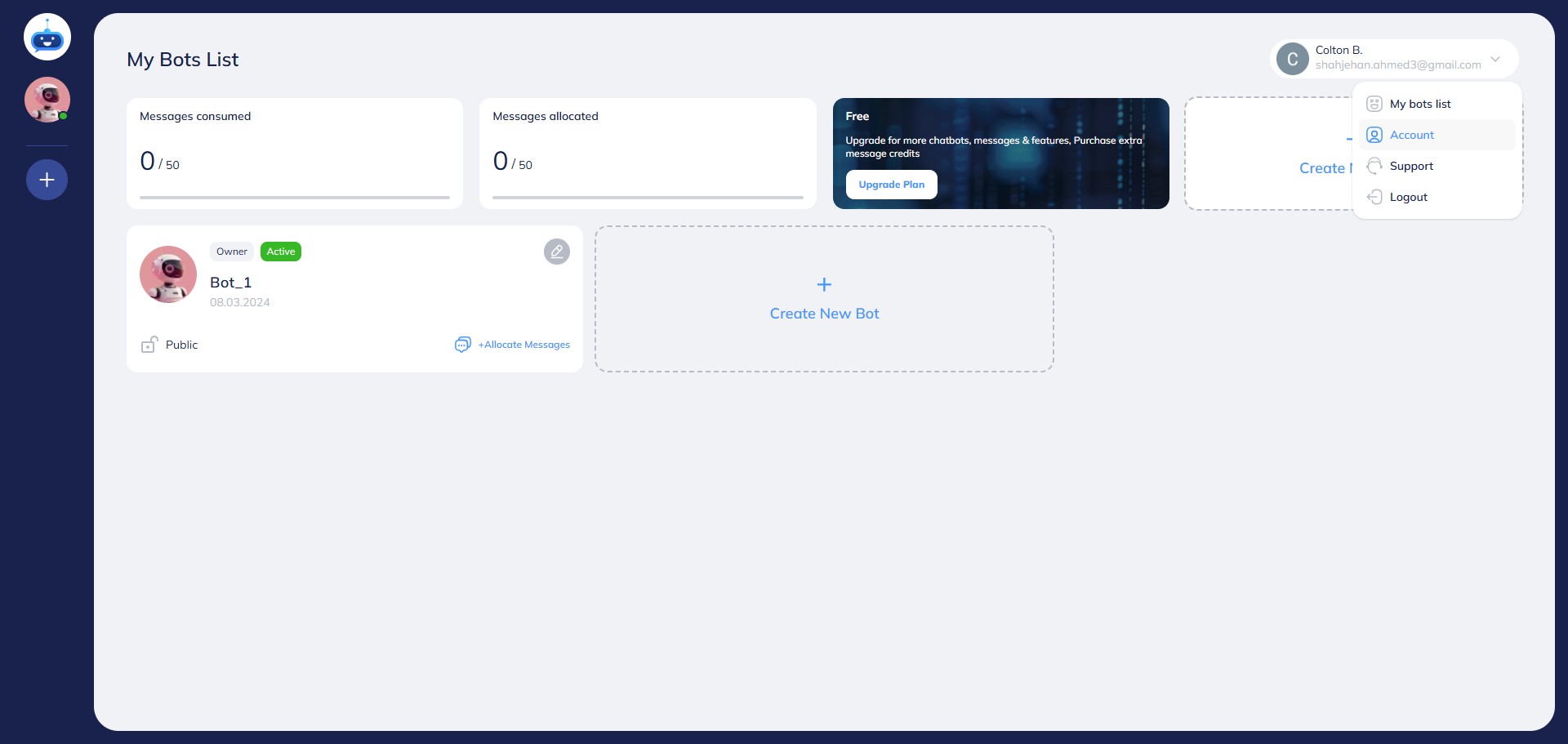
Click the "Account" option.
4
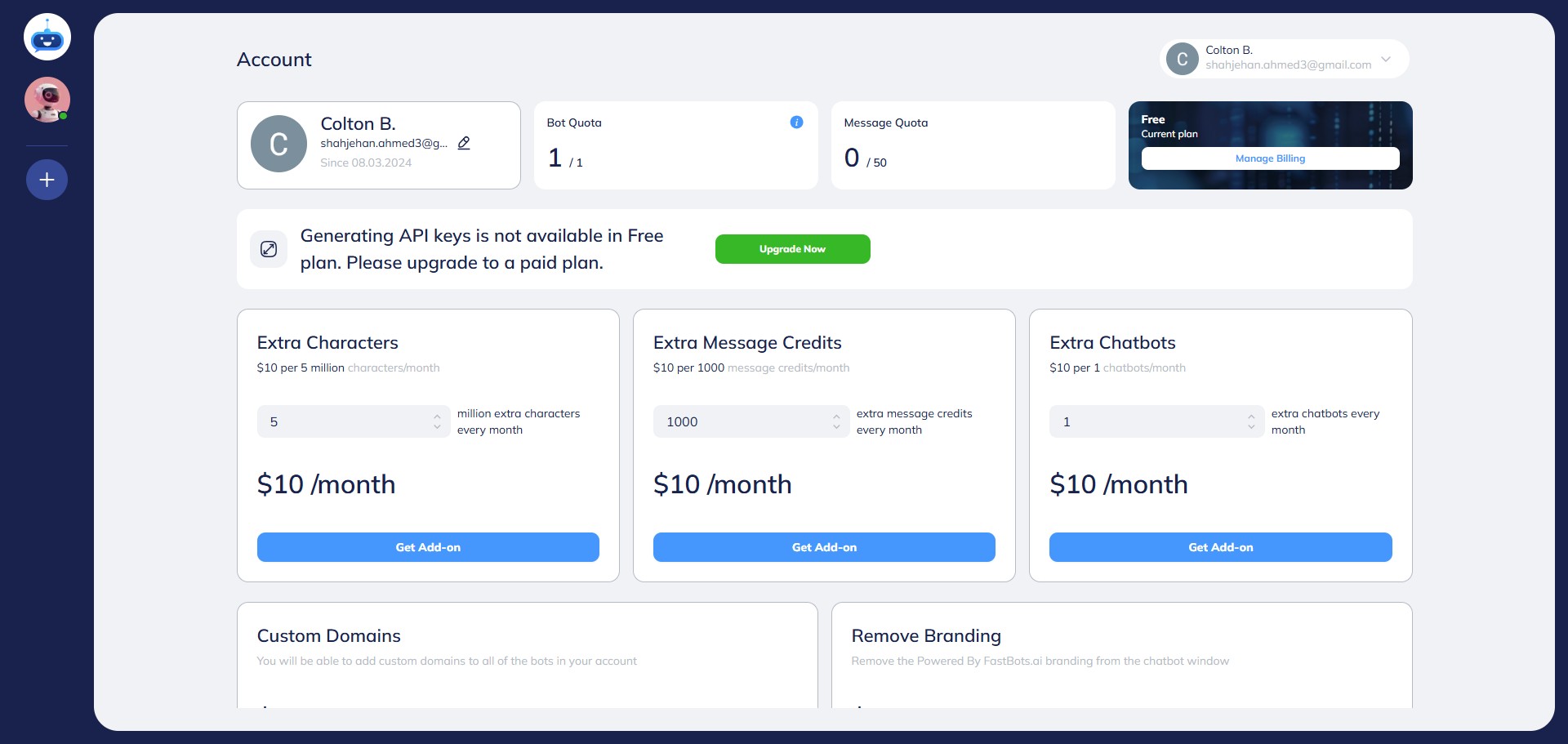
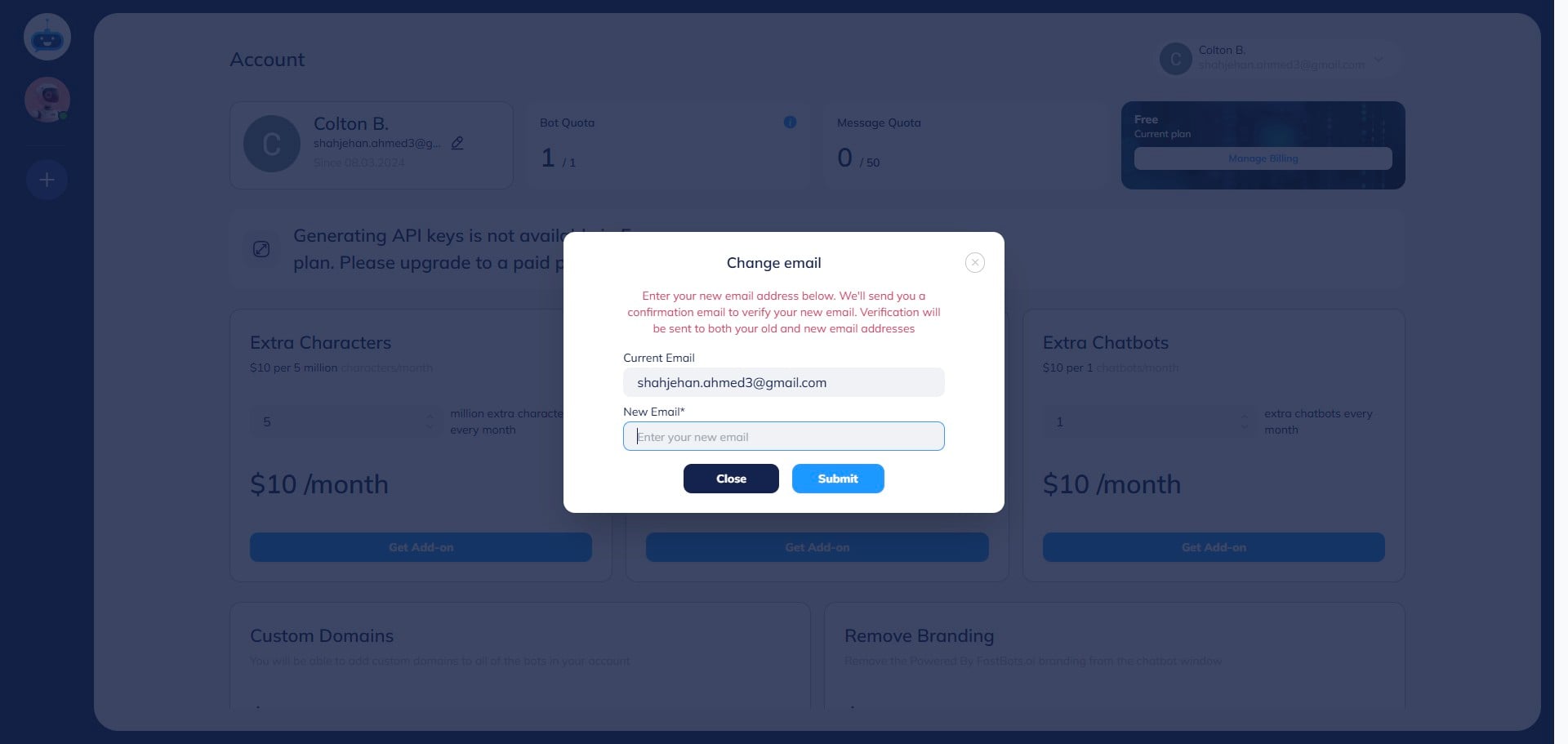
Click this icon to open the email settings.
5
Type your New Email here.
6
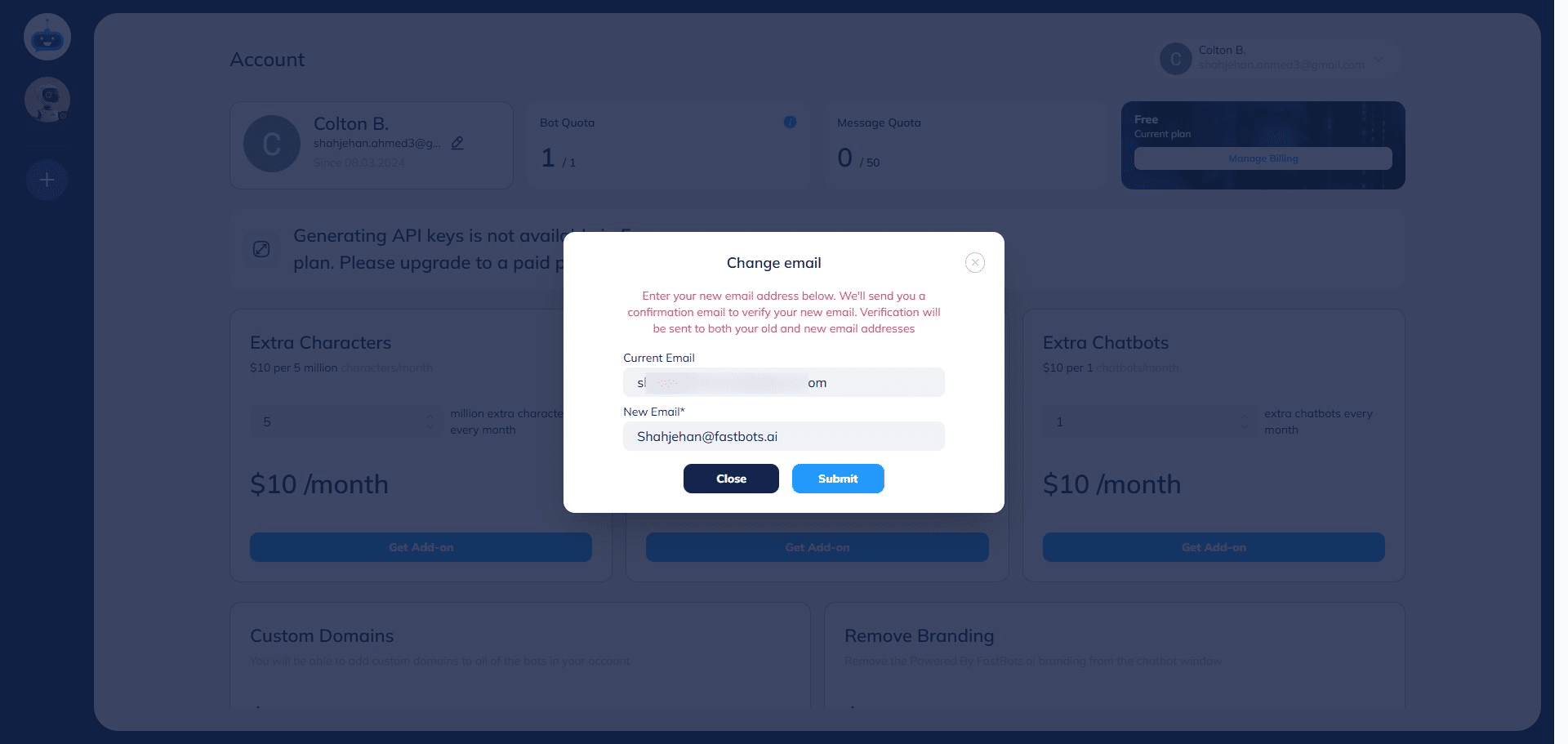
After adding the email, click on the "Submit" button.
7
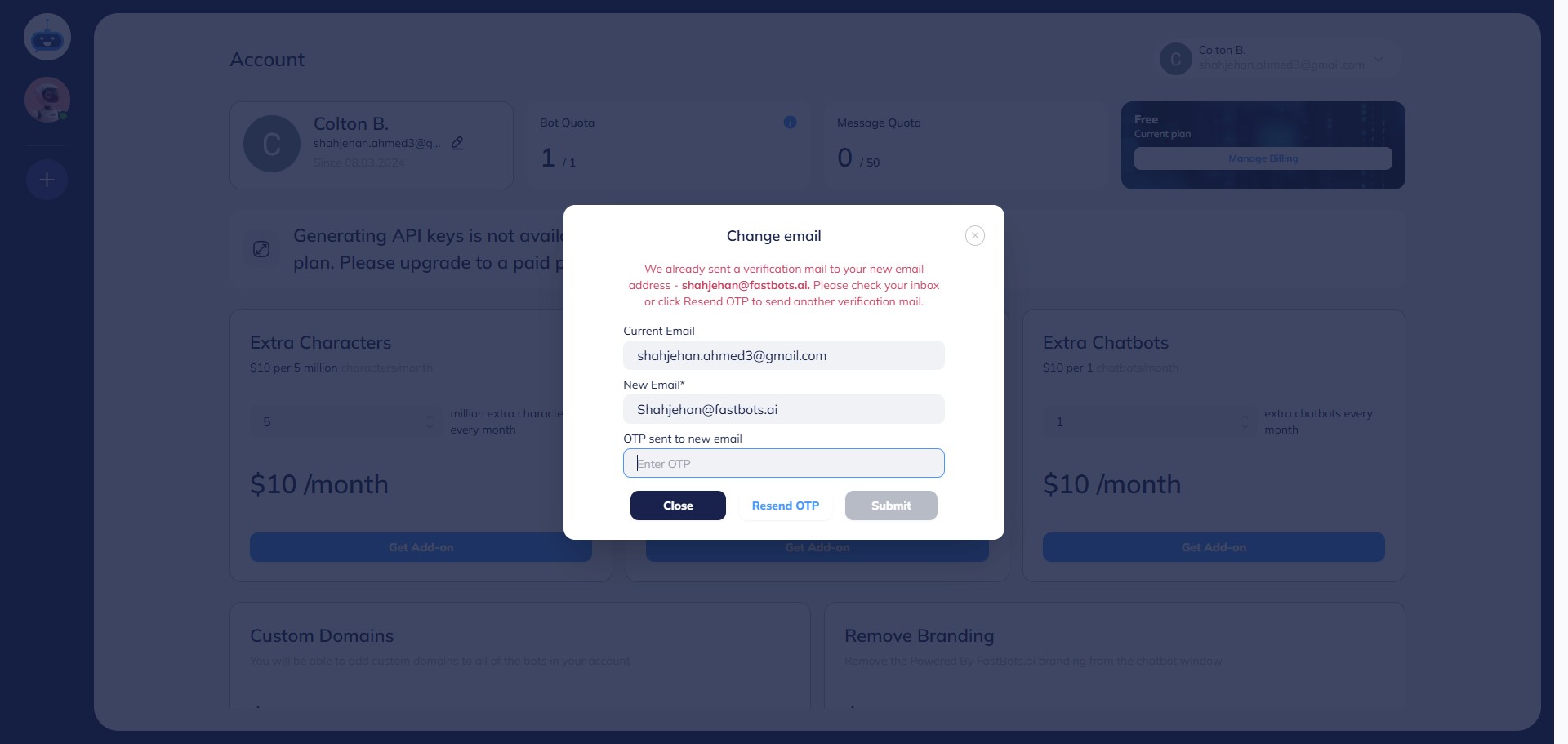
Once you click on the Submit button, Fastbots will send the confirmation email to verify your new email. Check your emails for the OTP.
8
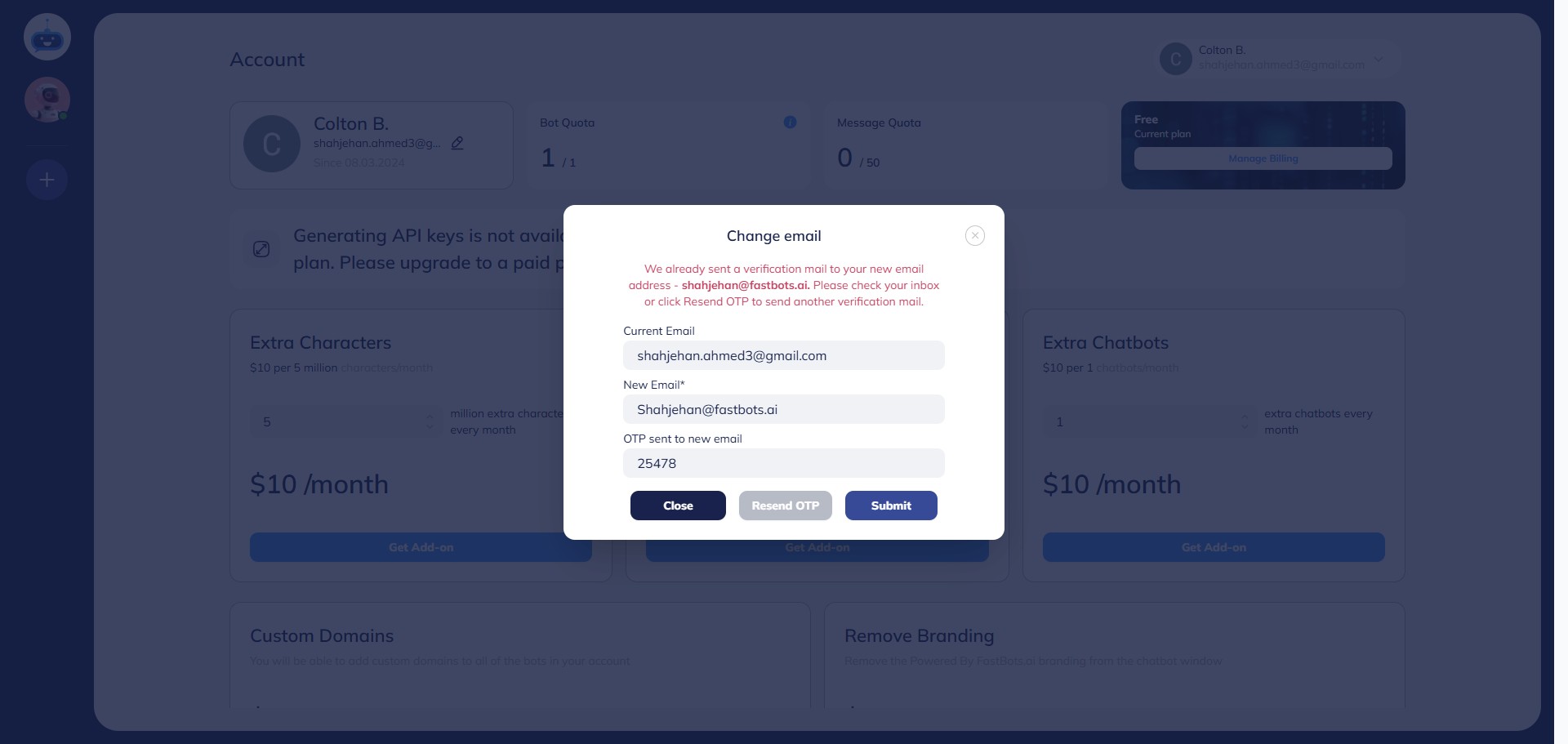
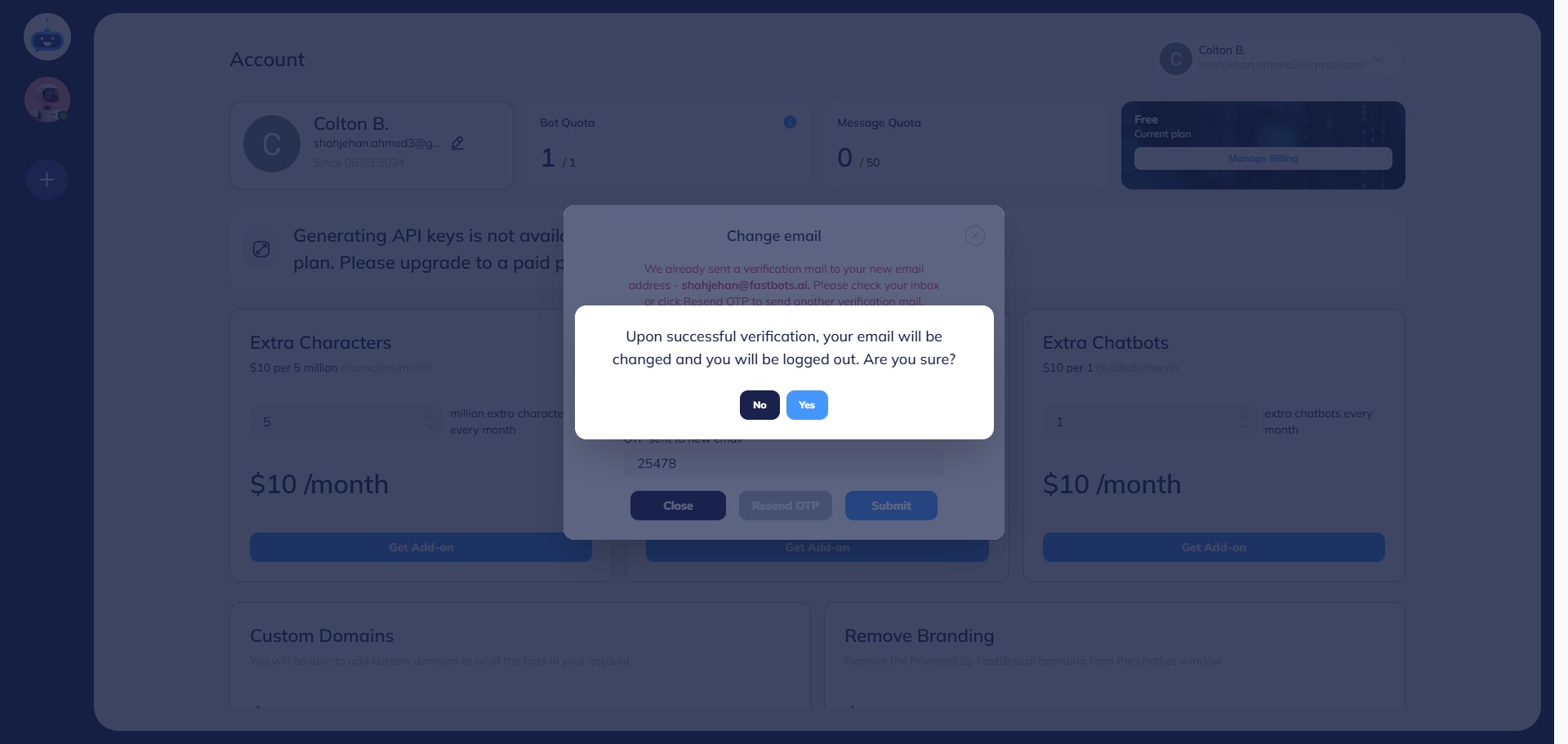
Add the OTP and click on Submit to change your email.
9
Click on "Yes" to confirm the change.
10
Click this image