

How to Use FastBots in ChatGPT
Oct 16, 2026●
Create a chatbot, train it on your website and test its answers.
1
Get ready
Have your FastBots account and website address ready.
2
Add FastBots to ChatGPT
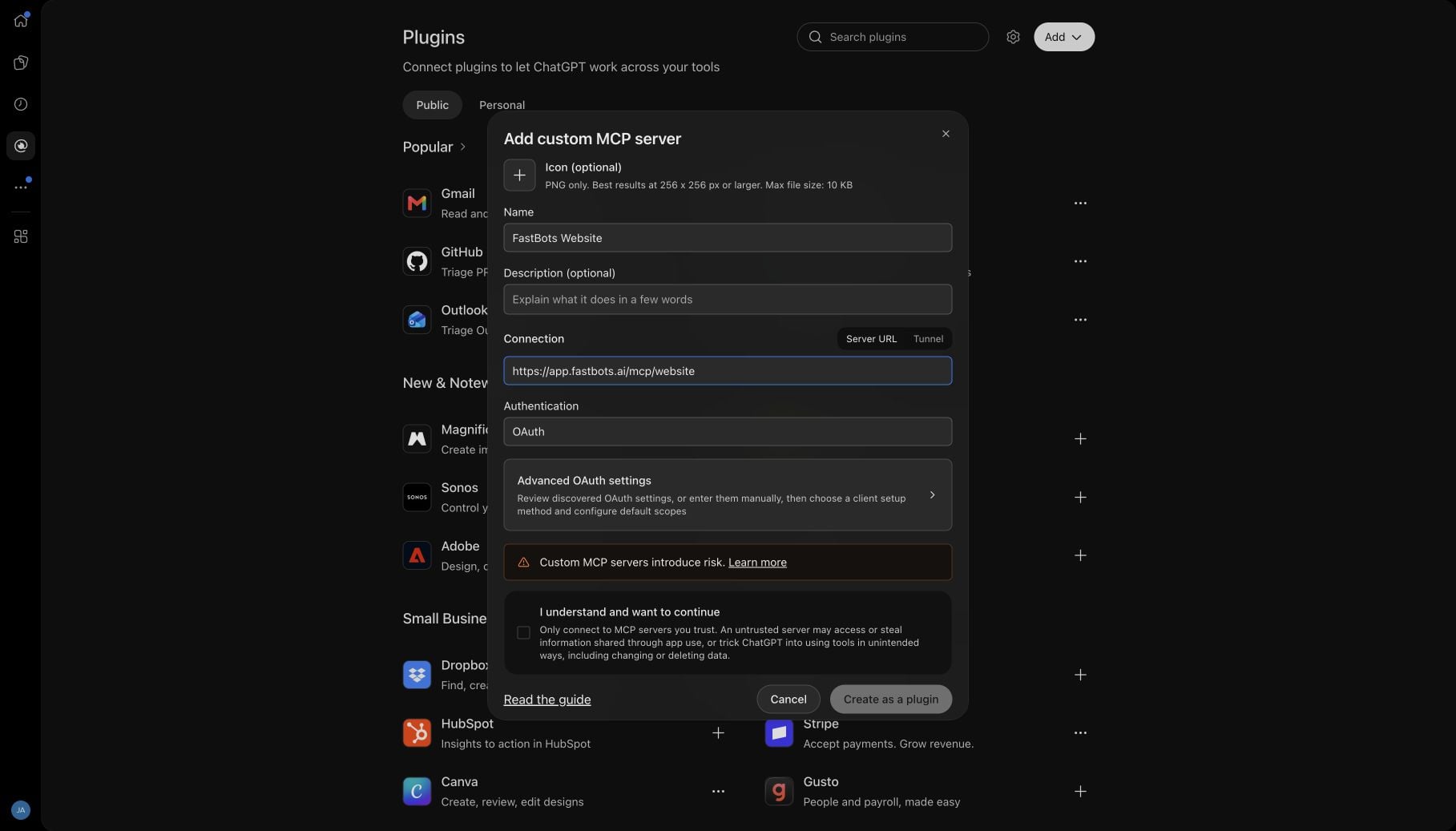
- Open Plugins → Add → Add custom MCP server.
- Enter FastBots Website, use https://app.fastbots.ai/mcp/website as the Server URL and select OAuth.
- Read the notice, tick “I understand and want to continue”, then click Create as a plugin.
3
Connect your FastBots account
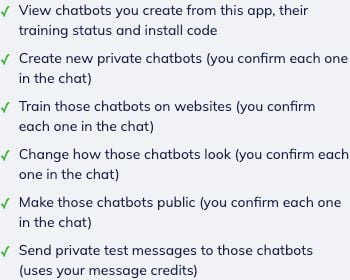
- Click Continue to FastBots Website.
- Check the account shown on the consent screen, read the permissions, then click Allow.
4
Open a chat
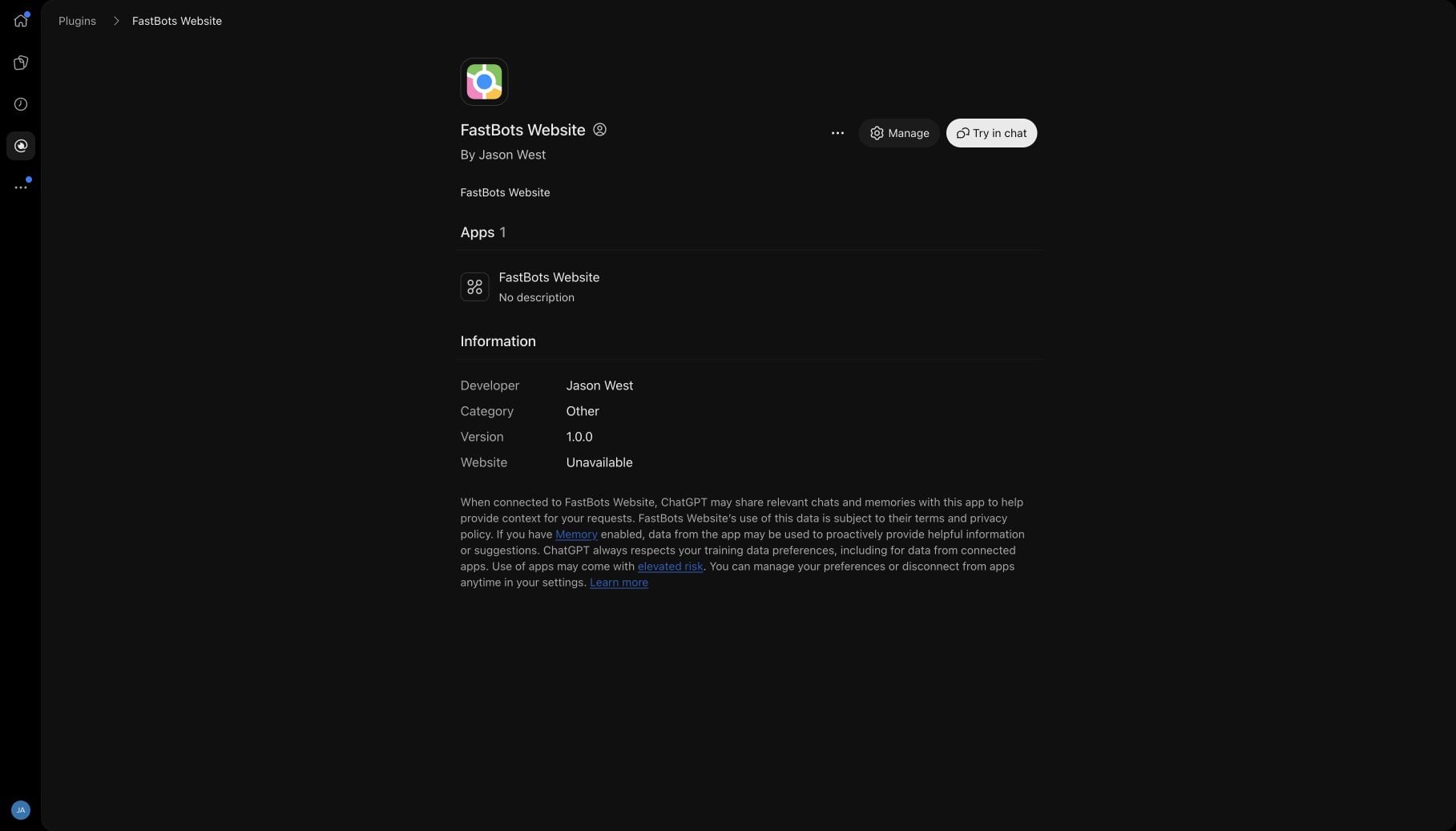
Open FastBots Website and click Try in chat.
5
Create your bot
Ask: “Create a private website chatbot called [bot name].”
![### Create your bot
Ask: “Create a private website chatbot called \[bot name\].”](https://assets.guidejar.com/uploads/tVZNT0SfHCR5RH5qI5Gv/lIb8emhxYeXedUErYKM3uPlaFUX2/22e349bc-545c-4085-84db-3b79014551b9/1792151515380.jpeg)
6
Approve creation
Check the bot name, then approve the creation request.

7
Add your website
- Ask: “Train [bot name] on [your website URL], using up to [number] pages.”
- Check the website and page count, then approve the request.
![### Add your website
- Ask: “Train \[bot name\] on \[your website URL\], using up to \[number\] pages.”
- Check the website and page count, then approve the request.](https://assets.guidejar.com/uploads/tVZNT0SfHCR5RH5qI5Gv/lIb8emhxYeXedUErYKM3uPlaFUX2/33281e67-3662-44d3-be39-57a511b75a31/1792151564463.jpeg)
8
Check training
- Ask: “Has [bot name] finished training?”
- Wait until it is ready.
![### Check training
- Ask: “Has \[bot name\] finished training?”
- Wait until it is ready.](https://assets.guidejar.com/uploads/tVZNT0SfHCR5RH5qI5Gv/lIb8emhxYeXedUErYKM3uPlaFUX2/0c5489b4-caa8-4b75-a7fb-6eea28d70c71/1792150600642.jpeg)
9
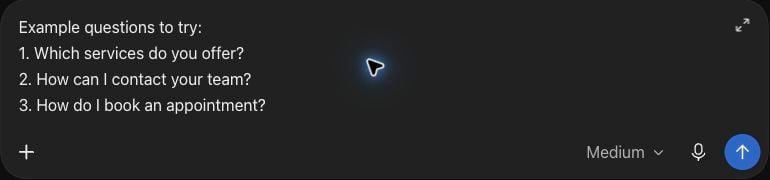
Choose test questions
Pick three questions your customers ask that your website answers.
10
Test your bot
- Once training is ready, find Test your bot in the FastBots panel inside ChatGPT.
- Type a question and click Send.
- Read the answer and check it against your information.

11
Improve the answers
Missing an answer? Update your website information, retrain the bot and test that question again.
12
Plan its appearance
- Ask: “Suggest a welcome message and colours for [bot name].”
- Review and confirm any changes before applying them.
13
Publish when ready
- When you are happy with the answers, ask: “Show me how to publish [bot name] on my website.”
- Review the publishing request before confirming it.
14
Need help?
Use the FastBots dashboard to manage dashboard-created bots or test answers if a chat preview is missing.