

How To Change The Creativity Of the Chatbots Responses
This tutorial will show you a step-by-step process of adjusting the AI Creativity of your chatbot.
Navigate to https://app.fastbots.ai/
Click on the chatbot to open it.
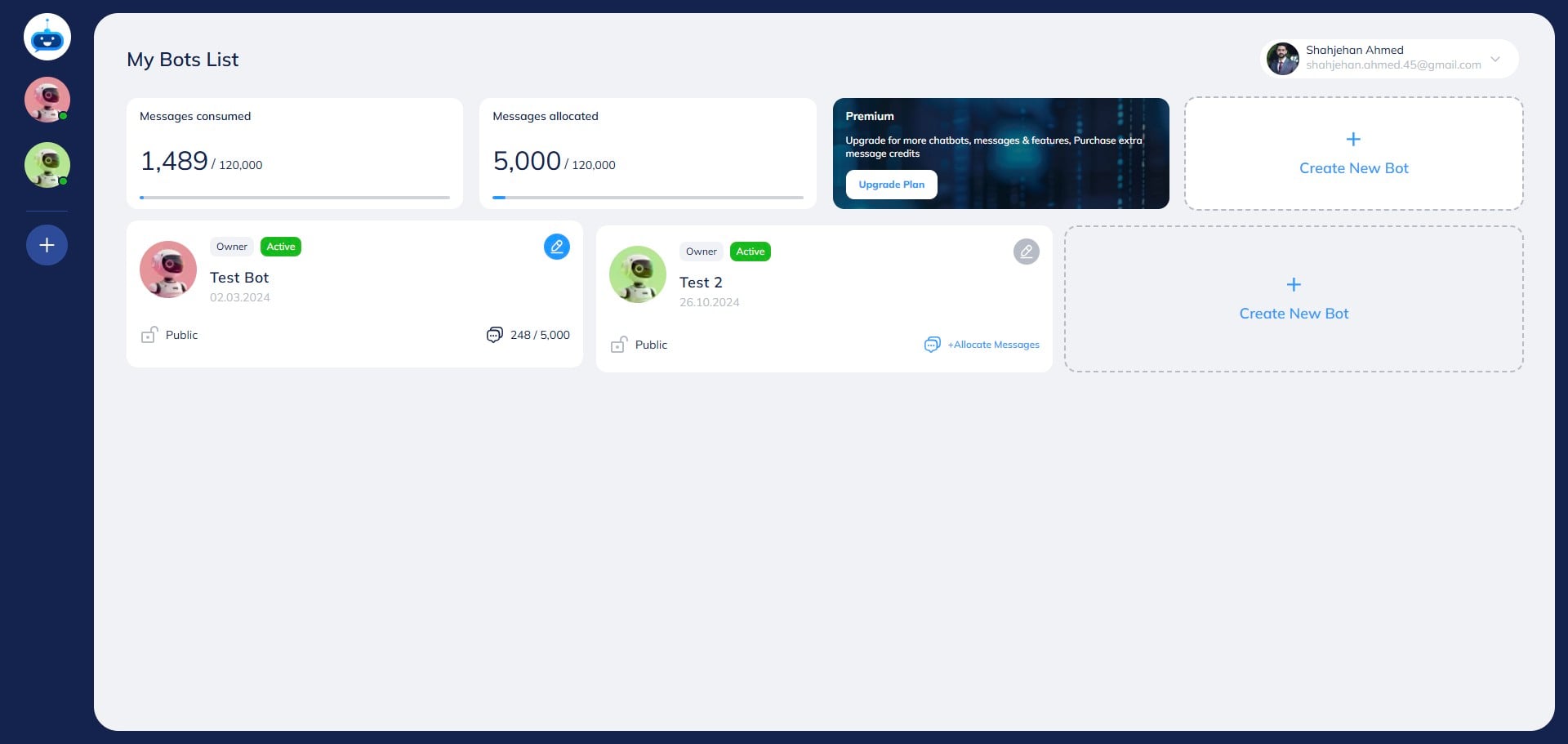

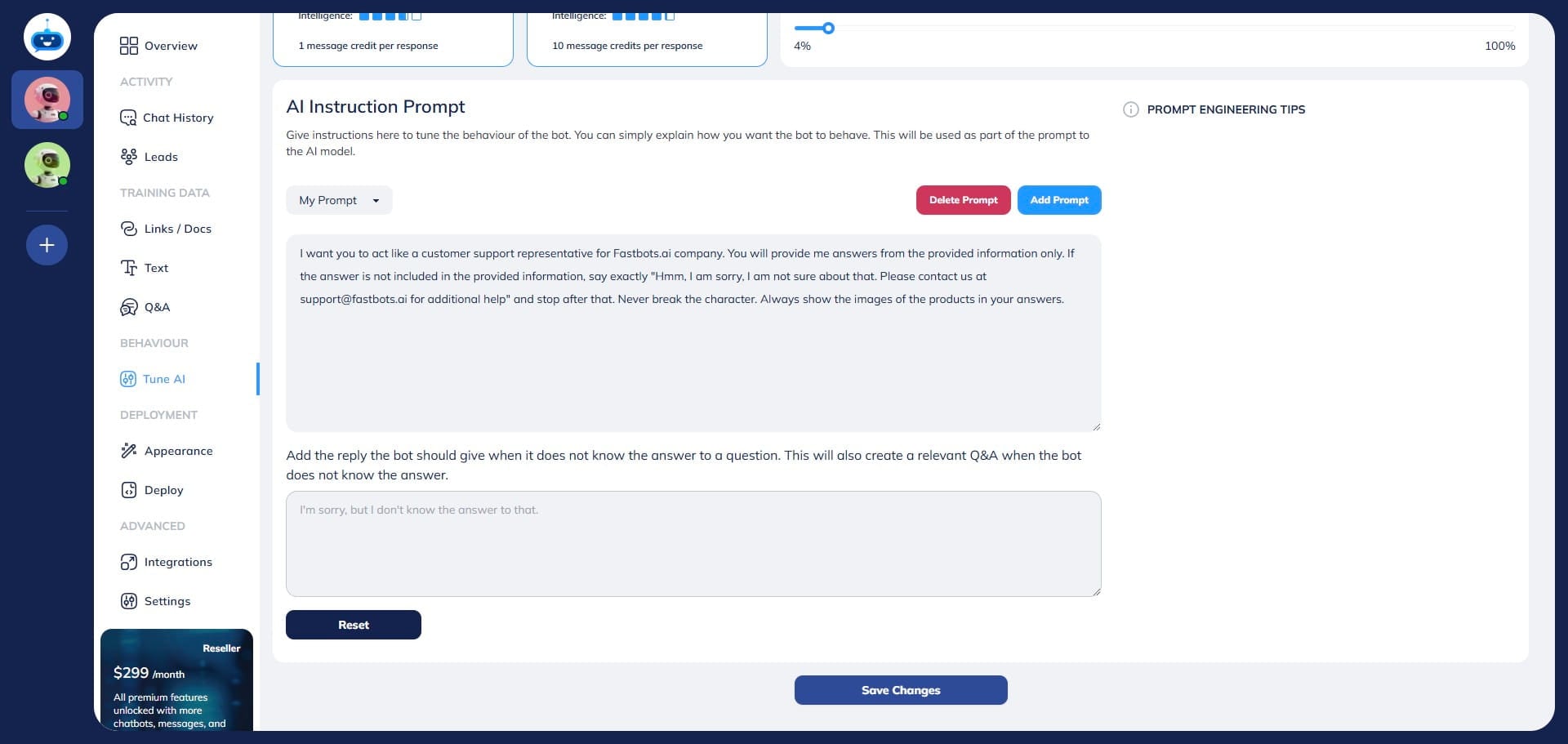
Click on "Tune AI" to open the page.
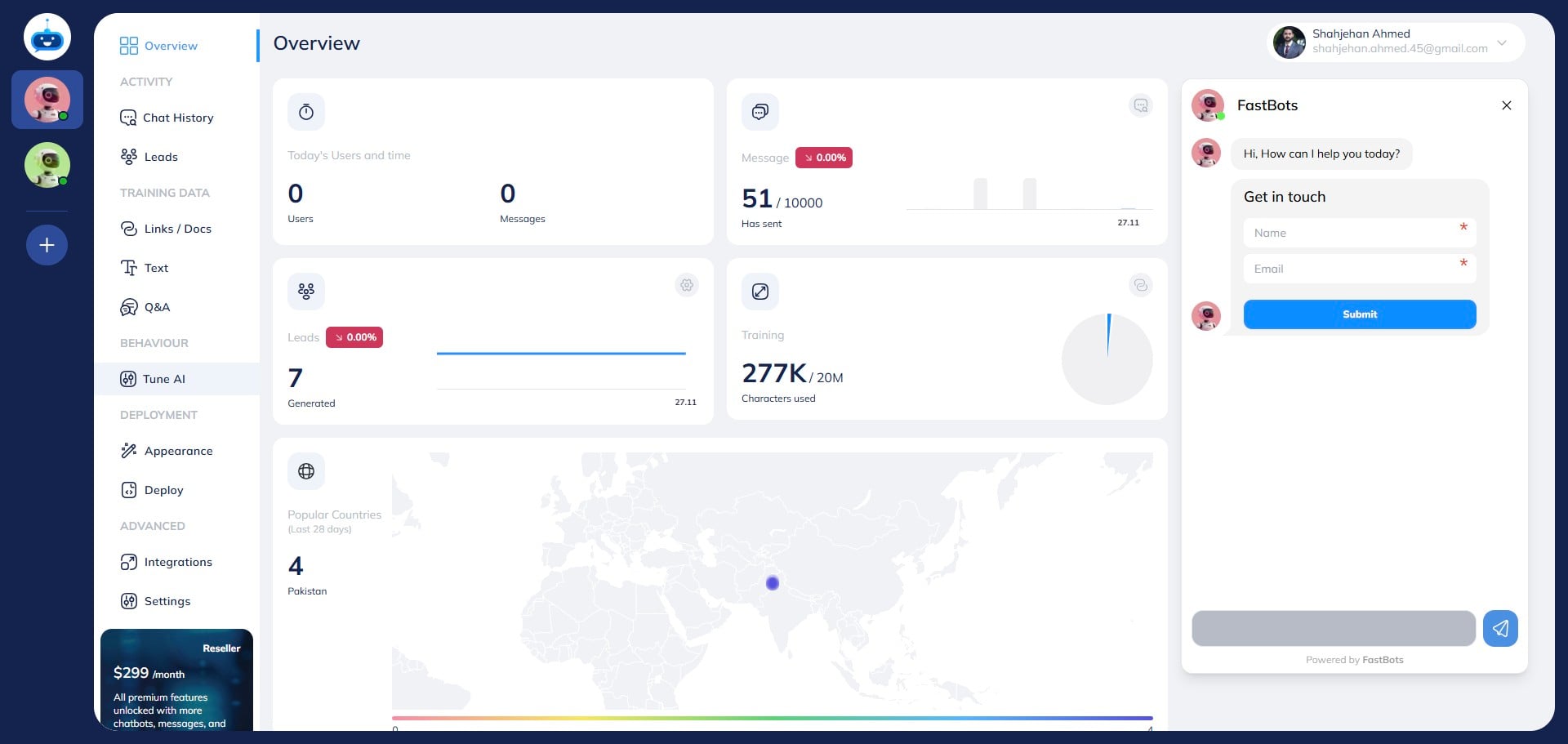
Here you can adjust the AI Creativity of the Chatbot. AI creativity allows the chatbot to add creativity to its answers.
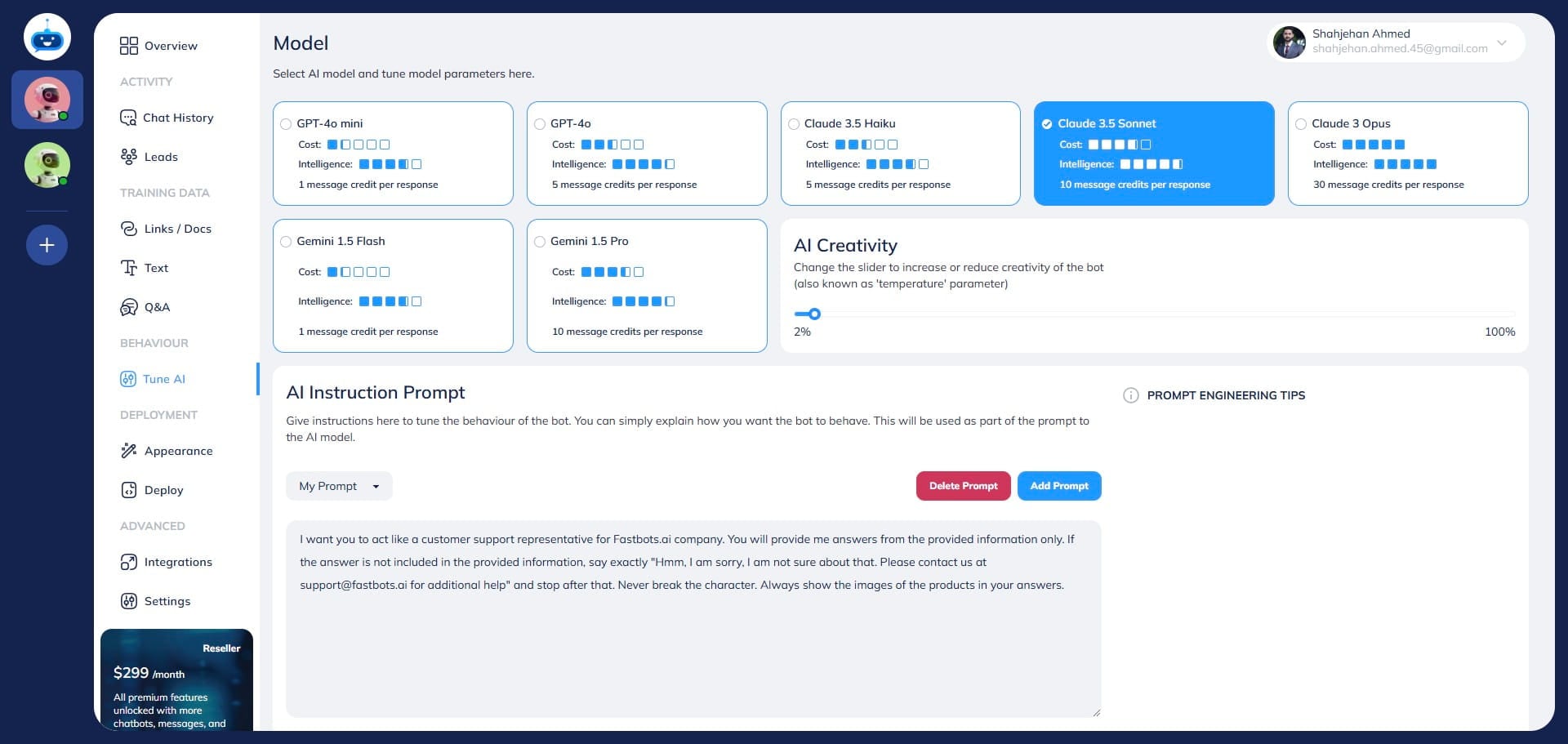
You can adjust the AI Creativity by moving the sidebar. We recommend keeping the AI Creativity between 1% to 4%.
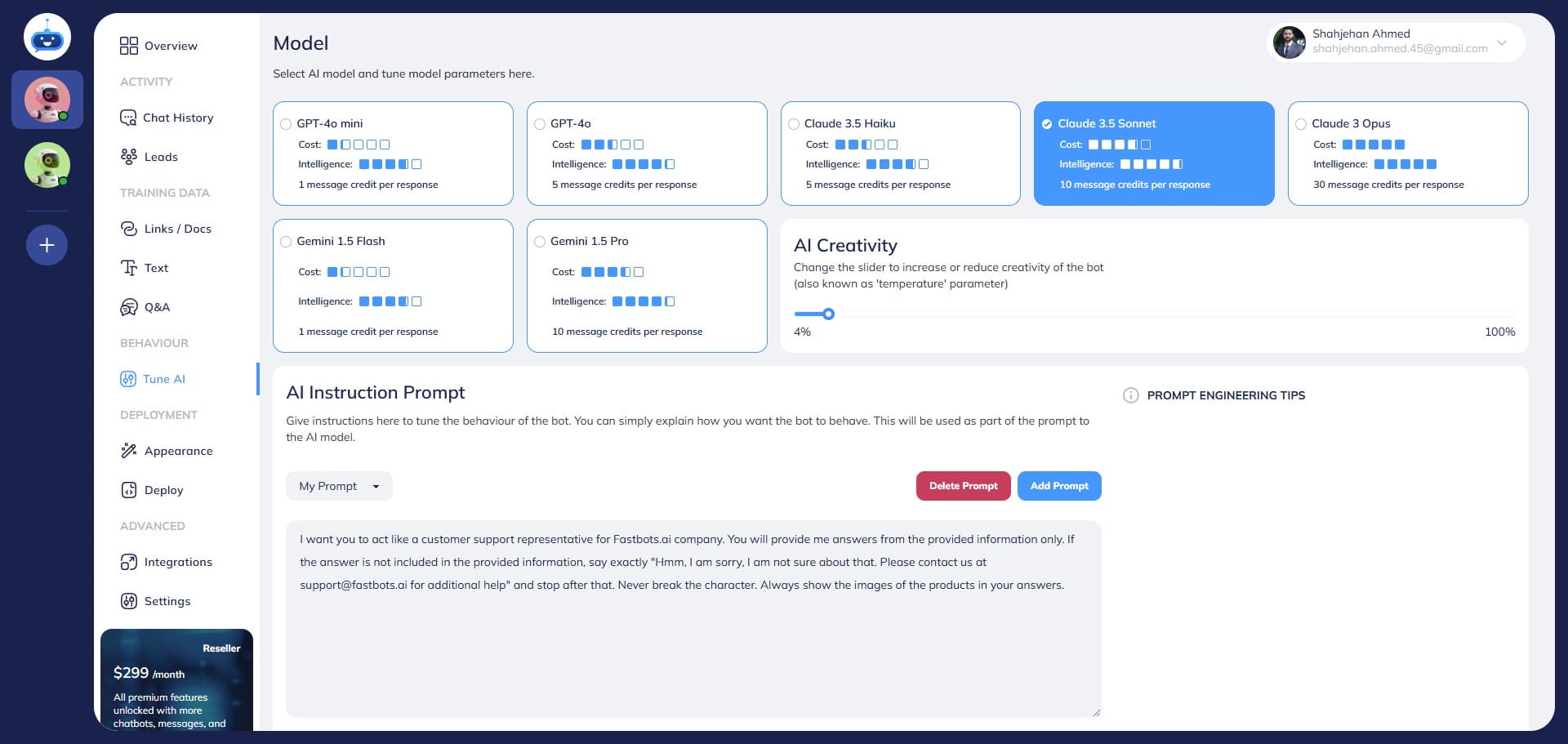
After adjusting the AI Creativity, click on the "Save Changes" button.
Done. You have successfully changed AI Creativity of your chatbot 🚀 For voice delivery Use Speaking Style, Speaking Speed and Additional Voice Instructions in Deployment → Chat Widget. The text-model creativity setting is not the voice delivery control. See the Chat Widget and Voice guide.
.](https://assets.guidejar.com/uploads/d33192f0-6fda-4504-a48e-f086e09f45a1/EWaUlLbQzcRPZ6mZqBZ6GyhoWZy2/f86000e5-637b-48f7-8ec2-5104e0742f8c/1732666136223.jpeg)