How To Change The LLMs Models
Learn how to switch between the different AI-Language models of your chatbot.
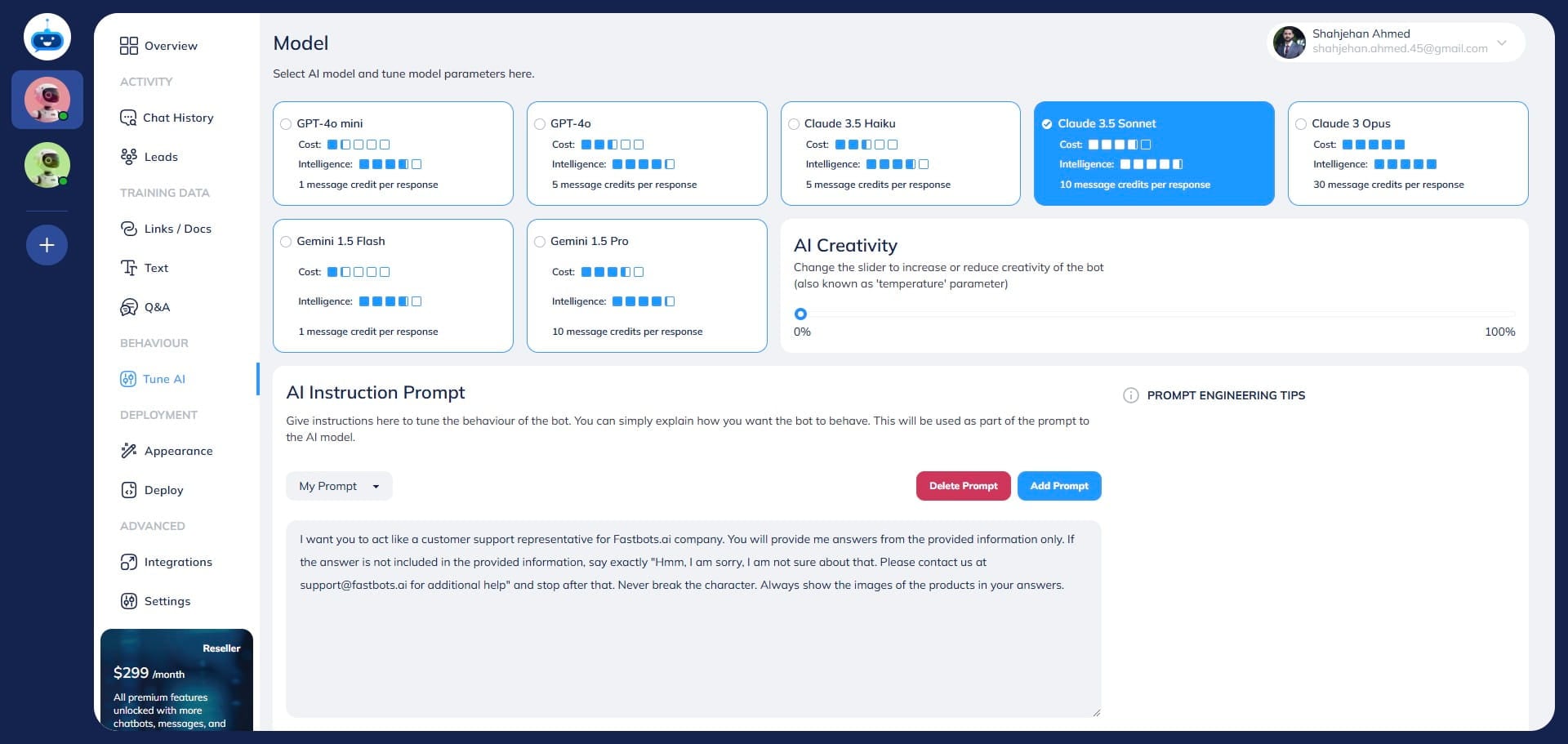
Navigate to https://app.fastbots.ai/
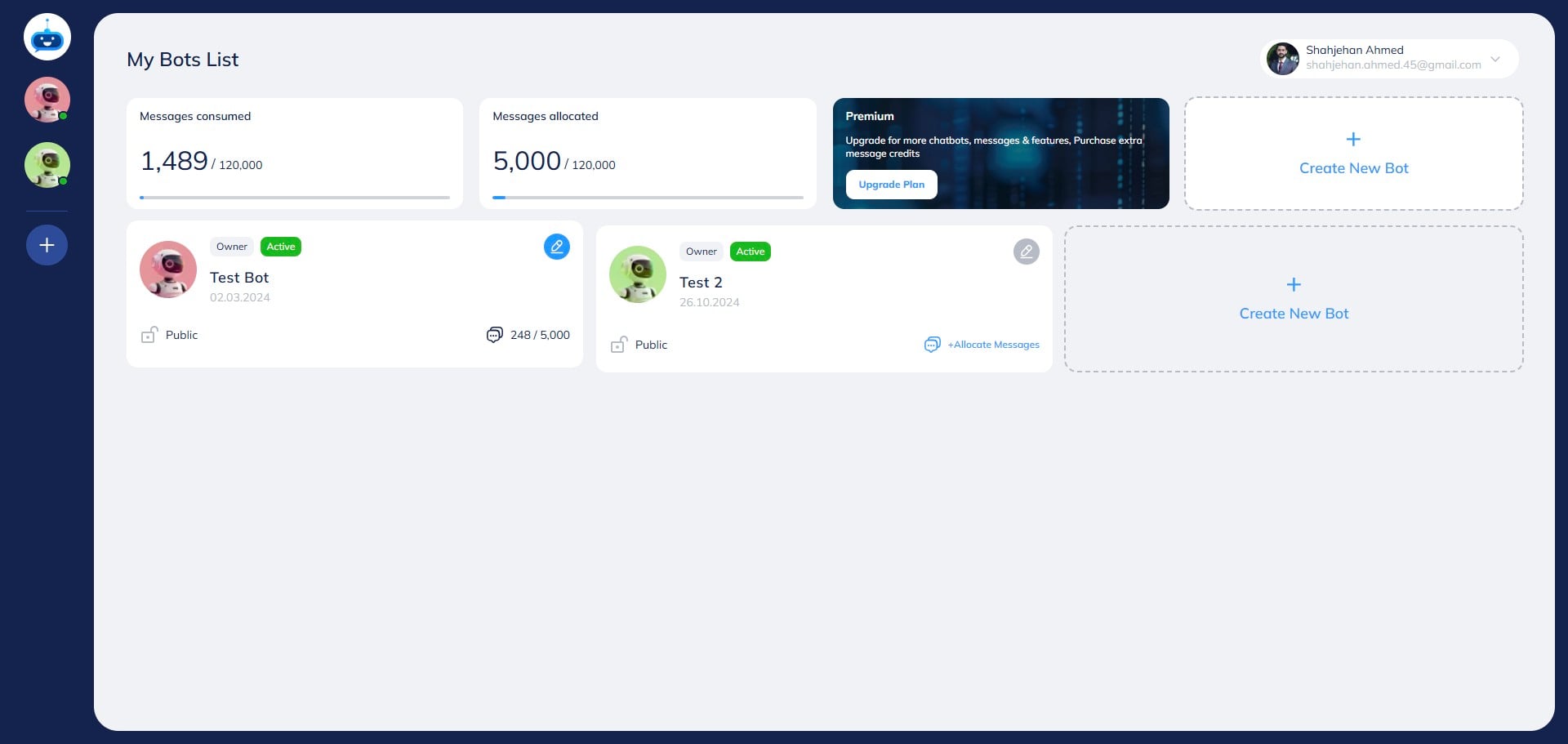
Click on the Chatbot to open it.

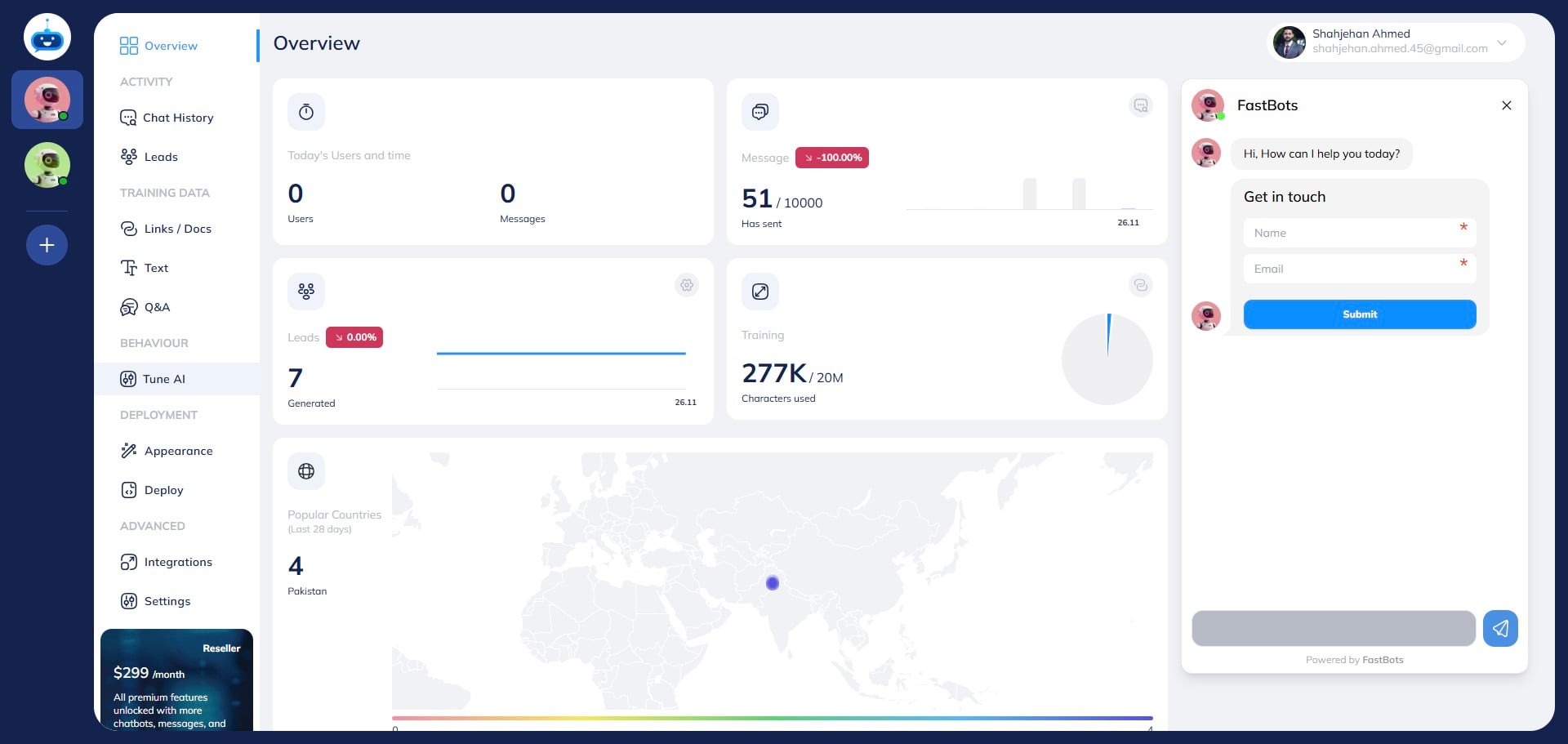
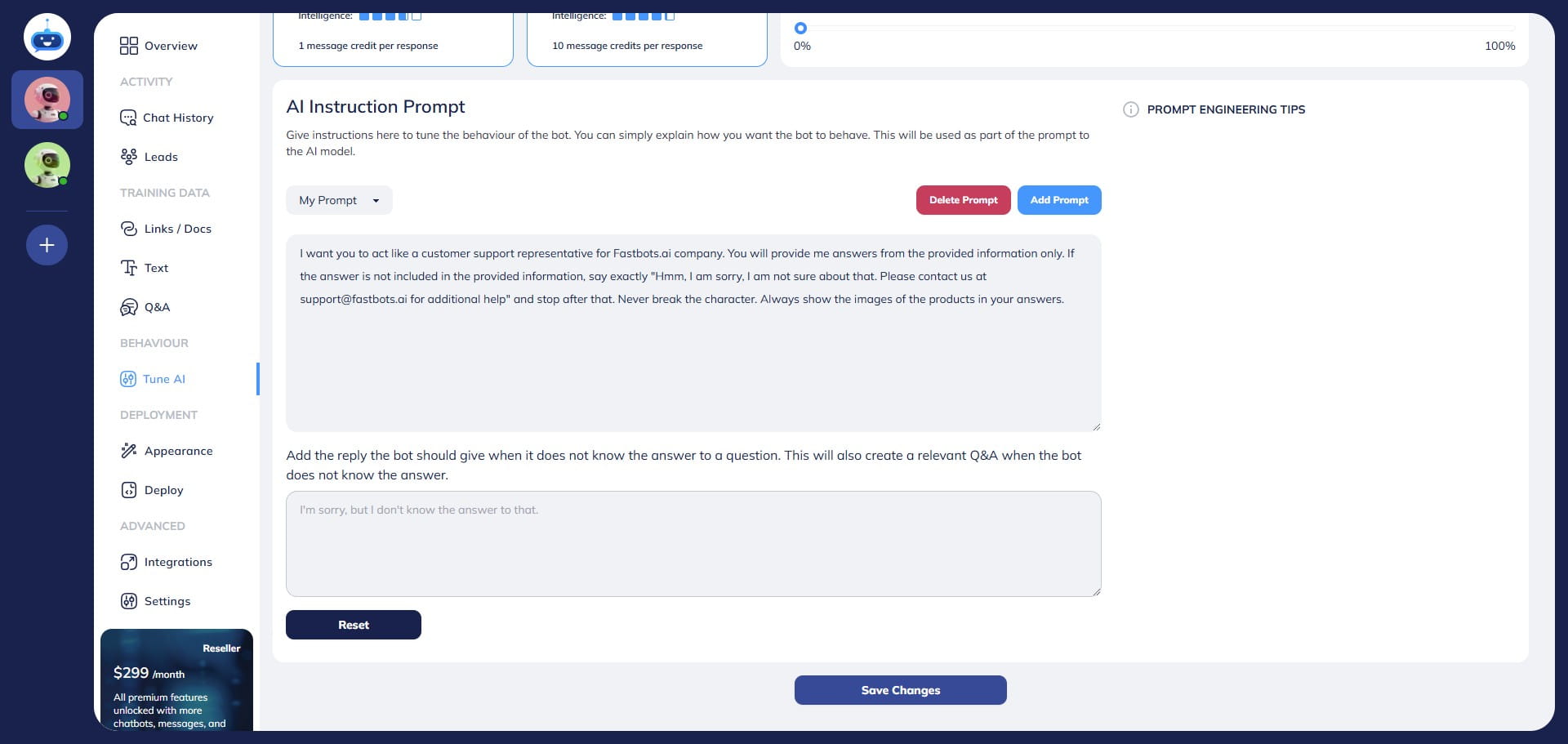
Click on "Tune AI" to open the page.
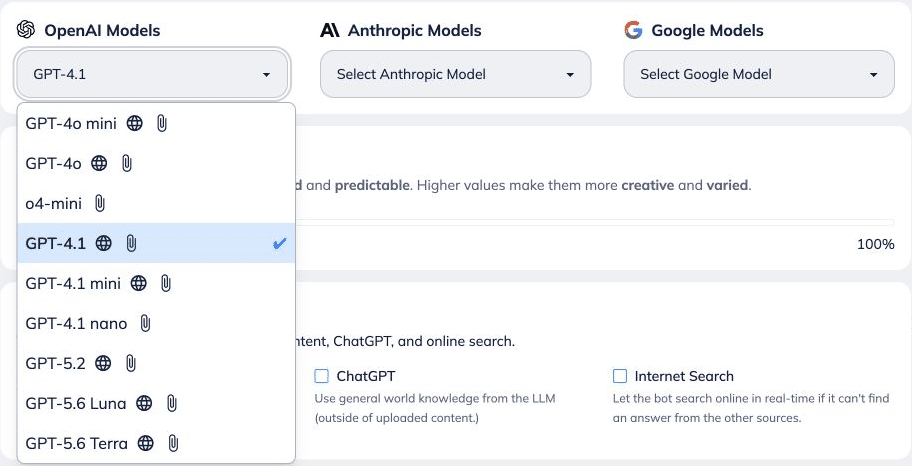
Choose the Text Model you want to use in Tune AI. The available models are shown in your account; model availability can change. Text models and voice conversations Changing the Text Model in Tune AI changes text chat, not the voice model. Voice uses the same knowledge and main Tune AI instructions. Configure voice, language, speaking style and additional spoken-delivery guidance under Deployment → Chat Widget. Use Voice Preview in Chat Widget to test spoken replies. See the Chat Widget and Voice guide.
.](https://assets.guidejar.com/uploads/fb74a7ef-2637-44b6-8879-9f2fb43a8e04/lIb8emhxYeXedUErYKM3uPlaFUX2/b27da20a-606b-42ed-9f4f-c15fcd283248/1790331946274.png)
Text models can use different numbers of message credits per reply. Check FastBots pricing or contact support for the current cost of your preferred model. Voice message credits Voice conversations use 50 message credits per minute, calculated by the second. Voice tests and speaking-style previews use the same rate. A two-minute voice session uses 100 credits. Manage usage in Deployment → Chat Widget → Advanced Voice Settings using Maximum Call Length and Daily Calls per Visitor. See the Chat Widget and Voice guide.
 or contact support for the current cost of your preferred model.
**Voice message credits**
Voice conversations use **50 message credits per minute, calculated by the second**. Voice tests and speaking-style previews use the same rate. A two-minute voice session uses 100 credits.
Manage usage in **Deployment → Chat Widget → Advanced Voice Settings** using **Maximum Call Length** and **Daily Calls per Visitor**. See the [Chat Widget and Voice guide](https://help.fastbots.ai/guides/InTNxHa0Rolzd7t7dfjS).](https://assets.guidejar.com/uploads/fb74a7ef-2637-44b6-8879-9f2fb43a8e04/lIb8emhxYeXedUErYKM3uPlaFUX2/b1cc198d-fbc1-4183-9066-6f944fca0a02/1790331948595.png)
Open the model provider dropdown and choose your preferred text model. Select Save Changes when ready.
Click on "Save Changes"
Done 🚀