How To Share Your Chatbot Using A URL
This guide will show how to share the chatbot with your other team members using the Share Your Bot link.
Sep 29, 2024●
1
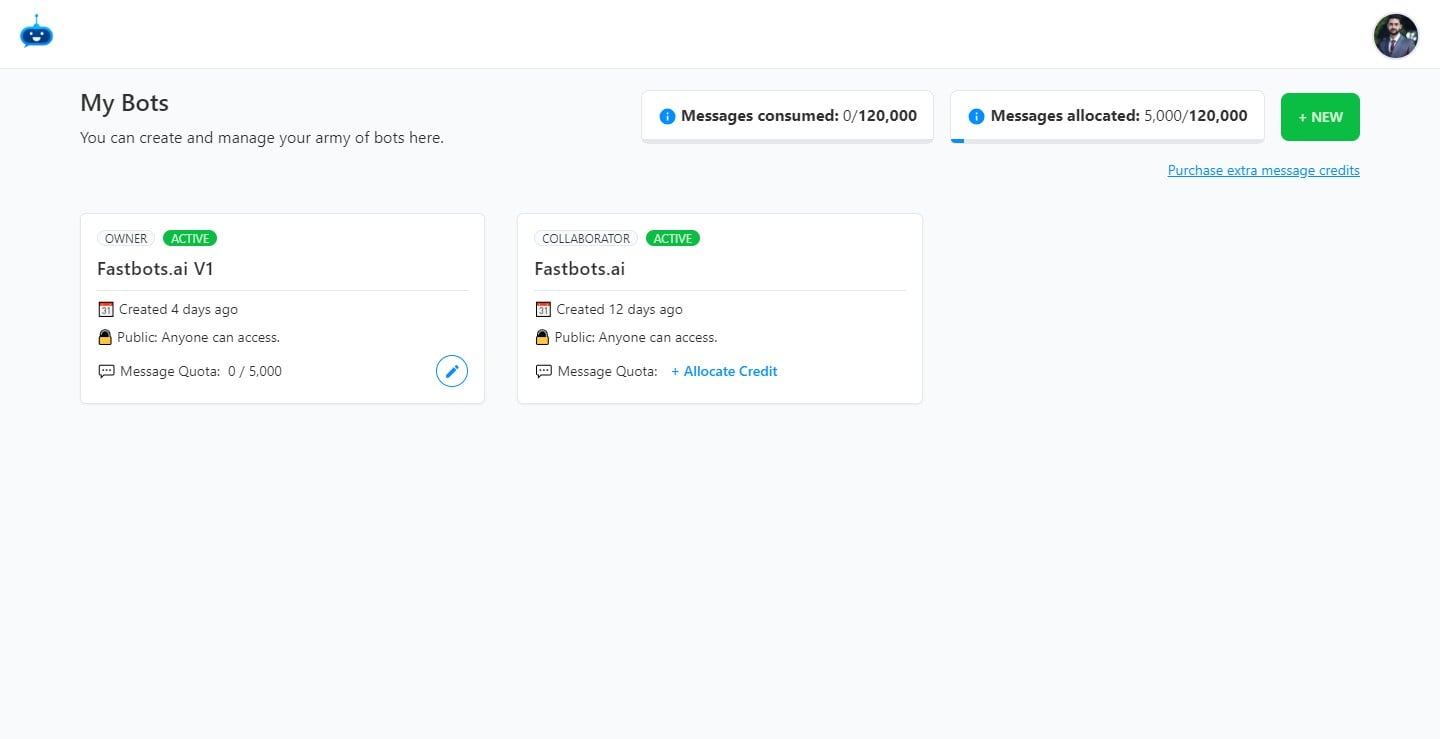
Navigate to https://app.fastbots.ai/
2
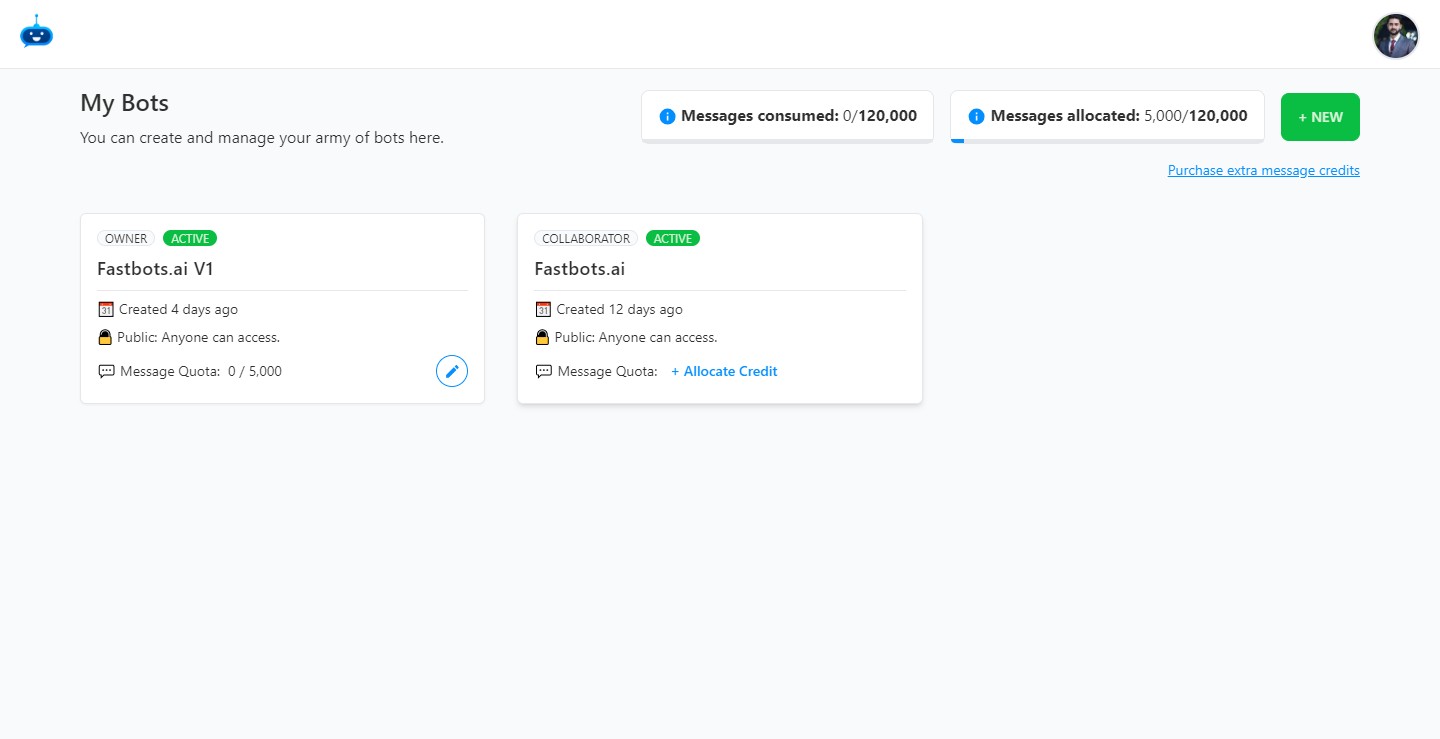
Click on the Chabot to open it.

3
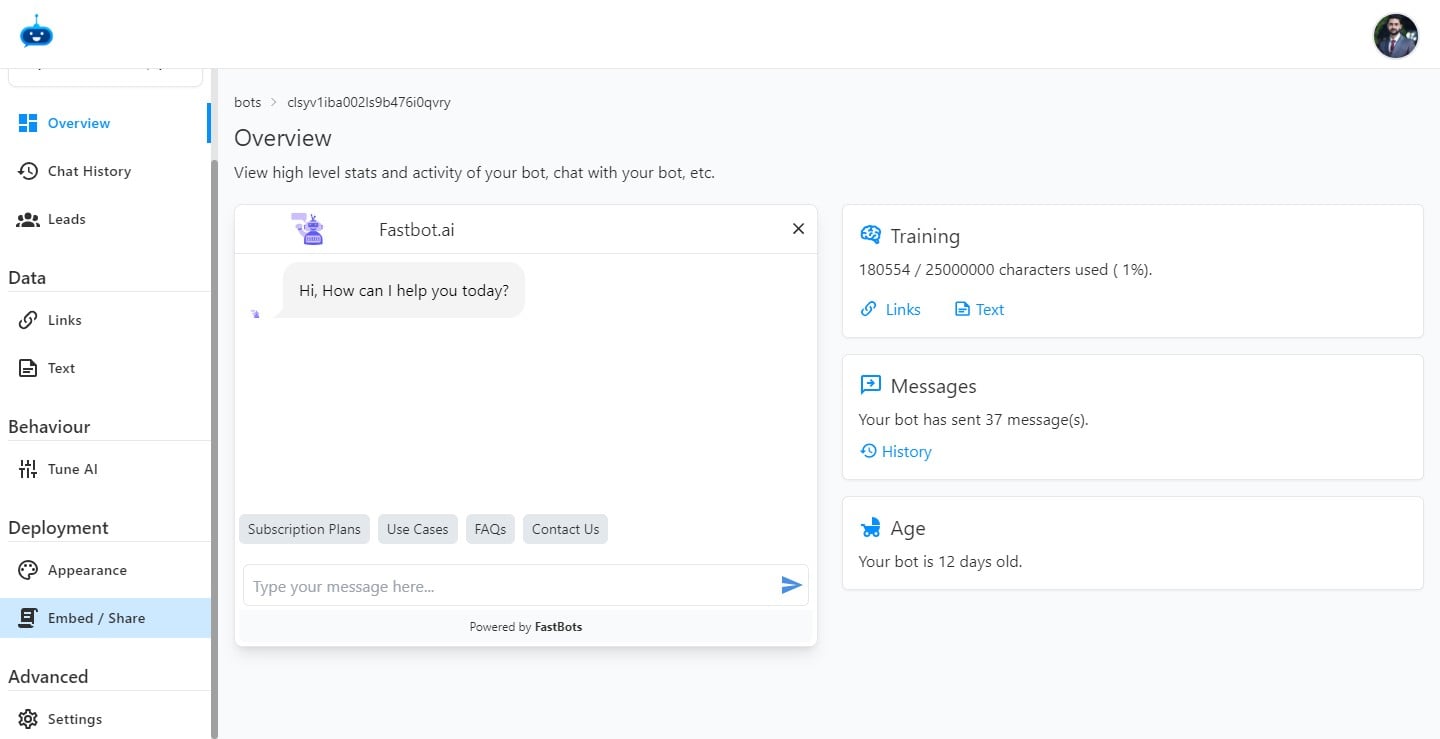
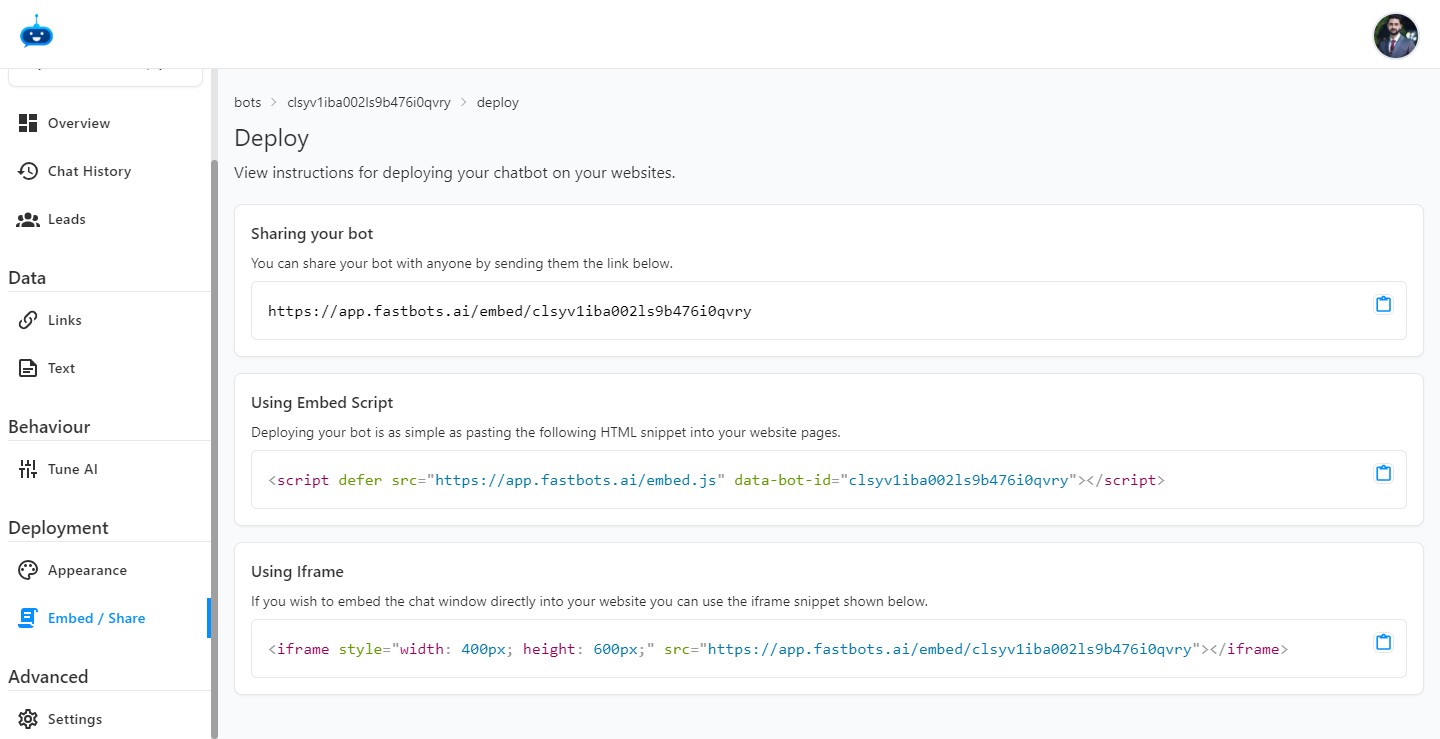
Click on the "Embed / Share" button to open this page.
4
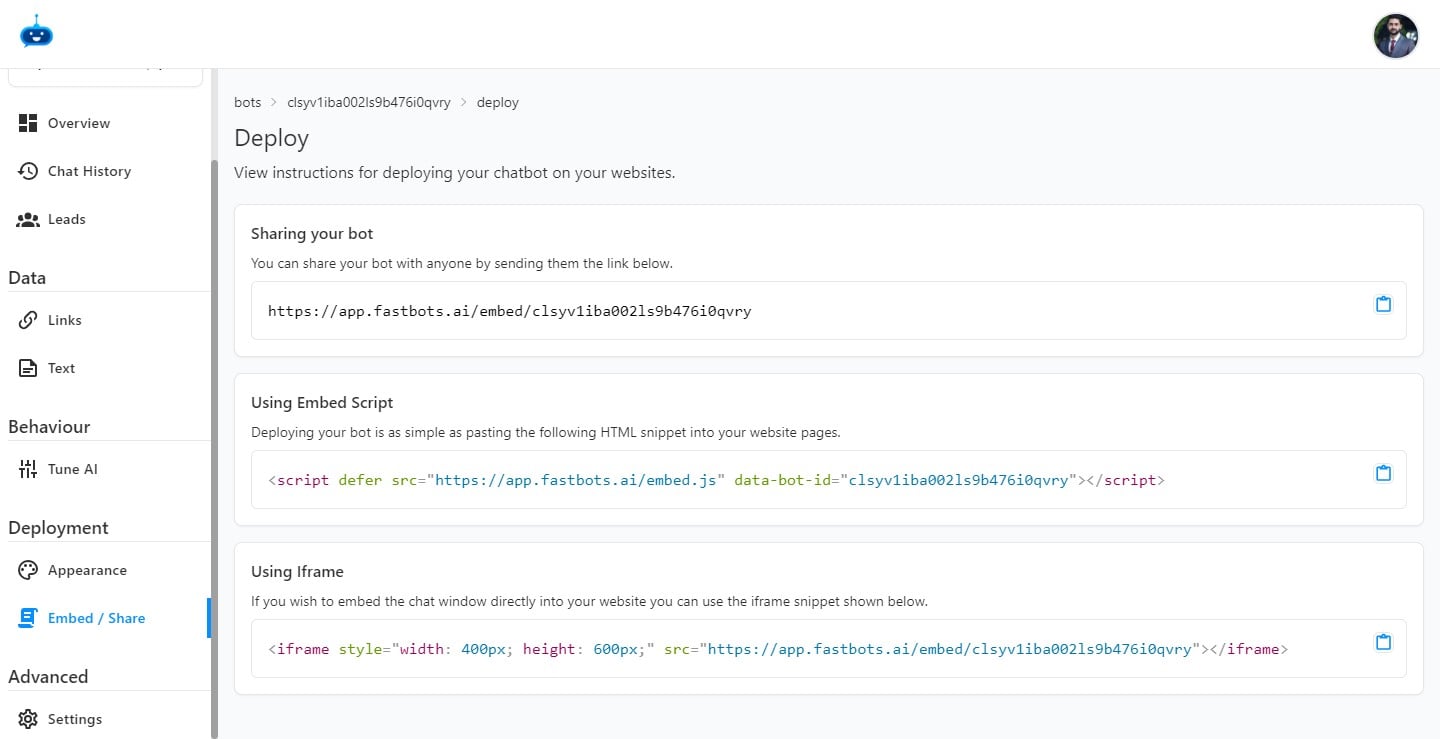
You can share your bot by using the link given below the "Sharing Your Bot" option.
5
Click on this icon to copy the URL.
6
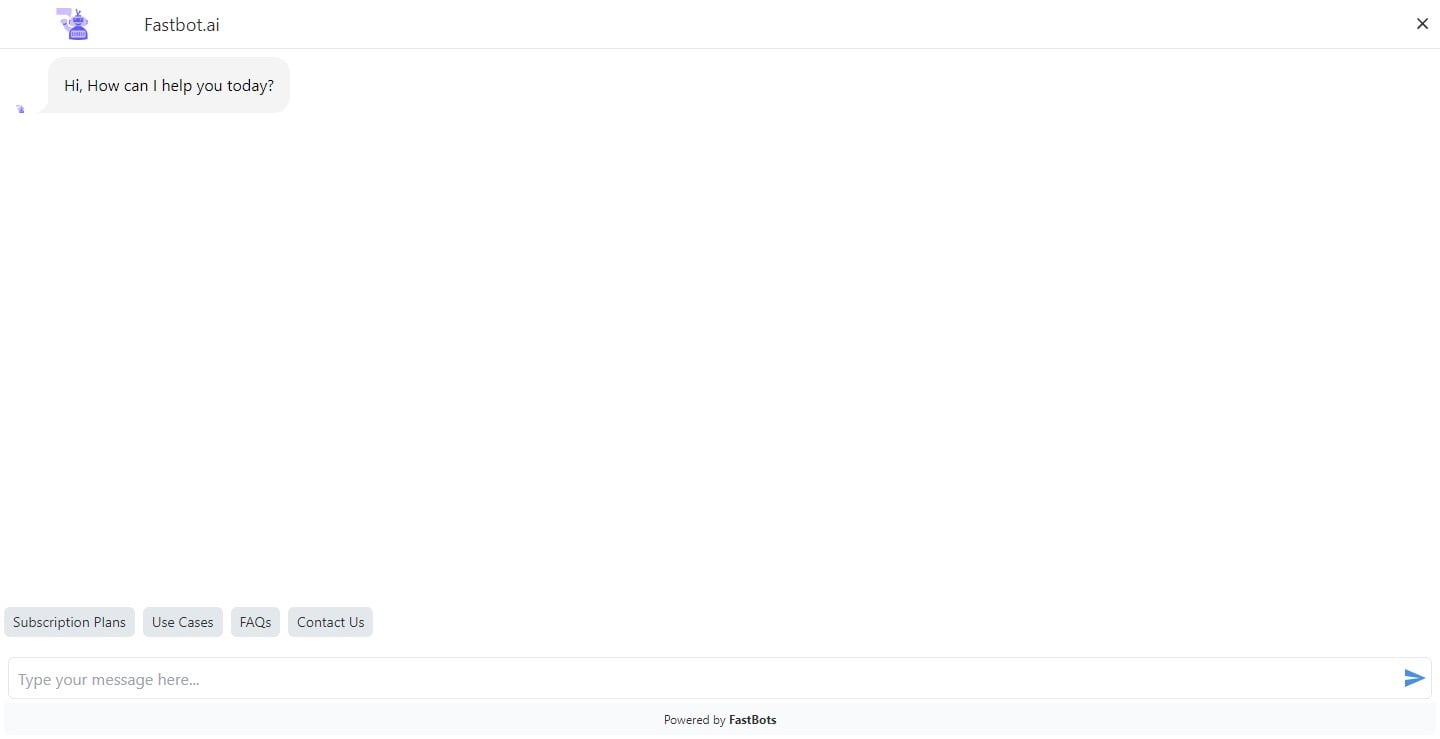
This is how the Chatbot window looks like if someone opens the bot using the link you shared.
7
Done 🚀