

How To Add a Chatbot To a Mobile Phone Home Screen (Android)
Click here to edit the description
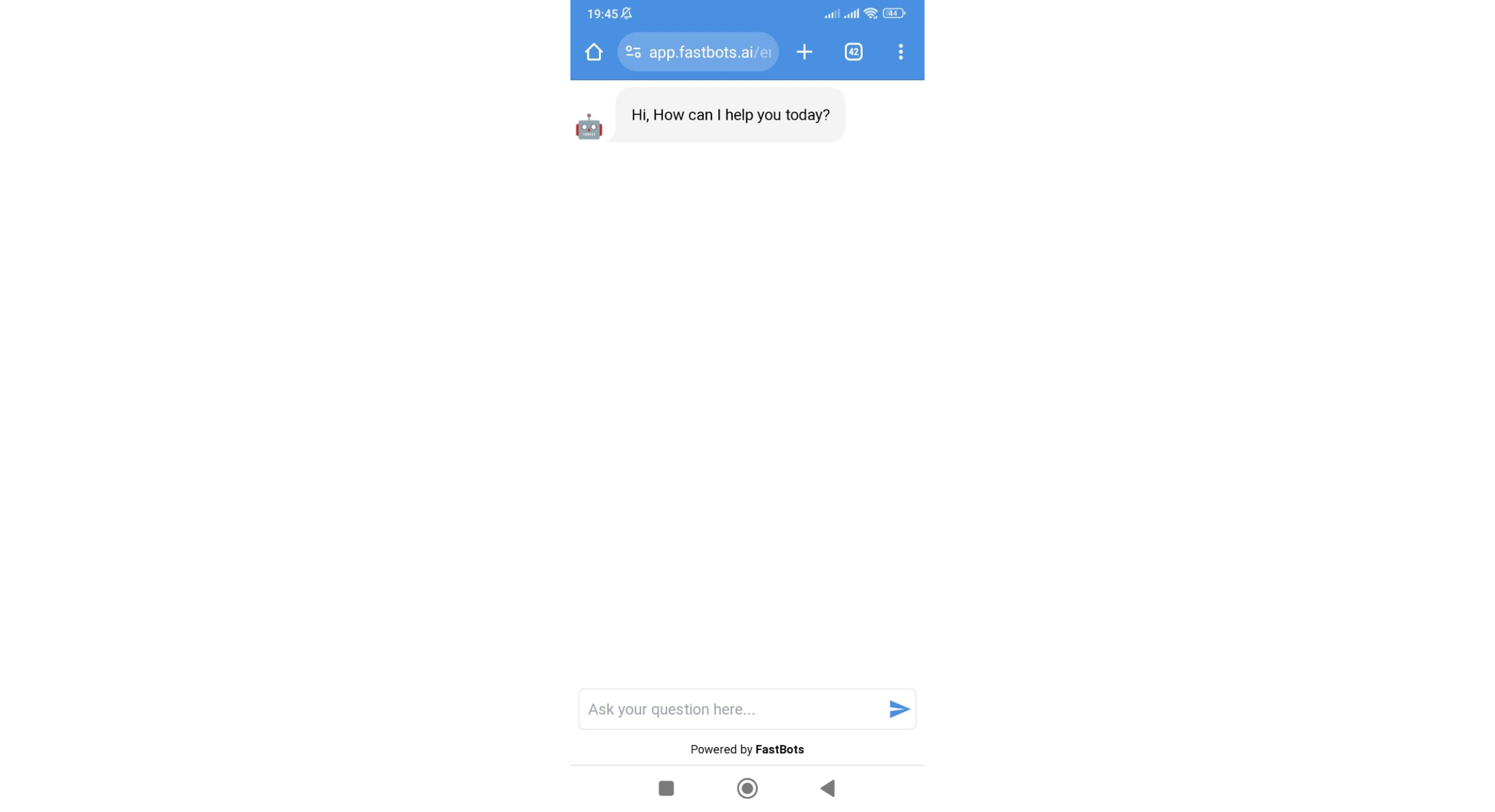
Open your chatbot.
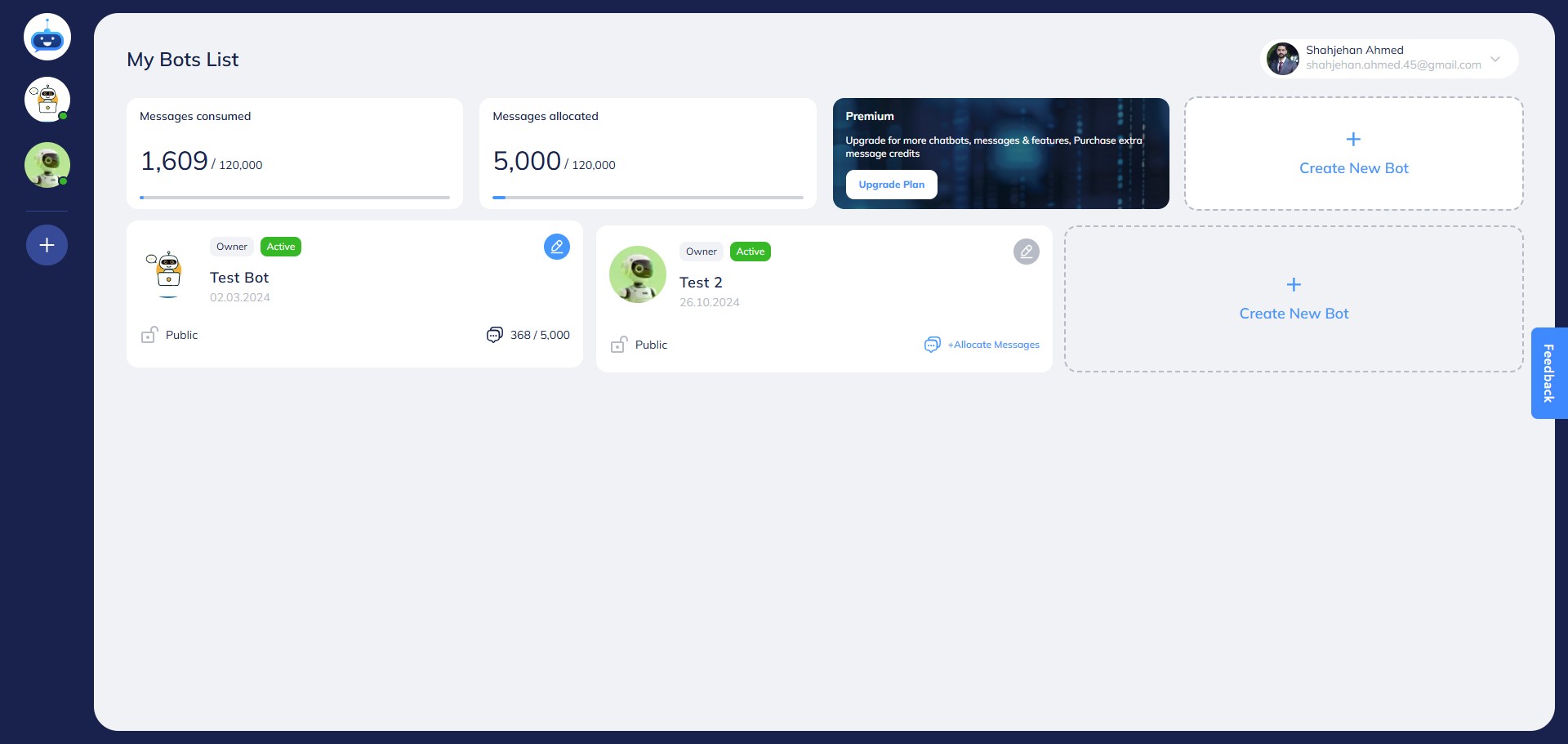

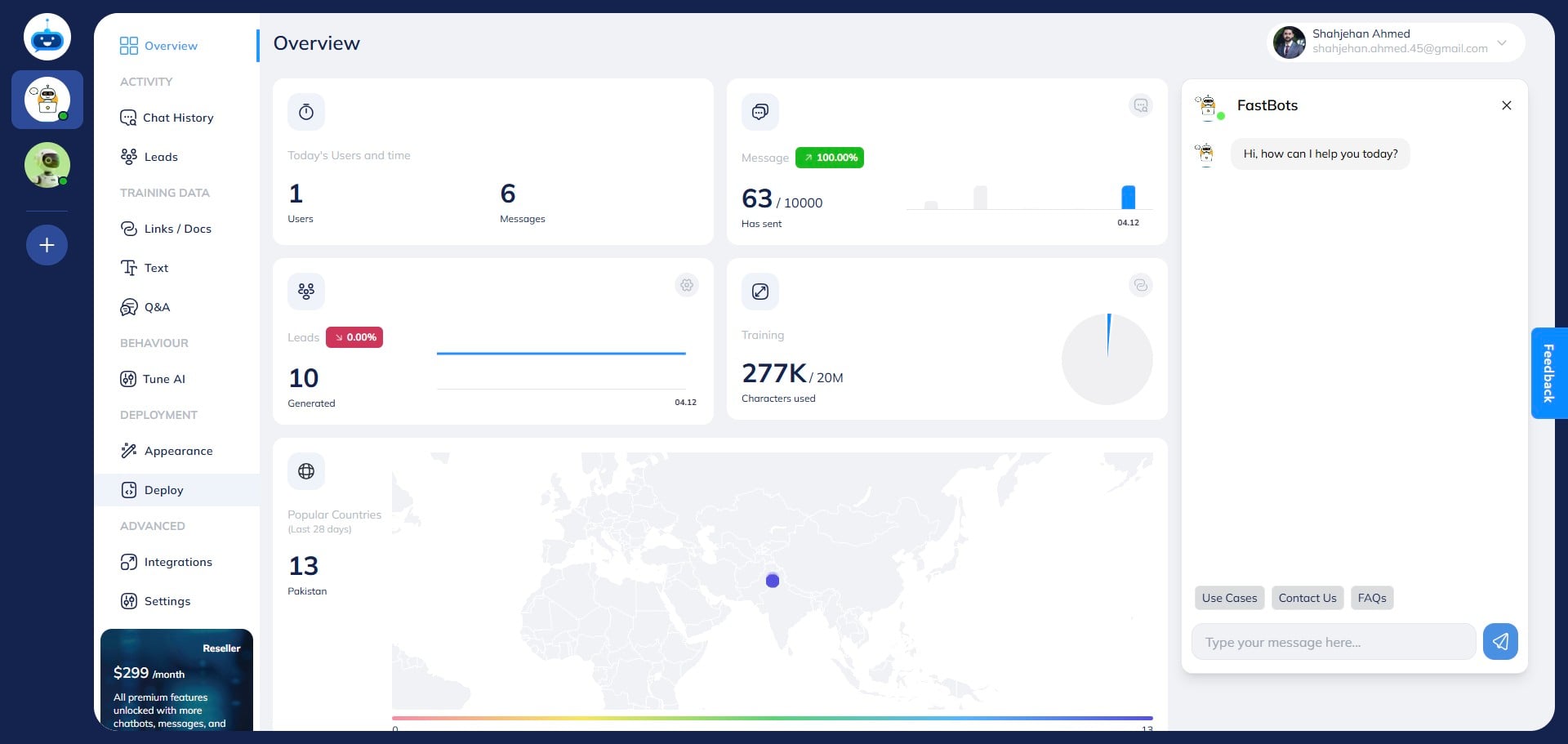
Click on "Deploy"
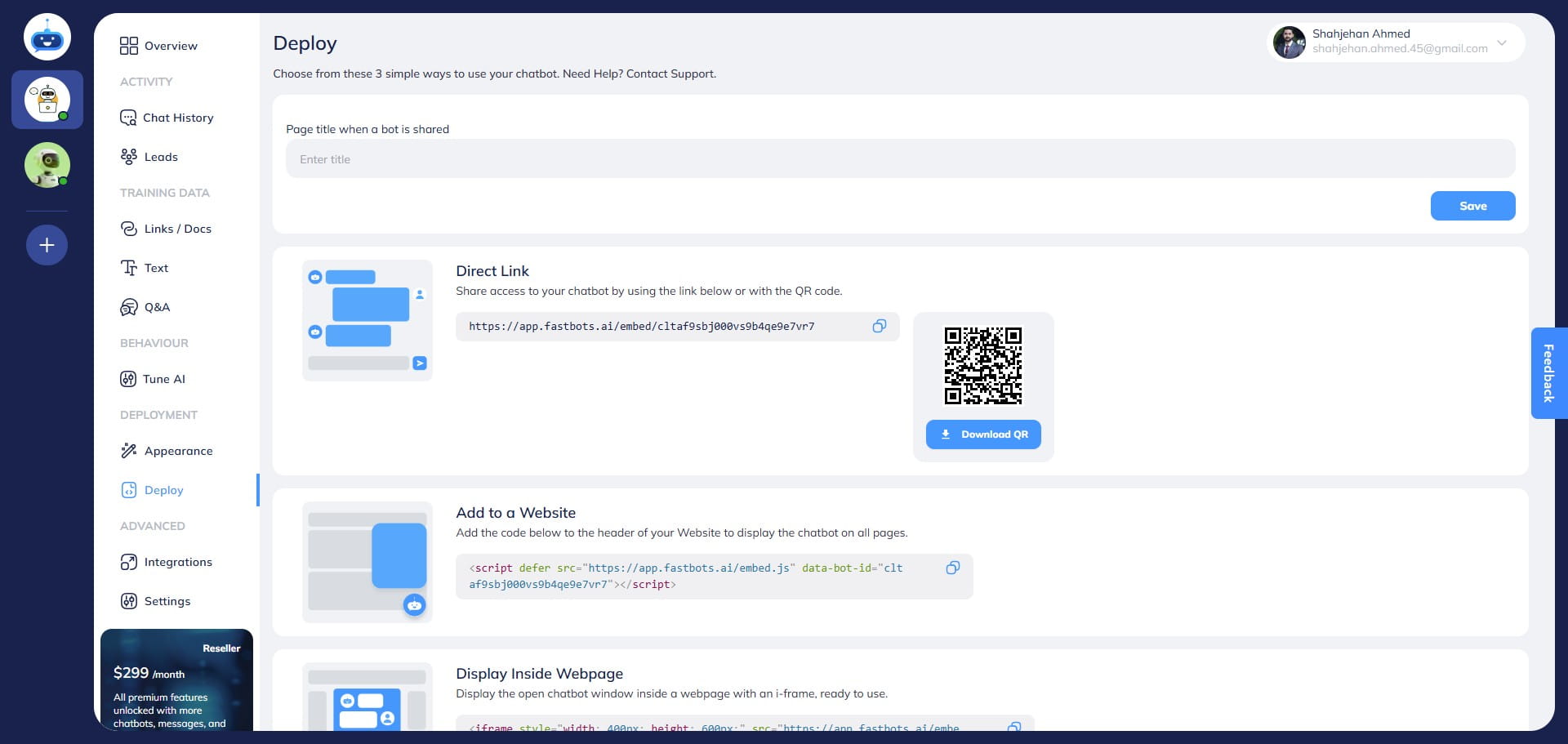
Copy the "Direct Link" of your chatbot.
Open the copied URL in the Chrome browser on your Android phone
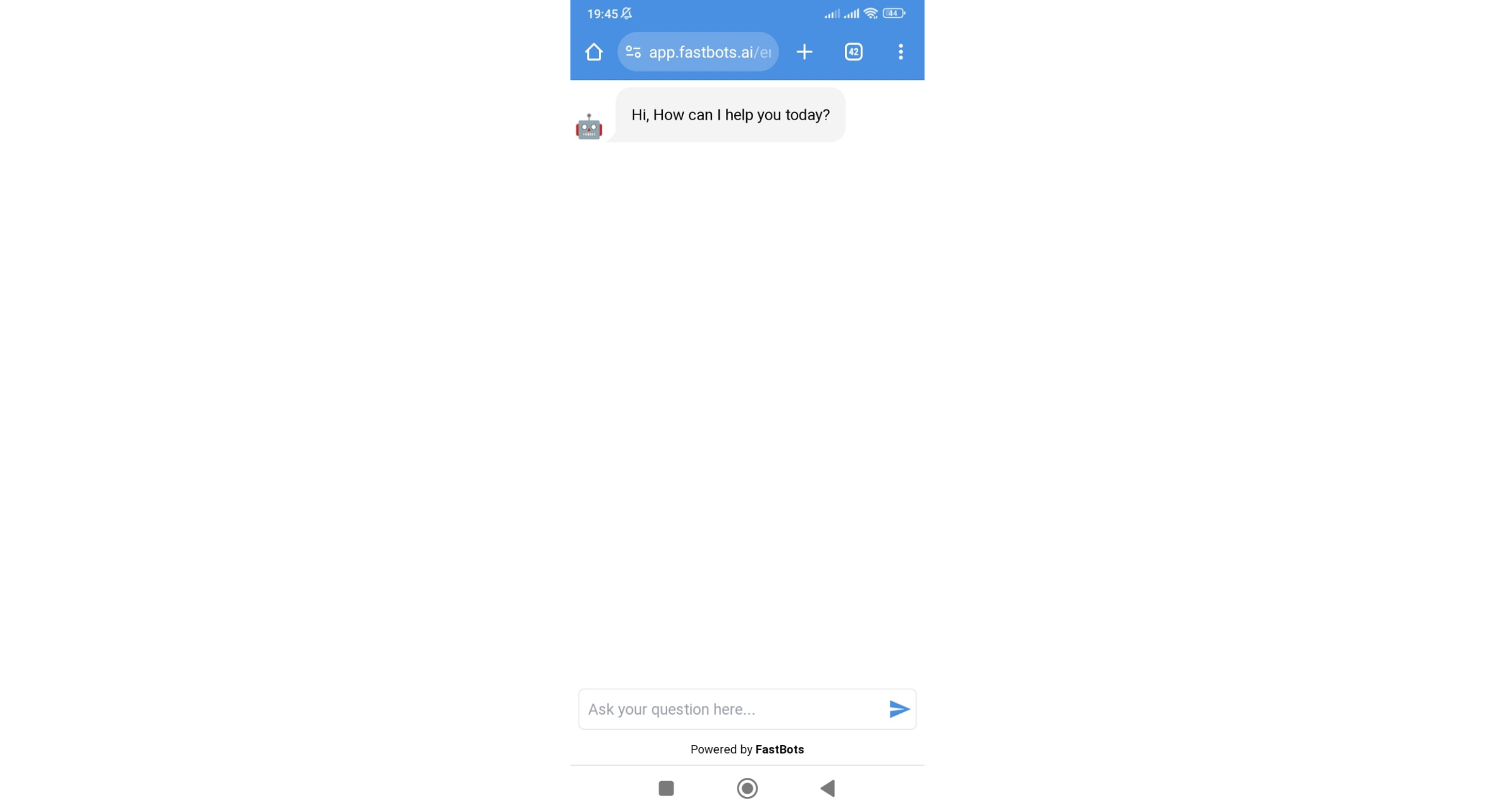
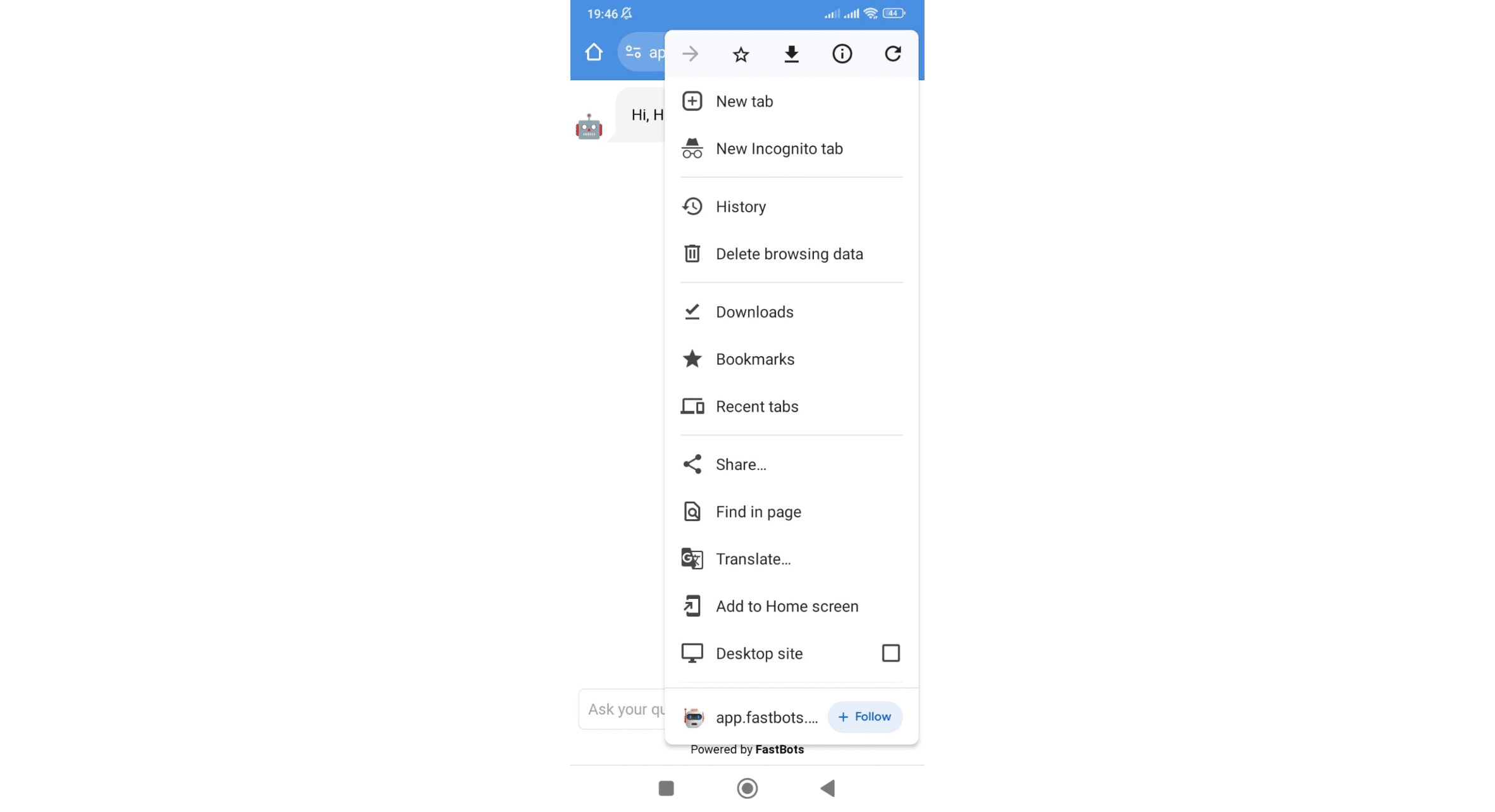
Click on the 3 dots icon to open the dropdown menu
Click on "Add to Home Screen" option
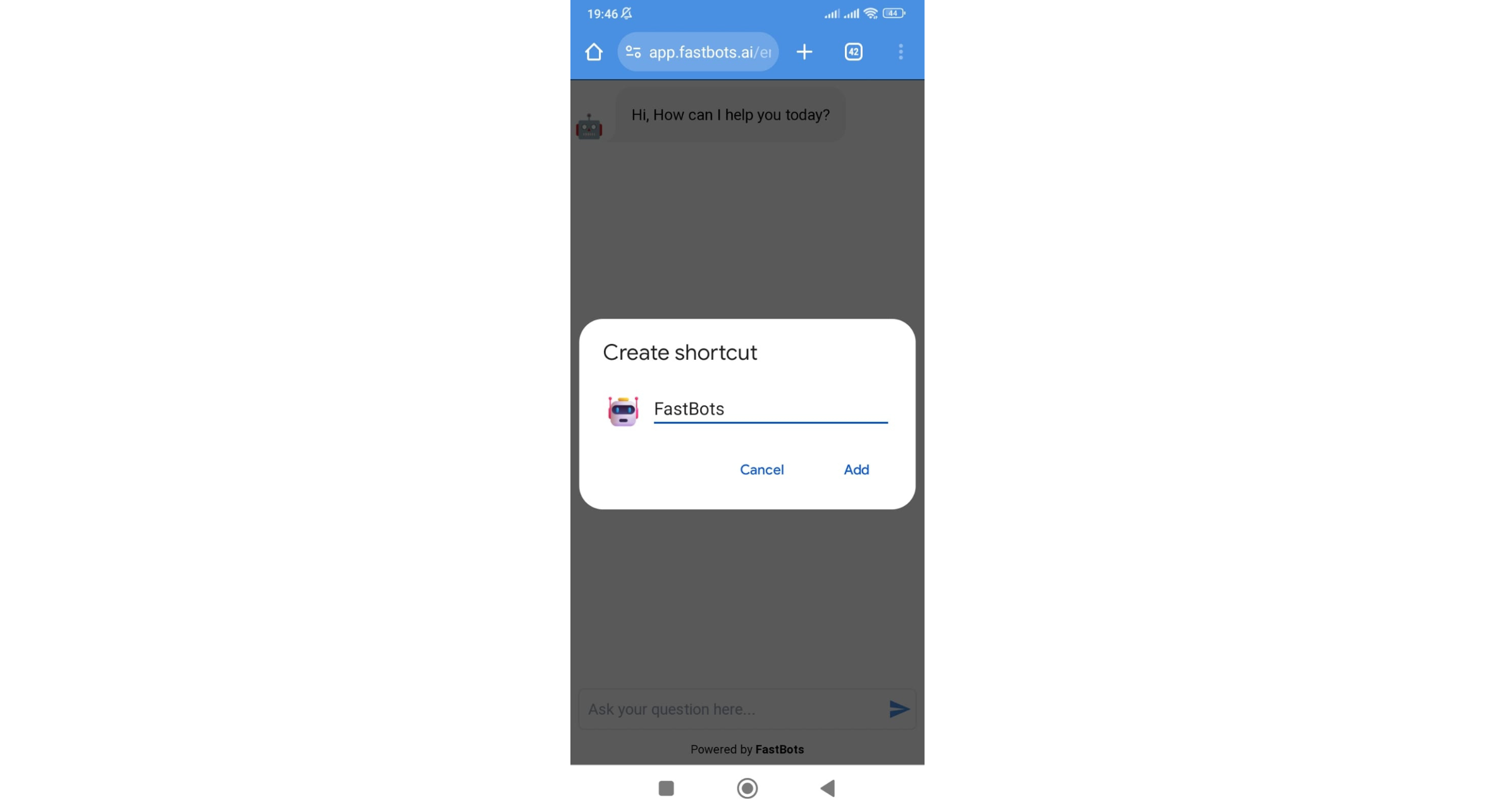
On this window, you can rename the shortcut if you want to add your chatbot name instead of Fastbots.
After setting the name, click on the "Add" button.
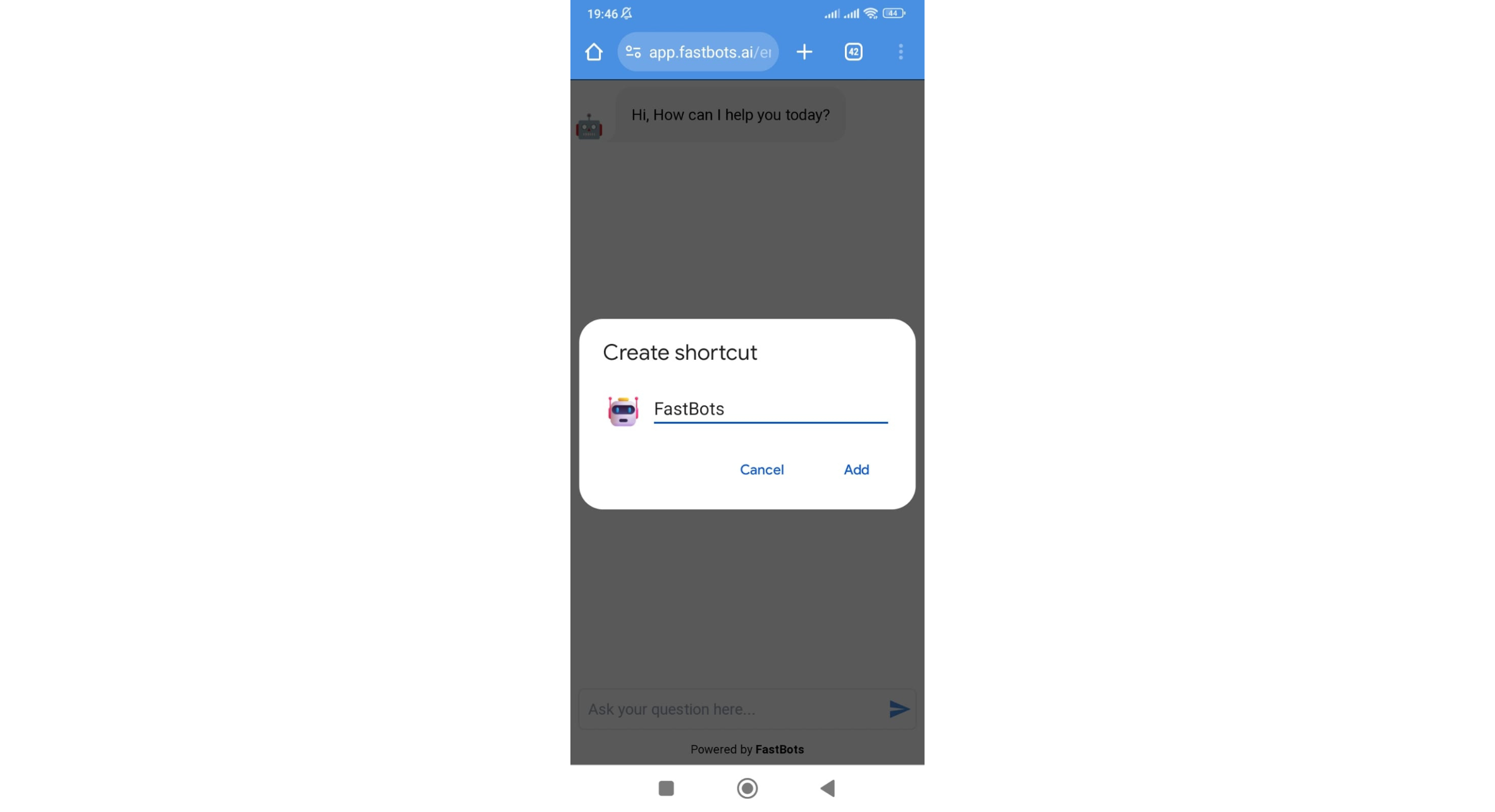
Clicking on the Add button will add the shortcut to the homepage of your Android phone. Using voice from your phone First enable Text and Voice or Voice Only in Deployment → Chat Widget. Start a voice conversation and allow microphone access when prompted. If the microphone is unavailable, check the site’s microphone permission or open the chatbot link directly in your browser. With text fallback enabled, visitors can use Type instead. Test the experience on the actual phone and browser you intend to use. See the Chat Widget and Voice guide.
.](https://assets.guidejar.com/uploads/W079m6A5ZZx8MV4YkmJZ/EWaUlLbQzcRPZ6mZqBZ6GyhoWZy2/2d27236a-1f76-412e-8e64-3ea5315136c1/1718930511101.jpeg)